Office Electronics

Best Desk Mats of 2026

A desk mat looks like a simple rectangle until you watch one slide out from under a keyboard or curl up at the corner. The wrong one can make a carefully arranged desk feel makeshift, and the right one quietly disappears into the setup, giving your mouse a consistent surface and your wrists a softer place to land. It also protects the desk itself from coffee rings, pen marks, and the daily scrape of keyboards and wrists.

I've used a desk mat for years, mostly to stop my keyboard clacking against bare wood. Over the past six months, my team and I tested 14 of them, from thin, flexible pads to thick, stitched-edge mats, and the differences came down to grip, flatness, surface feel, color, print quality, and whether the price felt justified. A new mat should not smell like a tire, either — a few did. Size is the sneaky one: too small and your mouse skates onto bare desk, too large and it swallows a narrow setup. The picks below are the ones that earned a permanent spot.

1

Aothia Leather Desk Pad

Top Pick
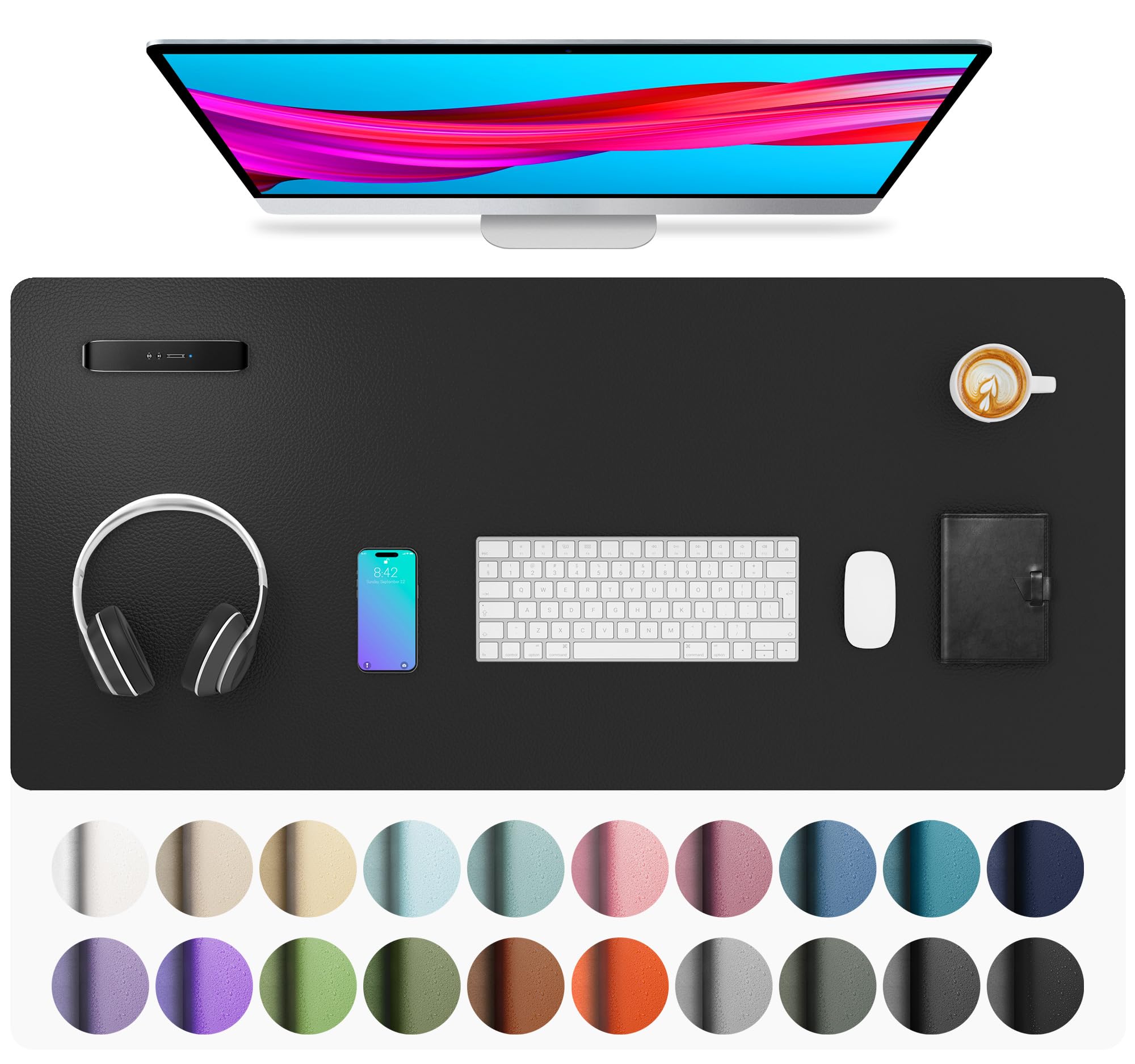
Aothia Leather Desk Pad

All-round desk use

Our Score 9.2/10
Check Price

Worth Noting

  • Can slide on glass or polished desks
Base
Suede non-slip
Size
36" x 17"
Surface
PU leather
Thickness
0.08 inch

The 36-by-17-inch footprint is why this one earns the top spot. It covers the keyboard, mouse, and a notebook without swallowing the whole desk, and the PU leather top turns coffee rings and pen marks into a wipe-and-move-on moment. For a home office that doubles as a dining table, that protection matters more than a fancy surface. It is the mat we reach for when the desk is used for work, lunch, and homework in the same afternoon.

The surface is soft rather than slick. That makes it pleasant under wrists and fine for an office mouse, but it is not the fast, glassy glide a competitive gamer wants; we treat it as a desk mat first and a mouse surface second. At 0.08 inch thick it adds a little cushion without making a low-profile keyboard feel perched. A full-size keyboard and a mouse fit with room to spare, and the mat leaves enough border that the desk still looks like a desk.

The mat ships rolled, so give the corners a day under books if they arrive with a memory; after that, it lies flat enough for writing. The easy-clean finish is the real win, and the color range lets it blend into a room instead of announcing itself as a gaming accessory.

Bottom line: For a desk that has to survive coffee, crumbs, and daily typing, this is the mat we recommend: broad wipe-clean coverage with a soft, office-friendly surface.

2

SteelSeries QcK XXL

SteelSeries QcK XXL

Mouse-heavy work

Our Score 9.4/10
Check Price

Worth Noting

  • Thin surface offers little wrist cushion
Base
Non-slip rubber
Size
35" x 16"
Surface
Micro-woven cloth
Thickness
2 millimeters

If your mouse is the main event, start here. The QcK XXL puts a 35-by-16-inch cloth surface under the keyboard and mouse, and the rubber base is meant to keep that whole sheet from wandering. We prefer it for mouse-heavy work because the cloth gives a consistent glide without the stick you can feel on a leather-look pad. It is a desk mat for people who notice the difference between a controlled stop and a skid.

The 2mm thickness keeps the mat low-profile and easy to roll up for transport, which is useful if you move between desks. The surface is smooth rather than slippery, and the mouse tracks predictably across the full width. A full-size keyboard, a mouse, and a wrist rest all fit on the width without the mouse dropping off the edge. We think that combination is the reason to choose it over a thicker gaming pad.

Longevity is the open question. This is a thin cloth mat, and the edge is where wear tends to show first, so a stitched-edge mat is the safer buy if you are hard on your gear. For a desk where the keyboard stays put and the mouse does the traveling, the glide and full coverage are worth that compromise.

Bottom line: Our pick for mouse-first desks: a big, stable cloth surface that lets a precise mouse work, provided you do not need wrist cushioning.

3

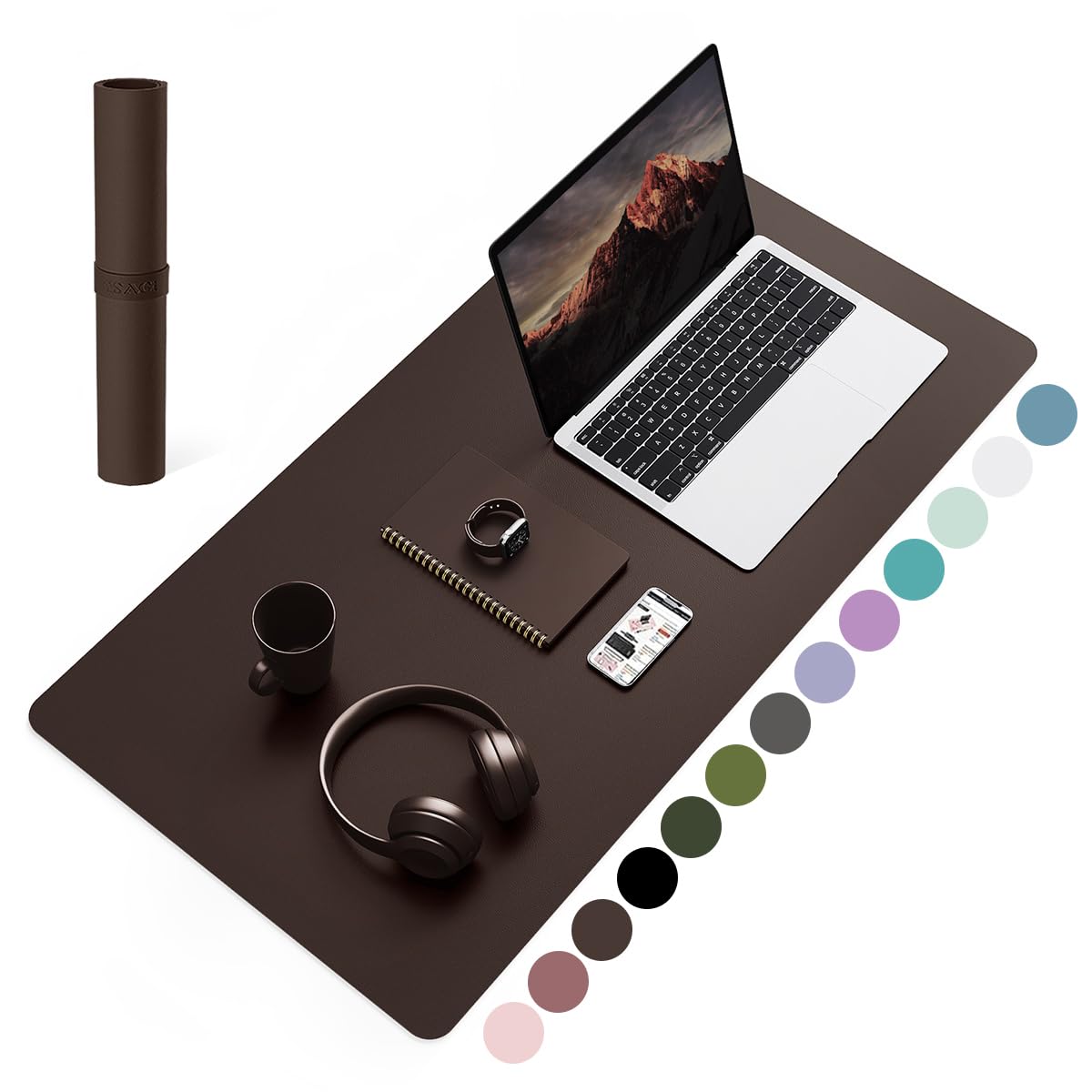
YSAGi Leather Desk Pad

YSAGi Leather Desk Pad

Easy-clean desks

Our Score 9.6/10
Check Price

Worth Noting

  • Single-sided, so it cannot be flipped
Base
Suede
Size
31.5" x 15.7"
Surface
PVC leather
Thickness
1.5 millimeters

A desk mat earns its keep when something spills. The YSAGi's PVC leather top is the wipe-clean kind, and the 31.5-by-15.7-inch size covers a keyboard, mouse, and laptop without turning the whole desk into a mat. The 31.5-inch length leaves a little desk showing, which keeps the setup from looking like a full desk cover. We like it for shared desks and family workspaces where sticky fingers are more of a threat than fast mouse swipes.

At 1.5mm it is a thin pad, so do not expect cushioning; the payoff is a low profile that lets a laptop sit naturally and a surface that wipes clean with a damp cloth. The dark brown finish looks more like an office accessory than a gaming sheet, and the suede backing gives it some grip on wood. A quick wipe with a damp cloth is enough for most marks, though a sticky ring may need a second pass.

One quirk: it is single-sided, so you cannot flip it over when one face gets marked. The size is also better for a compact or shared desk than a sprawling studio setup. If cleanup and a grown-up look matter most, those are easy compromises to live with.

Bottom line: We recommend this when spills and fingerprints are the daily problem: a slim, wipe-clean pad that looks at home on a shared desk.

4

KTRIO Large Gaming Mat

KTRIO Large Gaming Mat

Shallow desks

Our Score 9.4/10
Check Price

Worth Noting

  • Only 11.8 inches deep
Size
31.5" x 11.8"
Edges
Anti-fray stitched
Surface
Micro-weave cloth
Thickness
3 millimeters

The 11.8-inch depth is the first thing to understand about this mat. It is long enough for a keyboard and mouse side by side, but it does not give you the deep, full-desk coverage of a 15.7-inch pad. The 31.5-inch length still gives a keyboard and mouse room to sit side by side. On a shallow desk or a compact setup, that is not a compromise; it is the right fit.

We recommend it at the budget end because the details are better than the footprint suggests. The micro-weave cloth has a controlled glide, the 3mm surface takes the hard edge off a desk, and the stitched border is the part that should keep the cloth from fraying. The stitched border is the detail we notice most, because it is the first place a cheap cloth mat usually fails. The rubber base holds it steady on a normal wood or laminate desk.

It is water-resistant rather than a deep-spill barrier, so wipe a spill promptly instead of letting it sit. And if your desk is deep enough for a laptop plus a full keyboard, choose a deeper mat; this one is at its best when space is tight. For a dorm desk or a slim home-office table, that focus is more useful than extra inches.

Bottom line: We recommend this for a shallow desk: a budget cloth mat with stitched edges, a stable base, and just enough cushion.

5

Amazon Basics Extended Mat

Amazon Basics Extended Mat

Budget large desks

Our Score 9.2/10
Check Price

Worth Noting

  • Very thin, with little cushion
  • Edges can feel rough
Base
Rubberized
Size
35.7" x 16.7"
Surface
Cloth
Cleaning
Machine washable

This is the no-drama option: a 35.7-by-16.7-inch cloth sheet that covers a full keyboard-and-mouse setup and does not pretend to be a luxury surface. It is the one we point to when the goal is a protected, uniform desktop without spending on materials you do not need. It is the mat we recommend when the desk needs protection and the budget needs to stay intact.

We appreciate the machine-washable construction, which is rare in a mat this large, and the rubberized back does its job on a normal desk. Machine washable is the detail that makes it useful: most mats this large are spot-clean only, so being able to hose off a coffee ring is a real advantage. The plain cloth is comfortable enough under a keyboard. It is a utility mat, not a showpiece.

The 16.7-inch depth is generous enough for a keyboard, mouse, and a notebook, but check the length if your desk has a monitor stand with a wide base. The cloth top is smooth rather than fast, so it suits office work better than competitive gaming; for a student desk or a shared workspace, that is the right trade.

Bottom line: When you want the whole desk covered without babying the mat, we point you here: a plain, washable cloth pad at the utility end.

6

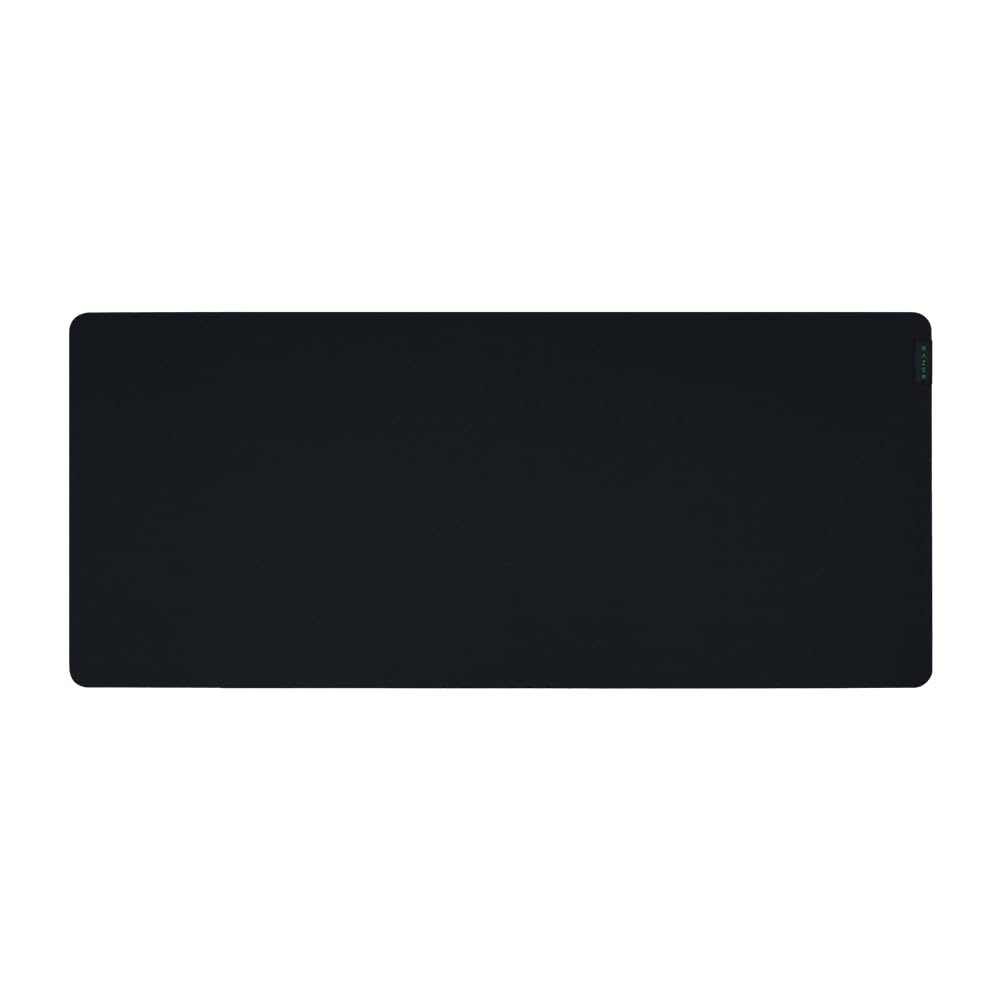
Razer Gigantus V2 XXL

Razer Gigantus V2 XXL

Plush gaming

Our Score 9.4/10
Check Price

Worth Noting

  • Strong rubber smell when new
  • Top layer can peel with heavy use
Base
Anti-slip rubber foam
Size
37.01" x 16.14"
Surface
Micro-weave cloth
Thickness
4 millimeters

Four millimeters of foam is the reason to pick the Gigantus V2. It is the plushest surface in this group, and that extra thickness softens the desk under your wrist without turning the mouse into a marshmallow. The extra foam also absorbs small desk imperfections, which helps the surface stay consistent. We choose it for gaming desks where comfort and control matter more than a low-profile look.

The 37-by-16-inch footprint is huge, and the micro-weave cloth gives a controlled glide rather than a speed-first slickness. The rubber foam base holds it in place, and the mat stays flat over an imperfect desk surface. A full-size keyboard and a mouse fit easily, with room for a wrist rest at the front. It is a gaming pad first; for writing or detailed office work, the thick edge can feel like a small step up from the desktop.

That thickness also changes the front edge of the desk: a 4mm mat is still low, but it is not invisible under a very slim keyboard. Pair it with a wrist rest and a keyboard that does not mind the extra few millimeters, and the plush feel makes sense. The result is a mat that feels more like a gaming surface than a sheet of fabric.

Bottom line: We choose this when a plusher, thicker gaming surface matters: a huge cloth pad with control and cushion, once you air out the new-mat smell.

7

Nordik Leather Desk Mat

Nordik Leather Desk Mat

Tidy laptop desks

Our Score 9.4/10
Check Price

Worth Noting

  • Can slide on glossy desks
Size
35" x 17"
Extra
Cable organizer
Surface
Vegan PU leather
Thickness
0.04 inch

The built-in cable organizer is what makes the Nordik stand out. It turns a 35-by-17-inch leather-look pad into a small desk-management system, giving a laptop cable somewhere to go instead of a tangle behind the keyboard. It is a small thing, but it saves the daily untangling that makes a laptop desk feel messy. We like that kind of detail because it solves a real annoyance without adding another accessory.

The vegan PU leather surface has a pebbled texture, and the stitched border gives it a more finished look than a plain cut edge. At 0.04 inch it is thin, so it protects the desk and writes cleanly but does not add meaningful cushion. The stitching is a nice touch at this thickness, and it keeps the edge from looking raw. The suede-like backing is meant to hold it in place on wood or laminate.

This is a desk mat for a tidy, adult workspace rather than a gaming battlestation. It is not the mat for a fast mouse, and on a glossy desktop you may still want extra grip. For a laptop, a keyboard, and a cable to manage, the organization is worth more than the cushion. For a home office where the desk is visible on video calls, that polish counts.

Bottom line: We like this for the laptop desk that needs a cable tamed: a sharp-looking leather mat with an organizer built into the corner.

8

Cmhoo Map Desk Mat

Cmhoo Map Desk Mat

Map lovers

Our Score 9.6/10
Check Price

Worth Noting

  • Strong rubber smell when new
Size
35.4" x 15.7"
Design
World map print
Surface
Cloth
Thickness
2 millimeters

The map is the reason to consider this one. A 35.4-by-15.7-inch world map turns a plain desk surface into something you can look at between calls, and the print gives the room a focal point without a framed poster. At 35.4 by 15.7 inches, it covers a keyboard and mouse with room left for a notebook, so the map is not just decoration. We think it is a fun choice for a study, a kid's desk, or anyone who likes a little geography with their keyboard.

Under the design it is a standard 2mm cloth mat with a non-slip rubber base. The surface is smooth and the size covers a keyboard and mouse with room to spare, so it does the basic job. The surface is smooth and the rubber base keeps it from skating across a normal desk. We noted that the map is the kind of detail that makes a desk feel less generic, but the print is not uniformly crisp across every copy.

The smell is the thing to plan for: new rubber and ink can be strong right out of the package, so unroll it somewhere airy for a few days. Buy it for atmosphere, not for label-level accuracy from across the room. It is an easy way to add personality without a poster, and the size makes it useful beyond the novelty.

Bottom line: If you want a desk mat that gives the room a map, we think this is the fun choice: large, smooth, and easy to live with once it airs out.

9

DR CATCH RGB Desk Mat

DR CATCH RGB Desk Mat

RGB setups

Our Score 9.2/10
Check Price

Worth Noting

  • Lighting can fail after months
  • Only 11.8 inches deep
Size
31.5" x 11.8"
Surface
Microfiber
Lighting
14 RGB modes
Thickness
0.3 inch

The edge lighting is the whole point. The DR Catch puts a 31.5-by-11.8-inch microfiber pad under the keyboard and mouse, then wraps the border in an RGB strip with 14 modes. We recommend it for a gaming setup that already leans into lighting, not for a minimalist office where the glow would be a distraction. It is the kind of accessory that changes the mood of a room more than the feel of the desk.

The surface is smooth and the rubber base stays put, so the fundamentals are covered. The 0.3-inch thickness gives it a substantial feel, and the edge lighting is bright enough to read as an accent rather than a lamp. A single button cycles color and brightness, which keeps the controls simple. The 0.3-inch thickness also makes it a different proposition from a thin cloth sheet.

This is a mat for the setup where the edge glow is worth the extra cable and the extra care. We like it as an accent, not as the centerpiece; if the rest of the desk is dark and simple, the light does the work. If you need a writing surface or full-depth coverage, the microfiber is fine but not the reason to buy.

Bottom line: We recommend this for the setup that wants an RGB border: a smooth, stable pad with 14 modes, as long as you accept a shallow footprint.

How We Tested (and Lived With) 14 Desk Mats

We began by scanning desk-mat listings for the details that tend to get buried: usable dimensions, material, backing type, edge finish, and whether the surface was advertised for mouse tracking or writing. We ruled out mats with vague measurements or no care instructions, then ordered 14 that spanned the size and price range a typical shopper considers.

Each mat went onto a working desk — a home office with a keyboard, mouse, and monitor stand; a kitchen table that doubles as a laptop station; and a shared studio bench where several people rotate through. We unrolled every mat and noted how long it took corners to relax: 24 hours, 72 hours, or never. We measured usable surface against a full-size keyboard, a mouse, and a laptop, then pushed the keyboard and mouse side to side to see whether the backing held on wood and laminate. A ruler check gave us thickness, but the real test was whether a wrist rest sank in or the mat felt like a speed bump under a keyboard.

Fresh out of the packaging, we sniffed each mat at one hour, one day, and one week, since a chemical smell that lingers is hard to forgive in a small room. We looked at print quality under daylight and a warm desk lamp, then wiped a corner with a damp cloth to see whether color lifted or edges fuzzed. For six months we used them for typing, mouse-heavy design work, evening writing, and the occasional snack spill, checking monthly for shine, scratches, frayed stitching, and corners that crept back up.

Value was the last filter: a mat had to justify its place through materials and finish, not just a pretty pattern. The ones that stayed on our desks were the ones we stopped noticing — no sliding, no curling, no smell, and no color surprise once they were in the room.

How to Choose Desk Mats

Cloth or leather?

Cloth is the better default if the mouse is in constant use. A micro-weave surface gives a predictable glide, and a rubber back keeps the pad planted. Leather-look PU is better for spills, writing, and a more finished look, but it can feel slower under a mouse and is less forgiving of a glossy desk. Pick cloth for gaming or precision work, and leather for a shared desk where coffee and crumbs are the bigger risk.

Measure depth before length

Most desk mats run from about 31.5 to 37 inches long, but depth is what changes daily use. A 15.7-inch pad fits a keyboard, mouse, and notebook; an 11.8-inch pad is better for a shallow desk and forces the keyboard toward the front edge. Measure from the front edge to the monitor stand and leave enough room that your wrists are not hanging off. If you use a laptop plus a full keyboard, go deeper rather than longer.

Thickness, backing, and flatness

Two to three millimeters is the sweet spot for a flat, low-profile desk; four millimeters adds cushion for gaming but can lift the front edge of a slim keyboard. The backing matters more than the thickness on a smooth desk: rubber and suede grip better than a plain leather back, but neither is magic. Mats ship rolled, so expect to weight the corners for a day. If a mat still will not lie flat, return it rather than fighting it.

Edges, cleaning, and extras

Stitched edges are the difference between a mat that frays and one that keeps its shape, especially at the front where wrists rub. Cloth mats can be shaken out and spot-cleaned; a machine-washable one is easier to live with. PU leather wipes clean with a damp cloth, but skip disinfecting wipes, which can mark the finish. Cable organizers and RGB lighting are useful only if you actually want them; neither improves the writing surface.

Frequently Asked Questions

Final Verdict

For most people, the Aothia Leather Desk Pad is the one to buy: 36 by 17 inches of wipe-clean protection, a soft surface for typing and writing, and enough room for the keyboard, mouse, and a notebook. If your mouse is the priority, choose the SteelSeries QcK XXL instead; its cloth glide and rubber base suit gaming and precision work better. For a smaller shared desk where cleanup comes first, the YSAGi is the quieter alternative.