Office Electronics

Best E Ink Tablets of 2026

An e-ink tablet promises a paper-like escape from screens, but the wrong one can feel like writing with a dull pencil on a wet magazine—the ink lags, the screen ghosts, and you spend more time managing the device than using it. The best ones fix that: they give you a distraction-free surface for notes, PDFs, and reading that lasts weeks on a charge, stays legible in bright sun, and doesn't punish you for having neat handwriting. For eight months, my team and I have lived with seven of these tablets, and the differences come down to how they feel in your hand and how quickly they keep up.

I've used them for meeting notes, PDF markup, and bedtime reading, and the winners are the ones that wake instantly, accept handwriting without visible lag, and have an interface you stop noticing. Color e-ink is improving, but expect newsprint-like hues rather than glossy images; it's best for charts and highlights. Reliability and value separate the top picks—some include a stylus and case, others don't. The seven below earned their place.

1

Kindle Scribe 64GB

Top Pick
Kindle Scribe 64GB

Reading and notes

Our Score 8.8/10
Check Price

Worth Noting

  • Notebooks live inside Amazon's app
  • Notebook navigation takes some getting used to
Screen
11 in glare-free
Weight
14.1 oz
Storage
64 GB
Included Pen
Yes, no charging

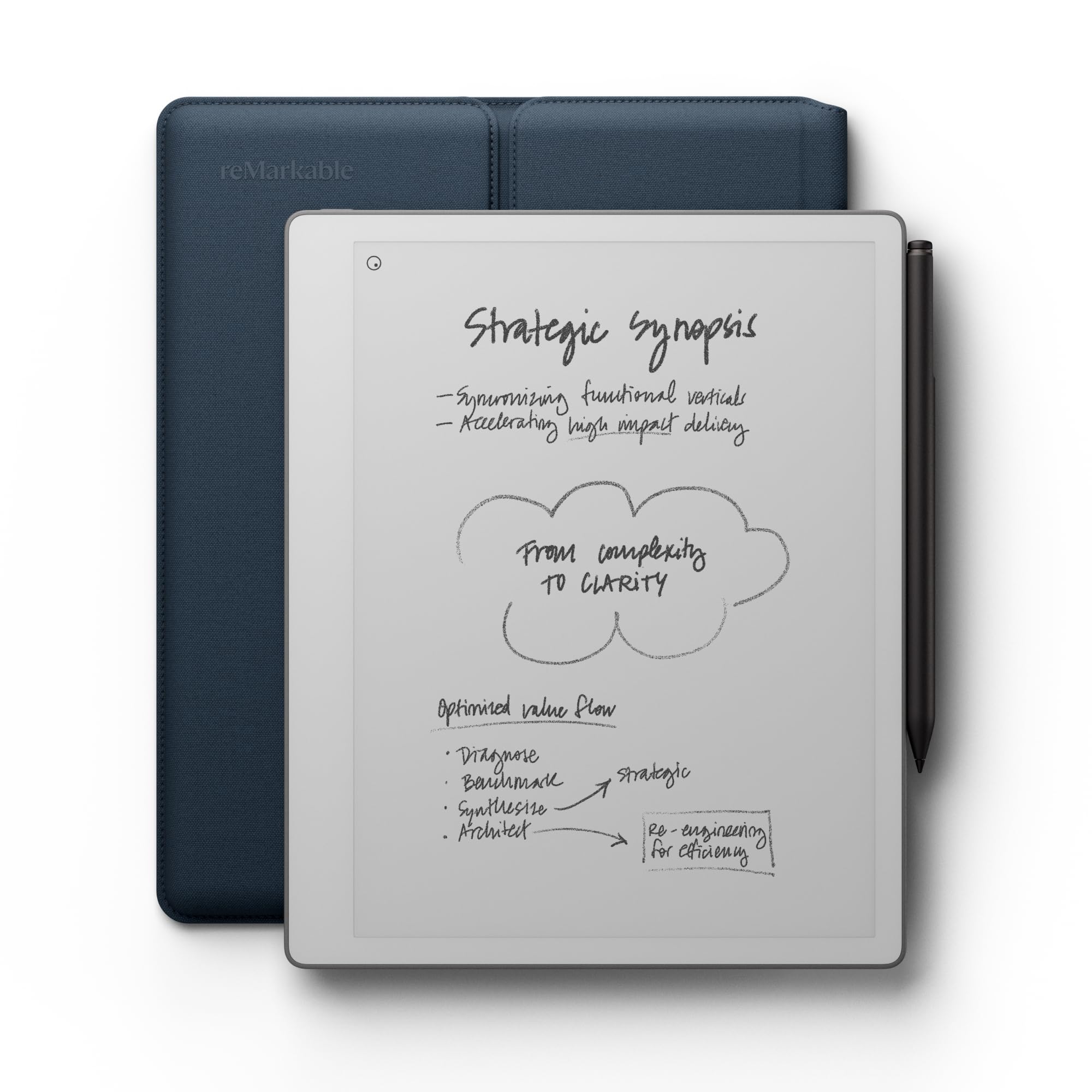
Set the Kindle Scribe next to the reMarkable Paper Pro and the two disagree about why you picked up a tablet. The Paper Pro expects a pen in your hand within seconds. The Scribe expects you to open a book, read for a while, and reach for the pen only when a sentence deserves a margin note. That order of priorities is exactly why it is our top pick for most buyers.

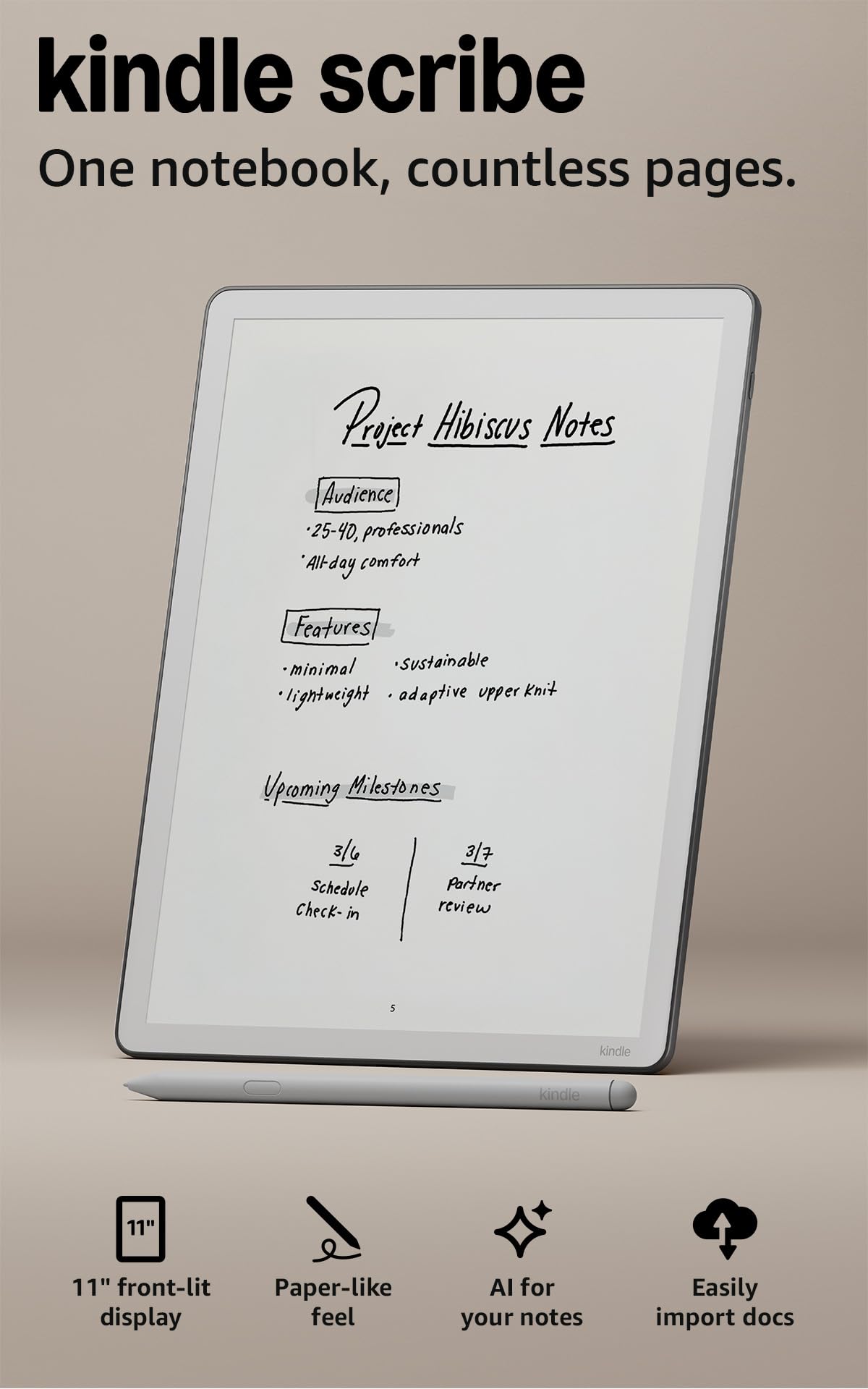
The hardware backs the reading case. Eleven inches is enough for a two-column PDF, and at 5.4 mm and 400 g the Scribe is lighter in the hand than the 10.3-inch Penstar bundle, a difference you notice three chapters in. The pen never needs charging, which we came to appreciate more than any other small convenience here, because there is no cable to forget and no dead stylus at the start of a meeting. The surface has some texture, though if you want real drag under the nib the reMarkable gives you more; the Scribe sits closer to pen on glass.

What settles it is the combination nobody else here matches: a large monochrome screen with a warm, adjustable front light, a pen in the box, and a store you probably already buy books from. Black and white is where E Ink still wins, and the Scribe gives the cleanest text in this group, with no color filter layer hazing the page. Annotating a novel or a work document becomes a two-step habit inside a day, and the AI tools will search and summarize notebooks once you have filled a few.

Two practical notes before you order. Notes and highlights live inside Amazon's app rather than your file system, so if your work already runs on Drive or OneDrive, the BOOX is the smoother fit. And 64 GB is far more storage than a decade of notebooks will use, since handwriting files are tiny; spend your thinking on the screen size instead.

Bottom line: For most people this is the E Ink tablet to buy: an 11-inch screen, a pen that never needs charging, and the Kindle library behind it.
2

reMarkable Paper Pro

reMarkable Paper Pro

Writing and sketching

Our Score 8.4/10
Check Price

Worth Noting

  • Subscription needed for some sync features
  • No app store for reading apps
Screen
11.8 in color
Weight
1.2 lb
Storage
64 GB
Included Pen
Marker Plus

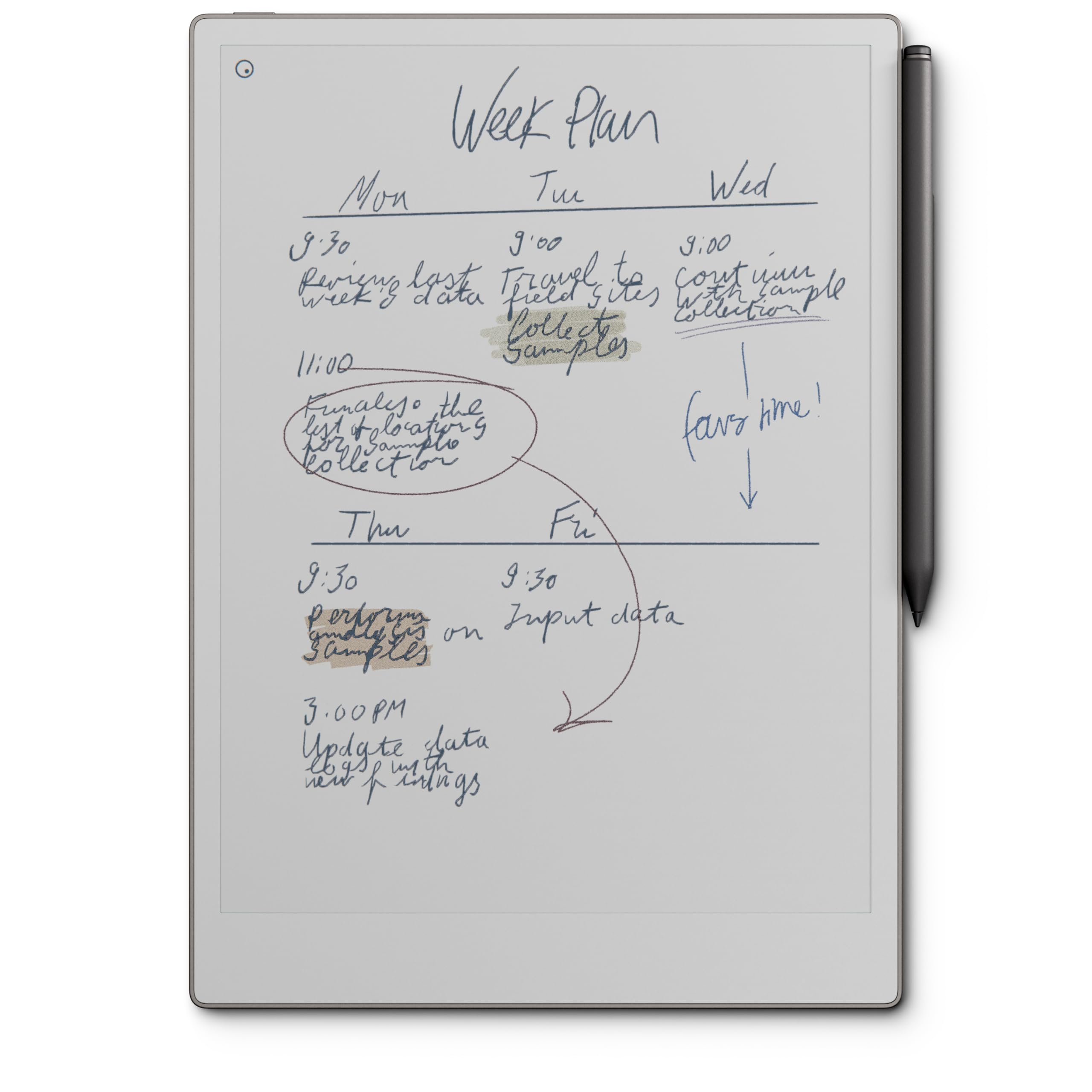
The Marker Plus gives the Paper Pro the most convincing pen-on-paper feel in this group. There is friction on the 11.8-inch Canvas Color surface, the nib is soft, and the eraser sits on the back of the pen, so you correct a word by flipping the pen instead of hunting a menu. If you take notes for a living, that is not a detail; it is the whole reason to spend more.

Color is the other headline, and it is worth being clear about what it buys. Highlights, margin sketches, and color-coded notes look good, and imported PDFs keep their structure. Photographs and glossy magazines do not: E Ink color is muted and soft, closer to a printed page than to a screen. For most buyers the color layer is a bonus; the writing surface is the product.

It is a closed machine by design. There is no app store, so your Kindle library stays behind; documents arrive through the reMarkable apps and plugins from Google Drive, Dropbox, and Word. The 11.8-inch body weighs 1.2 lb, the battery is quoted at two weeks, and the reading light means it works after dark. All of that points at a desk rather than a coat pocket.

What you are buying is the one part of a tablet you cannot upgrade later. Ours lives on the desk, and the Scribe is the one that travels; the difference in hand feel is obvious the moment you switch back. If you write for hours at a stretch and read only occasionally, that trade is worth making.

Bottom line: If the writing is the point, this is the one: the most paper-like surface here, an 11.8-inch color screen, and a price that buys craft rather than apps.

3

BOOX Go 10.3 Gen II Lumi

BOOX Go 10.3 Gen II Lumi

App-based reading

Our Score 8.4/10
Check Price

Worth Noting

  • Battery rated for roughly a day
  • Replacement pen tips add ongoing cost
Screen
10.3 in, 300 ppi
Storage
64 GB
Pressure Levels
4,096
Operating System
Android 15

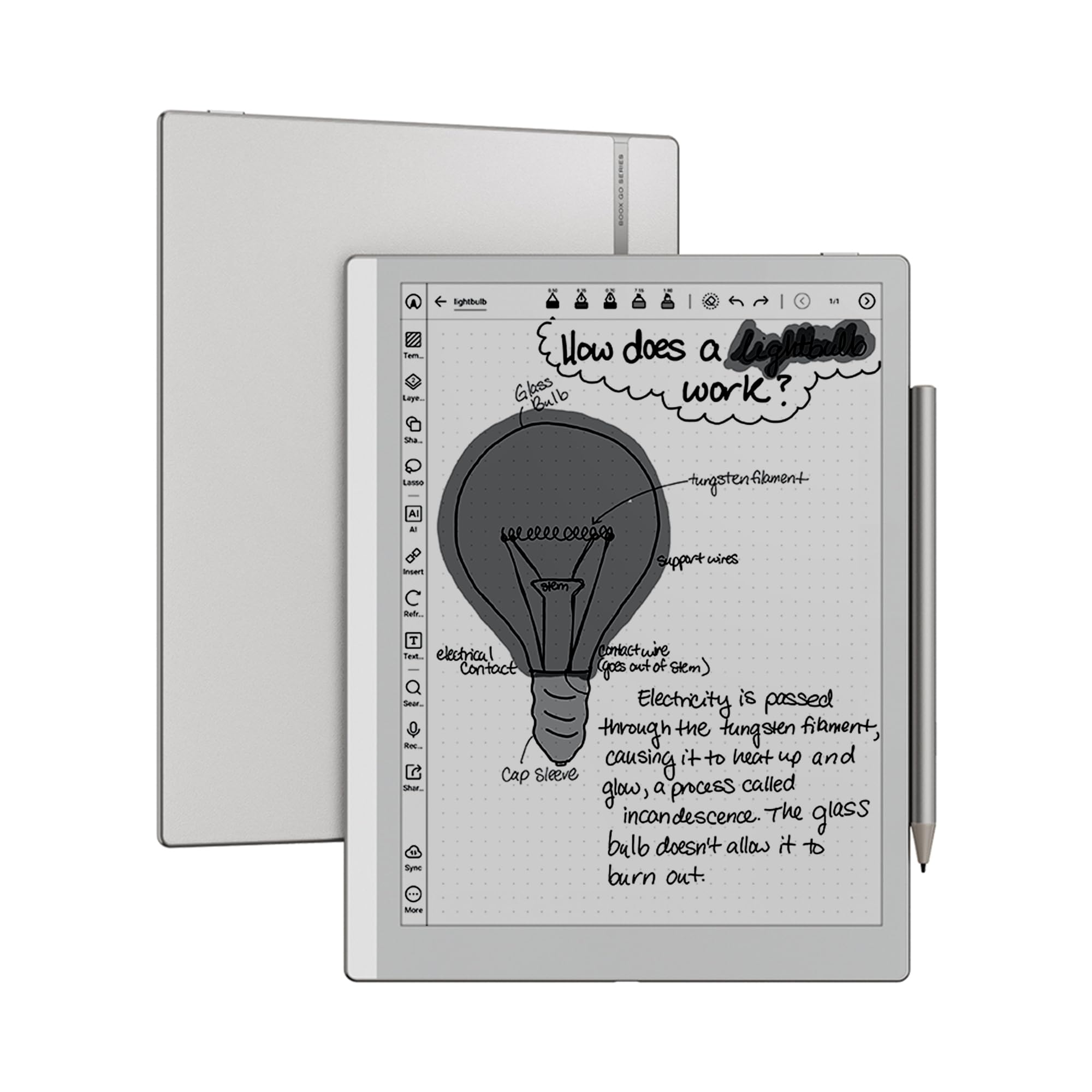
Three hundred pixels per inch across a 10.3-inch panel is the figure that matters here, and it puts text and PDFs on the same footing as the Penstar. The 4,096 pressure levels are plenty for handwriting and margin sketches, and at 4.8 mm thick the tablet slides into a bag beside a laptop without adding a lump.

Android 15 is what separates it from everything else here. Kindle, Kobo, a PDF reader, your note app of choice: they install and they run, and the format support runs from EPUB and MOBI to DJVU and CBZ. For a reader whose library is scattered across three apps and a folder of work PDFs, this is the most flexible tablet in the group, and it is the one we hand to people who refuse to commit to a single ecosystem. The warm and cold front light is a real plus for late reading.

Two things temper it. BOOX rates the battery at about a day of average use, far shorter than the two weeks the reMarkables claim, because Android and a front light both cost power. And the pen tips wear out, so replacements become a small recurring expense rather than a one-off. Neither is a dealbreaker, but both change how the tablet fits into a week.

Bottom line: The pick for anyone whose books live in apps: a 300 ppi 10.3-inch screen, Android 15 underneath, and a stylus in the box.

4

Penstar eNote 2

Penstar eNote 2

Bundled value

Our Score 8.6/10
Check Price

Worth Noting

  • Heaviest here at 0.97 kg
  • Some Android apps will not install
Screen
10.3 in, 300 ppi
Weight
2.14 lb
Storage
128 GB
Pressure Levels
8,192

Two pens, ten spare nibs, and a leather folio come in the box, which tells you exactly what Penstar is competing on. We think of it as the best-equipped package here: 128 GB of storage, 300 ppi on a 10.3-inch screen, and 8,192 pressure levels, double what most of this group offers. If you want to be writing on day one without shopping for accessories, this is the shortest path to it.

The catch is the input. There is no touchscreen, so everything happens through the stylus, menus included. Once you adjust, it is oddly pleasant, and it makes the tablet unusually good for left-handed writers, who never fight a resting palm on the glass. Handwriting conversion holds up on ordinary handwriting, and the four-microphone array with voice-to-text and meeting summaries is genuinely unusual at this price.

What you accept for the bundle is weight and software. At 0.97 kg it is the heaviest tablet here, a lap or desk device rather than something you hold up in bed. And because it is not a Google-certified device, some Android apps will not install, so check the one you depend on before committing. For straight note-taking and PDF markup, neither limitation bites.

Bottom line: The best-equipped box here: two pens, a folio, 128 GB, and a 300 ppi screen for midrange money, as long as pen-only input suits you.

5

reMarkable Paper Pure

reMarkable Paper Pure

Focused writing

Our Score 8.4/10
Check Price

Worth Noting

  • No front light, so it needs a lamp
  • Some features sit behind a subscription
Screen
10.3 in monochrome
Weight
12.7 oz
Ink Latency
21 ms
Included Pen
Marker Plus

There is no front light, and that single omission tells you who this tablet is for. The Paper Pure reflects whatever light is in the room, which is lovely under a lamp and useless in a dark bedroom. If you write during the day and read on a phone at night, that is a fair trade rather than a flaw.

What you get for it is the sharpest monochrome reMarkable. The third-generation 10.3-inch panel is whiter and higher-contrast than earlier versions, ink appears in 21 ms, and the body weighs 360 g, light enough to carry into a meeting without a second thought. Marker Plus and a folio come in the bundle. Notes go into folders and tags, convert to typed text, and documents arrive from Google Drive, Dropbox, and Word.

For writing at a desk, we point most people to this one rather than the Paper Pro. The extra money there buys color and a lit screen, and neither changes how a page feels under the pen. What does change is the contrast: white paper, black ink, no filter layer, and the least visual noise of any tablet in this group. It is the closest thing here to a notebook that happens to sync.

Bottom line: A focused black-and-white notebook for desk work: a whiter screen, a lighter body, and no color or front light to pay for.

6

VIWOODS AiPaper Mini

VIWOODS AiPaper Mini

Travel and reading

Our Score 8.0/10
Check Price

Worth Noting

  • Small page for full-size PDFs
Screen
8.2 in, 292 ppi
Weight
8.11 oz
Storage
128 GB
Included Pen
W2 Stylus Pro

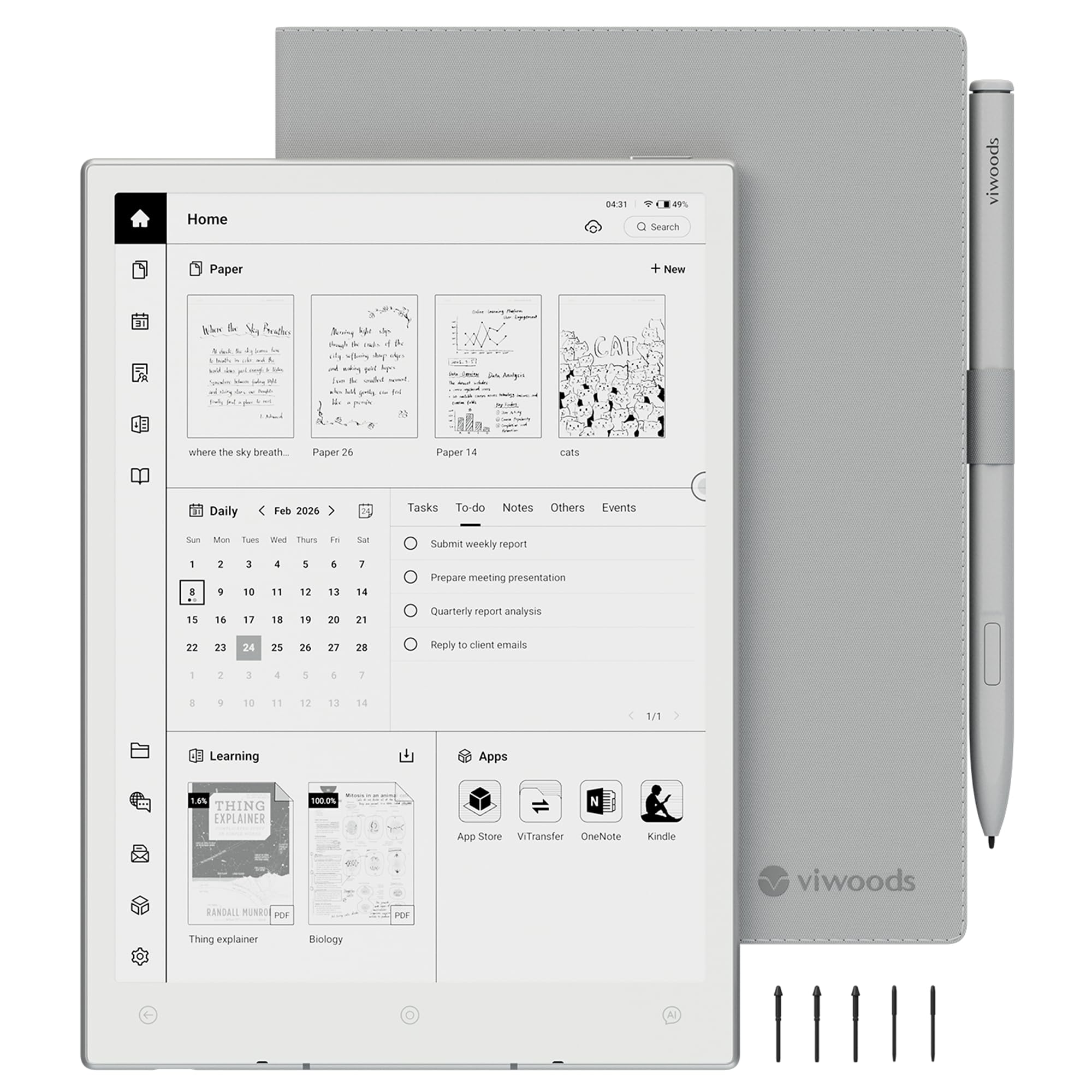
The 230 g weight is the spec that sells this one. At 8.2 inches it disappears into a bag next to a phone, and nothing else in this group is as easy to hold in one hand for an hour. The 292 ppi screen is sharp, the front light has 20 warm levels, and the box includes the W2 Stylus Pro, a folio, five spare nibs, and 128 GB of storage.

Android 13 is the quieter advantage. The Kindle and Kobo apps install, so you are not locked to one store, and 4,096 pressure levels are enough for notes, lists, and PDF annotation. For a commute or a trip this is the one we pack, because it does the reading job without asking for a bag of its own.

The honest limit is the page. An 8.2-inch screen is comfortable for novels and short documents and cramped for a full-size journal PDF, where zooming and panning eat the time you saved. Buy it as a portable reader that takes notes, not as a replacement for a 10-inch notebook.

Bottom line: The one that fits in a coat pocket: 8.2 inches, 230 g, a pen and folio in the box, and Android apps when you want them.

7

Musnap Ocean 7

Musnap Ocean 7

Budget reading

Our Score 9.0/10
Check Price

Worth Noting

  • Stylus sold separately
  • 7-inch screen is tight for note-taking
Screen
7 in E Ink
Stylus
Sold separately
Weight
15.1 oz
Storage
64 GB

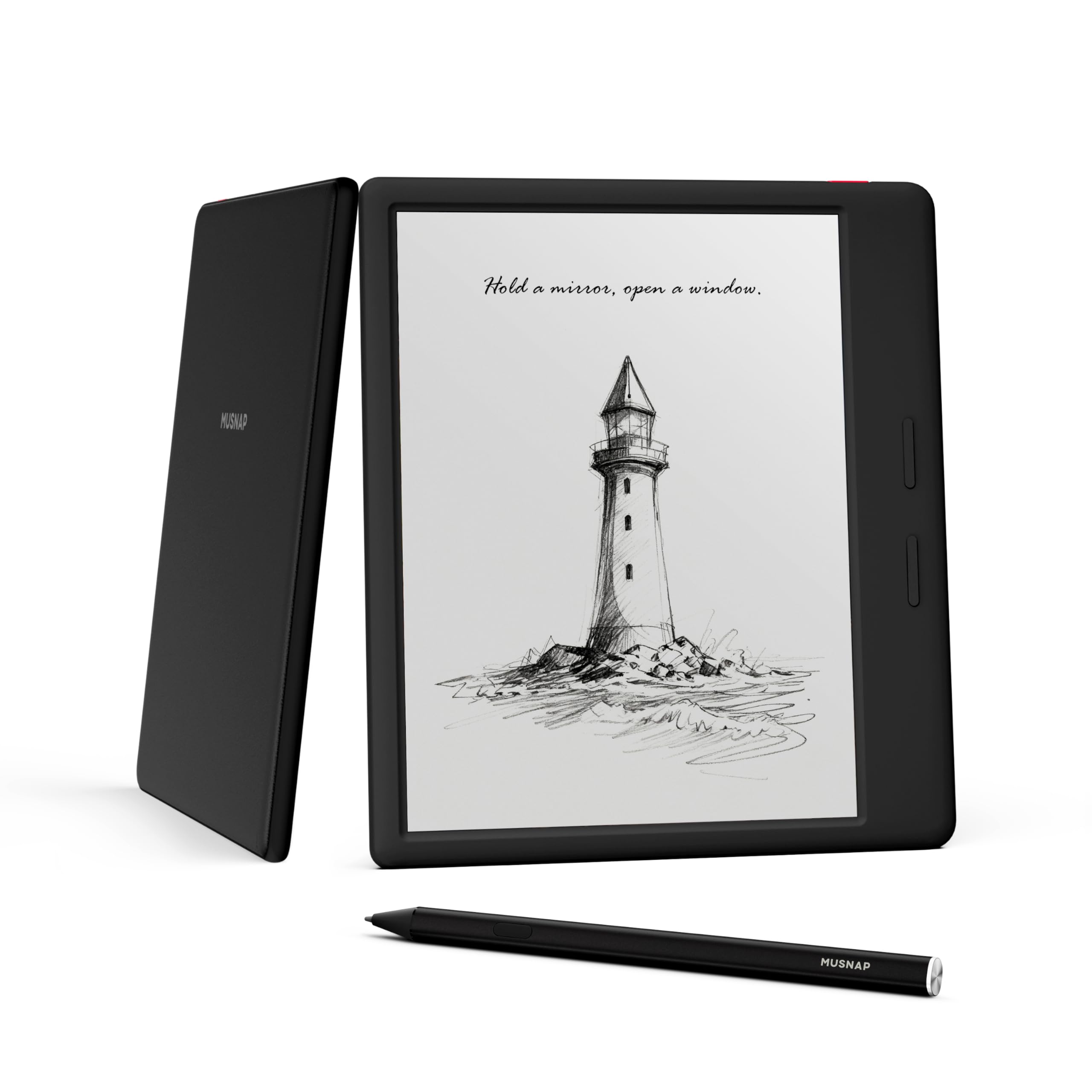
This is the cheapest tablet in the group, and it is the one to look at if you mostly want to read. Seven inches, a monochrome E Ink panel, and a pair of page-turn buttons on the left edge add up to one-handed reading on a train, with no reaching across the screen to turn a page.

It is quicker than the price suggests: an octa-core 2.2 GHz processor, 4 GB of RAM, and 64 GB of storage, with page turns that land close to instantly. The front light is bright and even, with a color temperature you can shift for night, and because there is no color filter layer the light has less work to do. Android underneath means the Kindle, Kobo, and library apps all install.

As a reader it is the best value here, and we recommend it on that basis alone. As a note-taker it is a compromise: the pen is extra, and handwriting on a 7-inch page gets cramped fast. Read three novels on it and the price stops mattering; try to run a meeting notebook on it and the small canvas will.

Bottom line: The budget way into E Ink reading: a bright 7-inch screen, page-turn buttons on the edge, and a stylus you add only if you need one.

How We Tested the Best E Ink Tablets

We started with a shortlist of 18 tablets, filtered by screen size, stylus support, file compatibility, and price, then narrowed it to seven that represent the range of what people actually buy. For eight months, those seven lived in my bag, on my desk, and on my nightstand. I used each one for meeting notes, PDF markup, and reading, and two colleagues who had never used an e-ink device borrowed them for a week to test the interface cold.

On the writing side, I wrote the same page of notes on each tablet, erased a section, and rewrote it to see how the surface held up. I timed how long each took to wake, open a 200-page PDF, and accept handwriting before the ink trailed behind my stylus. A half-second lag is the difference between a tablet that feels like paper and one that feels like a remote-control car. For screen quality, I read a page outdoors in direct sun and noted whether the text looked crisp or grayish; for color models, I loaded a chart with four distinct colors and checked whether they stayed distinguishable or turned to mud.

Functionality and user experience got the same practical treatment: I asked a colleague to find a notebook, export a page, and sync a file without instructions. I kept a log of freezes, crashes, and battery drain across the eight months, and I compared what came in the box—stylus, case, storage—against the price. Device quality showed up in small ways: whether the bezel collected scratches, whether the stylus stayed paired, whether the tablet felt solid or creaky after weeks of daily handling. The best tablets were the ones that disappeared into the routine; the worst needed babysitting.

How to Choose E Ink Tablets

Start with where your books live

If your library is Kindle purchases, the Scribe opens it natively, and the Android models run the Kindle and Kobo apps instead, which works with one more layer between you and the page. If your reading is mostly work PDFs, a drive folder, and a couple of journal apps, an Android tablet like the BOOX Go 10.3 or the AiPaper Mini handles them without conversion.

The trap: the reMarkable pair do not sign in to Kindle or Kobo at all. You send documents to them. If your library is a store account rather than a folder of files, that turns into a different purchase than the one you planned.

Pick a page size you can annotate

Seven and eight inches are reading sizes: one column of text, one hand, a coat pocket. Ten inches is about the smallest that shows a letter-size PDF without zooming, and it is where note-taking becomes comfortable, because a margin is finally wide enough for a real sentence. Above 11 inches you are buying page area for two-column papers and textbooks, and paying for it in weight.

The trap is buying a small reader to annotate on. On a 7-inch screen a journal page becomes a viewfinder, and you spend the session pinching instead of reading.

Decide about the front light

E Ink reflects light; it does not make any. A tablet without a front light is exactly as bright as the room it sits in, which is fine at a desk under a lamp and useless in bed. The reMarkable Paper Pure is the one pick here without a light, and it makes that trade deliberately for a whiter, higher-contrast panel.

If you read after dark, on a commute or a night flight, insist on a front light, and look for warm adjustment so the page does not glow blue at midnight.

Work out what the pen really costs

Only one pick here makes you buy the stylus separately, and it happens to be the cheapest one, a saving that shrinks the moment you add the pen to the cart. Then there is charging: the Scribe's pen never needs a charge, while active styluses elsewhere run on their own power, and a flat pen at the start of a meeting is its own specific frustration.

Pressure levels matter less than the spec sheet suggests at this size. 4,096 is plenty for handwriting, and the 8,192-level Penstar will not improve anyone's penmanship.

Weigh it before you fall for it

The spread here runs from 230 g to 0.97 kg, which is the difference between a tablet you hold up in bed and one that needs a lap. An 11-inch screen at 400 g is comfortable for an hour; a 10-inch tablet near a kilogram is a desk tool, whatever its screen promises.

If you read standing on a train or take notes in a corridor, weight outranks an extra inch of glass every time. If the thing never leaves a desk, ignore this section and buy the bigger screen.

Frequently Asked Questions

Final Verdict

Our pick is the Kindle Scribe. It is the only tablet here that pairs a big front-lit screen with a pen that is always charged and a book store most of us already use, and nothing else in this group makes reading and annotating feel like a single habit rather than two.

Change one requirement and the answer changes with it. If the writing surface is the whole point, the reMarkable Paper Pro is the better machine. If your library lives in apps rather than one store, the BOOX Go 10.3 is the flexible choice.