Canon PIXMA TS6520
Top Pick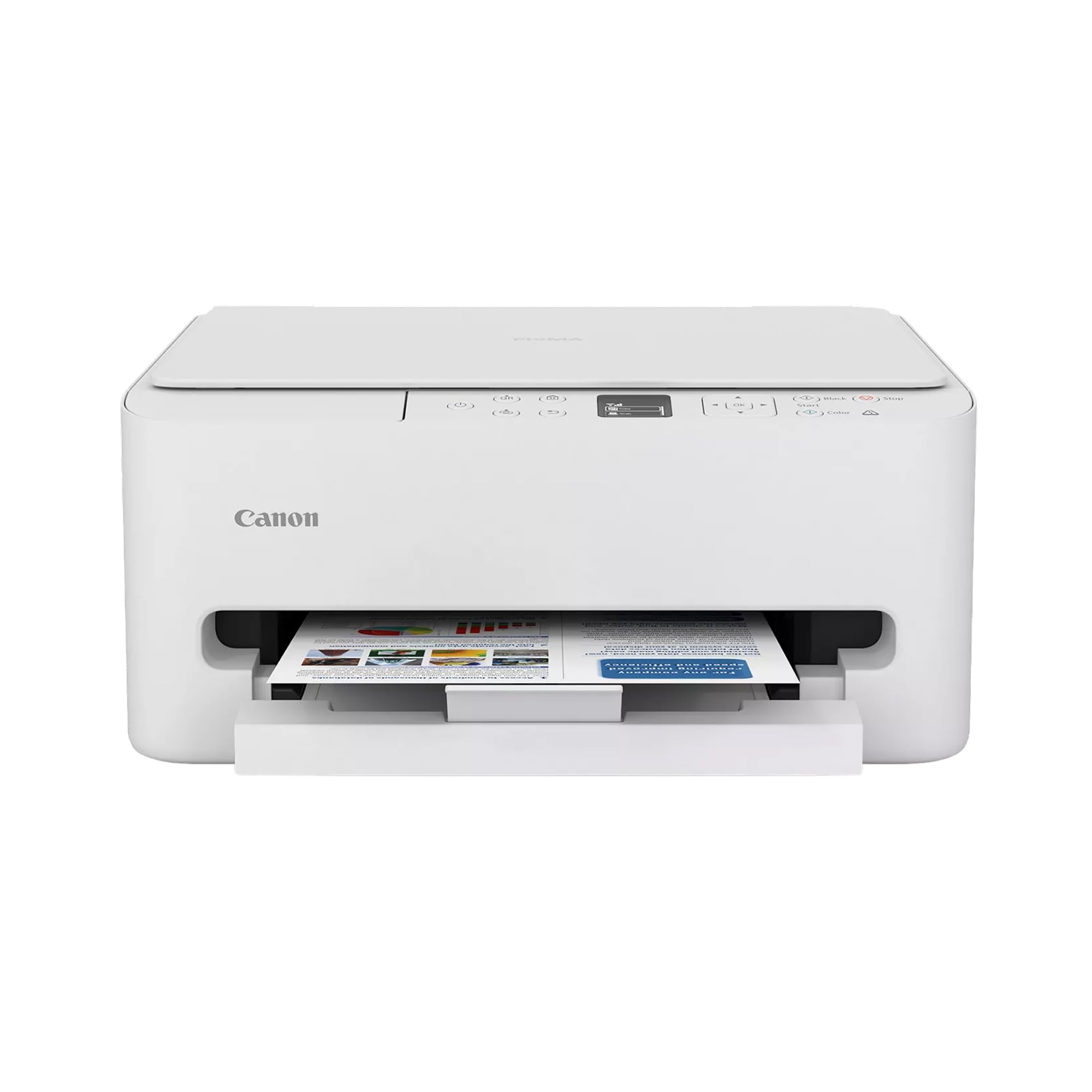
What We Like
- Easiest setup of anything here
- Automatic two-sided printing in a compact body
- Sharp, clean text at everyday sizes
- Fits a shelf at 6.7 inches tall
Worth Noting
- No document feeder for multi-page scans
- 100-sheet tray fills up fast on busy weeks
- Duplex
- Automatic
- Scanner
- Flatbed
- Print Speed
- 14 black / 9 color pages per minute
- Dimensions (D X W X H)
- 14.8" x 14" x 6.7"
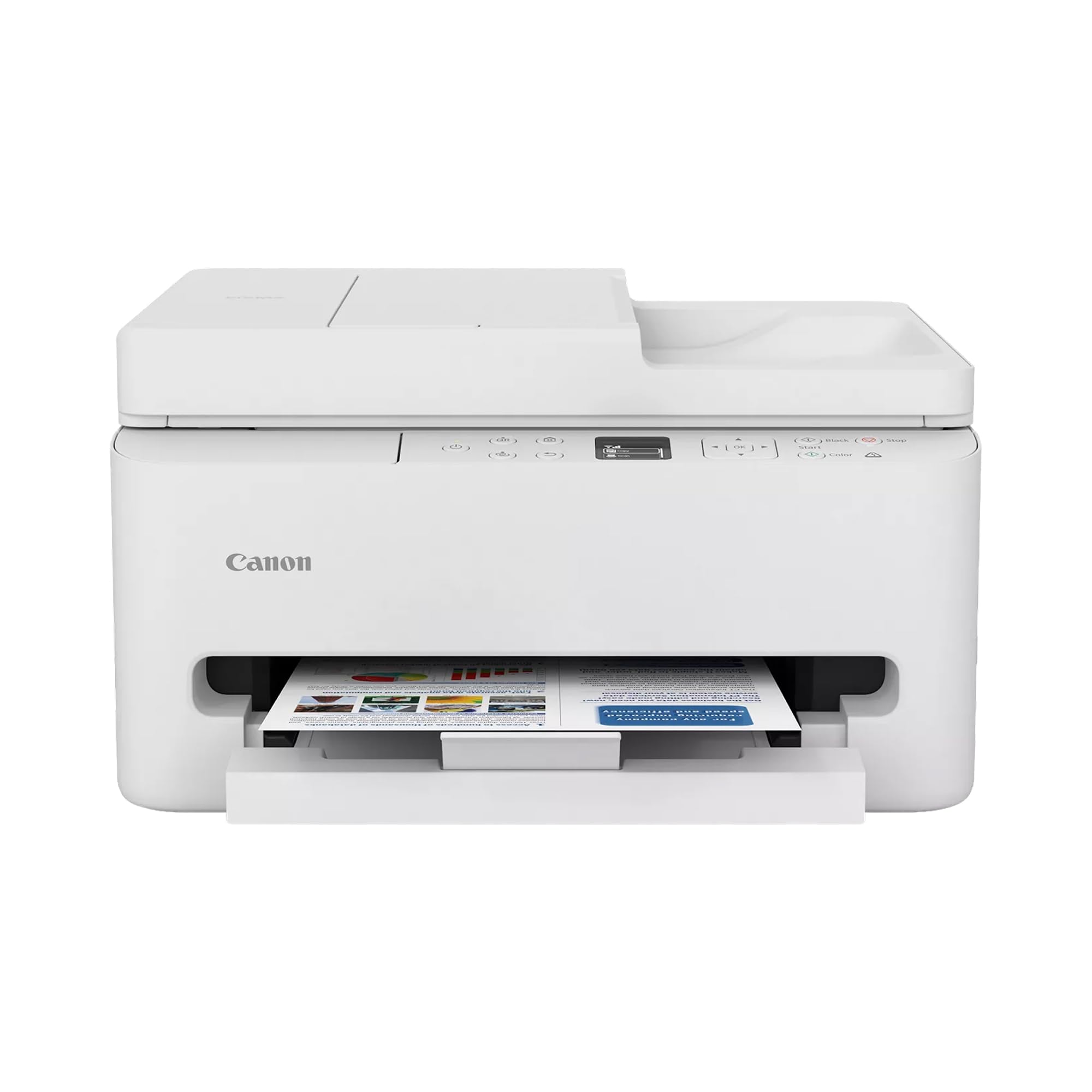
The machine that separated itself in our testing did it on the least glamorous measure there is: setup. The PIXMA TS6520 goes from box to printing without a cable, a driver hunt, or a support call, and it keeps behaving afterwards. That's why it's our pick for a household that prints a bit of everything. It runs at 14 pages per minute in black and 9 in color, flips pages for two-sided printing on its own, and stands 6.7 inches tall, so it lives on a shelf rather than needing a desk.
Duplexing is the detail we appreciate most at this size: a two-sided contract comes out ready without you touching the stack. The flatbed scanner takes a full letter page or a passport, borderless printing means a 4x6 emerges with no white edge to trim, and the 1.42-inch OLED panel walks you through an ink swap without the manual. There's dual-band Wi-Fi and a USB port at the back, so if one route to the network misbehaves, the other is waiting.
Color is the one place we're less enthusiastic. Text is crisp at any size and duplexed pages come out clean, but photo prints can look flatter and duller than the screen suggested. If half your output is pictures, none of these machines is really a photo printer; for forms and homework with the occasional 4x6, this is the one.
Bottom line: For a household that prints a mix of homework, forms, and the odd photo, this is the one we recommend: the easiest setup here and the most predictable output.