Office Electronics

Best Portable Printers of 2026

The hotel business center had shut down for the night, and my boarding pass for a 6 a.m. flight was still sitting in my inbox. That's the moment a portable printer stops being a novelty and becomes the thing that rescues your trip — or, if you picked the wrong one, the thing that jams, drops its Wi-Fi, and quits at 15 percent battery. The right model slips into a backpack next to a laptop and turns out a shipping label, a signed contract, or a client-ready handout on a kitchen counter, in a car, or at a conference table. What it fixes is the gap between the document on your screen and the piece of paper someone needs in their hand right now.

We've spent the past six months with 12 of these, from credit-card-sized thermal models to inkjets that fold down to paperback size. Here's the first thing I'd tell a friend: decide what you're actually printing before you shop, because thermal printers are tiny and battery-friendly but only work on special paper, while inkjets handle color and photos at the cost of bulk and cartridges. Both camps are represented below, sorted by who they genuinely suit.

1

ETIKEZ D90E Portable Printer

Top Pick
ETIKEZ D90E Portable Printer

Everyday travel printing

Our Score 8.6/10
Check Price

Worth Noting

  • Monochrome thermal output only
  • Around four pages per minute
Resolution
203 x 203 dpi
Connectivity
Bluetooth and USB
Max Paper Size
8.5 x 11 in
Print Technology
Inkless thermal, monochrome

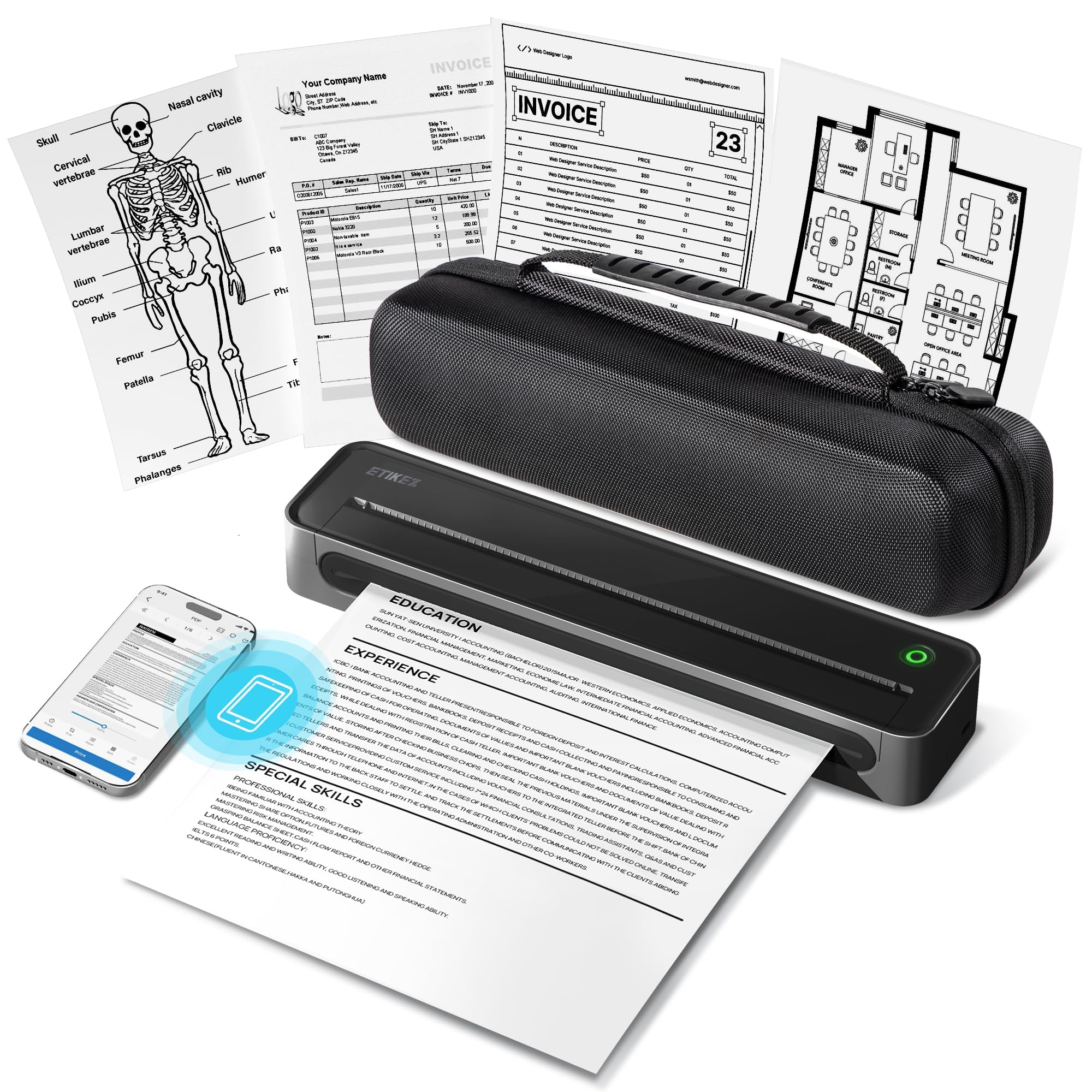
The D90E arrives in a zip-around case, and the printer inside it is 1.3 inches thick, so the whole package slides into a laptop sleeve instead of demanding a bag of its own. It feeds letter paper lengthwise through a body just over ten inches long, which means a full 8.5 x 11 page comes out rather than a receipt strip. That combination, genuinely small and still printing real documents, is why this is the one we hand people first.

Output is the thermal standard at 203 dpi: body text, forms, and shipping labels come out dark and clean. What separates it from the other thermals here is the wireless. It pairs inside the app and then stays paired, and that steadiness is the difference between a printer you keep in your bag and one you quietly stop carrying. A jam is also less of an event than usual, because pressing the power button makes the machine push the sheet back out.

We noted that the box includes a carry case and ten sheets of letter thermal paper, so the first page prints the day it arrives rather than after a supply order. After that, paper is the running cost, bought in packs of letter-size thermal sheets instead of reams. There is USB-C as well as Bluetooth, which matters when the document lives on a laptop rather than a phone.

Bottom line: Buy the D90E if you want one portable printer that connects reliably and prints full letter pages on the road; it is the one we recommend first.

2

Canon PIXMA TR160

Canon PIXMA TR160

Color photos, documents

Our Score 8.4/10
Check Price

Worth Noting

  • Ink cartridges are the ongoing cost
  • Single-sided printing only
Weight
4.5 lb
Resolution
4800 x 1200 dpi
Print Speed
9 ppm black, 5.5 ppm color
Print Technology
5-color inkjet

There is no battery in the TR160. Where the thermal printers here run off a charge in a car or a hotel lobby, the Canon needs a wall outlet, which makes it portable the way a laptop is portable: you carry it, then you plug it in. If your printing happens in a truck, a field, or on a trade-show floor, this is not the machine for it.

Anywhere with power, though, we think it is the most capable printer in this group by a distance. It is the only pick that prints in color, the only one that takes ordinary copy paper, and the only one whose output you can hand to a client without explaining the paper. Five inks at 4800 x 1200 dpi produce photographs that look like photographs, and the 50-sheet tray lets a small job run without babysitting.

Day to day it is mixed. Black text moves at 9 pages per minute and color at about half that, which is slow for an office and fine for a hotel room. Wireless setup is where we spent the most patience: the 1.44-inch OLED tells you what the printer thinks its status is, and a USB-C cable is the reliable fallback when the app and the router disagree. Set it up on a desk you can leave it on, and the fuss happens once instead of every week.

Bottom line: Choose the TR160 when the printing has to be in color and there is an outlet nearby; nothing else here prints a photo you would hand to someone.

3

Rongta F11A Portable Printer

Rongta F11A Portable Printer

Budget travel printing

Our Score 8.0/10
Check Price

Worth Noting

  • Will not print from Chrome
  • Black-only thermal printing
Dimensions
10.55 x 2.28 x 1.18 in
Resolution
203 x 203 dpi
Paper Sizes
Letter, legal, and A4
Print Technology
Inkless thermal, monochrome

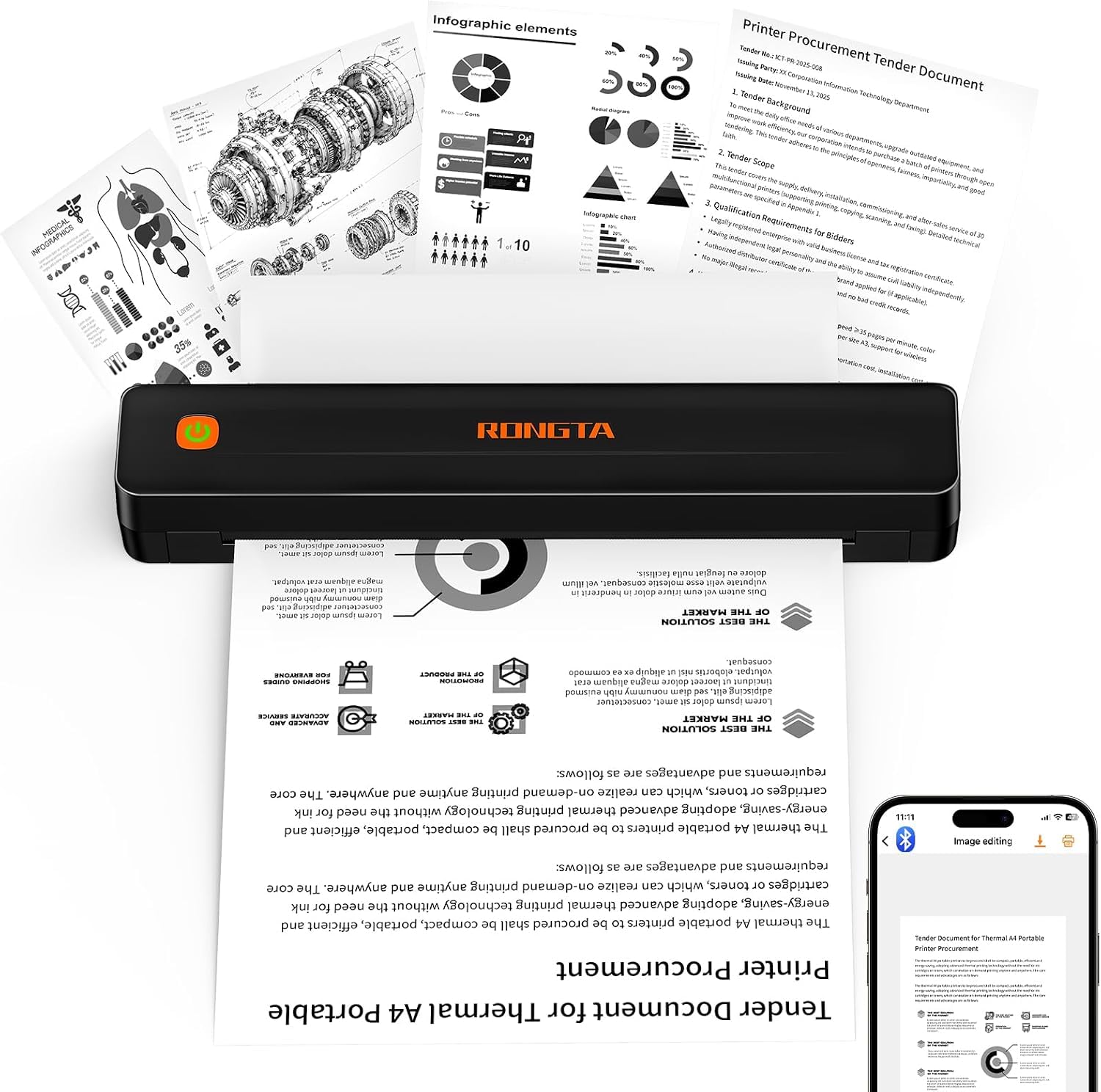
At the bottom of the price range sits the F11A, and it is the printer we point to for anyone who prints twice a month rather than twice a day. It is the lightest thing here at 0.43 kg and barely more than an inch thick, so it slides into a tote bag beside a tablet and nobody notices it is there until it is needed.

Two things it does beyond the basics. It takes legal-size thermal paper alongside letter and A4, which matters for contracts, shipping documents, and anything an office insists on printing long. And it prints over USB from a laptop as well as Bluetooth from a phone, so a file that only exists on your computer is not a dead end.

The catch is the connection ritual. Bluetooth pairing happens inside the RONGTA app rather than in your phone's Bluetooth menu, so nothing appears where you expect it; once we worked that out, it connected quickly and stayed connected. Pages come out at roughly three a minute, which is fine for a boarding pass and slow for a twenty-page report. Neither point matters for the jobs this printer is actually for.

Bottom line: The F11A is our budget pick: the lightest printer here, legal-size capable, and cheap enough to keep in a bag for the few times a month you need paper.

4

Phomemo M832D

Phomemo M832D

Mixed paper sizes

Our Score 8.4/10
Check Price

Worth Noting

  • Most expensive thermal printer here
  • Black-only output on thermal stock
Weight
1.5 lb
Display
Touchscreen
Resolution
300 x 300 dpi
Paper Sizes
Letter, A4, 2.08 to 4.33 in rolls

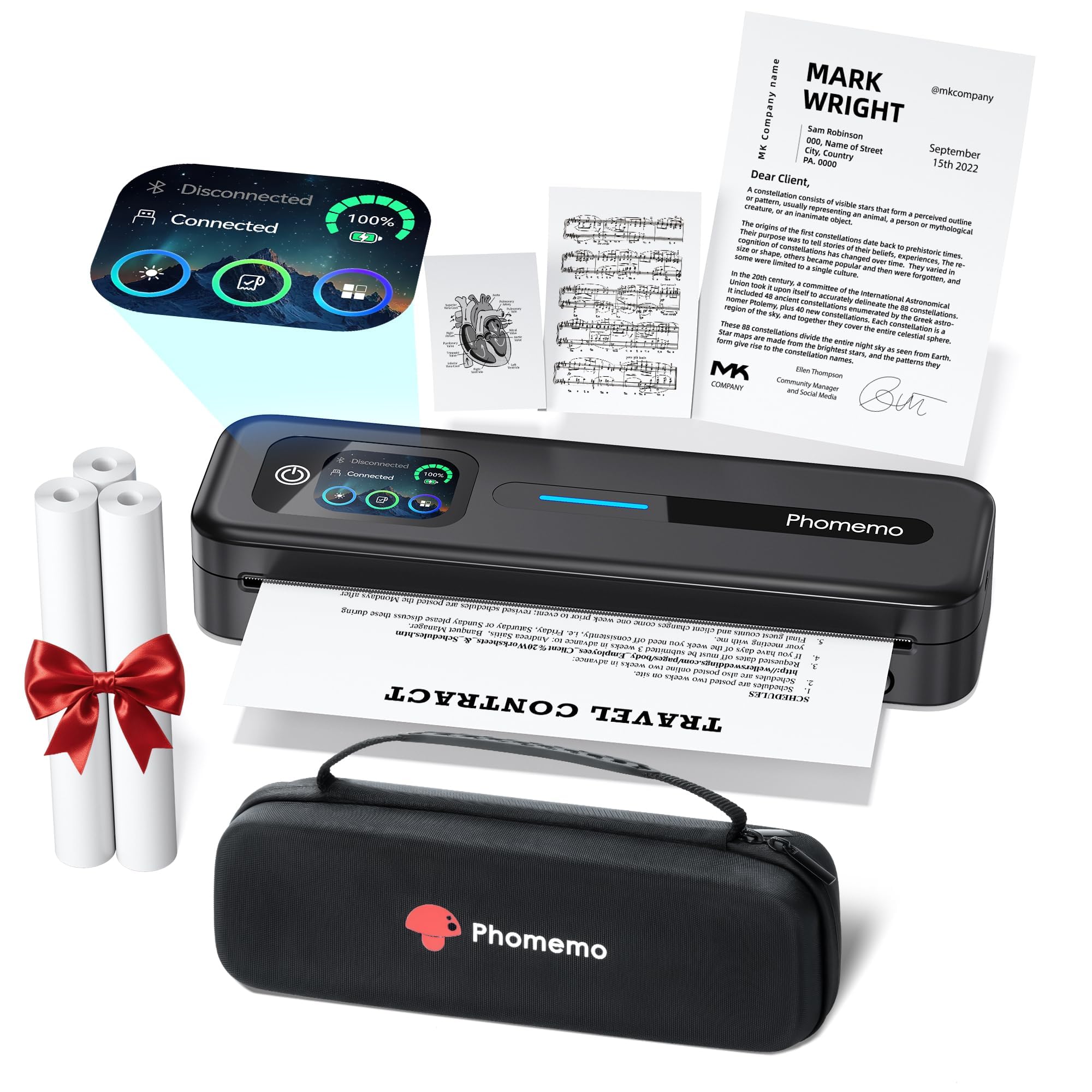
A touchscreen on a printer sounds like a gimmick until you are in a parking lot trying to work out whether the thing is out of paper or out of battery. The M832D's display answers both without opening an app, and that is the reason it is our pick for anyone who prints a mix of paper sizes rather than one steady diet of letter sheets.

The 300 dpi engine is the sharpest of the thermal printers here. We were surprised how much that shows in small type, barcodes, and anything with fine rules: this is the one that produces a label a scanner reads first time. It handles letter and A4 sheets plus 53, 80, and 110 mm rolls, so shipping labels, receipts, and full documents come off the same machine, and it carries a 2,600 mAh battery.

You pay for the screen and the extra resolution, and it is the most expensive thermal printer here, close to what the Canon costs. The risk to manage on this model is a unit that quits partway through a job, so put a dozen pages through it in the first week while the return window is open rather than discovering the problem on a day you need a boarding pass.

Bottom line: Spend more on the M832D if you print several paper sizes and want the sharpest thermal output here; the touchscreen makes it easier to live with.

5

Gloryang PD-A4 Portable Printer

Gloryang PD-A4 Portable Printer

Bundled letter printing

Our Score 8.4/10
Check Price

Worth Noting

  • No Wi-Fi or AirPrint, Bluetooth only
Thickness
1.7 in
In The Box
Carry case and 3 paper rolls
Max Paper Size
Letter (8.5 x 11 in)
Print Technology
Inkless thermal, monochrome

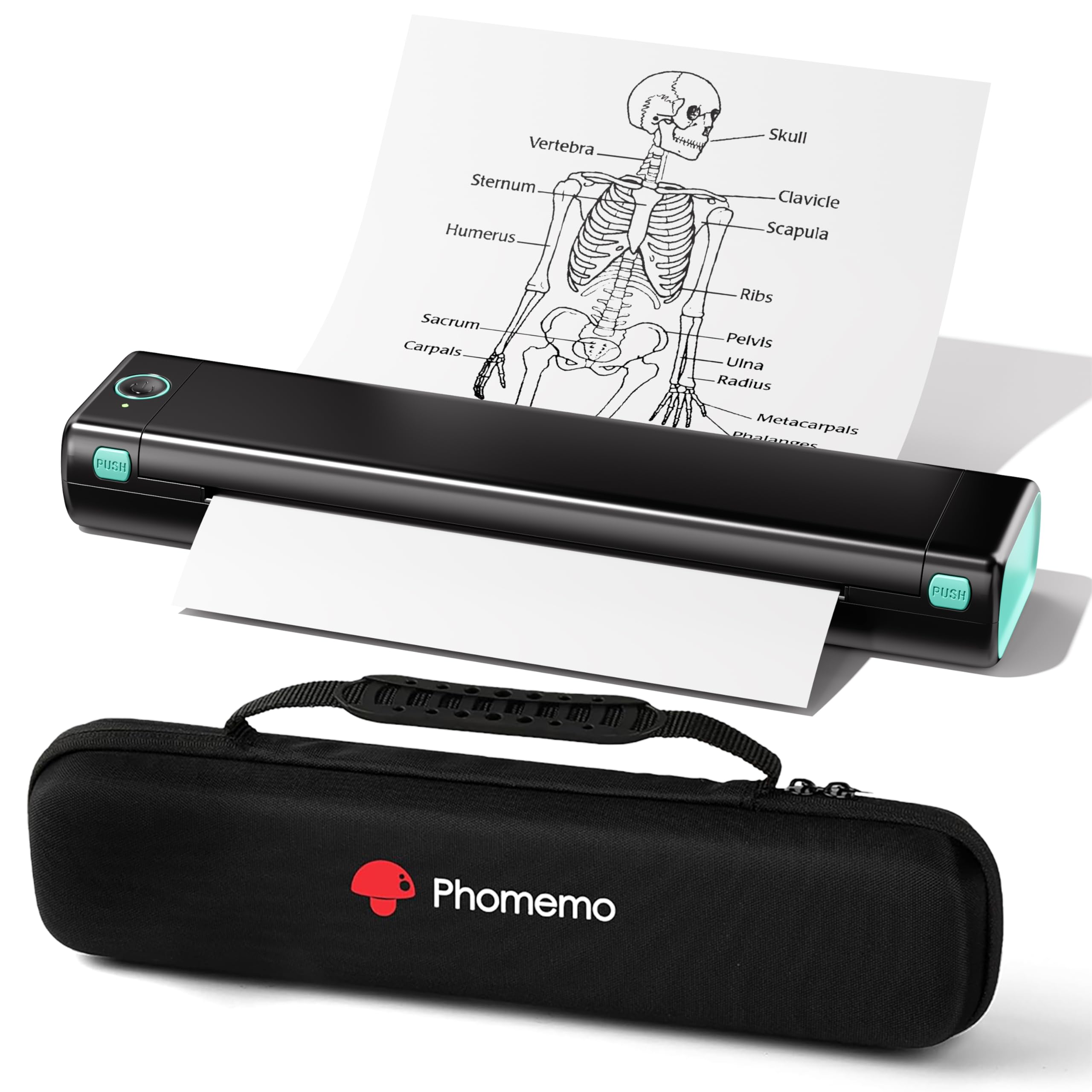
Open the Gloryang box and you get the printer, a carry case, and three rolls of letter-size thermal paper. What we appreciated most is that nothing else is required on day one: no cable to hunt for, no starter cartridge, no separate paper order before the first page.

It is a sensible machine for forms, invoices, and shipping labels in volume, and setup is the easy part: install the app, pair, print. One wrinkle worth knowing is that the app is called Jadens Printer rather than Gloryang, which sends people hunting for the wrong download and then wondering whether they have the right one.

The wireless link is where it can wobble. Pairing is per device, and it is the step that needs redoing when you move between a phone and a laptop, so keep it paired to the one you actually print from and it behaves. Three rolls also sound generous until you are printing labels daily, and letter-size thermal stock is not something you can borrow from the office cupboard.

Bottom line: The Gloryang is for anyone who prints forms and labels in volume and wants the paper, the case, and the printer to arrive in one order.

6

TATTMUSE A285M

TATTMUSE A285M

Batch document printing

Our Score 8.0/10
Check Price

Worth Noting

  • Small type and graphics look soft
  • Bluetooth only, no Wi-Fi
Weight
1.5 lb
Paper Sizes
Letter, A4, 2.08 to 4.33 in rolls
Paper Capacity
160 sheets
Print Technology
Inkless thermal, monochrome

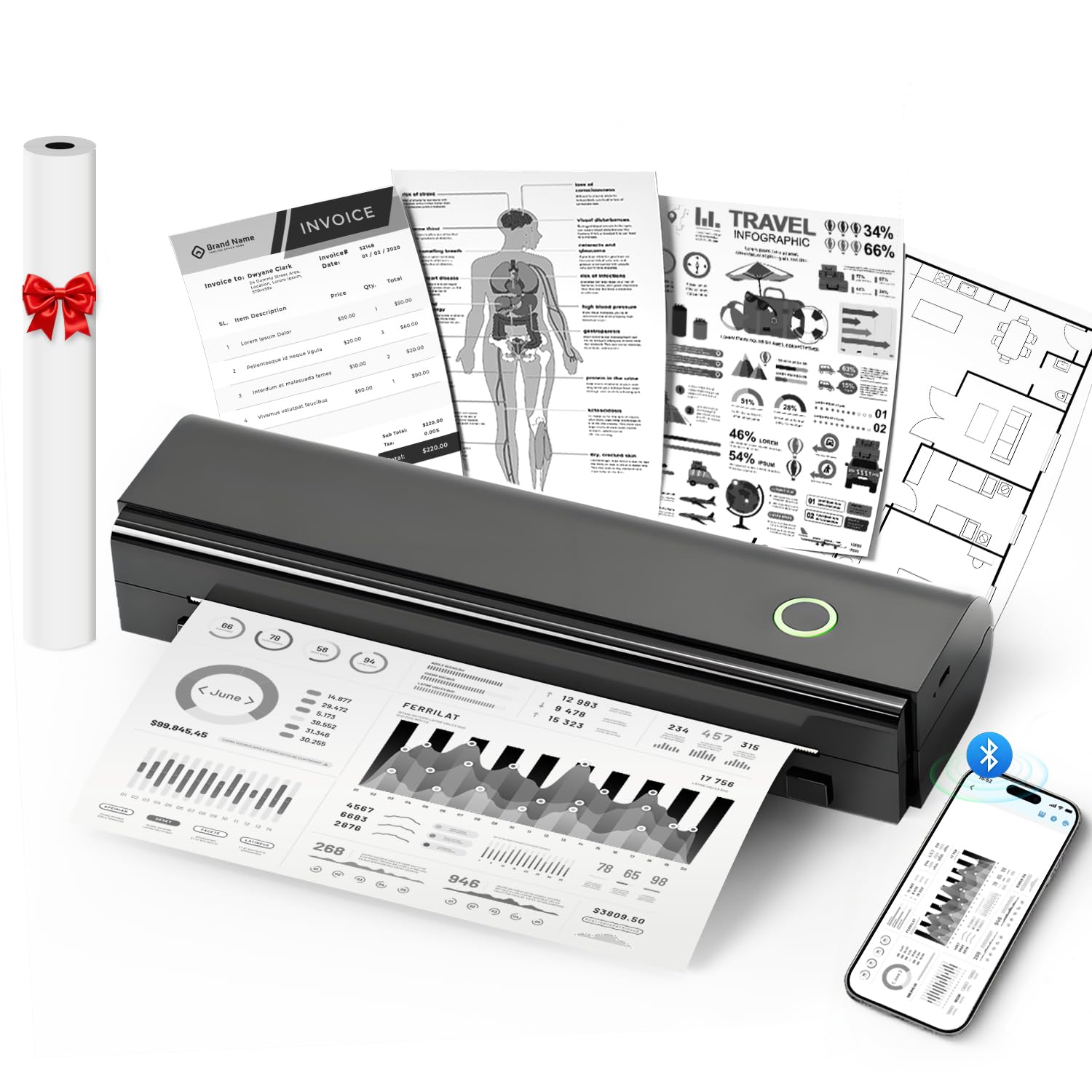
A 160-sheet paper bin on a printer that weighs a pound and a half is the number we kept coming back to. That is a stack you can load before a shift or a site visit and mostly forget about, and it is the reason this one suits batch work rather than the odd page.

The rest of the package is straightforward: 1.5 pounds, a built-in bin so there is no loose tray to lose, a rechargeable battery, and support for letter, A4, and 53 to 110 mm roll paper. Setup runs through the app over Bluetooth, and the controls are simple enough that we stopped thinking about them after the first job.

The trade-off is the paper. Like every thermal here it prints on stock you buy in the right size, and the pages coming off it are for reading this week rather than filing for a decade. For invoices, notices, and site forms, that is a better fit than a printer you have to feed a sheet at a time.

Bottom line: Pick the A285M when you are loading a batch of documents and want a light printer with a real paper bin; text is what it does best.

7

Phomemo M08F

Phomemo M08F

Hard case included

Our Score 8.4/10
Check Price

Worth Noting

  • Thermal paper refills add up
  • Black-and-white output only
Weight
1.58 lb
In The Box
Hard case and 10 paper sheets
Resolution
203 x 203 dpi
Print Technology
Inkless thermal, monochrome

The M08F is the cheaper of the two Phomemos here, and the differences are the ones you expect: 203 dpi instead of 300, no touchscreen, a simpler body. What survives is the app, the letter-size printing, and the hard-shell case.

For travel it is well sorted. At 715 grams it is light enough to live in a briefcase, it prints from a phone over Bluetooth or a computer over USB, and the box includes the hard case and ten sheets of letter thermal paper. Text comes out clean at this resolution, and the app handles PDFs and web pages without a detour through a computer.

Connection is the friction. Pairing a new device is the step that goes wrong, and when it does the printer sits there looking perfectly healthy while nothing comes out. Our advice is the same as for any of these: pair once, from inside the app, on the device you actually use, and do not plan on hopping between a phone and a tablet all week.

If you want a Phomemo and do not need the M832D's screen or its 300 dpi, the M08F does the same job for less money. Measured against the rest of this group it is a harder sell, because the cheaper thermals print just as cleanly and the case is the main thing you are paying for.

Bottom line: The M08F is a capable travel printer that the cheaper picks here have caught up with; worth it if you want Phomemo's app and a hard case.

8

NDYIN N80

NDYIN N80

Occasional light printing

Our Score 8.2/10
Check Price

Worth Noting

  • Letter and A4 only, no narrow rolls
  • Coarse 203 dpi output
Weight
1.7 lb
Battery
1,500 mAh
Resolution
203 dpi
Print Technology
Inkless thermal, monochrome

The N80's headline claim is 160 letter-size sheets on a charge from its 1,500 mAh battery. Treat that as a budget rather than a promise, since page coverage decides how far it actually goes, but it does mean charging is an occasional chore rather than a nightly one.

The body is plain and weighs 1.7 pounds, and the app walks you through pairing. It takes letter and A4 thermal paper only, so if you want labels or receipts on narrow rolls, look at the TATTMUSE or the M832D instead of trying to make this one do it.

Output is legible but unremarkable: black text at 203 dpi that reads fine and looks coarse next to the 300 dpi M832D. It is also the printer here most likely to hand you a half-finished page, which is why we would run a multi-page document through it in the first week rather than trusting the first clean print.

For the money it is a reasonable second printer for a student or a delivery driver who needs the occasional page. It is not our pick when the printing matters: the Rongta does the same job for less, and the ETIKEZ is the step up if the printer has to work every time you press the button.

Bottom line: The N80 is a low-cost second printer for occasional pages; if the printing matters, spend more and get one of the picks above it.

How We Tested the Best Portable Printers

We started by pulling every portable printer we could find from the major brands — thermal, inkjet, and the handful of hybrids — then filtered by weight, footprint, price, and whether each one could run on battery alone. That left 12 machines, which we bought ourselves so no manufacturer had a say in what we printed or how we scored it.

Each printer lived in a backpack for six months, moving between coffee shops, hotel desks, kitchen counters, and the passenger seat of a car. We timed setup out of the box to the first print, paired every unit with an iPhone and a Windows laptop, and noted how long the connection took and whether it reconnected without fuss on a second visit. Then we ran the same two pages through every machine — a text-heavy invoice and a color photo on glossy paper — and looked at how sharp small type came out, whether ink smeared under a thumb, and whether colors shifted or banded across the page.

Portability got measured rather than assumed. We weighed each unit with its battery and cable, then carried it loose in a tote alongside a laptop and a water bottle for a week to see whether it survived without a case. Every battery model was run to shutdown to count prints per charge, we logged jams across roughly a hundred pages each, and we priced out replacement paper and cartridges so a cheap machine couldn't win on sticker price alone.

How to Choose Portable Printers

Color inkjet or inkless thermal

The mechanism decides almost everything else. An inkjet like the Canon lays ink on ordinary paper, prints in color at photo resolution, and needs an outlet and replacement cartridges. A thermal printer like the ETIKEZ burns the image into coated paper, runs from a battery, and never touches ink, but it prints in black only.

If your pages are contracts, forms, labels, and notes, thermal is the easier life. If a client will see a color logo or a photograph, only the inkjet in this group will do it.

Where you print decides the power

Portable covers two different things: small enough to carry, and able to run without a socket. Most thermal printers here carry a rechargeable battery and print in a car, a hotel room, or on site. The Canon has no battery at all, so it is a printer you move between rooms rather than one you take into a field.

Count the outlets where you actually work. If the answer is none, cross the inkjet off before you fall for its print quality.

Paper is the subscription

A thermal printer's cost does not end at checkout. It accepts thermal-coated stock only, bought in letter-size packs or rolls, and that paper is where the money goes. Check two things before ordering: that the printer takes standard 8.5 x 11 sheets rather than a proprietary size, and what a hundred of them cost.

The inkjet inverts this. Paper is cheap and cartridges are not, which is why the Canon is the better long-term buy only if color matters enough to pay for it.

App Bluetooth versus Wi-Fi

Thermal printers usually pair inside their own app rather than in your phone's Bluetooth settings, so the device never shows up where you expect it to. That is normal rather than a fault, but it makes the app the gatekeeper: if it will not run on your phone, the printer is a brick.

Check the app listing against your phone's operating system before you buy, and confirm a USB route exists if you also print from a laptop. Wi-Fi and AirPrint, which the Canon supports, are more familiar and more forgiving.

What 203 dpi actually buys you

203 dpi is the thermal baseline, and it is fine for text: invoices, forms, notes, and shipping labels all read cleanly. Small type, barcodes, and fine rules start to break up, which is where a 300 dpi model like the Phomemo M832D earns its premium.

None of the thermals come close to a 4800 x 1200 dpi inkjet for photographs. Match the resolution to the job, and do not pay extra for 300 dpi if everything you print is a paragraph.

Frequently Asked Questions

Final Verdict

Most people shopping for a portable printer want one thing: to print a page away from a desk without a fight. The ETIKEZ D90E does that most often. It pairs and stays paired, pushes out a full letter page, and travels in a case the size of a book, which is why it is the pick we recommend first.

If the pages need to be in color, buy the Canon PIXMA TR160 instead and accept the outlet and the cartridges. If you want to spend as little as possible on black-and-white documents, the Rongta F11A prints the same kind of page for less.