Office Electronics

Best AI Voice Recorders of 2026

The promise of an AI voice recorder is simple—press record, get a clean transcript—but the letdown is as simple: a transcript that misspells every name, a battery that dies mid-interview, or a subscription that costs more than the device. I've recorded enough meetings to know the feature list rarely survives a real conversation. What matters is whether it's easy to use when you're already late, accurate enough to trust, and reliable enough that you stop taking backup notes. A good one fixes the messy gap between capturing audio and using it.

I've abandoned more recordings than I can count because exporting a transcript felt like a part-time job. So my team and I tested 12 AI voice recorders for three months in team meetings, lecture halls, noisy coffee shops, walking interviews, and phone calls. We paid attention to how often the transcript got names and numbers right, how quickly the battery drained, and how much useful work happened before a subscription prompt appeared. The picks below are the ones I'd hand to a colleague without a disclaimer.

1

Plaud Note

Top Pick
Plaud Note

Meetings and calls

Our Score 9.0/10
Check Price

Worth Noting

  • Free AI minutes fall short for heavy weeks
Languages
112
Thickness
0.12 in
Local Storage
64 GB
Recording Time
30 hours

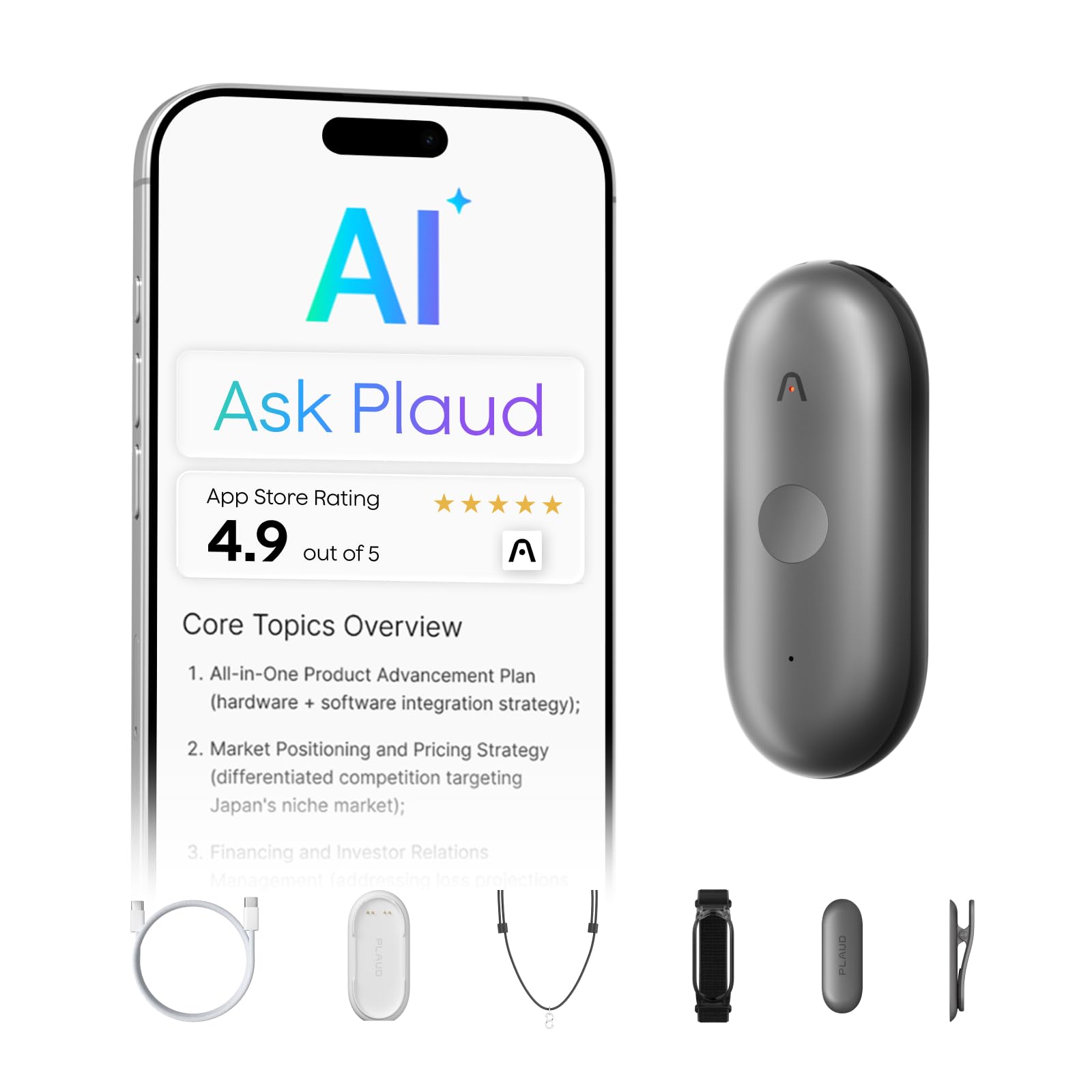
At 0.12 inches thick and about an ounce, the Plaud Note is the recorder that actually travels. It clips magnetically to the back of a phone with the ring in the box, or slides into a wallet, and you stop thinking about it until a meeting starts. That sounds like a small thing until you have owned a recorder that lives in a desk drawer.

It earns the top spot because it covers both halves of the job. Ambient mode handles a room; switch to call mode and a vibration sensor picks up the far end of a phone conversation through the handset, which is the part most recorders fumble. Thirty hours of continuous recording and 64 GB on board mean a full conference day costs you nothing in battery and no mid-afternoon storage panic.

The AI half is where the value sits. Recordings move to the Plaud app and come back as a transcript with speaker labels in 112 languages, plus summaries shaped by templates, action items, and a highlight you can tap to mark a decision while it is happening. Three hundred minutes of advanced transcription come with the device each month, which is plenty for a couple of meetings a week.

Where it thins out is the very large room. This is a recorder for the eight-person table and the one-to-one, not the twelve-person board meeting where every voice arrives from a different distance. The Note Pro adds a five-microphone array with beamforming and a 0.95-inch display for exactly that job, at a higher price.

Bottom line: We recommend the Plaud Note as the default for most people: it records a room and a phone call, then returns speaker-labeled transcripts from something thin enough to leave on a phone.
2

Pocket AI Recorder

Pocket AI Recorder

Phone calls

Our Score 9.2/10
Check Price

Worth Noting

  • AI summaries and search need a paid plan
  • The mounting advantage is iPhone-only
Mounting
MagSafe
Works With
iOS and Android
Battery Life
4 days
Local Storage
64 GB

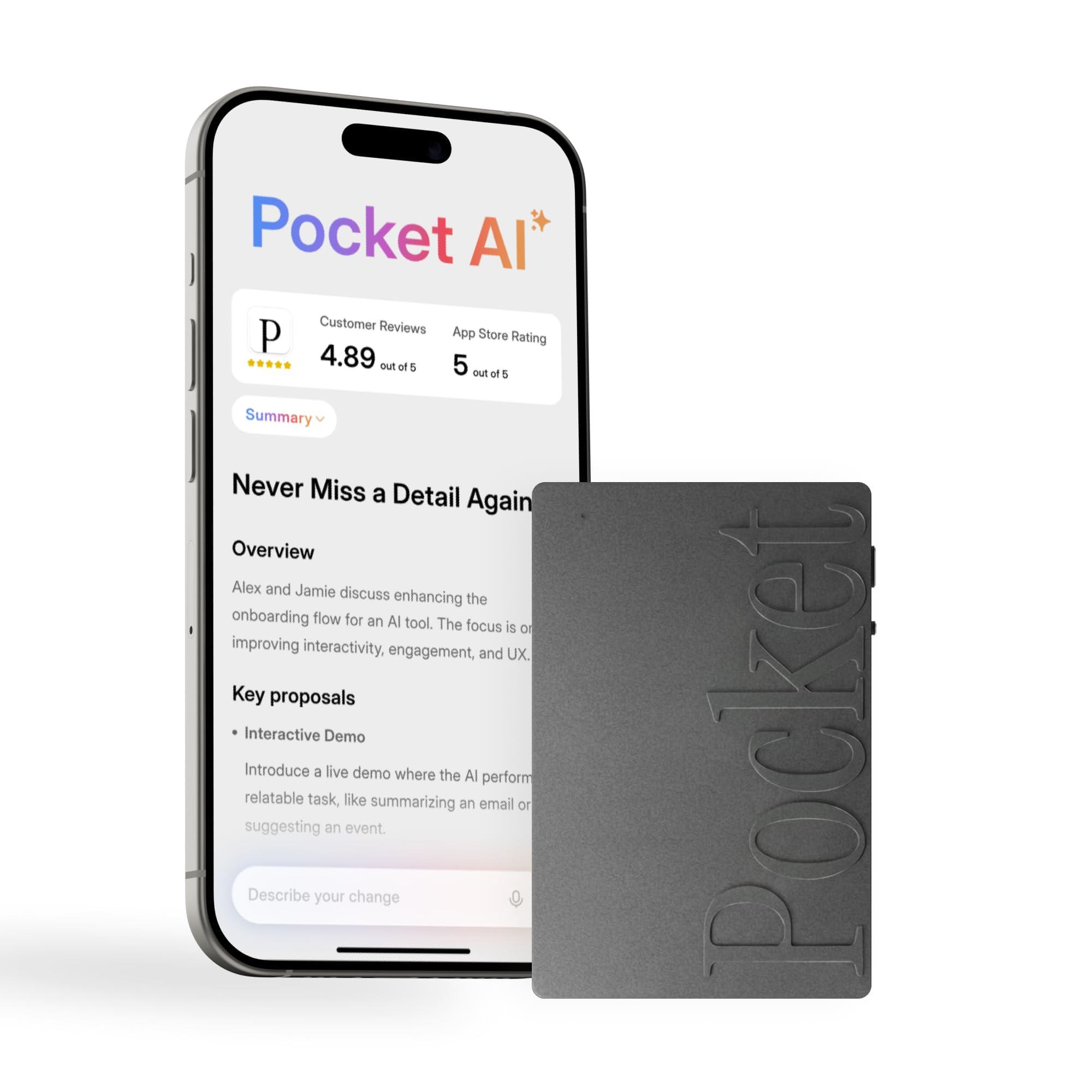
MagSafe is the whole idea. Pocket snaps onto the back of an iPhone and stays there, which means starting a recording takes one press while the call is still ringing instead of a scramble through a bag. For anyone whose important conversations arrive as phone calls rather than as calendar invitations, that proximity is worth more than any specification on this page.

The app does the rest: summaries with action items, a conversation map of how a discussion moved, and Ask Pocket, which puts a question to everything you have recorded rather than making you scroll back through a transcript. Being able to ask what a client said about a deadline is the feature we kept coming back to, and it is the sort of thing that turns a recorder from an archive into a working tool.

Read the battery figure carefully. Four days covers days of use and standby, not ninety-six hours of continuous capture; the other recorders here quote twenty to forty-five hours of recording, and that is the number to hold against your meeting load. Plan on charging Pocket on the same rhythm you charge a phone rather than once a week.

Bottom line: We point iPhone users here first: it snaps onto the back of the phone with MagSafe, so the recorder is already in place when a call turns into something you need to keep.

3

Plaud NotePin S

Plaud NotePin S

Hands-free capture

Our Score 8.8/10
Check Price

Worth Noting

  • Speaker labels blur in group conversations
  • AI features need a paid plan for regular use
Weight
0.61 oz
Standby
40 days
Local Storage
64 GB
Recording Time
20 hours

A lanyard around the neck, a clip on a shirt, a wristband, a magnetic pin: the NotePin S arrives with four ways to wear it, and at 0.61 ounces you stop registering it after a few minutes. That matters in an interview or on a site visit, where a recorder on the table changes the room and one on your collar does not.

Behind that is a sensible spec sheet: twenty hours of continuous recording, forty days of standby, 64 GB of storage, and a charging dock with Find My so it turns up when it disappears into a bag. Summaries and templates run through the same Plaud app as the Note, with 112 languages and speaker labels carrying over, and the multimodal input lets you type a note or tap a highlight to mark a moment.

Chest-height audio is excellent for one interviewer and one subject, and this is the recorder we reach for on a walk-through. There are also units that stopped working or stopped taking a charge, which is why the return window matters more here than it does on the Note — keep the box until you have run it through a couple of real meetings.

Bottom line: Wear it and forget it: the NotePin S records twenty hours from a necklace or a clip, which is what makes it the right pick for interviews and site visits.

4

Comulytic Note Pro

Comulytic Note Pro

All-day meetings

Our Score 8.6/10
Check Price

Worth Noting

  • Advanced features sit outside the free starter plan
Free Plan
Unlimited transcription
Languages
113
Thickness
3 mm
Recording Time
45 hours

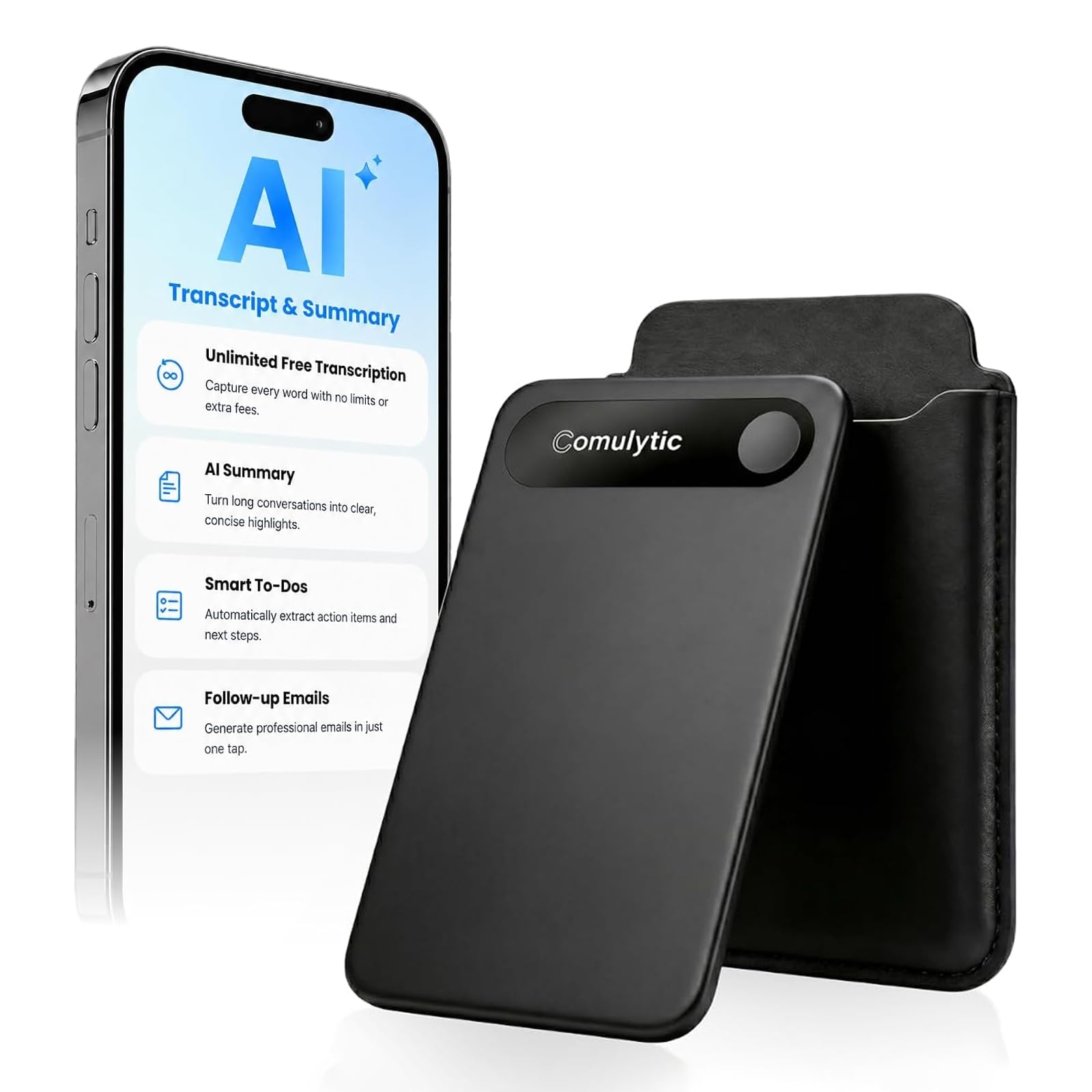
Forty-five hours of recording on a single charge is what separates the Comulytic Note Pro from the rest of this set. That is well beyond the twenty to thirty hours the Plauds quote, and enough to get through a conference week without looking for a cable. It does it in a body three millimeters thick and under thirty grams, so the capacity does not arrive as bulk.

What we like is how little it asks of you. A triple-microphone array with noise cancellation, a small display so you can see it is running without opening an app, and Wi-Fi transfer the specifications put at up to ten times Bluetooth speed — and transfer speed is what decides whether you ever actually read your transcripts. Unlimited transcription on the free starter plan makes it the value pick for heavy note-takers.

The trade-off is history. This is a newer name with a fraction of the record behind the Plauds, so the hardware impresses and the long-term picture stays open. If you want a recorder for the next four years of the same job, that uncertainty is the thing to weigh against the battery life.

Bottom line: For a calendar with no gaps in it, this is our pick: forty-five hours of recording on a charge, a display that shows it is running, and free transcription to start.

5

FoCase Note

FoCase Note

Student note-taking

Our Score 8.2/10
Check Price

Worth Noting

  • Recordings stay local with no cloud backup
Battery Life
22 hours
Local Storage
64 GB
Free AI Minutes
1800 per month
Summary Templates
7

At the bottom of this set's price range, the FoCase Note is the one we expected to be a compromise and could not find one where we expected. Eighteen hundred minutes of AI transcription come free every month, which is roughly thirty hours of meetings before you pay anything. That is the most generous free allowance here, and it changes who can own a recorder like this.

The rest is modest but sensible: 64 GB of storage, a stated twenty-two hours of recording, a 2.47-inch magnetic square that hangs on a phone or a fridge door, and seven summary templates plus a box for writing your own if none of the seven fit. Two noise-cancelling microphones and a vibration sensor handle capture — nothing exotic, but enough for a lecture hall or a one-to-one.

A three-year warranty is the longest in this set by a distance, and the square disappears into a bag pocket. This is the recorder we point students and first-time buyers at: it does the transcription job without asking for a subscription first, and the free allowance is large enough to find out whether the habit sticks.

Bottom line: The cheapest pick we are comfortable recommending: eighteen hundred free AI minutes a month, 64 GB on board, and transcripts that hold up for lectures.

6

Flowtica AI Pen

Flowtica AI Pen

Pen-style notes

Our Score 8.4/10
Check Price

Worth Noting

  • Subscription starts after three months of credit
  • Costs more than every other pick here
Standby
233 days
Local Storage
32 GB
Recording Time
100 hours
Included Credit
3 months

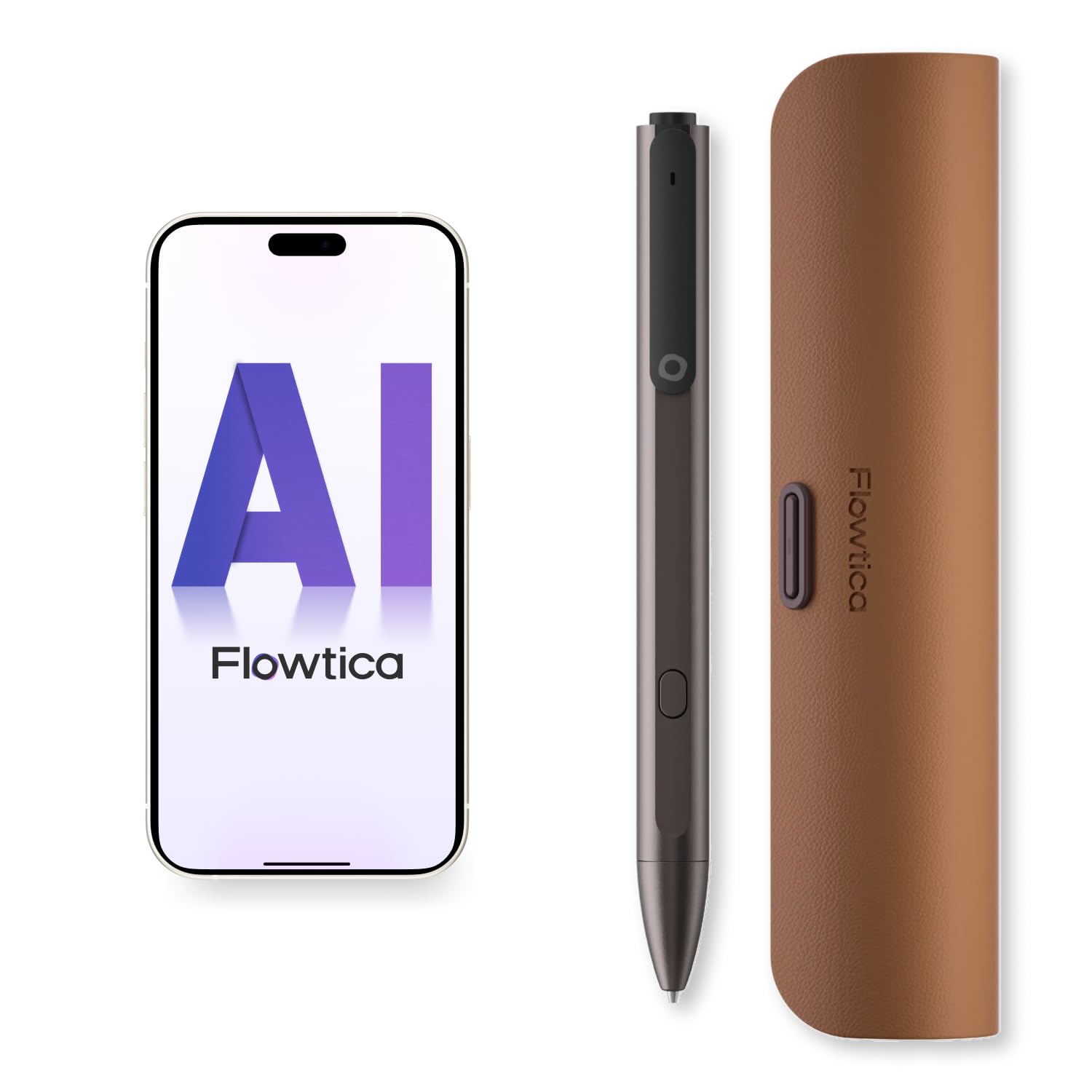
It writes. That sounds trivial until you have tried to take notes on a slab: the Flowtica is a metal gel pen with a recorder in the barrel, twenty refills in the box, and a charging case, and you use it the way you use a pen. The recording is a by-product of the note-taking rather than a separate chore, which is a genuinely different pitch from everything else here.

Press the button and it captures audio; the camera end photographs the whiteboard; the highlighter marks a moment in the recording so you can find it later. FlowTran syncs to the app as you go rather than in one lump at the end, and from there the AI produces summaries and answers questions across your project history.

The numbers are generous: 100 hours of recording, 32 GB of storage, and 233 days of standby from the charging case, with Find My on the case so the whole thing turns up when it goes missing. As a piece of hardware it is the most interesting object in this set.

Whether it earns its place is a separate question. It costs more than every other pick here, the AI service moves to a subscription after three months of included credit, and there is a modest record behind it. For handwritten client meetings where you want the audio attached to the page, nothing else does this. For the most dependable transcript per dollar, look at the Plaud Note instead.

Bottom line: Buy it if you think with a pen in your hand: it records, photographs, and marks up a page — but it costs more than every other pick here.

7

EurekaMind Lite

EurekaMind Lite

Trying the category

Our Score 8.0/10
Check Price

Worth Noting

  • Advanced features need a paid upgrade
Weight
1.02 oz
Free Plan
Unlimited transcription
Languages
138
Thickness
3 mm

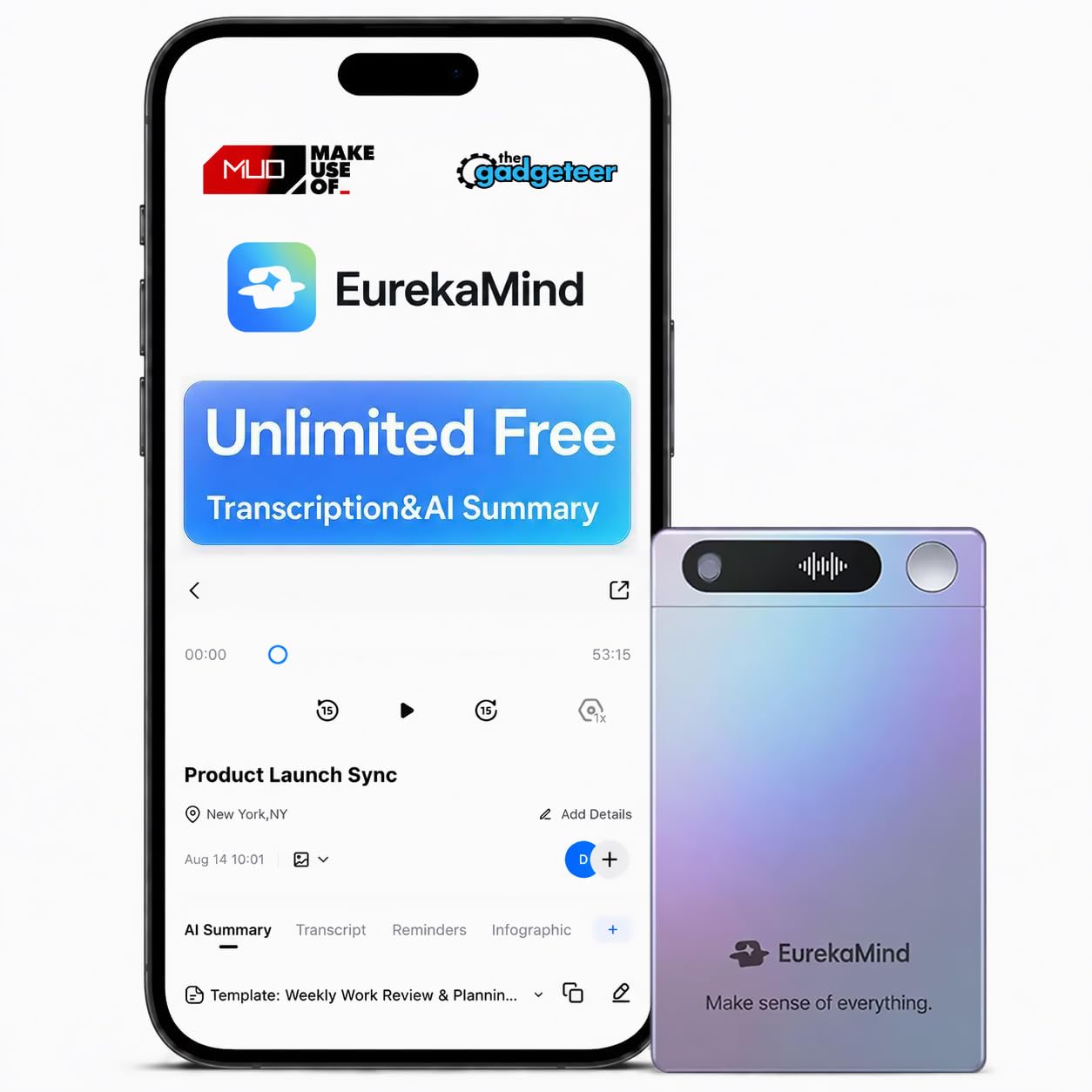
A hundred and thirty-eight languages and unlimited free transcription on the starter plan — the EurekaMind Lite undercuts the field on coverage and asks nothing monthly to get started. If your lectures or calls happen in more than one language, that range is the reason to look here before anywhere else.

The hardware is the same card-thin idea as the Plauds: three millimeters, twenty-nine grams, a magnet for the back of a phone, and two capture modes for rooms and calls. Summaries arrive with speaker recognition attached, and an Ask Agent feature searches the web alongside your recordings, which is unusual at this end of the price range.

EurekaMind is a new name, and that is the whole risk: there is no long service history to lean on, so durability and app polish are the unknowns rather than the features. As a first recorder for a semester of lectures, the price and the free tier make sense. As the device a job depends on, it has not earned that yet.

Bottom line: A low-cost way into the category: unlimited free transcription and summaries across 138 languages, from a brand with a short record behind it.

How We Tested the Best AI Voice Recorders

We started with a shortlist of about 40 models, comparing spec sheets, app compatibility, storage limits, and the fine print around subscriptions. From that group, we chose 12 recorders across price points and form factors—pocket units, screen-based models, and phone-tethered options—then used each one for three months. The goal was not to crown the longest feature list; it was to see which recorder made the work of capturing and reviewing conversations easier.

Ease of use got tested the way it actually happens: one hand on a notebook, the other starting a recording. We timed setup from unboxing to first transcript, then repeated the process on a phone call and in a packed lecture hall. During weekly team meetings, noisy coffee shop sessions, and walking interviews, we checked whether controls were findable without looking, whether recordings started reliably on the first press, and whether the microphone picked up a speaker across a table without also amplifying the espresso machine. We also noted battery drain after a full day of standby and after two hours of continuous recording.

Accuracy and audio quality were judged side by side. We compared transcripts against our own notes, counting missed names, mangled numbers, and speaker labels that swapped mid-conversation. We listened back to the same clips through laptop speakers and earbuds to see whether voices stayed natural or turned thin and clipped.

Usefulness came down to what happened after the transcript appeared: could we search it, export it, and share it without a paid upgrade? We tracked subscription costs separately from purchase price and asked whether the free tier did enough real work to justify carrying the device. Reliability was the long game—whether each unit still synced, held a charge, and produced clean files after three months of regular use.

How to Choose AI Voice Recorders

Start with the running cost

Free allowances in this set run from three hundred minutes a month to eighteen hundred, and two of these include unlimited transcription on a starter plan. Count your meeting hours first: four one-hour meetings a week is about sixteen hours a month, comfortably inside a generous free tier and well past a small one. If you record client work every day, assume a subscription is part of the purchase and price it in alongside the hardware.

Match the microphone to the room

Where the recorder sits decides more than the microphone count. A device on the table close to the talkers beats a pin on your collar when six people are speaking, because distance is what turns a transcript into guesswork. Chest-height capture wins in a one-to-one, where a device sitting on the table tends to change the tone of the conversation. Group meetings want a recorder in the middle of the table; interviews and site visits want one you wear.

Read the battery number carefully

Recorders quote three different things: hours of continuous recording, days of standby, and plain days of battery. Only the first is comparable. Forty-five hours of recording covers a conference week, twenty hours covers a long day plus a spare, and a four-day figure describes how often you charge the thing rather than how long it captures. A charging case with weeks of standby, as on the Flowtica and the NotePin S, mostly changes how often it crosses your mind.

Decide where the audio goes

Every one of these passes audio through an app to produce a transcript, and the terms attached to that matter if you record clients, patients, or HR conversations. Plaud's devices carry ISO 27001 and 27701, SOC 2, HIPAA, GDPR, and EN 18031 compliance, and the company states that conversations are not used to train models. FoCase keeps recordings on the device and in the app behind a password. For regulated work, let the compliance list settle the shortlist before the feature list does.

Pick the shape you will actually carry

A recorder in a desk drawer captures nothing. The shapes here solve that differently: a magnetic card that lives on the back of a phone, a pin or necklace that goes on with your shirt, and a pen you were going to carry anyway. Match the device to a habit you already have. If your phone is always in your hand, the card wins. If you interview people for a living, wear it. If you take handwritten notes, the pen keeps the audio attached to the page.

Frequently Asked Questions

Final Verdict

The Plaud Note is the recorder we recommend to most people. It captures a room and a phone call with the same device, runs for thirty hours, and returns speaker-labeled transcripts from something thin enough to leave attached to a phone. Nothing else here covers both settings as cleanly.

If your conversations mostly arrive as calls, Pocket's MagSafe mount makes recording a one-press habit, and its Ask Pocket search is the most useful tool in this set for finding what you said three weeks ago. If a monthly AI bill is what stands between you and buying one at all, the FoCase allowance covers roughly thirty hours of lectures a month before you pay anything.