Office Electronics

Best Ereaders of 2026

I put off buying an e-reader for years out of pure stubbornness — I liked the weight of a paperback and the look of a stack on the nightstand. Then I borrowed one for a two-week trip and read four books without packing a single one, and that stack has been shrinking ever since. What sold me wasn't the novelty; it was how completely the right device disappears in your hands, holding weeks of reading without a single notification. The wrong one does the opposite: it's heavy enough that your wrist aches by chapter three, the page turns lag just enough to break the spell, and the battery dies on the flight home.

My team and I have now spent six months reading on 10 different e-readers — on commutes, in bed with the lights off, and in a few bathtubs — and the gap between a great one and a frustrating one is wider than the spec sheets suggest. Here's the thing first-time buyers don't realize: e-ink screens are front-lit rather than backlit, and the cheapest models skip the light entirely, which means you'll need a lamp beside your bed. The picks below are the ones we kept reaching for even after testing ended.

1

Kindle Paperwhite (2024)

Top Pick
Kindle Paperwhite (2024)

Everyday reading

Our Score 9.2/10
Check Price

Worth Noting

Battery
Up to 12 weeks
Display
7-inch glare-free E Ink
Storage
16 GB
Front Light
Adjustable white to amber

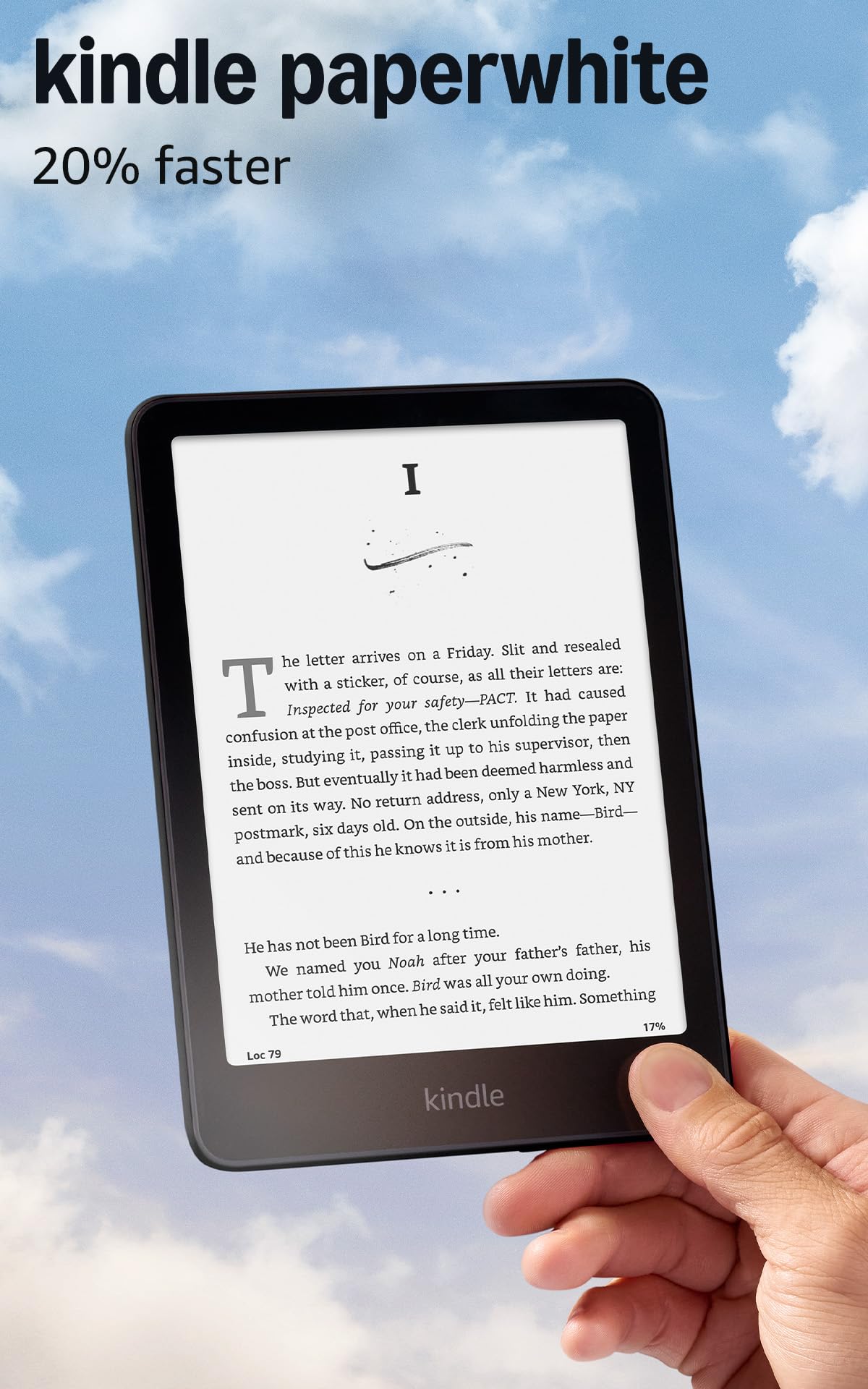
The 7-inch screen is the size we point most readers toward. It gives a page enough room to feel like a book without turning the device into a two-handed slab, and the glare-free E Ink surface stays readable in bright sun. The warm-light control is the detail we appreciate most: the display shifts from white to amber, so late-night reading feels closer to a lamp than a phone. Storage is 16GB, and the battery claim runs to 12 weeks.

What earns it the top spot is the balance. The Paperwhite is light enough to hold for an hour, simple enough to hand to someone who has never used an ereader, and fast enough that browsing your library does not become a chore. We didn't find a feature that gets in the way of reading, which is the point of a dedicated device.

The Kindle store is the other half of the decision. If your books already live there, setup is close to automatic, and the library syncs across devices. If you borrow heavily from a public library or buy EPUBs elsewhere, the Kobo models below make more sense.

For a first dedicated reader, this is the easy answer. The Kobo Libra Colour is the upgrade if color and a more book-like grip matter.

Bottom line: We recommend the Kindle Paperwhite as the best default ereader for most people: a comfortable 7-inch screen, warm light, long battery life, and a simple Kindle library.

2

Kobo Libra Colour

Kobo Libra Colour

Color and buttons

Our Score 8.8/10
Check Price

Worth Noting

  • Kobo Stylus 2 sold separately
Display
7-inch color E Ink
Storage
32 GB
Page Controls
Physical buttons
Water Resistance
IPX8

The physical page-turn buttons are the first thing we notice, and they are the reason to consider this over a touch-only reader. The asymmetric body gives your thumb a place to rest, and the buttons can be inverted for left- or right-hand use. The 7-inch color E Ink screen makes covers, comics, and highlights look different from a black-and-white reader.

We think the color is best treated as a bonus, not the main event. Text is readable, but the color layer softens contrast and can leave ghosting when you page quickly. For novels, a black-and-white Paperwhite looks crisper. For comics, illustrated books, and color highlights, the Libra is the more engaging device.

Battery life is measured in weeks, not days, and the IPX8 rating means a splash or a bath is not an emergency. The 32GB storage is generous for a library of comics. If you borrow from the library and want buttons, this is the Kobo that makes the strongest case.

Bottom line: We recommend the Kobo Libra Colour for readers who want color, physical page buttons, and waterproofing; it is the most book-like color reader here.

3

Kindle Scribe Colorsoft

Kindle Scribe Colorsoft

Large color notes

Our Score 8.6/10
Check Price

Worth Noting

  • Some apps and menus feel slow
Pen
Included, no charging
Weight
14.1 oz
Display
11-inch color E Ink
Storage
64 GB

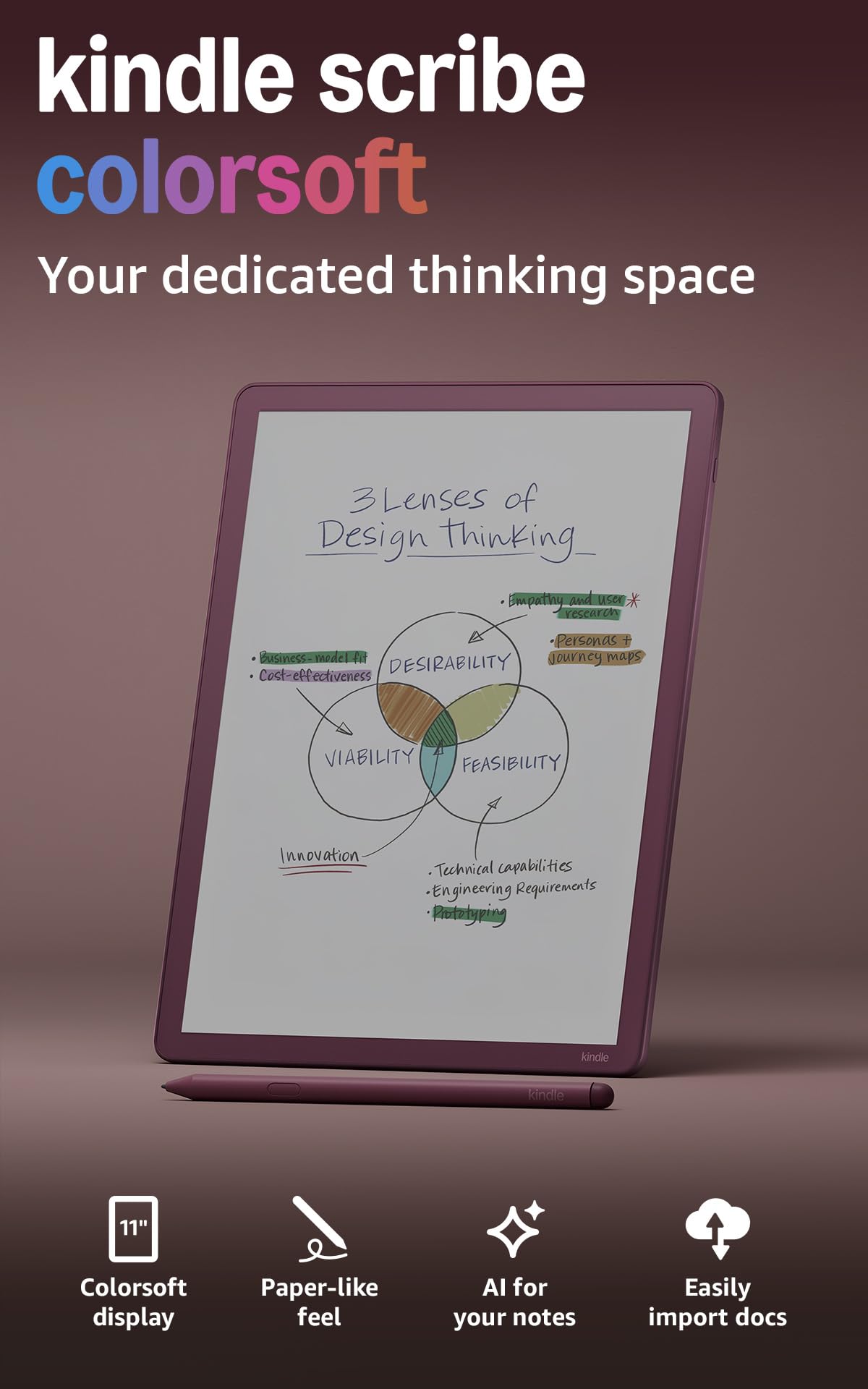
The 11-inch color canvas is the point. It gives documents, comics, and notebook pages room to breathe, and the 5.4mm, 400g body is still light enough to hold on a lap. The included pen never needs charging, which is one less cable to think about.

Reading on a screen this size is a different habit. A novel leaves a lot of white space, but a textbook or a page of notes feels less cramped, and color highlights are easier to scan. The textured surface gives the pen a paper-like feel, and the built-in notebook keeps notes separate from your books.

We expected the note tools to be the main event, and they are good, but the reading experience is what surprised us. The color display is easy on the eyes, though it looks darker than a black-and-white Kindle at the same brightness. The color is for illustrations and highlights, not for glossy magazine photography.

The Scribe is not the reader for a commute or a purse. It is the one for a desk, a classroom, or a bag with room. If you only read novels, a Paperwhite is lighter and simpler.

Bottom line: We recommend the Kindle Scribe Colorsoft for readers who want a large color page and built-in notes; it is a desk reader, not a pocket one.

4

Kobo Clara Colour

Kobo Clara Colour

Compact color reading

Our Score 9.0/10
Check Price

Worth Noting

  • Six-inch screen is cramped for PDFs
Weight
6.14 oz
Display
6-inch color E Ink
Storage
16 GB
Water Resistance
IPX8

The Clara Colour is the Libra's smaller sibling, and the difference is mostly in your hand: a 6-inch screen instead of 7 and a lighter body that is easier to hold while lying down. We like it for exactly that reason. It is the color reader that disappears into a bag.

The color layer is the same story as the Libra: covers and highlights look good, but black-and-white text is a little softer than on a dedicated black-and-white screen. That is a fair trade for comics and illustrated books, less so for a thousand-page novel.

IPX8 waterproofing and 16GB storage make it a low-stress travel companion, and Kobo's library integration is the quiet advantage. The Clara is the one we leave in a tote bag; the Libra is the one we reach for at home.

Bottom line: We recommend the Kobo Clara Colour for readers who want a compact color screen and waterproofing; it is the easy travel companion in the Kobo lineup.

5

XTEINK X4 Pro

XTEINK X4 Pro

Pocket reading

Our Score 8.2/10
Check Price

Worth Noting

  • Wi-Fi setup can be finicky
  • Some units stop working within weeks
Weight
2.5 oz
Display
4.3-inch E Ink
Storage
16 GB
Front Light
Warm and cool

At 72g and 5.95mm thick, the X4 Pro is the reader that actually goes in a pocket. The 4.3-inch screen is small enough that a page comes in short bursts, but the front light is the feature that makes it more than a novelty: you can read in bed without a lamp.

We like the dual controls. The touchscreen handles menus, and the side buttons make page turns feel deliberate. The 4.3-inch screen is not the place for PDFs or comics, but for a novel it keeps you moving. The 16GB storage is sensible for a secondary device, and the warm and cool front light covers both late-night and daylight reading.

The thin shell is the trade-off for that weight. It feels more like a phone accessory than a rugged reader, so a case matters if it rides in a bag. We treat the X4 Pro as a second reader rather than the only one, because the small screen makes a long library feel cramped.

Bottom line: We recommend the XTEINK X4 Pro as a pocket reader with a real front light; it is best as a second device, not your only library.

6

BOOX Go 7

BOOX Go 7

Android reading

Our Score 8.4/10
Check Price

Worth Noting

  • Active stylus sold separately
RAM
4 GB
Display
7-inch, 300 ppi
Storage
64 GB
Operating System
Android 13

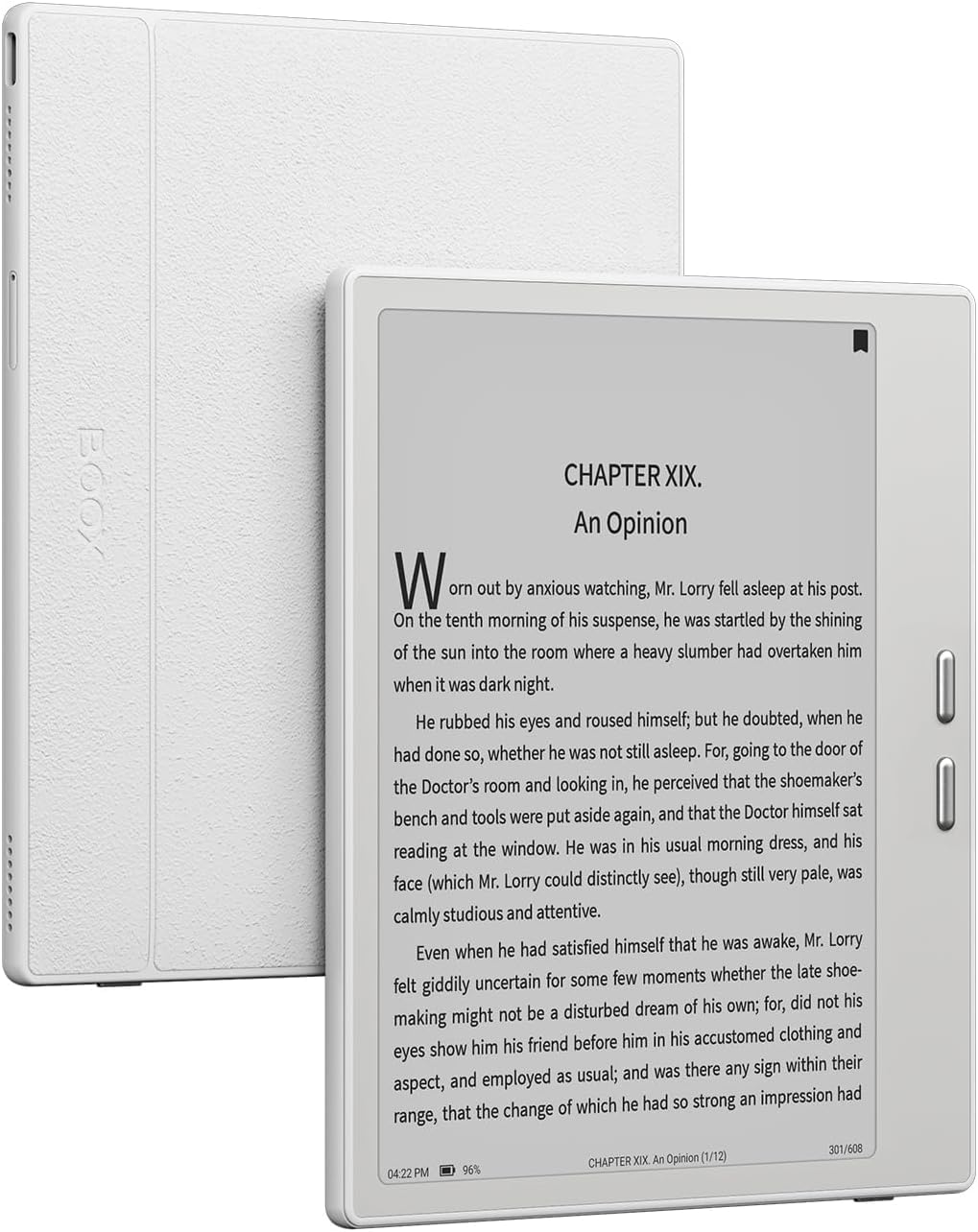
Android 13 is why the Go 7 exists. It can run reading apps outside a single store, and the 7-inch 300ppi screen, physical page buttons, and warm/cool front light make it a serious E Ink reader rather than a novelty tablet.

We think the flexibility is worth the setup. You can arrange apps the way you like, and the 4GB of RAM keeps ordinary reading smooth. The catch is that Android on E Ink is not as turnkey as a Kindle or Kobo; menus and apps need tuning, and some animations feel slow on the screen.

For a reader who wants one device for Kindle, library, and other apps, the Go 7 is the most flexible pick here. We think the 64GB storage is generous on its own, and the microSD slot is the quiet win if you keep a large library offline.

Bottom line: We recommend the BOOX Go 7 for readers who want Android app flexibility and page buttons; it is not the simplest first ereader.

7

XTEINK X3

XTEINK X3

Daylight pocket reading

Our Score 8.0/10
Check Price

Worth Noting

  • Pogo-pin charging uses a dedicated cable
Weight
2.05 oz
Display
3.7-inch E Ink
Storage
16 GB
Page Controls
Physical buttons and gyroscope

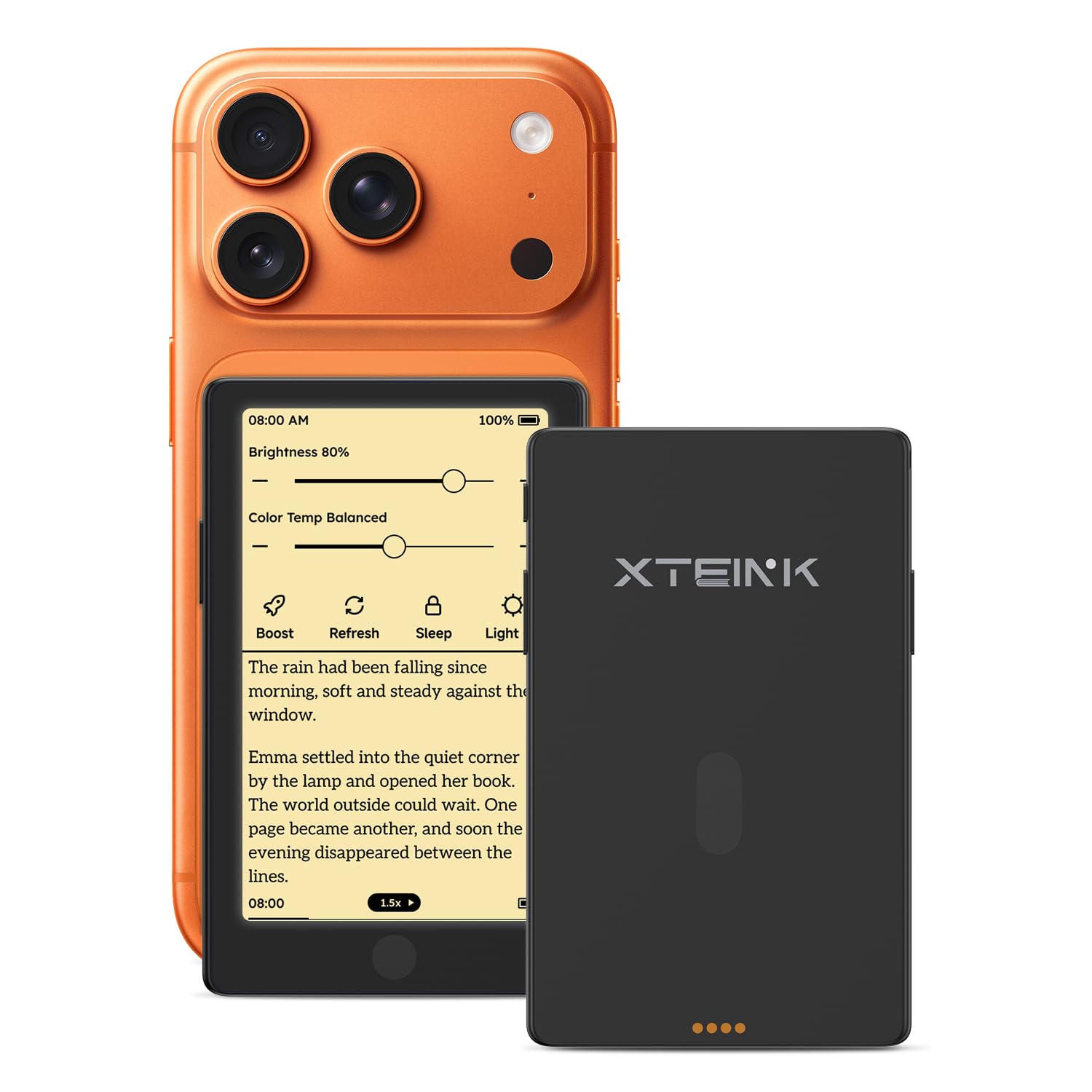
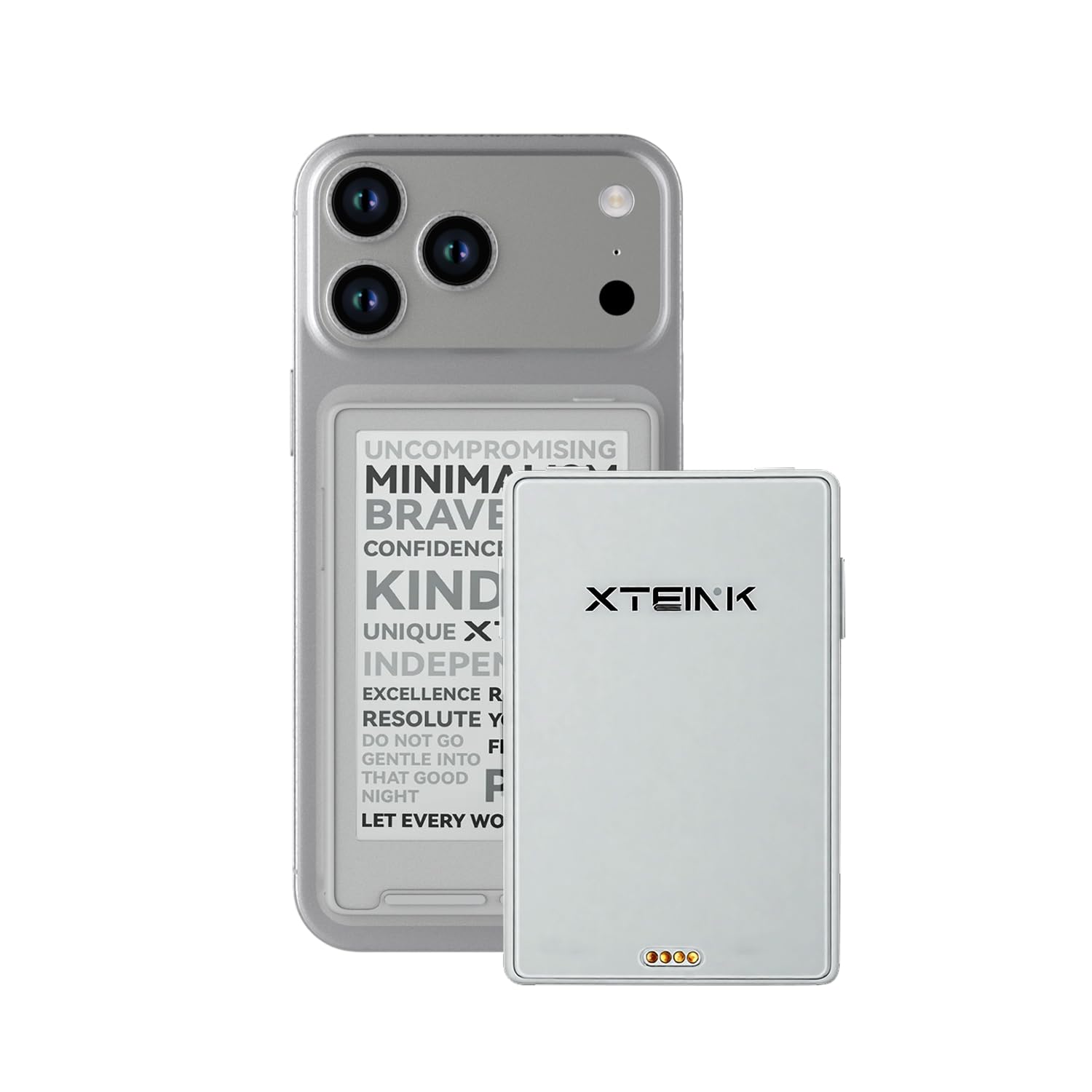
The magnetic ring is the detail that makes the X3 make sense. Stick it to the back of a phone and the 58g reader becomes a second screen for the book you are already carrying; it disappears into a pocket or a small bag.

We like it as a daylight reader. The 3.7-inch screen is sharp enough for text, the physical buttons and gyroscope page turns work for one hand, and the tiny body is genuinely pocketable. But there is no front light, so it is a lamp-or-sunlight device. That is the line: great for commuting and lunch breaks, useless in bed with the lights off.

We think the pogo-pin charging is the other compromise; you need to keep track of its cable, and the tiny screen is not for PDFs or long study sessions. For the right reader, though, the X3 turns dead time into pages.

Bottom line: We recommend the XTEINK X3 for readers who want a 58g pocket device for short sessions; it is a secondary reader, not a library replacement.

How We Tested 10 E-Readers Over Six Months

We started by rounding up every current e-ink reader from the major players, then filtered by screen size, resolution, storage, water resistance, and whether the display has a built-in light at all. We dropped discontinued models and anything priced well past what a regular reader needs to spend, which left us with 10 units. Each one went home with a tester for at least six weeks and had to survive at least one full book.

Battery life was measured in hours, not days: we charged to 100 percent, set every device to the same brightness, and logged the percentage lost per hour of reading, then left each one in a bag for a week to watch standby drain. We weighed them on a kitchen scale and held each one-handed for a solid hour to see whether the size and weight wore on us. Screen quality got a side-by-side test with the same dense paperback page in direct sun and in a dark bedroom, and we watched for ghosting after each page turn.

Responsiveness was judged with a stopwatch and a lot of menu tapping — how fast a page refreshed, how many taps it took to buy a book or borrow one through the library app, and whether a full library of 200 titles slowed the home screen. Usability came down to page-turn buttons versus touchscreen, and whether we looked forward to picking the thing up at night. After six months we also noted which devices had glitchy software or a storefront that kept pushing a subscription, because reliability and value for money are what separate a keeper from a return.

How to Choose Ereaders

Match the Screen to Where You Read

A 6- or 7-inch screen is the comfortable middle for most people: big enough for a novel, small enough to hold for an hour. The 7-inch Kindle Paperwhite and Kobo Libra Colour give a page more room than a 6-inch model, while the Kobo Clara Colour stays lighter in a bag. The 4.3-inch XTEINK X4 Pro is a true pocket reader, and the 11-inch Kindle Scribe is a desk canvas.

The trap is treating pocket size as a universal promise. A 4.3-inch reader fits a jacket or coat pocket, not every jeans pocket, and a large 11-inch screen needs a bag. Pick the screen around the place you actually read, then check the weight.

Decide How Much Light and Control You Need

A front light is the difference between a reader you use at night and one that lives by a lamp. Warm-light control is worth having if you read in bed; the Paperwhite, Libra Colour, and Clara Colour all shift toward amber. The XTEINK X3 has no front light, so it is a daylight-only device.

Physical page buttons are not a spec-sheet luxury. They make one-handed reading easier on a train or while holding a mug, and the Libra Colour and BOOX Go 7 are the strongest examples here. If you always read two-handed, a touchscreen is enough.

Pick the Ecosystem Before the Hardware

Your books matter more than the bezel. Kindle owners get the smoothest store and sync experience, but Kindle purchases do not move to a Kobo. Kobo makes public-library borrowing feel native, and the Clara and Libra are the picks for that. BOOX runs Android apps, which suits readers who split purchases across stores.

Before you choose, list where your next ten books will come from. If they are Kindle purchases, stay with Kindle. If they are library loans or EPUBs, Kobo is the easier fit. If they are scattered across apps, the BOOX Go 7 is the flexible option.

Choose Color Only If You Need It

Color E Ink is a real upgrade for covers, comics, illustrated books, and color highlights. The Kobo Libra Colour, Kobo Clara Colour, and Kindle Scribe Colorsoft show what it adds. It is not a free upgrade for plain novels: the color layer can soften black-and-white text and introduce ghosting.

If most of your reading is text, a black-and-white Paperwhite looks crisper and costs less. If you read manga, cookbooks, or heavily illustrated books, color earns its place. The 6-inch Clara is the compact color choice; the 7-inch Libra adds buttons and a wider grip.

Treat Note-Taking as a Separate Purchase

A reader that accepts a stylus is not automatically a good note-taker. The Kindle Scribe Colorsoft includes its pen and builds the notebook around it, which is why it is the clear pick when handwriting is central. The Kobo Libra Colour and BOOX Go 7 support a stylus, but the pen is an extra purchase and the software is more of an add-on.

If you only jot the occasional highlight, save the complexity and use a touchscreen. If you want handwritten notes, margin annotations, and a large page, choose the Scribe and accept the size. Do not buy a color reader for notes unless you are also buying the pen.

Frequently Asked Questions

Final Verdict

Start with the Kindle Paperwhite if you want one reader for most books. It has the best balance here of screen size, warm light, battery life, and a library that is easy to live with.

Choose the Kobo Libra Colour if color, page buttons, and library borrowing matter more; choose the XTEINK X4 Pro if the device needs to live in a pocket. The Kindle Scribe Colorsoft is the specialist for a large color page and notes, not the default.