Office Electronics

Best Standing Desks of 2026

I didn't realize how much my old desk was shaping my workday until I started alternating between sitting and standing. A good standing desk isn't just a table that moves; it's the difference between a workspace that fits you at 9 a.m. and one you're fighting by 4 p.m. The right one should feel solid when raised, fit your room and routine, and assemble without eating a weekend. Over the past eight months, my team and I have tested eight standing desks in real homes, through deadline weeks, video calls, and kids' craft projects. We built each one, adjusted height ranges, rolled them across floors, and checked how well the frames and desktops lined up.

Standing desks can look identical online, but the differences show up in wobbly frames at full height, vague instructions, and fussy motor controls. We weighed those trade-offs against price, appearance, and everyday function, because a desk that saves money but shakes during typing isn't much of a value. The picks below cover the range we'd recommend for a home office or a replacement desk.

1

FLEXISPOT EN1

Top Pick
FLEXISPOT EN1

Everyday home office

Our Score 9.0/10
Check Price

Worth Noting

  • Controller and switch covered for only two years
Desktop
48 x 24 in
Height Range
28.1–46.3 in
Memory Presets
4
Frame And Motor Warranty
5 years

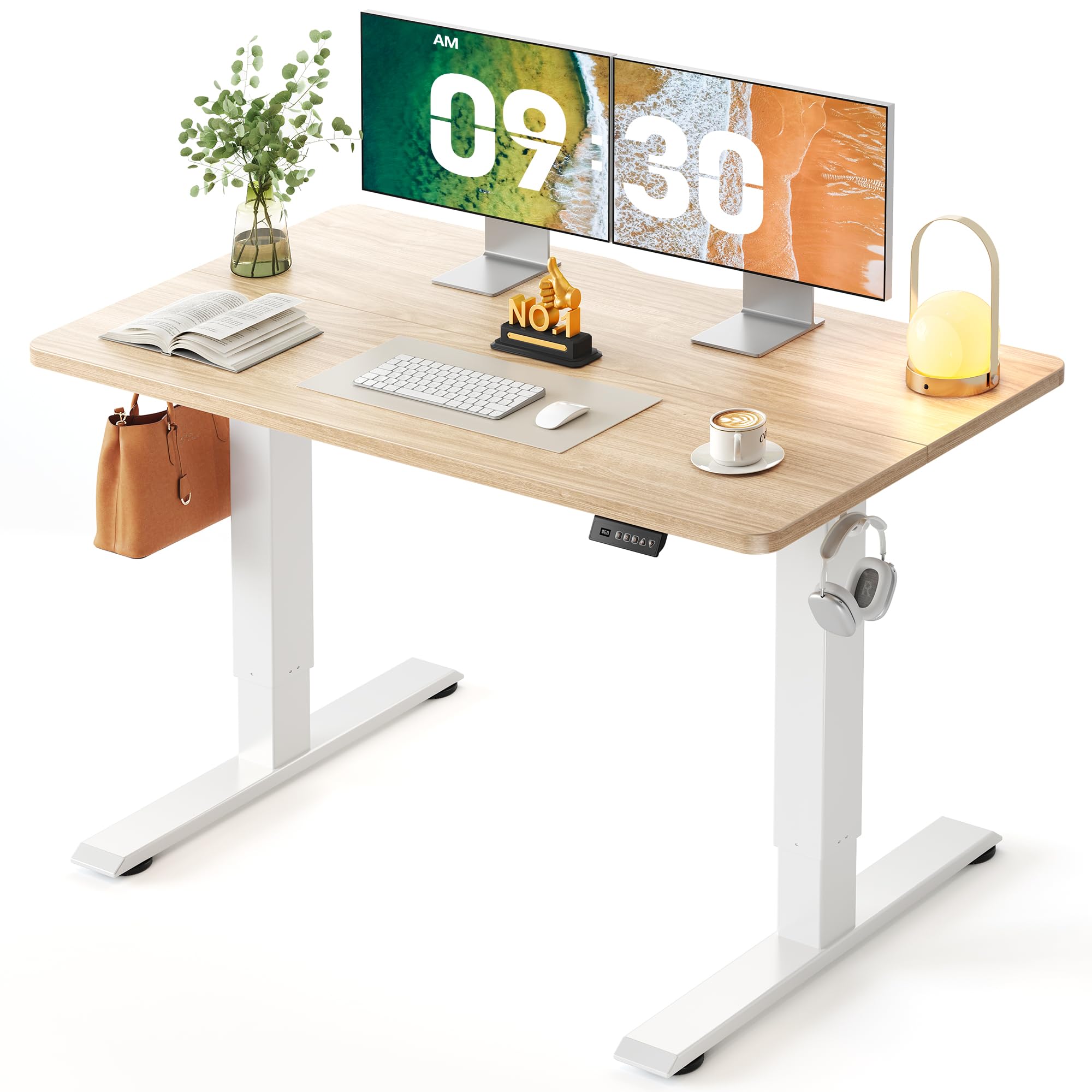
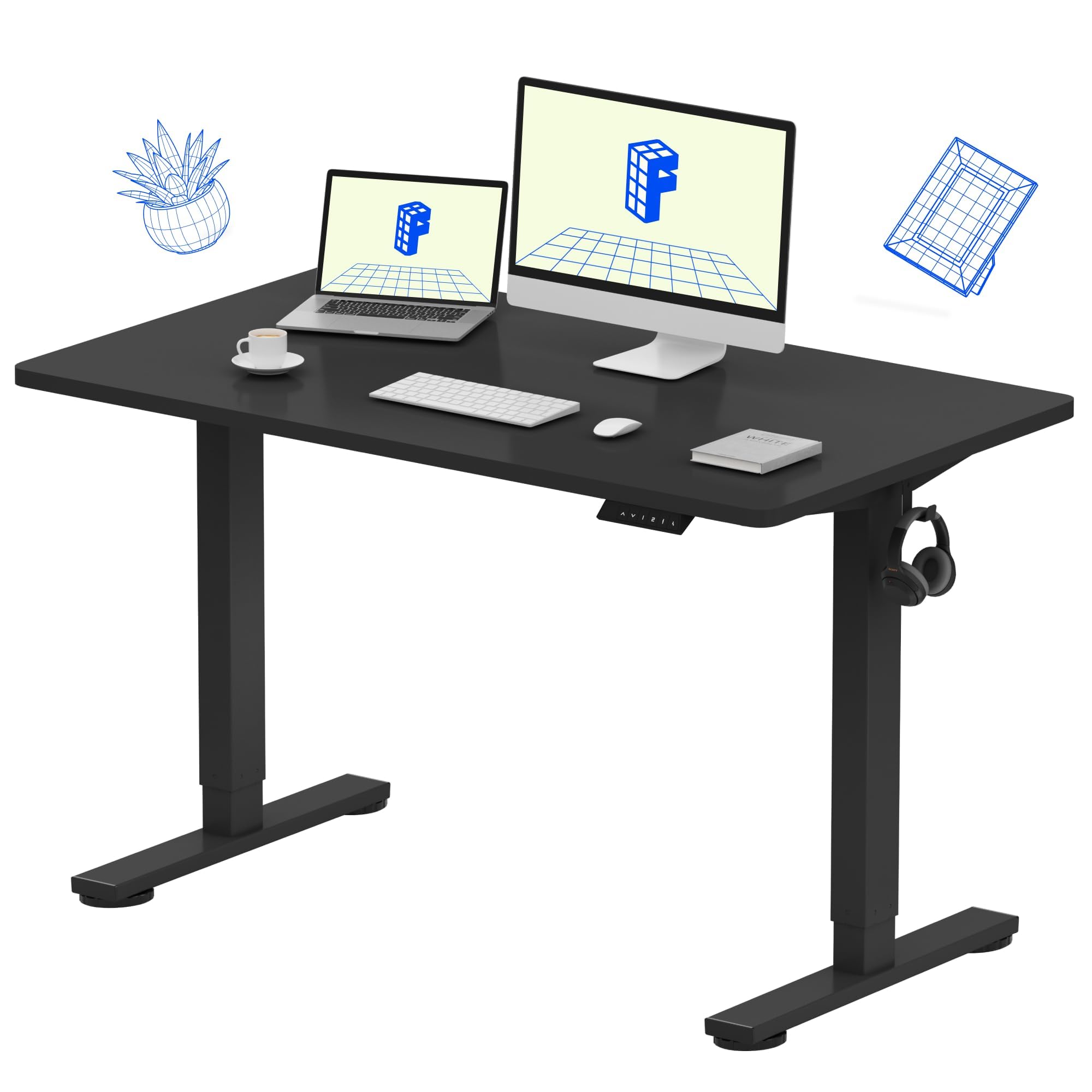
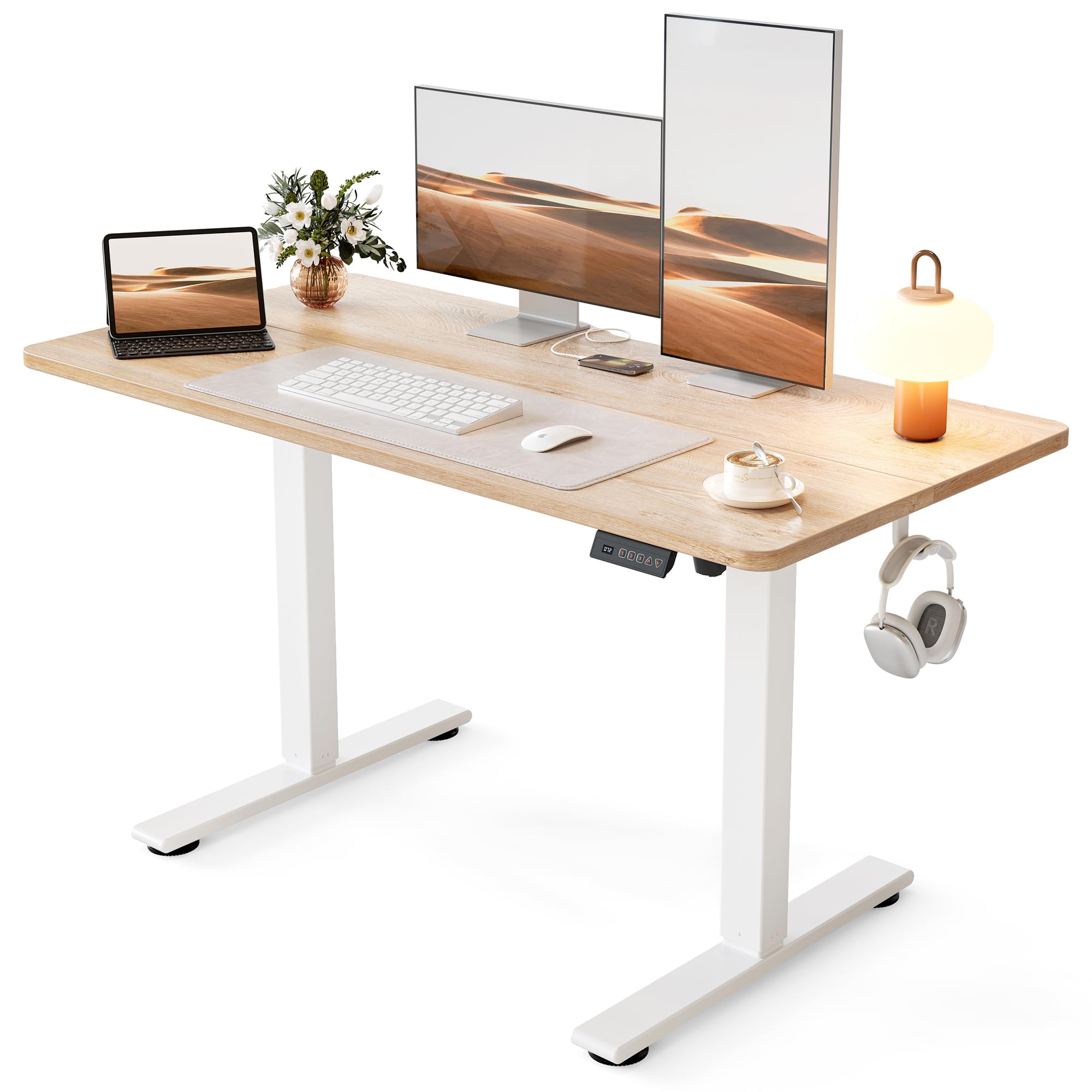
The seam is the first thing we check on an affordable standing desk, and this one doesn't have one. The EN1's 48 x 24-inch top is a single panel, so a mouse tracks across the middle without a ridge and there's nothing to brace a notebook against. Spliced tops are where budget desks quietly save money, and you feel that saving every day, which is why this is the desk most people should start with.

Four memory presets is one more than the three-preset desks here offer, and the extra button earns its place when two people share the setup: each gets a sitting and a standing height without reprogramming anything. The 48-inch surface took two monitors and a laptop with room left for a lamp, and the frame stayed steady at the top of its travel. FLEXISPOT also states real terms, five years on the frame and motor, rather than the vague limited coverage most of this group carries.

Assembly is the part we liked least. The diagrams don't always match the hardware in the box, and the sequence for the top's support bracket is easy to get backward: fit the bracket before you screw the desktop down, not after. Budget an hour and a second pair of hands for flipping the frame. None of that is unusual at this price, and it's the only place the EN1 asked more of us than the others did.

Bottom line: This is the desk we recommend first for a full-time home office: a seamless one-piece top, four presets, and five-year frame and motor coverage.

2

FLEXISPOT EN2

FLEXISPOT EN2

Multi-monitor setups

Our Score 9.2/10
Check Price

Worth Noting

  • The most expensive desk in this group
  • Needs 55 inches of clear wall
Desktop
55 x 28 in
Power Strip
3 outlets, 2 USB
Height Range
28–47.6 in
Memory Presets
4

Three outlets and two USB ports ride in a strip that clips over the back edge of this desk, and that one part changed how our test setup was wired. The power brick came off the floor and a charging cable stopped being something to step over. It's the sort of convenience you notice most when you go back to a desk without it.

The rest is a bigger, heavier version of the EN1. At 55 x 28 inches this is the largest desktop in the group, and its 1-inch top is the thickest, which is why three monitors, a laptop, and a pair of speakers sit on it without anything overhanging the edge. The extra depth does more for comfort than the width: it pushes the screens back to a sensible distance instead of parking them under your nose.

Two practical notes. It ships in two boxes that can turn up on different days, and the instructions assume an electric drill you may not own, so borrow one before the boxes land rather than halfway through. Stability is the other trade: a two-leg frame this wide has more leverage to fight at full height, so a little sway shows up when you lean on the front edge. Against a wall, that stops mattering.

Bottom line: We point two- and three-monitor setups here: a 55-inch, inch-thick top with a clamp-on power strip, provided you can give it the wall space.

3

Cubiker 48x24

Cubiker 48x24

Tight budgets

Our Score 9.2/10
Check Price

Worth Noting

  • Lowest maximum height in this group
Desktop
48 x 24 in
Height Range
27.16–46 in
Memory Presets
3
Desktop Material
Low-VOC engineered wood

This is the least expensive desk in our roundup, and the compromises are smaller than that usually implies. The 48 x 24-inch top is the same size as desks that cost a good deal more, the motor is quiet enough to raise during a call, and stability was what we watched most closely and what turned out fine: two monitors and a laptop sat on it at standing height without a shimmy.

Three presets cover a sitting and a standing height with one spare, and the lift is rated under 45 dB, quiet enough that someone in the next room won't hear it move. The desktop is low-VOC engineered wood, which counts for something if the desk ends up in a small bedroom or a shared space where the smell of new furniture lingers.

Assembly is a one-person job and the instructions are clear, but check the hardware before you tighten anything. Misaligned holes are the problem to watch for on this desk, and a missing threaded insert is a return rather than a redrill. Seat every bolt finger-tight, line the frame up with the top, then torque in sequence, and most of those headaches never happen.

Bottom line: When the budget is fixed, this is the desk we buy: the least expensive here, a one-person build, and steady with two monitors on it.

4

HUANUO 48x24 with Drawers

HUANUO 48x24 with Drawers

Drawer storage

Our Score 9.2/10
Check Price

Worth Noting

  • Sway shows up once it is raised high
Desktop
48 x 24 in
Storage
2 drawers, keyboard cubby
Height Range
27.5–46.4 in
Memory Presets
4

Almost every desk here runs a steel rail along the back edge, directly where a C-clamp monitor mount wants to bite. HUANUO instead leaves a 2.36-inch rear platform edge clear for the clamp, which decides whether the arm you already own can go on the desk at all. That's the detail we noticed first, and it's the sort of thing that's easy to miss until the arm is in your hand.

The storage is the second reason it earns a place. Two drawers swallow a notebook, pens, and a charger, and the open cubby under the top is sized for a keyboard you want out of the way when you stand. The surface is the standard 48 x 24 inches, and the lift starts at 27.5 inches, low enough for a shorter user to sit properly, before climbing to 46.4.

The caution is the controller. A desk that throws a fault code on its first raise is the one failure worth catching immediately, so run the full height range on day one while a return is still simple; a reset is the first thing to try, and a desk that still won't move after that is a warranty conversation. Beyond that, this is the desk we point to when a home office has to hold actual stuff, not just a laptop.

Bottom line: We recommend it when a monitor clamp arm or actual storage has to fit: a clear rear edge, two drawers, and a keyboard cubby.

5

CubiCubi 48x24

CubiCubi 48x24

Visible living spaces

Our Score 9.4/10
Check Price

Worth Noting

  • Finish reads darker than the product photos
Desktop
48 x 24 in
Motor Noise
Under 45 dB
Height Range
28–46.5 in
Memory Presets
3

Walnut laminate at this end of the market usually reads orange in daylight. The light walnut CubiCubi uses is paler and calmer, and of the finishes in this group it's the one we liked most. The 48 x 24-inch top is the same size as most of these desks, and three presets cover a sit and a stand with one spare.

What separates it is how quietly it does everything. The motor is rated under 45 dB, the frame held two monitors at standing height without complaint, and the whole desk reads as more considered than its place in the price order suggests. If it's going into a bedroom, a shared office, or anywhere you'll hear it move, that quiet matters more than an extra preset.

Check the hardware before you commit to the build. Screw holes that don't line up, or a threaded hole that's missing entirely, turn a twenty-minute assembly into a return, and nobody wants that on a desk they've just carried upstairs. Seat every bolt finger-tight, line the frame up with the top, then torque in sequence. If a hole is genuinely missing, send it back rather than drilling.

Bottom line: The one we point to when the desk will be seen: the best finish in this group, a quiet lift, and three presets for a small room.

6

ErGear 48x24

ErGear 48x24

Frequent height changes

Our Score 9.0/10
Check Price

Worth Noting

  • Limited warranty with no stated term
Desktop
47.2 x 23.6 in
Materials
Low-VOC engineered wood
Memory Presets
4
Weight Capacity
176 lb

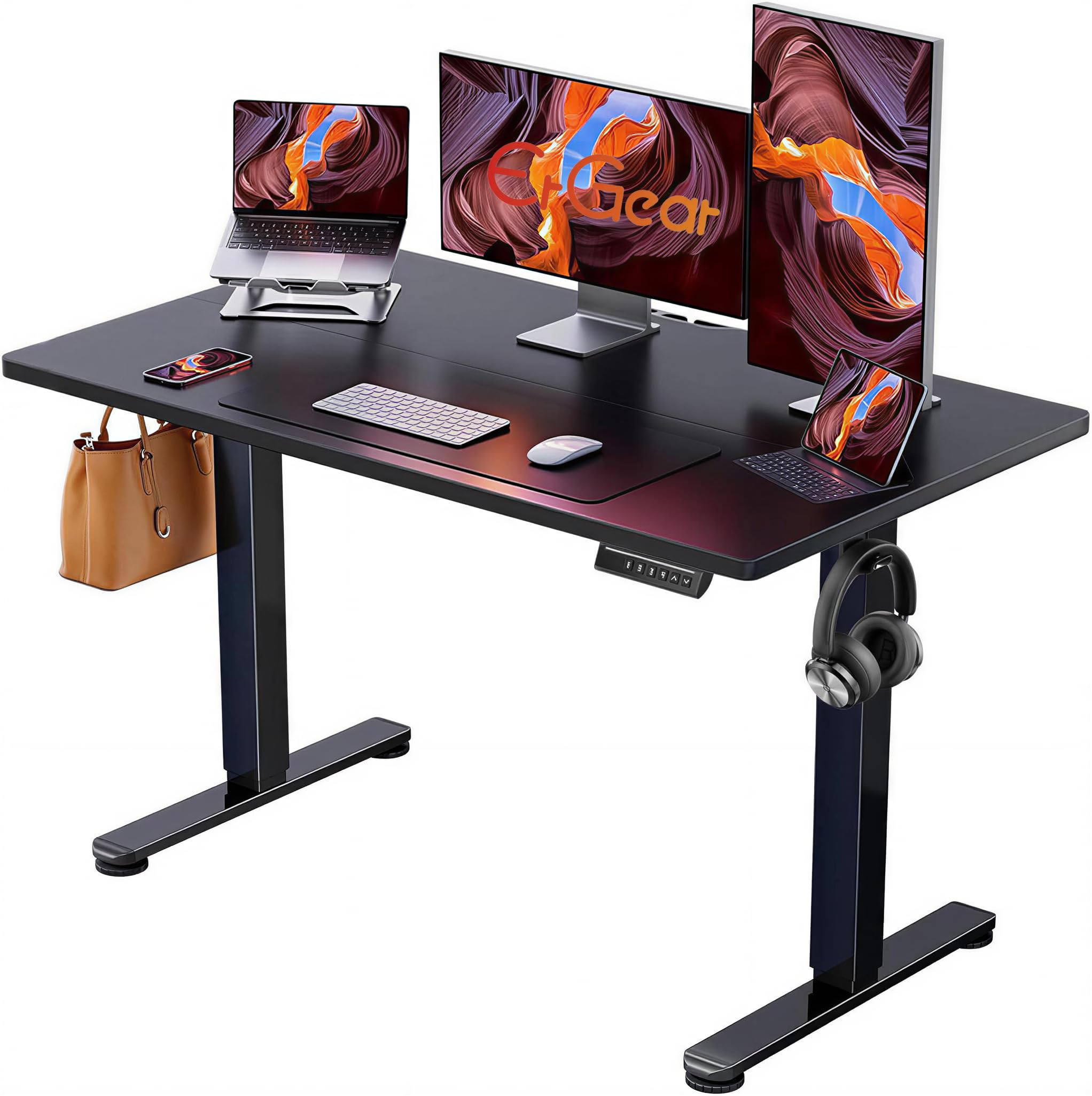
The listing doesn't mention it, but this top is two panels joined at a seam under a thin cover strip. In practice the join disappears under a desk mat and is invisible from standing height; on bare laminate with a mouse, it's a small ridge you learn to avoid. We minded it less than we expected to, and it's the main thing separating this desk from the seamless FLEXISPOT EN1.

Four memory presets at this price is the reason to pick it over the other budget desks. Two people can each keep a sitting and a standing height, and the controller returns to them with one touch instead of a held button. The motor is quiet, the frame is rated for 176 pounds, and the materials are low-VOC, which is worth having if the desk lands in a small room with the door shut.

The frame behaves like the rest of the two-leg desks here: steady with two monitors, a little sway if you lean hard on the front edge at full height. None of that surprised us, and bracing the desk against a wall takes care of most of it. What you're buying is the memory control, and it's the cheapest way to get four of them.

Bottom line: We like it for anyone who raises the desk all day: four memory presets and a quiet motor, with a center seam to live with.

7

FEZIBO 48x24

FEZIBO 48x24

Quiet shared rooms

Our Score 9.0/10
Check Price

Worth Noting

  • Spliced top leaves a center join
Desktop
47.2 x 23.6 in
Motor Noise
Under 45 dB
Memory Presets
3
Lift Cycle Rating
50,000 cycles

Fifty thousand lift cycles is the number FEZIBO puts on its motor, and it's worth translating. At four up-and-down moves a day that's decades of use; at ten a day it's still well past a decade. We treat a figure like that as a durability claim rather than a promise, since nobody has run this desk for thirty years, but it's a more useful thing to publish than a heavy-duty badge.

The rest of the spec sheet aims at the same buyer: under 45 dB at the motor, FSC-certified wood in the top, three memory presets, and a steel frame rated to 176 pounds. In a shared office or a bedroom the noise figure is the one that earns its keep, because a desk you avoid raising at night is a desk you stop raising.

Assembly is the friendliest here on paper. Most components arrive pre-assembled, the tools are in the box, and there's a video guide if the manual loses you. Budget half an hour and you'll be close, which is not something we can say about the two-box desks in this group.

Where that leaves us: this is the quiet, well-made budget desk done properly, and the cycle rating is the kind of number we wish more of these listings published. If the desk is going somewhere people sleep or take calls, it's the one we point to first.

Bottom line: Our pick for a shared or sleeping room: a sub-45 dB motor, FSC-certified wood, and a lift rated for 50,000 cycles.

How We Tested the Best Standing Desks

We started by researching desks that fit common home-office footprints and height ranges, then narrowed the list by frame design, price, and how clearly each maker explained assembly. We ended up with eight desks, from compact two-leg models to larger L-shaped frames, and tested each for eight months in real homes rather than a showroom.

Assembly was the first reality check. We unboxed each desk, sorted the hardware, and followed the instructions step by step, noting where diagrams were vague, parts were mislabeled, or the build really needed two people. After assembly, we checked the fit of the desktop to the frame, looked for gaps or misalignment at the joints, and ran each desk through its full height range several times to see whether the columns moved evenly or the motor strained.

Then we lived with them. We typed through full workdays, took video calls standing up, and raised and lowered each desk multiple times a day to judge how solid it felt at standing height. We pushed each one across carpet and hardwood to see how easily the casters or glides moved, watched for shaking during typing and the occasional bumped elbow, and noted how the controls responded. We also looked at how the desktop surface held up to coffee rings and daily wear, and whether the desk looked at home in a normal room rather than only in photos.

At the end, we compared what each desk delivered against what it cost, factoring in build quality, height presets, and whether it felt like a long-term purchase. The best ones were the desks we stopped noticing: stable, straightforward to assemble, and good-looking enough to leave in the middle of the room.

How to Choose Standing Desks

Height range: the top number is the one that matters

Every desk here adjusts, so the range matters less than its ceiling. A minimum around 27 to 28 inches is comfortable for sitting, and the maximum decides whether standing is really standing or just a slight lean. The desks in this group top out between 46 and 47.6 inches, and that inch and a half is the difference for a tall user between level forearms and a permanent shrug.

Measure your standing elbow height before you order: stand up, let your arms hang, and measure from the floor to the crease of your elbow. The desktop wants to land just below that with the keyboard sitting on top of it. Anyone much past six feet should treat 46 inches as a floor and look at the taller desks here.

Desktop size and depth for real monitors

Forty-eight by twenty-four inches is the default in this group, and it holds two monitors and a laptop if you stay disciplined about clutter. Depth changes more than width: a 28-inch top pushes the screens back to a comfortable viewing distance, while a 24-inch top puts a large monitor closer than you may want it.

If you run three monitors, or a monitor plus a desktop tower, move up to the 55-inch desks. Measure the wall before you do, because a 55-inch top needs a 55-inch gap and the frame adds a little behind it.

One piece or two: what a seam costs you

Spliced tops are cheaper to make and cheaper to ship, and several desks here use them. The join sits under a thin cover strip and you feel it with a bare forearm or with a mouse crossing the middle. It isn't a defect, but it is the first thing to check if you write on paper or use the desk without a mat.

Some listings are honest about it and some aren't, so ask before you order. A one-piece top is the clearest upgrade in this category, and it's the single reason our top pick holds its place.

Presets, motors, and what the warranty covers

Three memory presets are enough for one person: a sit height, a stand height, and a spare. A fourth matters when two people share the desk or when you work at more than one standing height through the day. Motor noise is uniform across this group at around 45 dB, which is quiet enough to raise the desk mid-call.

The finer print is the warranty. FLEXISPOT publishes five years on the frame and motor, while several desks here list a limited term with no number attached. Ask, because a dead controller out of coverage is the expensive failure in this category.

Stability and assembly

Two-leg frames all sway a little at full height, and the wider the desk the more leverage you hand them. If you like to lean on the front edge while standing, put the desk against a wall or take the 48-inch version over the 55. A hard floor is steadier than deep carpet under any of these.

Assembly runs 30 to 60 minutes with the tools in the box. A second person helps with flipping the frame, and at least one desk here expects an electric drill you may not own. Build it in the room it will live in, because a 55-inch desk is awkward to carry through a doorway once it's together.

Frequently Asked Questions

Final Verdict

For most home offices the FLEXISPOT EN1 is the desk to order. A seamless one-piece top, four presets, and five years of frame and motor coverage are the three things we care about most in this category, and it gets all three without climbing into the premium tier.

Go to the EN2 if you need 55 inches and power on the desk itself for two or three monitors. Go to the Cubiker if the budget is fixed and its lower height ceiling still reaches you. Everyone else can stop looking.