Office Electronics

Best Thermal Printer for Shipping Labels of 2026

The night before a big shipping day is no time to discover your label printer jams or prints a barcode too faint to scan. Thermal printers promise faster, cleaner labels than inkjets, but the wrong one just moves the headache to your packing table. The right model feeds a crisp 4x6 label in seconds, pairs with the phone or laptop you actually use, and keeps the backing flat instead of curling in the feed. I've spent six months with a dozen thermal label printers, and the differences surfaced in unglamorous moments: the fifth label of a batch, the reconnection after lunch, the return address that must stay legible under packing tape.

What surprised me most: sharp print quality and ease of use don't always travel together. A printer can produce flawless barcodes and still fight you when you switch devices. I learned to judge these machines over a week of orders, not the first label, watching feed alignment, roll changes, and whether they wake from sleep without drama. The picks earned their place across daily shipping sessions and weekend rushes.

1

Phomemo 241BT

Top Pick
Phomemo 241BT

Everyday shipping

Our Score 8.8/10
Check Price

Worth Noting

  • Only 10 starter labels included
Connectivity
Bluetooth and USB
Max Label Size
4 x 6 inches
Included Labels
10 sheets
Print Resolution
203 x 203 dpi

The 241BT is the one we reach for first when labels are part of the daily routine rather than a weekend chore. It prints standard 4 x 6 shipping labels at 203 dpi, connects by Bluetooth for phones and USB for computers, and comes with 10 starter labels. The premium over the budget picks is real; we think it buys a more polished experience, not a different core job.

At 8.66 by 6.3 by 4.41 inches and 720 g, it earns its place on a crowded packing table. We liked the small footprint and the way the pink body brightens a corner that usually looks like office equipment. There are no ink or toner costs, and the direct thermal output is crisp enough for addresses and barcodes.

Setup is the strongest part of the case. The app is straightforward, the templates are useful for more than shipping, and labels print quickly from a phone. Bluetooth is the one place we slow down: reconnecting after a break can take a second attempt, so we keep a USB cable nearby for laptop batches.

If you print only a handful of labels a month, a cheaper model will do. We choose the 241BT when the shipping station is also the kitchen counter and you want the routine to feel small, quick, and tidy.

Bottom line: We recommend the 241BT as the default for sellers who print from both a phone and a laptop and want the smoothest daily routine, provided the premium is acceptable.

2

JADENS JD268BT

JADENS JD268BT

High-volume shipping

Our Score 8.8/10
Check Price

Worth Noting

  • Larger than compact rivals
Label Sizes
Circle label, 4×6, 3×3, 3×2, 2×1 inches
Connectivity
Bluetooth and USB
Included Labels
50 test labels
Print Resolution
203 x 203 DPI

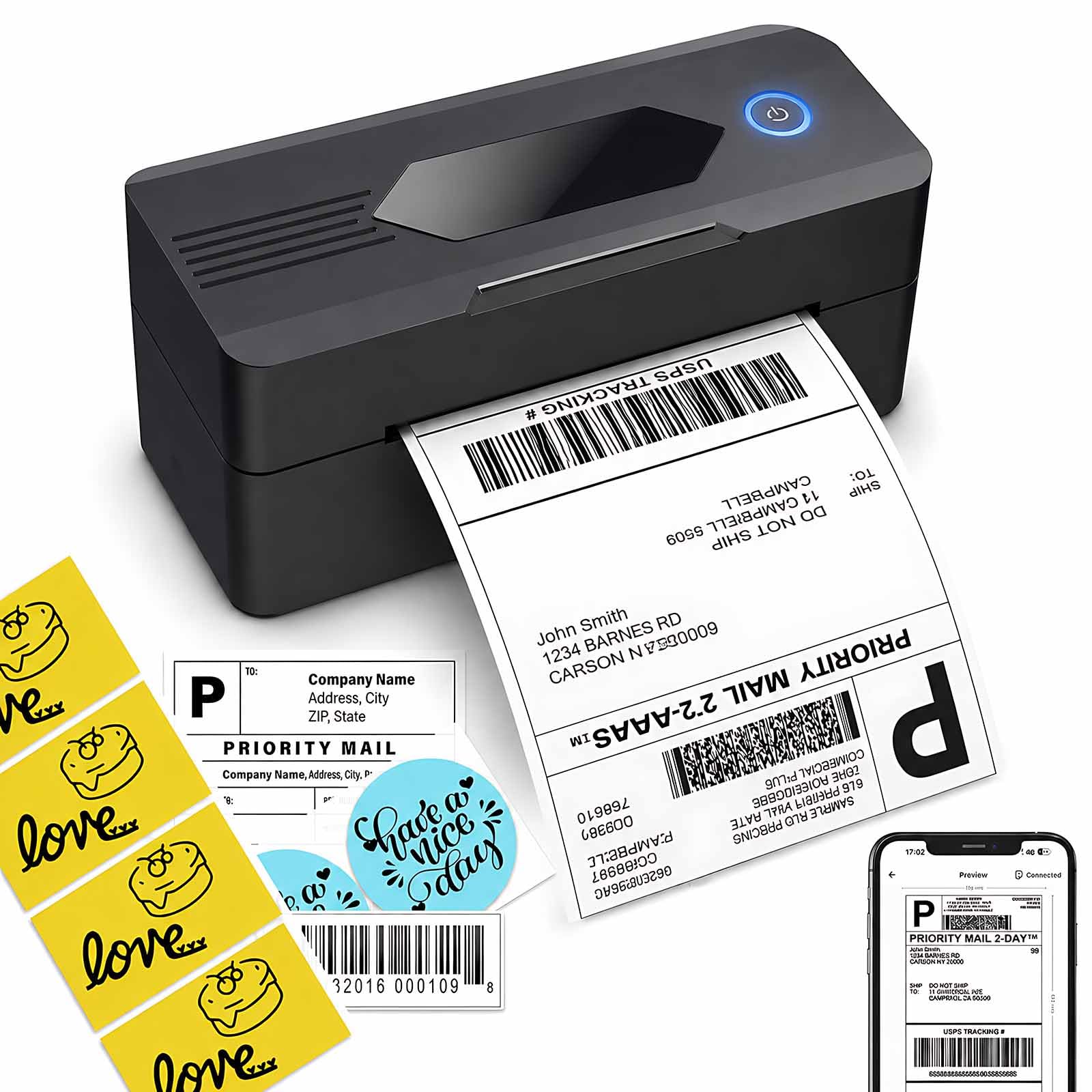
The JD268BT is a shipping printer with a side interest in small labels. It takes the standard 4 x 6 label plus circle labels, 3 x 3, 3 x 2, and 2 x 1 sizes, so the same machine can handle packages, jars, and shelf tags. The 203 dpi output and 50 test labels make it ready for a first run, and the body is compact enough for a dedicated shipping corner.

We recommend it to a busy shipper who wants more label-size range than the budget picks offer and does not need the top pick's polish. It prints quickly, the app covers the usual shipping platforms, and USB is the steady route for a desktop. Bluetooth is the fussy part: pairing can take a couple of tries, and we keep the cable nearby for batch days.

What we appreciate most is the flexibility. Being able to switch from a 4 x 6 address label to a small 2 x 1 tag without changing machines is worth more than a slightly smaller footprint. The JD268BT is the practical middle of this group: less expensive than the premium pick, broader in label sizes than most, and familiar enough that setup does not become a project.

Bottom line: We recommend the JD268BT for busy shippers who want a wide label-size range from a familiar all-rounder, provided they treat Bluetooth as a convenience rather than the main workflow.

3

Labeer Y43BT

Labeer Y43BT

Budget shipping

Our Score 8.4/10
Check Price

Worth Noting

Weight
15.9 oz
Label Sizes
4×6,4×4,4×2,2×1 inches
Connectivity
Bluetooth and USB
Print Resolution
203 x 203 dpi

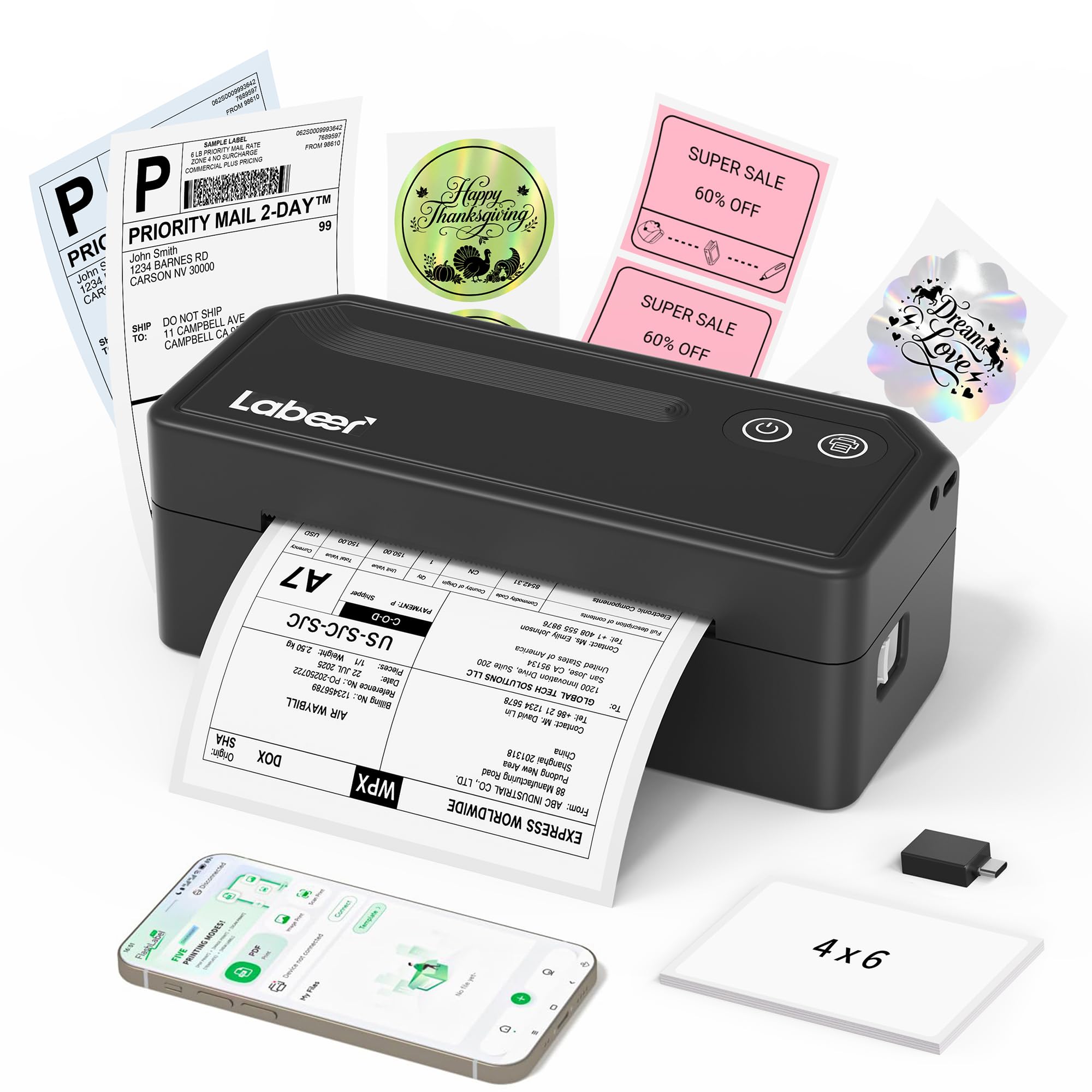
The Y43BT is our budget choice because it nails the parts that matter: 203 dpi direct thermal printing, 4 x 6 shipping labels, Bluetooth and USB, and a 450 g body that takes up little room. It costs less than the midrange picks, and we think most light shippers should start here rather than pay for features they will not use.

We like that it also handles 4 x 4, 4 x 2, and 2 x 1 labels, so occasional product or address labels are covered. The phone workflow is clean: save a label as a PDF, open the app, and print over Bluetooth. On a computer, USB is plug-and-play after the driver, and the feed has been straightforward once the label guides are set.

Our one caution is to test the wireless workflow in your first week, because Bluetooth is the part of any budget printer that can turn into a time sink. If the phone connection gets stubborn, USB is the simpler path. That does not change the recommendation for a small seller who wants a low-cost workhorse.

Bottom line: We think the Y43BT is the budget pick to beat for a small seller who wants clear 4 x 6 labels, a compact body, and simple setup.

4

KNAON Y813BT

KNAON Y813BT

Small desks

Our Score 8.8/10
Check Price

Worth Noting

  • Print quality can be inconsistent
  • Bluetooth pairing can be unreliable
Weight
2.8 lb
Connectivity
Bluetooth and USB
Max Media Width
4.2 inches
Print Resolution
203 x 203 dpi

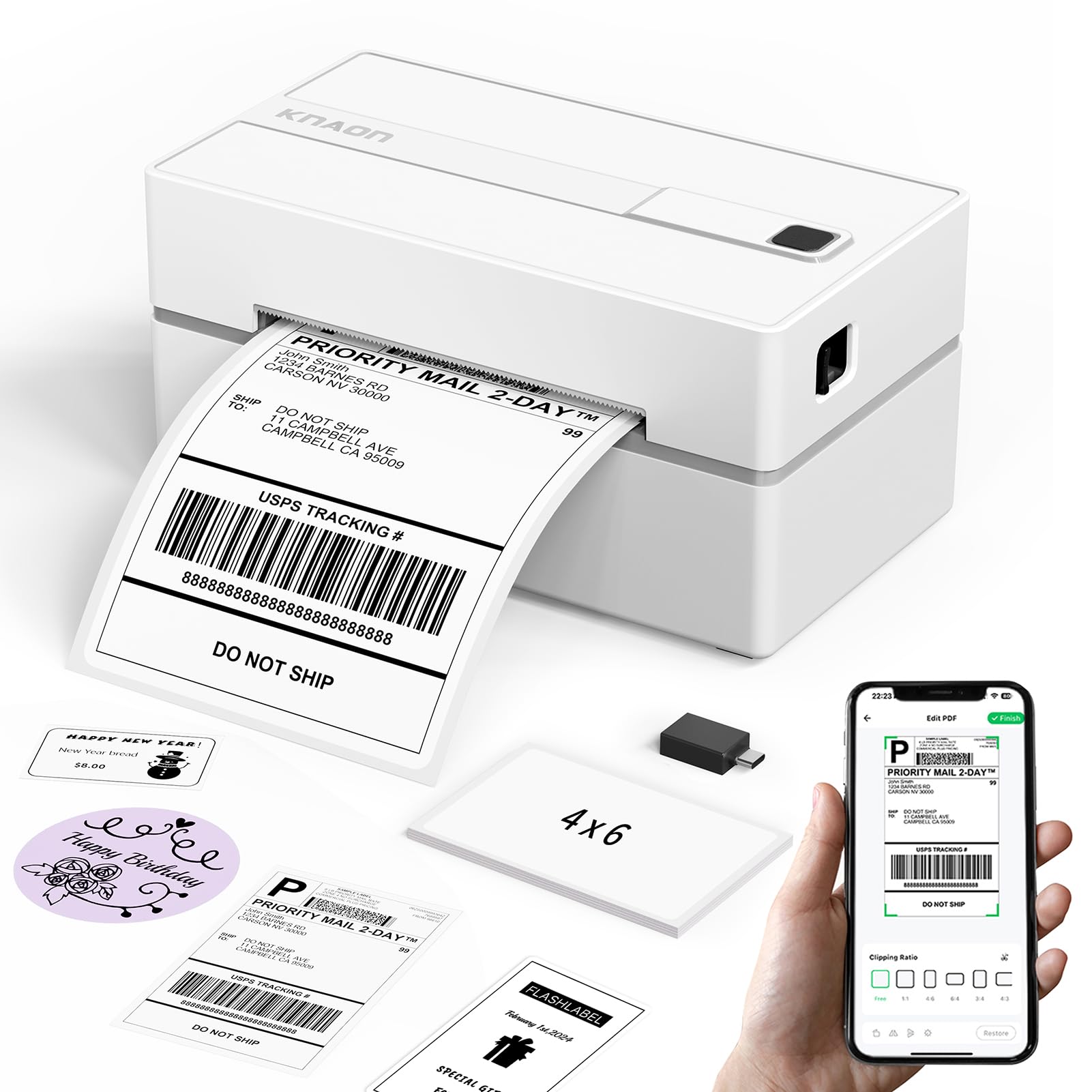
The Y813BT is the smallest-feeling printer here. Its listed body is 5.46 by 3.03 by 2.61 inches and 2.8 pounds, which makes it easy to slip beside a laptop or move between rooms. The white finish looks lighter than the usual black box, and the 203 dpi head handles standard 4 x 6 labels.

We recommend it when space, not speed, is the deciding factor. It connects by Bluetooth or USB and has a small enough footprint to live on a shelf beside a laptop. If you work from a kitchen table, that is the difference between leaving it out and putting it away every time.

The Y813BT is happiest as a light-duty machine. Set it up once, run a test label, and keep the guide card handy when you change media. For a few labels a week, the small footprint is the feature that matters; for a full day of shipping, choose one of the larger, faster picks instead.

Bottom line: We recommend the Y813BT when desk space is the constraint; its compact body and 203 dpi output earn the spot for light shipping.

5

Arrvel A42BT

Arrvel A42BT

Tidy workstations

Our Score 8.8/10
Check Price

Worth Noting

  • Label feeding can waste stock
Connectivity
Bluetooth and USB
Max Label Size
4 x 6 inches
Print Resolution
203 x 203 dpi
Included Accessories
Label holder and stand

The A42BT arrives with a label holder and a stand, which sounds like a small extra until a roll of labels starts sliding around a packing table. The holder keeps stock upright and the printer angled toward you, so the station needs less fiddling between orders.

The core numbers are familiar: 203 dpi, 4 x 6 shipping labels, Bluetooth for phones, USB for computers, and 20 test labels in the box. It measures 7.2 by 3.15 by 2.56 inches, small enough to leave out without turning a counter into a print shop.

We recommend it for the seller who wants the desk to feel organized, not just the labels to print. Output is crisp for addresses and barcodes, and the app is easy to navigate. The holder does its job: labels stay upright, and the printer stays angled toward you between orders.

Bottom line: Our pick for a tidier packing station is the A42BT, whose built-in holder keeps labels ready and whose 203 dpi output is crisp enough for daily shipping.

6

Rongta RP425

Rongta RP425

Hands-off feeding

Our Score 8.0/10
Check Price

Worth Noting

  • Bluetooth connection can drop
Print Speed
150 mm/s
Connectivity
Bluetooth and USB
Label Handling
Automatic label identification
Print Resolution
203 x 203 dpi

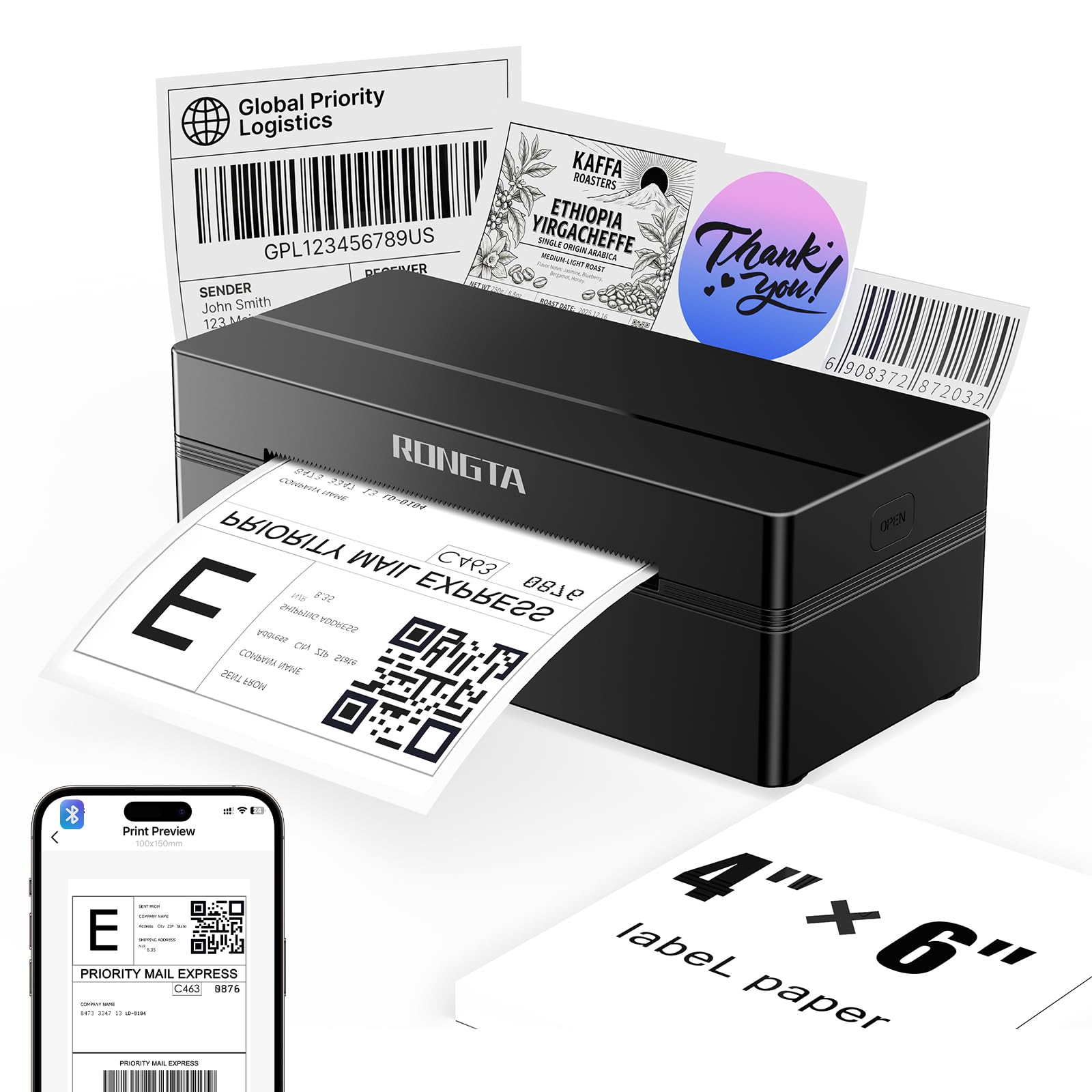
Automatic label identification is the RP425's calling card. It detects, grabs, and feeds the label without you threading and aligning every sheet, which is a real convenience if you switch label sizes often. That feature makes the RP425 feel more automated than its budget price suggests.

It prints 4 x 6 labels at 203 dpi and up to 150 mm/s, connects by Bluetooth or USB, and handles labels up to 4 inches wide. The body is compact enough for a shelf, though it is not the smallest here.

It earns a place for a mixed-label workflow where hands-off feeding matters more than polish. The automatic feed is the reason to choose it over a simpler budget printer, and the 150 mm/s rating keeps a batch moving. For a small seller who changes label sizes often, that convenience is worth more than a smaller footprint.

Bottom line: We like the RP425 for hands-off label feeding and mixed label sizes; automatic setup is the reason to choose it over simpler budget printers.

7

Mvgges POS-9270

Mvgges POS-9270

Low-cost backup

Our Score 8.4/10
Check Price

Worth Noting

  • Bluetooth pairing can be inconsistent
  • Print quality can be uneven
Label Width
35-104 mm
Print Speed
160 mm/s
Connectivity
Bluetooth and USB
Print Resolution
203 x 203 dpi

The POS-9270 is the cheapest way into 4 x 6 shipping labels in this group, and it still lists a 160 mm/s print speed and a 203 dpi head. Those are not numbers that make it feel like a toy on paper.

It handles label widths from 35 to 104 mm, connects by Bluetooth or USB, and measures about 7.28 by 3.15 by 2.56 inches. The all-black body is plain but inoffensive, and the compact shape leaves room for a scale.

We treat it as a second printer or a starter unit rather than the center of a busy fulfillment desk. It is at its best with short runs, a single phone, and a simple routine; the compact body leaves room for a scale, and the speed is genuinely useful when you have a handful of orders to clear.

For a seller who prints a few labels a day and wants to spend as little as possible, the POS-9270 does the core job. We recommend it with eyes open: run a short batch before a busy afternoon, and treat it as a light-duty tool.

Bottom line: We see the POS-9270 as a second printer or starter unit for light shipping: it prints fast for the money and takes up very little desk.

8

HKHKPI N40

HKHKPI N40

Color-minded sellers

Our Score 8.0/10
Check Price

Worth Noting

Finish
Pink
Connectivity
Bluetooth and USB
Max Label Size
4 x 6 inches
Print Resolution
203 x 203 dpi

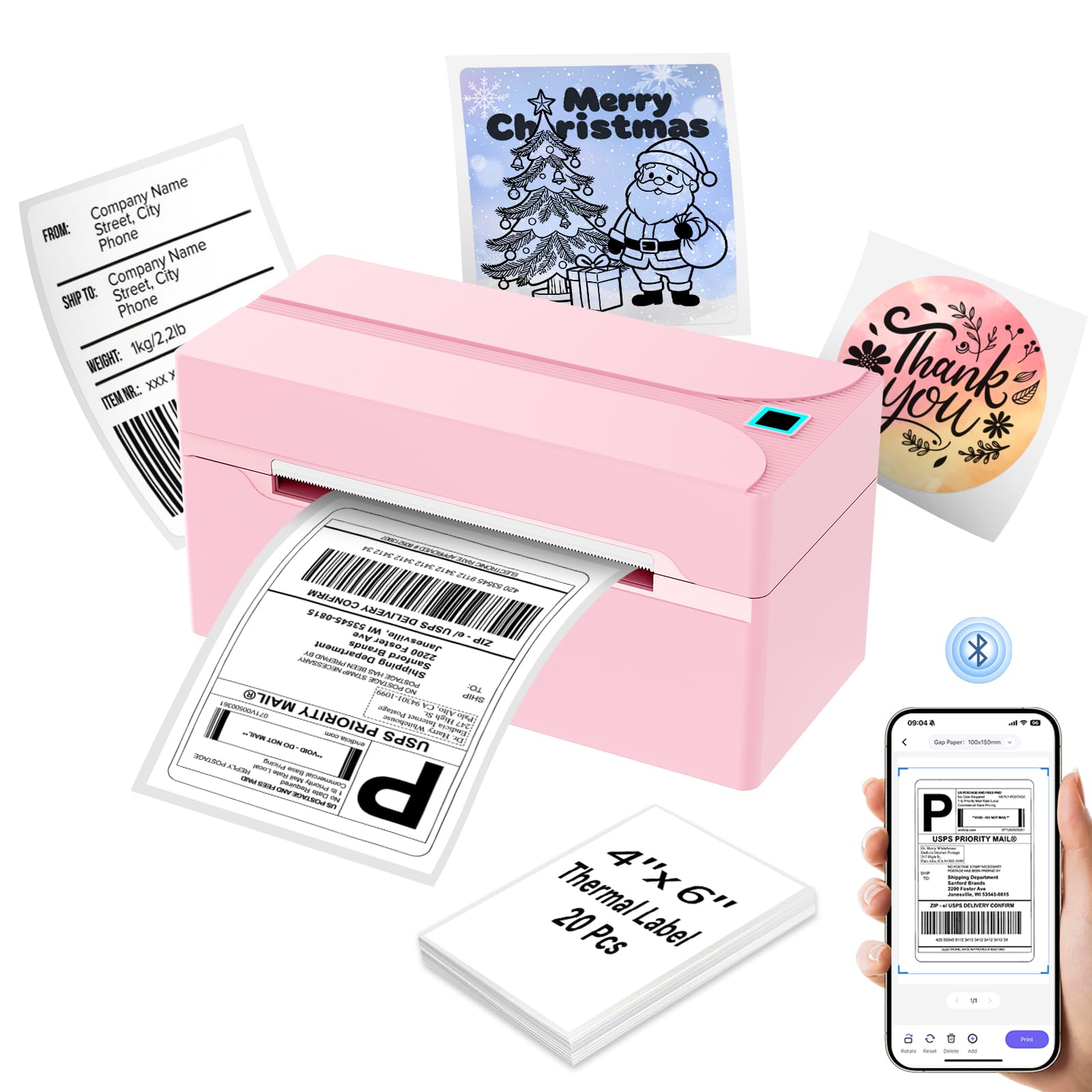
The N40 comes in pink, and that is not a throwaway detail if your shipping station doubles as a craft room or a visible corner of the house. It is a compact 203 dpi 4 x 6 printer with Bluetooth and USB, and the finish gives it a friendlier look than the usual black boxes.

The basics are tidy: it uses direct thermal media with no ink, weighs around 722.5 g, and handles standard 4 x 6 labels. The footprint is small enough to leave out, and the controls are simple enough that the manual can go back in the drawer.

We noticed the N40 is happiest as a light-duty machine: a few labels at a time, a phone, and a simple routine. The wireless connection is the part to test first, because Bluetooth can be the weak link in this class; USB is available when you want to remove that variable.

We recommend it for a small seller who wants a cheerful printer on a visible desk and does not need a high-volume workhorse. If labels are your business's lifeblood, the Phomemo or JADENS is the safer place to spend.

Bottom line: We recommend the N40 for a light-shipping seller who wants a small, cheerful printer for a visible desk, not a high-volume workhorse.

How We Tested Thermal Label Printers

I started by narrowing the field to printers that could handle standard 4x6 shipping labels and had a plausible path to the devices most shippers use: laptops, phones, and tablets. I filtered out models with vague compatibility claims or no clear way to reload labels, then brought in 12 printers across a range of prices, sizes, and connectivity options. Testing ran for six months in a home shipping corner that doubles as a weekend order-packing station, with occasional batches run from a kitchen counter to see how easily each unit moved.

Setup was timed from box opening to first printed label, including pairing over USB, Wi-Fi, and Bluetooth, installing the driver or app, and loading a roll. I printed standard 4x6 labels, smaller address labels, and barcode-heavy labels, then checked small type under a desk lamp and scanned every barcode with a handheld scanner and a phone. To judge print quality and label quality, I rubbed labels after they sat under packing tape, bent them around box corners, and watched whether edges curled or adhesive lifted in a warm room. For speed and reliability, I timed 20-label batches, noted warm-up delays, and tracked jams, misfeeds, and wake-from-sleep failures over everyday shipping sessions. Ease of use got judged on roll changes, clearing a jam, and swapping between phone and laptop without reopening a manual. Value came down to how many labels shipped in the box, how often a roll needed replacing, and whether the printer kept working without fuss.

The pattern was consistent: the models with the sharpest small text were not always the easiest to pair, and the fastest printers sometimes needed more careful label alignment. I kept each unit in rotation after the formal test period for return labels and resale packages, and I'll update this list if a roll change, software update, or Bluetooth dropout changes the ranking.

How to Choose the Right Thermal Printer for Shipping Labels

Start with 4 x 6 and direct thermal

Standard shipping labels are 4 x 6 inches, and a direct thermal printer needs no ink or toner: the printhead heats the label stock to make the image. That is why these printers are small, clean, and cheap to run. Check the maximum media width and whether the feed accepts the label format you plan to buy, whether fanfold or roll. A 203 dpi printer is the norm here and is plenty for addresses and barcodes; the paper and alignment matter more than a higher resolution number.

Pick the connection you will actually use

Bluetooth is the convenient choice for phone-first sellers: open a label PDF in the app and print without walking to a computer. USB is the steadier route for a desktop, especially when you print batches. Many printers do both, and that is the combination we prefer. Before you rely on wireless, pair it once, print a label, let the printer sleep, and print again. If reconnecting takes more than a moment, use USB for your main workflow and keep Bluetooth for quick phone jobs.

Judge output by barcode scans, not DPI alone

A 203 dpi printhead can produce a crisp shipping label, but only if the media is loaded straight and the printhead is clean. The practical test is not a settings menu; it is a real label from your shipping platform. Print one, scan the barcode with the same scanner or phone your carrier uses, and check the address text at arm's length. If the barcode scans cleanly and the tiny text is legible, the printer is doing its job. Faint stripes or smeared bars mean cleaning, alignment, or a media problem.

Feeding and calibration save more time than speed

Label feeding is where cheap printers separate themselves. Manual guides need to be set correctly and can drift when you change stock; automatic label identification grabs and positions each label for you. The Rongta RP425 is the clearest example here of a feeding feature that changes daily use, while the Arrvel A42BT's holder keeps a roll organized between jobs. Whatever you choose, run a short batch before a busy shipping afternoon. A printer that wastes three labels per reconnect is slower than one that feeds reliably every time.

Match footprint and throughput to your volume

A compact body matters if your shipping station is also a kitchen counter or a shared desk; the Phomemo 241BT and KNAON Y813BT earn their places there. If you print dozens of labels a day, put more weight on speed, feed reliability, and label-size flexibility, which is where the JADENS JD268BT makes sense. For occasional sellers, the Labeer Y43BT proves you do not need to pay for throughput you will never use. Remember that the printer is the upfront cost; labels are the ongoing one.

Frequently Asked Questions

Final Verdict

The Phomemo 241BT is the printer we recommend first because it turns phone and laptop label printing into a short, predictable routine, and the compact body fits a real packing station. It costs more than the budget picks, and that premium is the main decision. If you need the widest label-size range in this group, choose the JADENS JD268BT; if you want a low-cost light-duty printer, the Labeer Y43BT is the one we point to.