Trezor Safe 3
Top Pick
What We Like
- EAL6+ secure element with open-source firmware
- Screen shows address and amount before signing
- Multi-share backup removes a single point of failure
- Least expensive of the wallets we recommend
Worth Noting
- Needs a computer and a cable to sign
- Backup
- Multi-share
- Weight
- 0.5 oz
- Connection
- USB-C
- Secure Element
- EAL6+
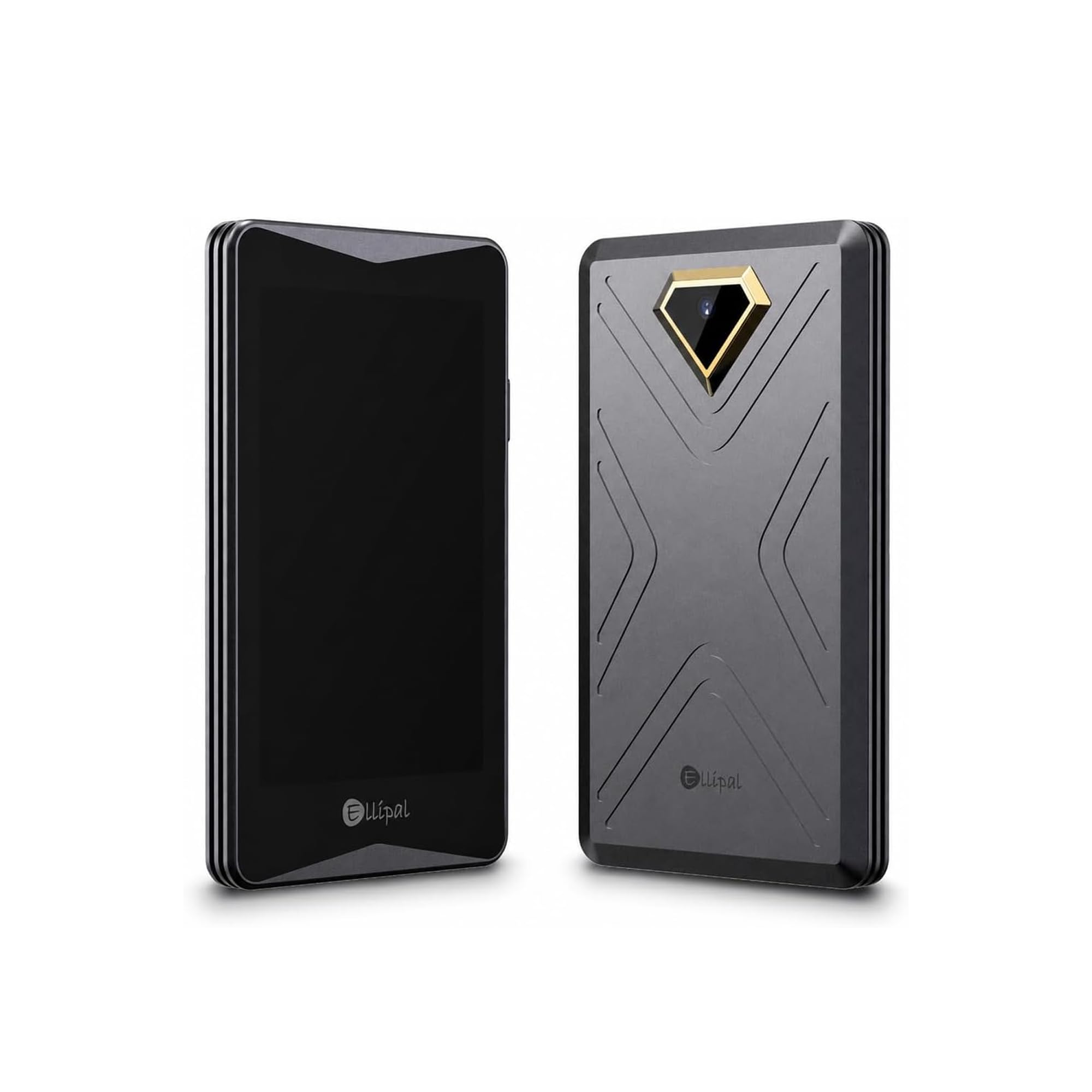
There's no battery in the Safe 3, and no radio of any kind. It's a 14-gram aluminum bar you plug into a laptop, and after living with the wireless wallets in this guide we stopped reading those absences as cuts and started reading them as the point. What's left is an EAL6+ secure element holding the keys, open-source firmware anyone can audit, and an OLED screen that shows the address and the amount before you press a button.
Setup is where we paid closest attention, because it's where people quietly give up. The Safe 3 generates the wallet on the device itself, and the recovery option Trezor calls multi-share backup is the detail worth knowing: rather than one sheet with twenty-four words on it, the backup splits into shares, and no single share rebuilds the wallet. That's a better answer to "where do I keep this" than a card in a drawer, though it does mean keeping track of more than one piece of it.
Day to day, it's pleasantly dull. Trezor Suite handles balances, sending, receiving and the firmware updates that keep the device current, and the two-button confirmation is easy to learn — you're checking an address on a small screen and pressing twice, not navigating a menu tree. Nothing about the flow invites a mistake.
What tips it for us is that none of this is premium-priced. The Safe 3 is the least expensive of the wallets we recommend here, and the certified chip inside is the same part Trezor puts in its touchscreen model.
Bottom line: We point first-time buyers here: a certified secure element, open firmware and a screen you can actually read, in the least expensive wallet we recommend.