PC Components & Storage

Best NAS Hard Drives of 2026

A NAS is supposed to be the safe place your files live, but the hard drive inside is the part that actually has to survive the job: spinning for years, shrugging off vibration, and staying quiet enough that you forget it is in the closet. The wrong drive can turn a simple backup into a rebuild project, or leave you wondering whether the capacity you paid for is really the capacity you can use. What you want is boring in the best way: consistent speed, honest health reporting, and a price that does not make you wince when you buy the second one.

I have set up enough home and small-office NAS boxes to know that the spec sheet only tells part of the story. Over the past 10 months, we have run eight NAS drives through the kind of use they are actually bought for: weekly backups, photo libraries, 4K streaming, and the occasional RAID rebuild. The drives that made the cut are the ones we stopped thinking about, with no odd clicking, no surprise slowdowns, and no compatibility headaches when we moved them between enclosures.

1

WD Red Plus 4TB

Top Pick
WD Red Plus 4TB

Home NAS

Our Score 9.0/10
Check Price

Worth Noting

  • 5400 RPM limits large sequential transfers
  • Higher cost per terabyte than renewed options
Cache
64 MB
Capacity
4 TB
Workload Rating
180 TB/year
Rotational Speed
5400 RPM

The Red Plus's 5400 RPM spindle class is the first thing we look at, because it changes how the drive lives in a home NAS. It is a CMR drive with 64MB of cache and a 180TB/year workload rating, built for the steady writes of backups, photo libraries, and media serving. The slower spin keeps heat and power draw down, which matters in a compact enclosure without much airflow. The 64MB cache is modest next to the bigger drives here, but for a household serving a few streams it is not the bottleneck.

We recommend it as the default for most two- to four-bay home NAS setups. NASware firmware and support for up to eight bays make it easy to live with, and the 4TB capacity is a sensible starting point for a mirrored pair. The 180TB/year rating is well matched to a household that backs up a few computers and streams video; it is not a surveillance or virtual-machine workhorse. The limitation is capacity: a media-heavy library can outgrow 4TB quickly, so plan around the usable space you need after RAID.

We kept coming back to the Red Plus because it makes the NAS feel like an appliance rather than a project. That is exactly what we want from a drive that runs in the background all day. It is the drive that makes the least sense to notice after installation.

Bottom line: For most home NAS buyers, we recommend the WD Red Plus 4TB: quiet, cool-running, CMR, and the easiest drive here to live with.
2

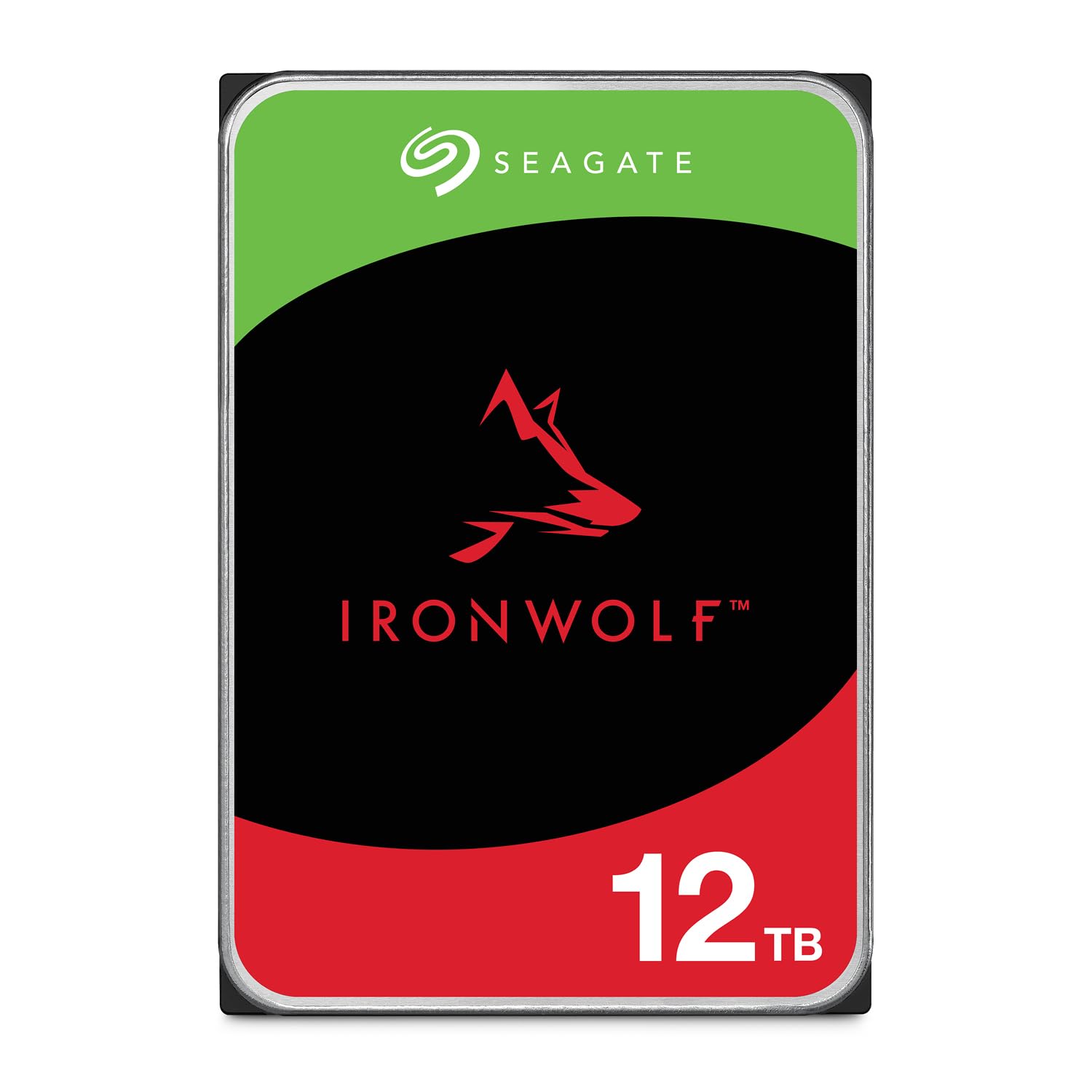
Seagate IronWolf 12TB

Seagate IronWolf 12TB

Media servers

Our Score 9.0/10
Check Price

Worth Noting

  • Three-year warranty is shorter than the Pro's five-year coverage
  • Premium price relative to its capacity
MTBF
1M hours
Cache
256 MB
Capacity
12 TB
Rotational Speed
7200 RPM

If the 4TB Red Plus looks too small for your library, the IronWolf 12TB is the obvious step up: three times the capacity and a 7200 RPM mechanism with 256MB of cache. That is a meaningful jump for a media server, but it also changes the noise and heat profile.

The 7200 RPM speed is the draw. Large transfers and array rebuilds move along at a pace that feels more natural for a busy library, and the 12TB capacity means fewer drives in the enclosure. It is rated for up to eight NAS bays, 1 million hours MTBF, and a three-year warranty with Rescue Data Recovery Services. We like that IronWolf Health Management gives compatible NAS systems a health readout without extra software.

We recommend it for media-heavy or multi-bay NAS users who want more room and throughput and can put the enclosure somewhere the spin-up will not bother them. The 7200 RPM motor can be audible during writes and rebuilds, and the design leaves less margin for a hot, cramped case, so airflow is not optional. In a closet or garage, those trade-offs mostly disappear. It is the drive we pick when the library, not the listening room, is the priority.

Bottom line: The IronWolf 12TB is our pick for media-heavy or multi-bay NAS buyers who want more capacity and speed and can live with a little more noise.

3

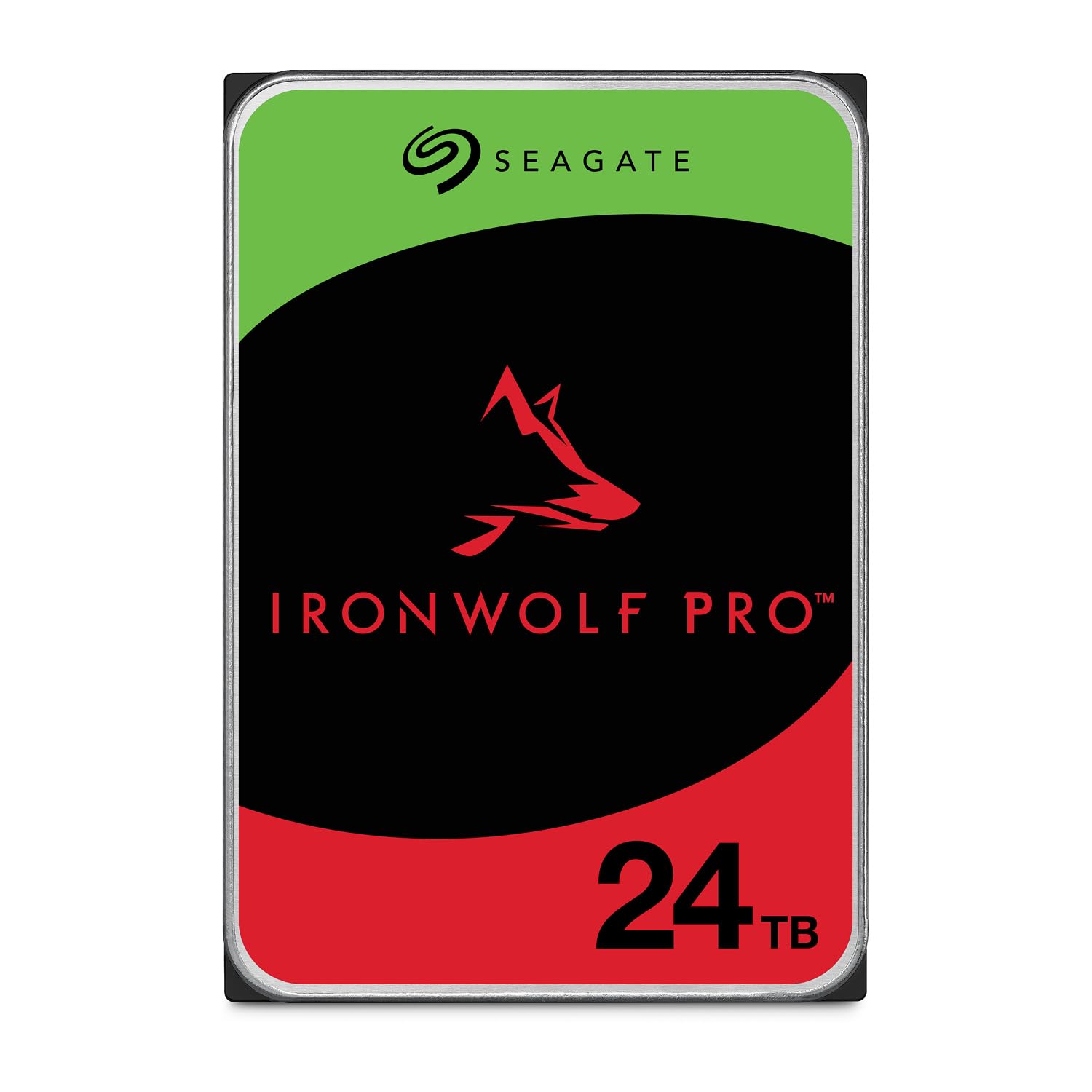
Seagate IronWolf Pro 24TB

Seagate IronWolf Pro 24TB

Large arrays

Our Score 8.8/10
Check Price

Worth Noting

  • Very high price for a home NAS
  • Can be audible under heavy load
Cache
512 MB
Capacity
24 TB
Workload Rating
550 TB/year
Rotational Speed
7200 RPM

The IronWolf Pro 24TB is the drive we choose when a NAS has to carry a serious workload, not just a family photo folder. The 550TB/year rating, 2.5 million hours MTBF, and five-year warranty are the reason: they put it at the top of this group for endurance coverage. That is the spec that matters in a multi-bay array that writes constantly.

The 24TB capacity is the other half of the argument. It is a CMR drive with 512MB of cache, rotational vibration sensors, TLER, and dual-plane balancing, all aimed at keeping a RAID array steady when several drives are working at once. Fewer 24TB drives can mean less cabling and lower idle power in a large enclosure, though a rebuild is a long wait when one drive does fail. If you are storing a working video library or running virtual machines, that headroom is not marketing; it is the difference between a drive that is comfortable and one that is always catching up.

We don't recommend it for a two-bay starter NAS, where the capacity and warranty are more than the job needs. In a six- to eight-bay array with backups in place, the long warranty and workload headroom are worth paying for. It is the drive for the enclosure you hope never to open.

Bottom line: We reserve the IronWolf Pro 24TB for large, high-workload arrays where its five-year warranty and 550TB/year rating justify the premium.

4

MDD 14TB NAS (Renewed)

MDD 14TB NAS (Renewed)

Value capacity

Our Score 8.4/10
Check Price

Worth Noting

  • No mounting screws or cables included
  • 7200 RPM can be audible in a quiet room
Cache
256 MB
Capacity
14 TB
Warranty
5 years (reseller)
Rotational Speed
7200 RPM

The appeal of the MDD 14TB is simple: a high-capacity 7200 RPM NAS drive with a five-year reseller warranty for less than the new high-capacity pick. The catch is that it is a renewed drive.

We treat it as a value play for a backup or secondary NAS, not as the automatic choice for primary storage. The 14TB capacity and 256MB cache are generous, and the 7200 RPM mechanism keeps large transfers moving. We like the long warranty, but it is the seller's warranty rather than the manufacturer's, so read the terms before you rely on it. A renewed drive can be a sensible way to add capacity if your backup plan is already working. For a secondary array, that trade-off is easier to accept than it is for the drive holding your only copy.

Fourteen terabytes gives you room for a second array or a big backup target, and the bare-drive package keeps the cost down. We still want a verified backup before trusting any renewed drive with the only copy of anything. Set it up as a mirror or a backup target, not as a single point of failure. It is the drive we choose when the budget is fixed and the backup plan is already in place.

Bottom line: We see the MDD 14TB as a strong value for a backup or secondary NAS array if you are comfortable with renewed hardware and a reseller warranty.

5

MDD 6TB NAS (Renewed)

MDD 6TB NAS (Renewed)

Small backups

Our Score 8.6/10
Check Price

Worth Noting

  • 7200 RPM motor can be audible in a quiet room
  • No mounting hardware in the box
Cache
128 MB
Capacity
6 TB
Warranty
3 years (reseller)
Rotational Speed
7200 RPM

The MDD 6TB is for the budget NAS builder who needs a small mirror, not a giant media vault. It is a 7200 RPM, 128MB-cache drive with a three-year reseller warranty, and it is renewed. That combination is a practical entry point for a home backup box.

We like it as a starter or backup box because 6TB is enough for documents, photos, and a few system backups. The 7200 RPM speed is a bonus at this capacity, where many drives are slower, and the price is the lowest here. The 128MB cache is small next to the 12TB and 14TB drives, but it is not the limiting factor for a two-bay backup target. It is not the drive to buy if you are ripping a movie library or running virtual machines; the capacity runs out before the hardware does.

It earns its place when the priority is getting a working two-drive NAS for less, with the understanding that you are buying renewed stock. Check the full capacity in your NAS as soon as it mounts, before the return window closes, because a mislabeled drive is the one failure mode that wastes your time. Keep a backup regardless. For a first NAS, it is the least expensive way to get a working mirror without pretending it is a long-term archive.

Bottom line: The MDD 6TB earns our recommendation for a two-bay starter NAS, provided the array is a backup rather than the only copy.

How We Chose and Tested These NAS Drives

We started by narrowing the field to drives explicitly rated for always-on NAS use, then filtered for capacity, cache, workload rating, and whether the drive used conventional magnetic recording rather than shingled recording, a distinction that matters once you start rebuilding an array. We also compared street prices per usable terabyte so a big capacity number did not automatically look like a bargain.

Eight drives came in, and we lived with them for 10 months in two-bay and four-bay enclosures on a home-office shelf. We filled each one with a mix of large video files and thousands of small photos and documents, timed big folder transfers and messy many-file copies, and streamed 4K video while a backup ran in the background.

Noise got checked from three feet away in a quiet room while drives idled, wrote, and rebuilt. We moved each drive between enclosures and operating systems to see whether it mounted cleanly, then simulated power cuts during writes and watched how each drive recovered.

Throughout, we logged SMART health readings and compared the advertised capacity with what the enclosure reported after formatting, since a drive that misreports its condition or usable space is a liability in an array. The ones that earned a recommendation stayed boring: steady transfer speeds, no chirping or clicking, clean mounting, and health data that matched the work we had asked them to do.

How to Choose NAS Hard Drives

Start with usable capacity, not the number on the box

RAID changes the math. A two-bay mirror with two 4TB drives gives you 4TB of usable space, while four 4TB drives in a parity array give you roughly 12TB. We plan around the capacity left after redundancy, then add headroom for snapshots and growth. For a documents-and-photos NAS, a 4TB pair is a sane start; for a media server, 12TB or 14TB drives cut the number of bays you fill. Buy matched drives when you can, and leave one bay free if your enclosure supports expansion.

Match the workload rating to your writes

A NAS drive's workload rating is the amount of data it is designed to handle each year, and it separates a light backup box from a media server or virtual-machine host. The WD Red Plus is rated for 180TB/year; the IronWolf Pro is rated for 550TB/year. For most homes, the lower figure is plenty; if you run continuous backups, surveillance, or several users, the higher rating and longer warranty earn their keep. MTBF is a reliability estimate, not a promise of lifespan, so keep backups regardless.

Plan for noise, vibration, and heat

The fastest drives are not always the easiest to live with. A 7200 RPM mechanism can be audible during writes and rebuilds, and a cramped enclosure with poor airflow makes every drive work harder. We prefer a 5400 RPM drive for a shelf-mounted NAS in a living space, and a 7200 RPM drive for a closet or rack where speed matters more. Rubber mounting grommets, a rigid shelf, and a little clearance around the enclosure do more for quiet than any marketing label.

Decide how much risk you will accept on renewed stock

Renewed drives can stretch a budget, but the warranty comes from the reseller rather than the manufacturer, and the drive's history is unknown. We treat a renewed drive as a calculated bet: buy only where the return window is clear, keep it in a secondary or backup role, and never let it hold the only copy of anything. CMR recording is also worth checking for RAID use; SMR drives can slow sharply during rebuilds. If the data is irreplaceable, pay for new stock and a manufacturer warranty.

Frequently Asked Questions

Final Verdict

The WD Red Plus 4TB is the NAS drive we recommend to most people because it gets the boring parts right: CMR recording, low heat, low noise, and a workload rating that suits a home backup or media box. It is the one we choose when the NAS lives in a room where you will hear it.

If your library needs more room and your enclosure can tolerate more spin noise, the Seagate IronWolf 12TB is the better buy. For a large multi-bay array with heavy writes, the IronWolf Pro 24TB earns its place. Start with the capacity and workload your NAS actually needs, then buy the quietest drive that meets them.