PC Components & Storage

Best External Hard Drives of 2026

My laptop's warning was polite the first time — 12 gigabytes free — and considerably less polite the second. What I needed wasn't another cloud subscription; it was a drive I could plug in, drop three years of photos onto, and unplug without wondering whether they'd still be there next month. An external hard drive is the least glamorous thing on your list and the one that saves you when a machine dies mid-semester or a memory card fills up at a wedding. The trouble is that the good ones and the disappointing ones look identical in a product photo.

So we spent five months with 14 portable drives, moving everything from raw video to a decade of tax returns between them and noting which ones made us sit and wait. Two things surprised me: the capacity printed on the box is never the capacity you actually get to use, and a fast drive plugged into the wrong port is just a slow drive. What follows are the ones we'd plug into our own laptops again — set up in minutes, quiet on a desk, and priced so you're not paying for a logo.

1

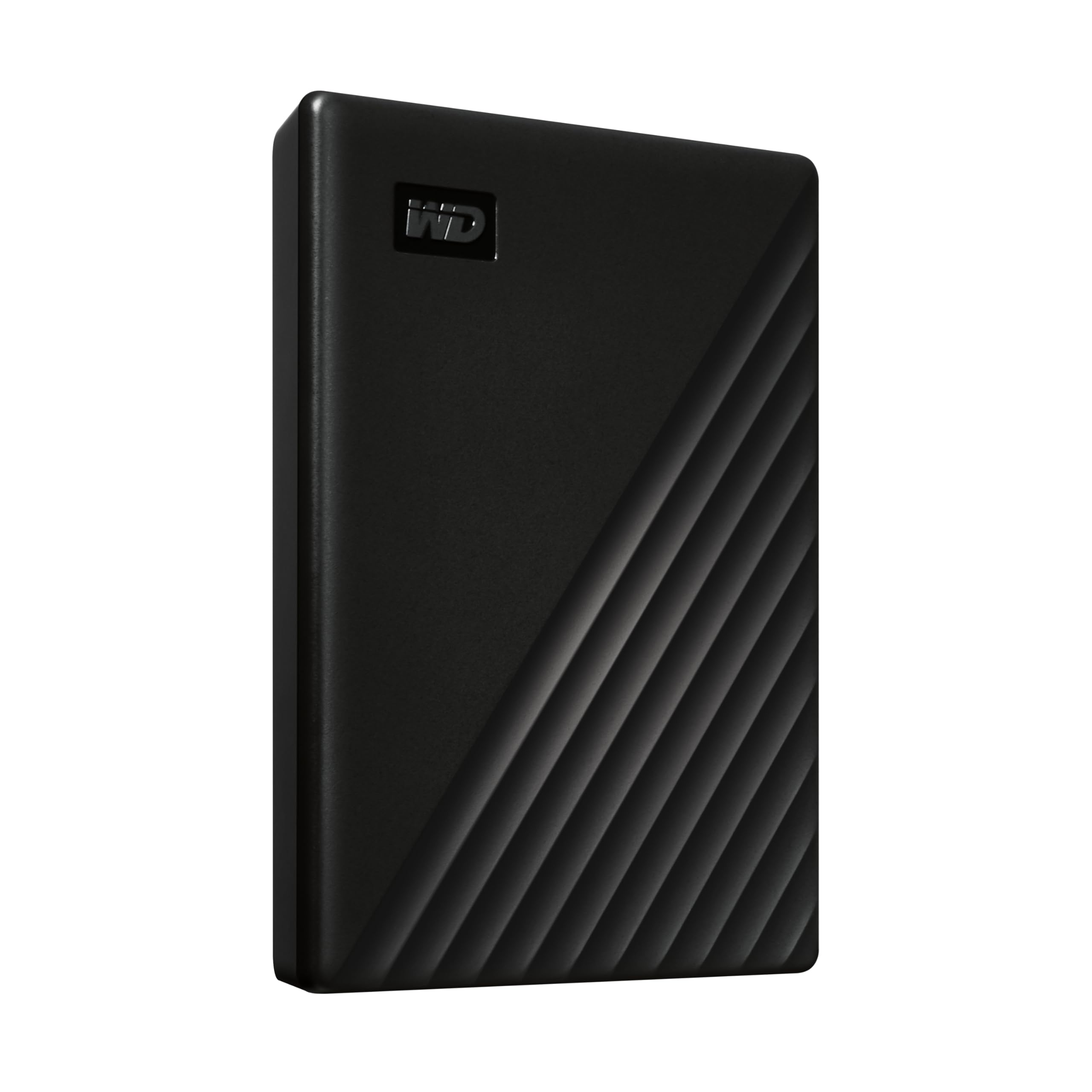
WD Elements 6TB Portable

Top Pick
WD Elements 6TB Portable

Everyday backup

Our Score 9.4/10
Check Price

Worth Noting

  • No backup software or encryption included
  • Macs need a reformat before writing
Capacity
6 TB
Warranty
2-year limited
Interface
USB 3.2 Gen 1 (5 Gbps)
Drive Type
2.5-inch portable, USB-powered

Six terabytes inside a case that draws all its power from the USB port is why this one leads our list. Nothing else here pairs that much room with a single cable, no wall adapter, and a shell that still slips into a laptop bag — a full backup of a modern laptop fits on one drive you can carry. Setup was a non-event: one cable, one USB-A port, and a drive letter.

What we appreciated in daily use is how little there is to think about. No account to create, no software to install, no formatting on Windows; it mounts and behaves like any other folder. That leanness is also the trade-off. The Elements is deliberately bare — no backup utility in the box, no password protection — so scheduled backups and encryption come from software you supply, or from the My Passport below.

Two things to know before you order. It arrives formatted for Windows, so a Mac needs a reformat before it can write to it, and Time Machine will want its own format anyway. And while it's the priciest portable in this roundup, per terabyte it works out cheaper than any of the 2 TB drives here — the money goes into capacity in a small case rather than into extras. Two years of warranty is ordinary rather than generous, and no warranty brings files back, so treat this as one half of a backup plan.

Bottom line: Our default recommendation: 6 TB that runs off one USB cable, so a complete laptop backup fits on a drive you can still carry.
2

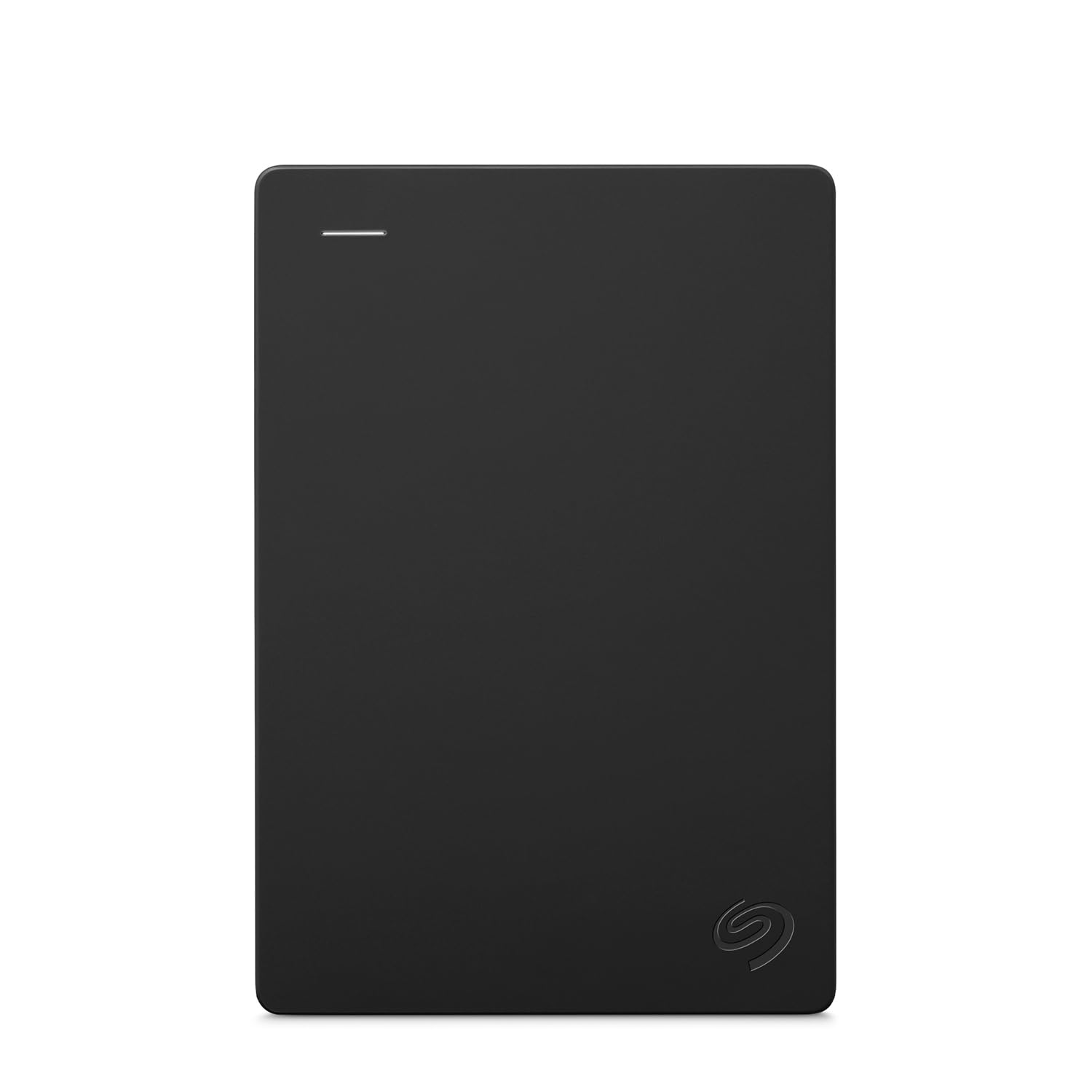
Seagate Portable 2TB

Seagate Portable 2TB

Console game storage

Our Score 9.2/10
Check Price

Worth Noting

  • One-year limited warranty, the shortest here
Weight
6.7 oz
Capacity
2 TB
Interface
USB 3.0
Drive Type
2.5-inch portable, USB-powered

Eighteen inches of cable is the first thing you notice in the box. On a console shelf that's exactly right — the drive sits beside the machine instead of dangling — and on a laptop it's the opposite, short enough that the drive ends up balanced on the palm rest.

Games are where this drive earns its place. Plug it into a PS4 or an Xbox One, let the console format it, and the library moves across and plays from the drive. Xbox Series X/S titles can live on it too, though they have to move back to the console's internal storage before they'll launch — a platform rule rather than a fault. At this price the 2 TB also undercuts both of the other 2 TB drives here per gigabyte, which is the argument that matters when you're buying space for game installs rather than for photographs.

It ships formatted for Windows, so a Mac needs a reformat first, and there's no software in the box for scheduled backups — neither is unusual at this price. What the money doesn't buy is headroom: a couple of large installs plus a photo library will have you shopping again, which is the point where the 6 TB Elements starts to make more sense.

Bottom line: The console pick: 2 TB that plugs straight into a PS4 or Xbox, and the best value of the 2 TB drives here.

3

LaCie Rugged USB-C 2TB

LaCie Rugged USB-C 2TB

Travel and fieldwork

Our Score 9.4/10
Check Price

Worth Noting

  • 2 TB at a price that buys far more space elsewhere
  • USB-C port can work loose over time
Capacity
2 TB
Warranty
2-year limited
Interface
USB-C, USB 3.0 compatible
Protection
Drop, shock, dust, rain resistant

The orange rubber bumper isn't decoration. This is the only drive in the roundup rated to withstand drops, shocks, dust, and rain, and it's the one we hand to people who carry a drive in the same bag as a camera. Aluminum under the rubber gives it a solidity the plastic enclosures here don't have, and it's the sort of thing you stop worrying about after the first week.

The connection is the other half of the pitch. LaCie fits a USB-C cable, so a modern laptop or MacBook plugs in without an adapter, and the drive is set up to work with both Macs and PCs from the box — no reformat needed to shuttle files between them. On an older USB-A-only machine you'll want an adapter or a spare cable, because the one included is USB-C.

What you're paying for is the housing and the connector, not the platters. 2 TB is expensive here next to the 6 TB Elements, and the 5,400 rpm mechanism makes this an ordinary performer rather than a fast one. For a drive that leaves the house every week, the armor is worth it; for one that sits on a desk, you're buying protection you'll never test.

Bottom line: Our travel pick: the only drive here with rated drop, dust, and rain protection and a USB-C cable in the box.

4

WD My Passport 2TB

WD My Passport 2TB

Encrypted backups

Our Score 9.2/10
Check Price

Worth Noting

  • USB-A cable only, no USB-C in the box
Capacity
2 TB
Security
Password protection, hardware encryption
Warranty
3-year limited
Included Software
Backup and device management

Security is the reason to pick this one. My Passport is the only drive here with password protection and hardware encryption built in, so files stay unreadable to whoever picks it up, and its three-year warranty is the longest in the roundup. If a drive ever leaves your desk with client work on it, that combination is worth more than an extra terabyte.

It's also the slimmest thing here at 0.44 inches, in an aluminum shell that slides into a laptop sleeve without a bulge. The bundled utilities handle scheduled backups and add a layer of ransomware defense, and they are genuinely optional — the drive mounts and copies like any other if you skip them. Installation is where it can stumble: on some older Windows machines the utilities refuse to install, and the drive carries on perfectly well without them.

One cable note. The box has USB-A only, so a USB-C-only laptop needs an adapter or a second cable. Otherwise this is the most complete package here — encryption, software, and three years of cover — for a small premium over the Seagate 2 TB.

Bottom line: The one to buy if the drive carries anything private: password protection and hardware encryption, backed by the longest warranty here.

5

UnionSine 1TB Ultra Slim

UnionSine 1TB Ultra Slim

Budget second drive

Our Score 8.8/10
Check Price

Worth Noting

  • 1 TB leaves little headroom for games and video
Capacity
1 TB
Interface
USB 3.0
Thickness
0.5 in
Drive Type
2.5-inch portable

The lowest price in the roundup buys a drive, a cable, and nothing else: no software, no encryption, no extras. What it also buys is a shell half an inch thick with rounded corners that genuinely disappears into a bag, and quiet running — the low-noise controller and the aluminum layer inside are doing real work, because we never heard it on a desk.

Setup is plug and play; on a Mac or a console you'll format it first, as with almost everything here. Transfers of ordinary files and folders felt unremarkable in the way a mechanical drive should, and the striped, rounded case stays put rather than skating across a table.

Where it makes sense is as a second drive — a game library, a spare copy of a photo archive, something that lives in a laptop bag. Where it doesn't is as the only home for files you can't re-create: 1 TB isn't much headroom once games and video are involved, and a budget enclosure is not the place to test your luck. The multiyear warranty helps, but a warranty replaces hardware, not memories.

Bottom line: The budget pick: a quiet, slim terabyte for game libraries and second copies, at the lowest price here.

6

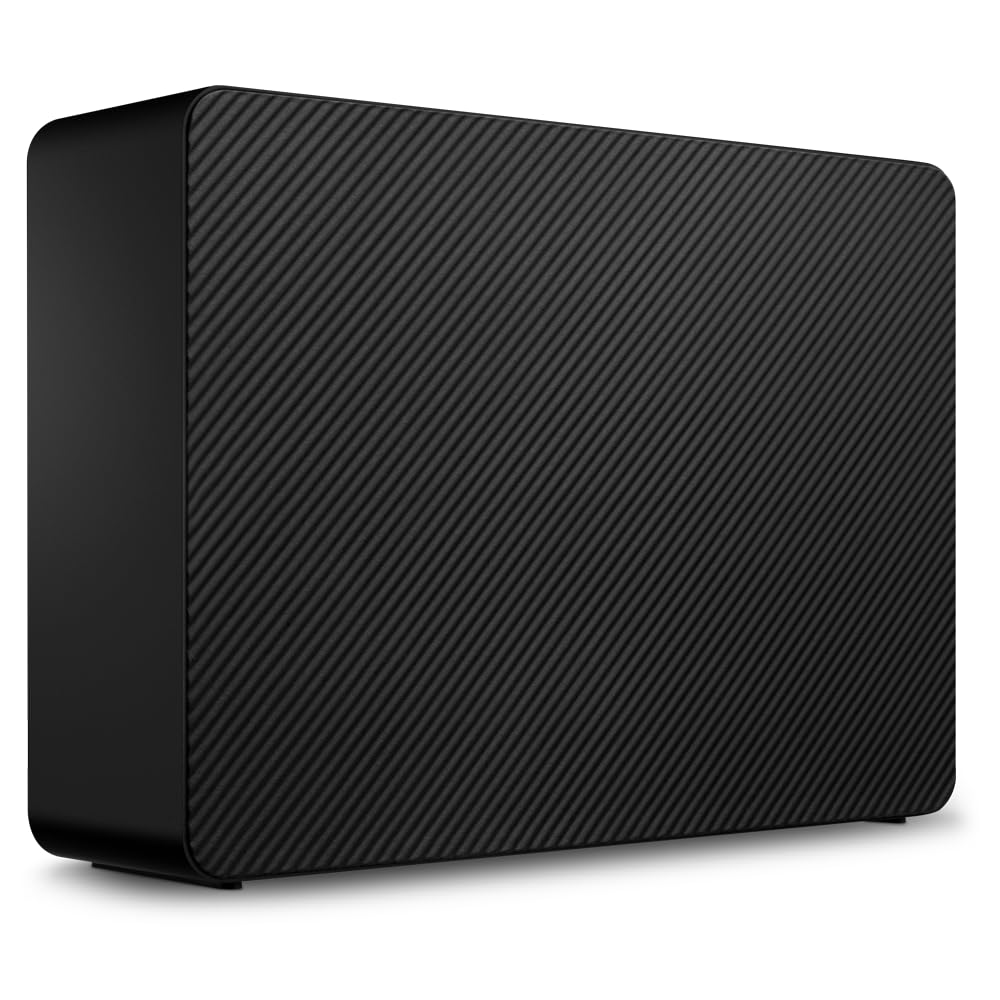
Seagate Expansion 24TB Desktop

Seagate Expansion 24TB Desktop

Desktop archives

Our Score 8.2/10
Check Price

Worth Noting

  • Audible spinning and clicks in a quiet room
  • One-year warranty on a high-capacity drive
Capacity
24 TB
Interface
USB 3.0
Drive Type
3.5-inch desktop, AC powered
Data Recovery
Rescue Data Recovery Services included

Twenty-four terabytes isn't a bigger version of the pocket drives here; it's a different object. This is a 3.5-inch desktop unit with a wall adapter and three pounds of enclosure, and it stays where you put it. Setup is the same ritual — adapter into the wall, USB cable into the computer, drive appears — and Seagate includes Rescue Data Recovery Services with it.

For an archive that never moves, nothing here comes close on cost per terabyte. The same money spread across portable drives buys a fraction of the space, and that is the entire case for owning one. It's the pick for a video library, a full-system image, or a decade of raw photos you want in one place rather than across three. What you give up is portability and quiet: this is a spinning desktop mechanism, and it makes itself heard.

The rest is practical. It needs an outlet and a permanent spot on the desk, so plan for that before it arrives. Sustained transfers behave like a 7,200 rpm drive, which is fine for large sequential copies and slower for a folder of thousands of small files. And a one-year warranty on a drive holding this much data is thin cover, which is exactly why the recovery service is the more useful inclusion.

Bottom line: The archive drive: 24 TB on your desk at the lowest cost per terabyte here, with a data recovery service included.

How We Tested 14 External Hard Drives

We started with about 40 drives, reading spec sheets and narrowing by capacity options, interface, warranty length, and price per terabyte, plus whether the bundled software was optional or mandatory. Then we bought 14 and lived with them for five months. Every drive had to work on a Windows laptop and a MacBook — we reformatted each one both ways and followed only the instructions in the box, timing how long setup took and noting whether we could get files off without installing anything first.

The everyday testing looked like real life: a 20-gigabyte folder of raw photos dragged over at 11 p.m., a 60-gigabyte video project copied before a morning deadline, a phone's entire camera roll backed up on a Sunday. We watched whether the bar moved steadily or stalled, whether the drive got warm enough to be uncomfortable on a lap, and whether it clicked or whined loudly enough to hear in a quiet room while recording audio beside it.

We also carried them around. Each drive rode in a tote bag for a week of commutes, took a fall from desk height onto hardwood while in its case, and was plugged and unplugged daily to see if the connector wobbled or the plastic creaked. Finally, we set weekly backups running and checked the logs afterward for missed files, dropped connections, and drives that fell asleep mid-transfer — because the failure that costs you data is usually the boring one, not the dramatic one.

How to Choose External Hard Drives

Portable or desktop, decided first

Portable drives use 2.5-inch mechanisms and run off the USB port; in this group they top out at 6 TB. Desktop units use 3.5-inch drives, need a wall adapter, and reach 24 TB. If the drive will sit beside a monitor holding an archive, buy the desktop — cost per terabyte is far lower and you'll never carry it anywhere. If it moves between home, work, and a bag, buy the portable and accept the ceiling.

Our rule of thumb: if you can't name the spot where the drive will live permanently, it's a portable.

How much capacity to actually buy

Photographs and documents take years to fill a terabyte; video projects, game installs, and full-system images can take an afternoon. Buy roughly double the space your current library occupies, because a drive that's nearly full is one you start managing instead of using. For a mixed photo, document, and video backup, 6 TB is more room than most people need. A console library does fine with 2 TB. Step up to a desktop unit once you pass that, rather than buying two portables and shuffling files between them.

The cable matters more than the interface number

USB 3.0 and its USB 3.2 Gen 1 successor both top out at 5 Gbps, far beyond what a spinning mechanism sustains, so a faster-sounding interface on a mechanical drive is a specification rather than an upgrade. What does bite is the cable in the box. Several drives here ship with a USB-A plug only, and a USB-C-only laptop then needs an adapter or a second cable. Check the length too: an 18-inch cable is made for a console shelf, not for reaching across a desk.

Macs, consoles, and formatting

Almost every drive arrives formatted for Windows. A Mac can read that drive but not write to it until you reformat, and Time Machine wants its own format anyway — so plan a short formatting step and copy anything already on the drive somewhere else first. Consoles usually insist on formatting a drive for games, which wipes it, so do that while the drive is empty. If you shuttle files between Macs and PCs, exFAT is the common ground. The LaCie here is the one that arrives ready for both.

Warranty, recovery, and the copy that saves you

Cover runs from one year to three in this group, and an included data recovery service is worth more than an extra year of warranty. Seagate bundles Rescue with the desktop Expansion, and you only appreciate that after a very bad afternoon. Whatever you buy, treat it as one leg of a backup: keep a second copy of anything you can't re-create on another drive or in the cloud. No single drive here, including the most expensive one, is a backup by itself.

Frequently Asked Questions

Final Verdict

If you want one drive that holds a real backup of a laptop and still travels, buy the WD Elements 6 TB. It's the most capacity here that runs off a single cable, it needs no software to work, and per terabyte it undercuts every 2 TB portable in this roundup.

Buy the Seagate 2 TB instead if the drive is really console storage and the entry price matters more than headroom. Take the LaCie Rugged if it will spend its life in a bag, the My Passport if it carries anything private, and the 24 TB desktop Expansion if the archive never leaves the desk.