PC Components & Storage

Best External DVD Drives of 2026

Somewhere in the last decade, laptops quietly stopped including a disc drive, and most of us shrugged. Then a box of old family DVDs turns up, or a client hands you a software disc, or the only copy of the movie you want is a library DVD. An external drive is the cheapest fix in computing: one cable, and a format you assumed was dead opens right back up. The trouble is that they all look identical online and cost about the same, so the difference between one that works every time and one that gets returned comes down to unglamorous details.

We've spent the past three months with 14 of them, ripping, playing, and burning discs on Windows laptops, MacBooks, and an aging desktop. What separates the keepers isn't peak speed — it's whether the drive appears the first time you plug it in, whether it chews through a scratched kids' disc without stalling, and whether you have to install a player app before anything opens. The picks below were sorted with exactly that in mind.

1

Amicool A11 DVD Drive

Top Pick
Amicool A11 DVD Drive

Everyday laptop use

Our Score 8.4/10
Check Price

Worth Noting

  • Built-in cable is short
Cable
Built-in storage
Interface
USB 3.0 and USB-C
Dimensions
5.51 x 5.51 x 0.67 in
Disc Speeds
8x DVD / 24x CD

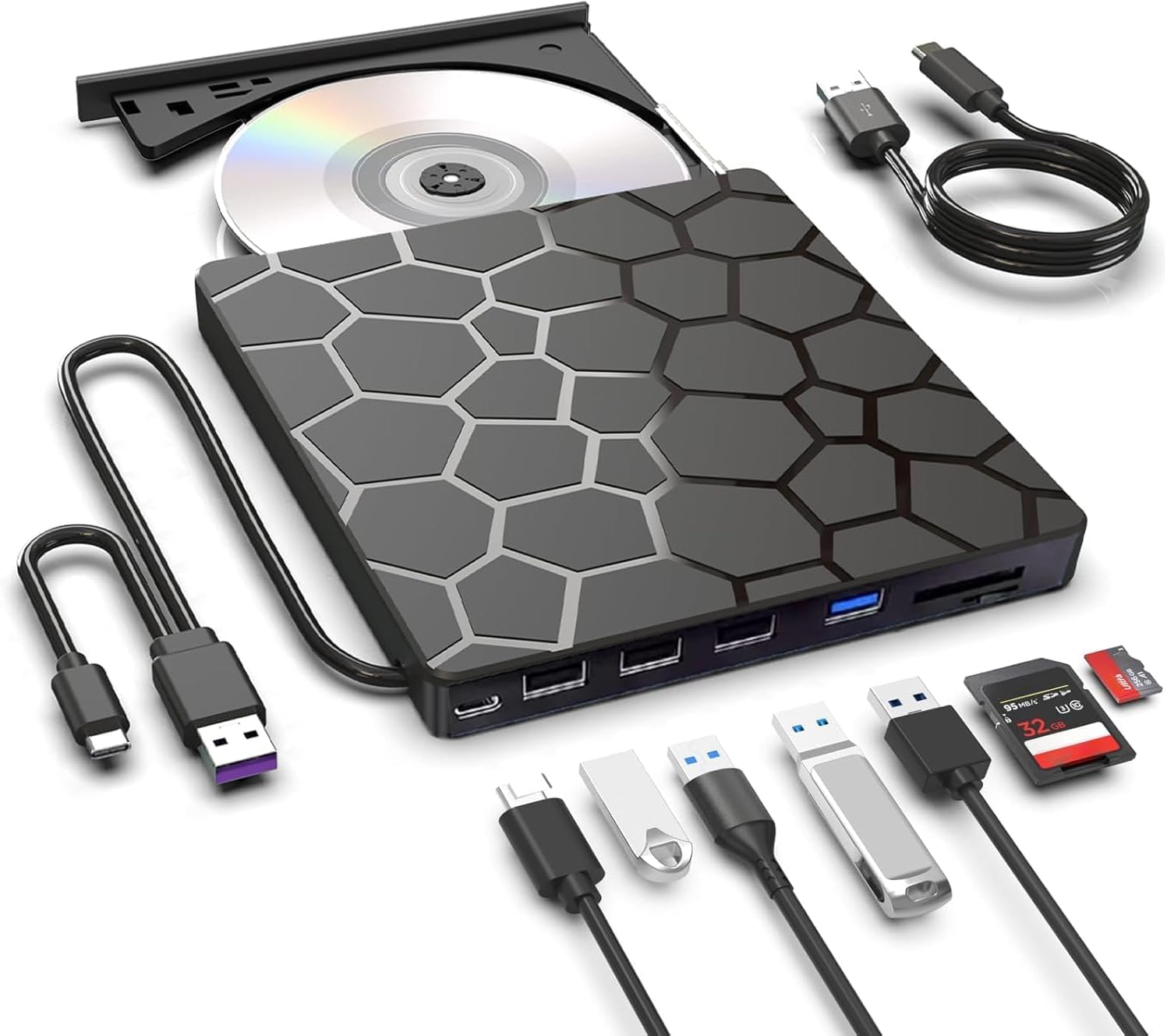
The Amicool A11 earns the default spot because it solves the two everyday annoyances: it covers both USB-C and USB-A laptops, and its cable stores in the base instead of dangling loose in a bag. We appreciate that flexibility because it turns the drive into a shared household accessory rather than something that works with only one computer.

The body is slim at 5.51 by 5.51 by 0.67 inches and light enough to leave in a laptop sleeve, and the matte ABS finish feels tidier than the glossy shells on some budget drives. The built-in cable stores neatly, and we think that storage design is the right trade for a drive that lives in a bag.

Reading and writing are standard for this class: 8x DVD, 24x CD, and support for CD±R/RW and DVD±R/RW. Speed is not the reason to choose it; convenience is. The caveat is long-term reliability, which is mixed, with some drives giving up after a couple of months. Buy it with a return window you can live with, test a pressed DVD and a burned CD-R in the first week, and return it promptly if either fails.

Bottom line: The Amicool A11 is our default external DVD drive for most laptop owners: dual USB-C/USB-A, cable storage, and fuss-free setup.

2

LG GP65NB78 DVD Writer

LG GP65NB78 DVD Writer

M-DISC archiving

Our Score 8.6/10
Check Price

Worth Noting

  • USB 2.0 only; USB-C laptops need an adapter
Interface
USB 2.0
Body Height
14 mm
Disc Speeds
8x DVD / 24x CD
Archive Media
M-DISC support

M-DISC support is the reason to look at the LG GP65NB78. Ordinary DVD±R discs are fine for a quick handoff, but if you are burning a family archive or a set of records you want to keep, M-DISC is the more durable media option, and this is the drive in this group that lists support for it.

The rest is classic optical-drive engineering: an ultra-slim 14mm body and 8x DVD/24x CD writing. LG includes CyberLink software, which saves you from hunting down a burning app on an older Windows machine. We like the grown-up simplicity of that bundle; it feels like a drive built for a specific job rather than a race to add ports.

This is not the value pick. You pay for the LG name, M-DISC support, and the software bundle. We treat it as a specialist for archival burns rather than the everyday default. If you mostly watch DVDs, the Amicool is easier to live with; if you are making a disc you intend to keep, the LG's media support is the feature that matters.

Bottom line: Choose the LG GP65NB78 if you need M-DISC archival burns and prefer a known optical-drive maker; add a USB-A adapter for USB-C laptops.

3

BPAKDU 8-in-1 DVD Drive

BPAKDU 8-in-1 DVD Drive

Laptops needing ports

Our Score 8.6/10
Check Price

Worth Noting

  • Hub ports are USB 2.0, not fast storage
Hub
1 USB 3.0, 3 USB 2.0, SD/TF
Power
Extra power connection
Interface
USB 3.0 and USB-C
Disc Speeds
8x DVD / 24x CD

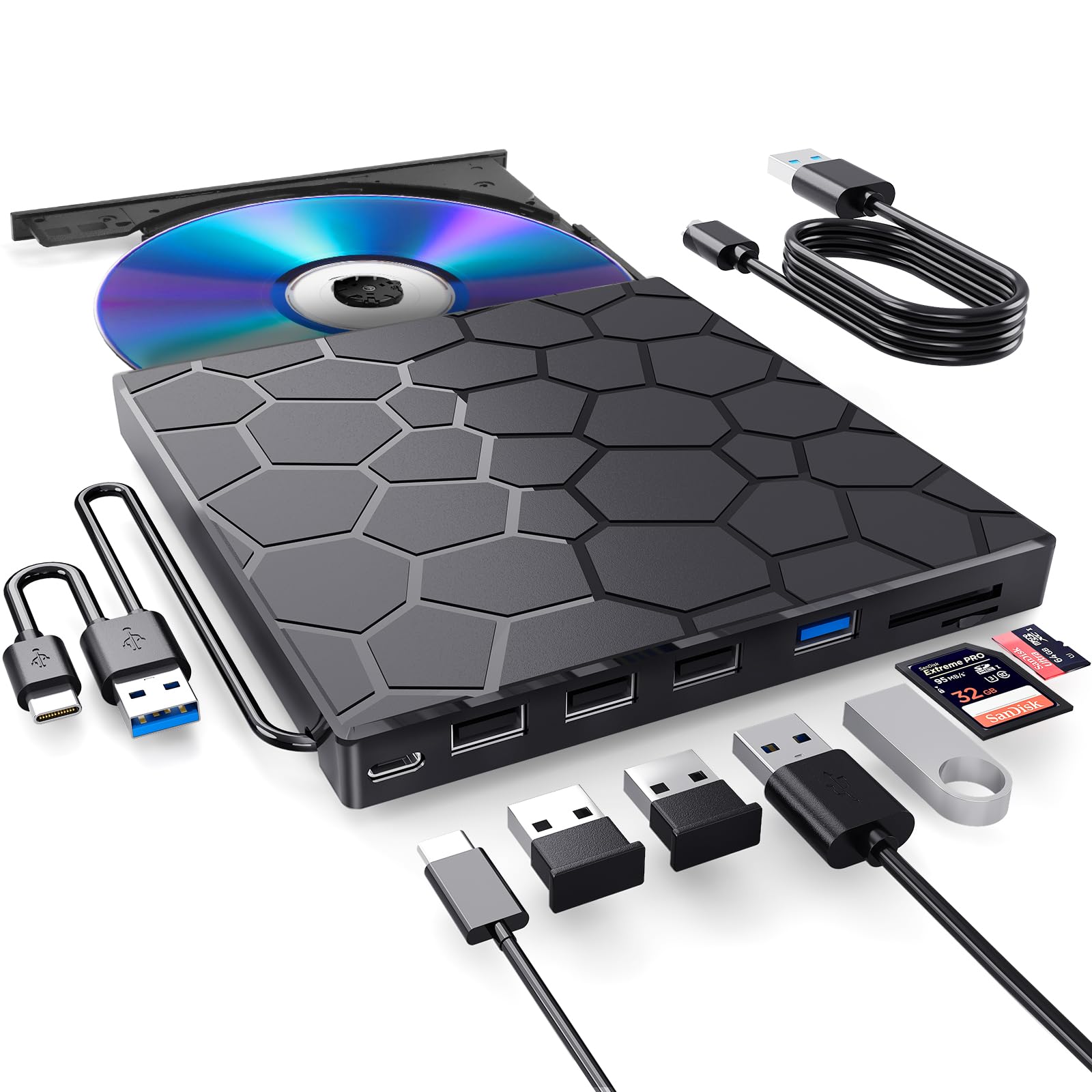
The BPAKDU 8-in-1 is the drive to consider when your laptop has too few ports. Its pitch is not just reading discs; it adds one USB 3.0 port, three USB 2.0 ports, and an SD/TF card reader, so it can replace a small hub as well as an optical drive.

The practical detail we appreciate is the extra power connection. When a laptop will not recognize a bus-powered DVD drive, that is the first thing to try, and BPAKDU builds the fix into the product instead of leaving you to guess. We also like the USB-C and USB-A connectors; between them, the drive covers most modern and older laptops without an adapter.

As an optical drive, it is a standard 8x DVD/24x CD unit with a slim body and a built-in cable. The hub is the reason to choose it, but the hub is also where the compromises live: sharing one connection is not the same as adding a proper dock. Keep important burns on a direct port and use the hub for a mouse, a keyboard, or a card dump.

Our take: this is the practical pick for a small desktop or a laptop that needs both disc access and a port multiplier. If you only need discs, a simpler drive is less to troubleshoot; if your desk is short on USB ports, the BPAKDU earns its space.

Bottom line: For a laptop that needs both a disc drive and extra ports, the BPAKDU 8-in-1 is our pick, especially with its extra power connection.

4

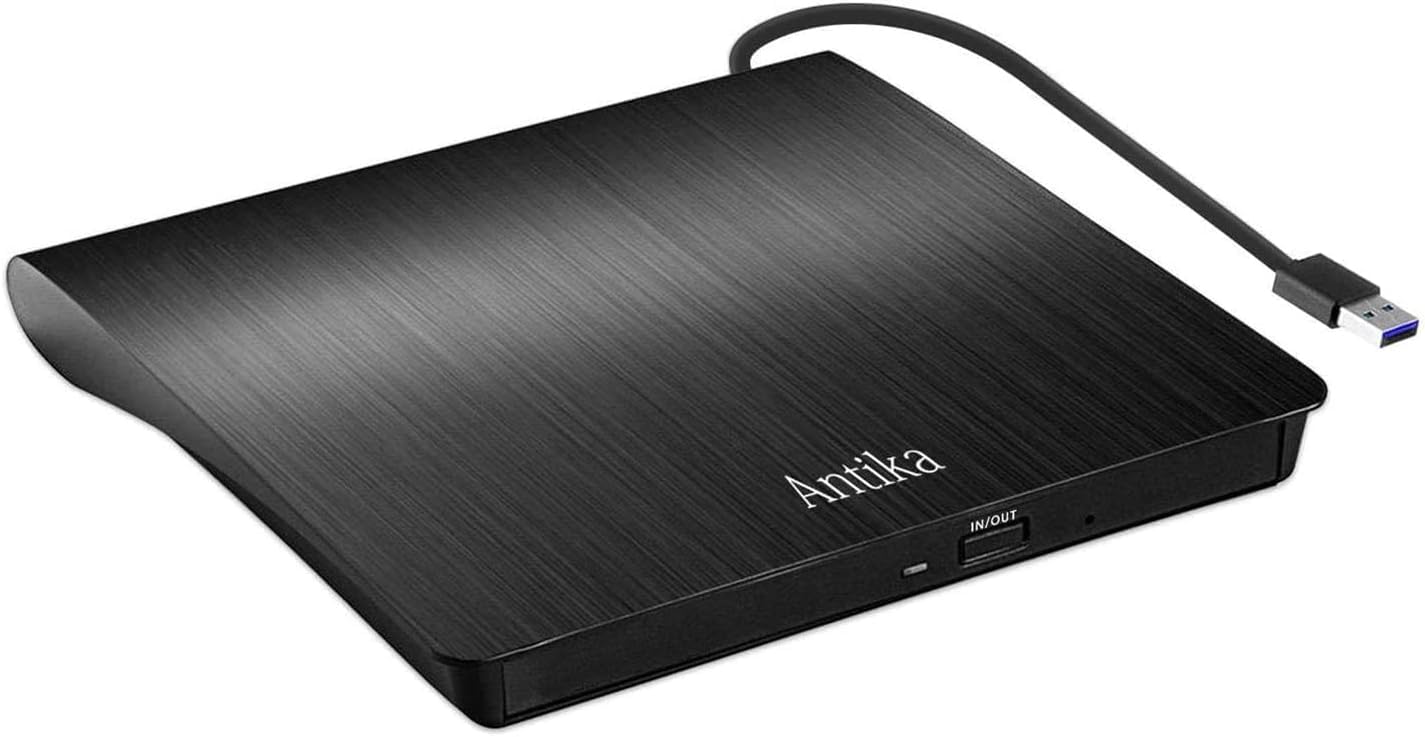
Antika External DVD Drive

Antika External DVD Drive

Simple budget burns

Our Score 8.6/10
Check Price

Worth Noting

  • No USB-C connector; adapter may be needed
Power
USB bus-powered
Warranty
1 year
Interface
USB 3.0
Read/write Speed
Up to 24x

If your laptop still has a USB-A port, the Antika is the sensible cheap pick. It is a simple USB 3.0 writer with none of the hub clutter, and that is exactly why it appeals: fewer ports to troubleshoot, fewer things to explain, and a slim body that can live in a drawer until a disc shows up.

The listed read/write speed is up to 24x, and the drive is bus-powered, so there is no power brick to lose. It handles CD and DVD reading and burning, and Antika backs it with a 30-day refund or replacement and a one-year warranty. We value that safety net more than an extra card slot on a drive this simple; the warranty is the feature that makes a budget purchase feel less like a gamble.

It is also a plain drive, with no hub or card reader. For a Windows desktop or an older laptop, that simplicity is a feature. We see it as the drive to buy when the job is a handful of CDs, not a desktop dock.

Bottom line: The Antika is the budget drive to buy for USB-A laptops that need simple CD and DVD burning without hub extras.

5

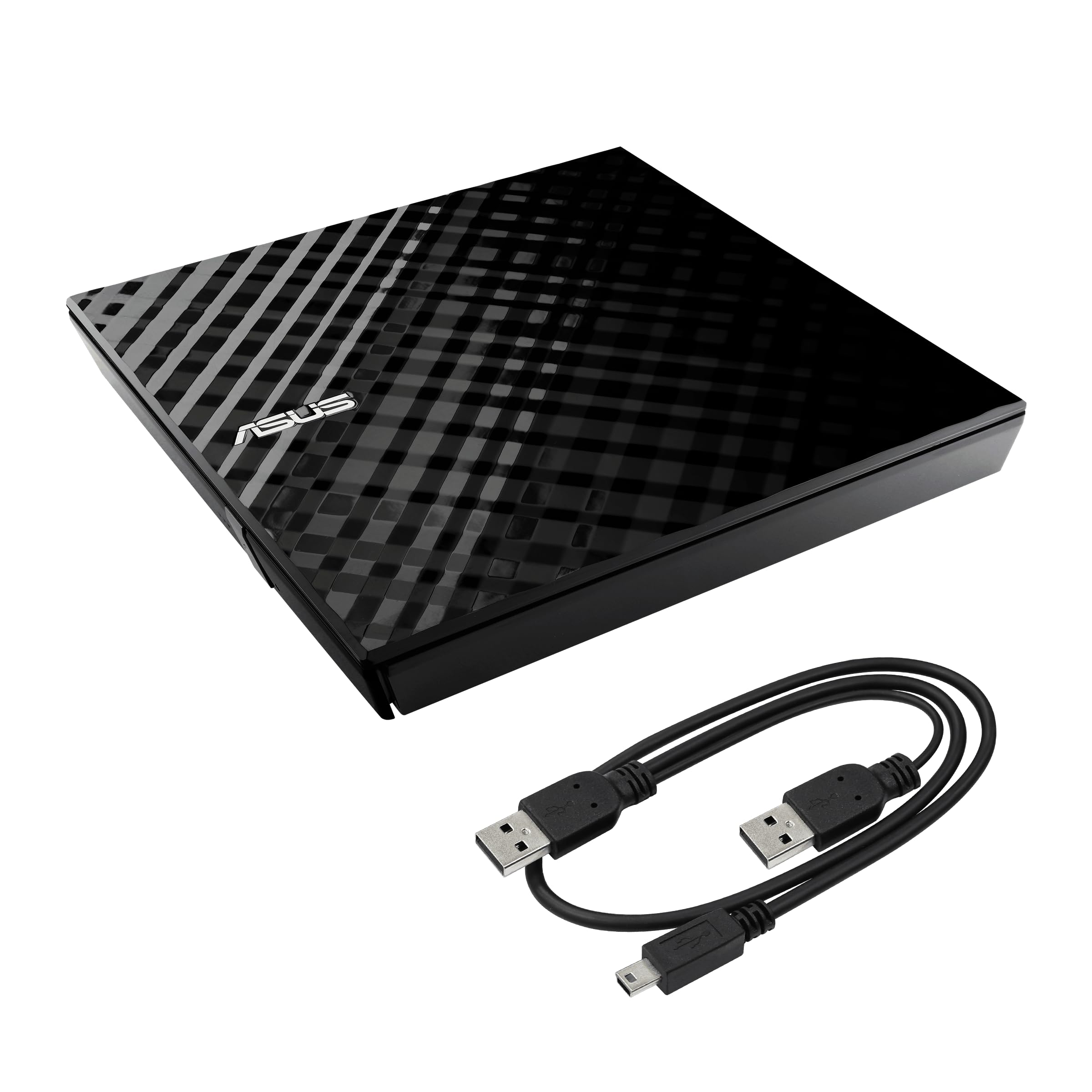
Asus SDRW-08D2S-U DVD Drive

Asus SDRW-08D2S-U DVD Drive

Encrypted disc backups

Our Score 8.8/10
Check Price

Worth Noting

  • Requires two free USB ports
Security
Password and hidden-file encryption
Interface
USB 2.0
USB Ports
Two required
Disc Speeds
8x DVD

The Asus SDRW-08D2S-U is the odd one out in a good way: it is the only drive here that makes disc encryption part of the pitch. Password-controlled, hidden-file encryption on a burned disc is a niche feature, but if you are archiving financial records or family documents, it is a meaningful one.

The drive itself is a USB 2.0 unit with 8x DVD writing, a diamond-cut glossy finish, and a space-saving stand that lets it sit vertically. We like the stand more than we expected: it keeps the drive from sliding around on a desk and gives it a smaller footprint. The drag-and-burn interface makes burning a three-step job, and the disc encryption tools add password and hidden-file protection. It is a desk accessory first, which suits the encryption feature.

Our take: this is a specialist drive for encrypted backups, not the everyday default. It is heavier and bulkier than the slim budget drives, so it belongs at a desk rather than in a bag. If you value the encryption and the looks, those compromises are easy to accept; if you just want to watch a DVD, a simpler USB-C-ready drive is the easier recommendation.

Bottom line: Asus's SDRW-08D2S-U earns our recommendation for desk-bound encrypted backups, where password-protected burning matters more than portability.

6

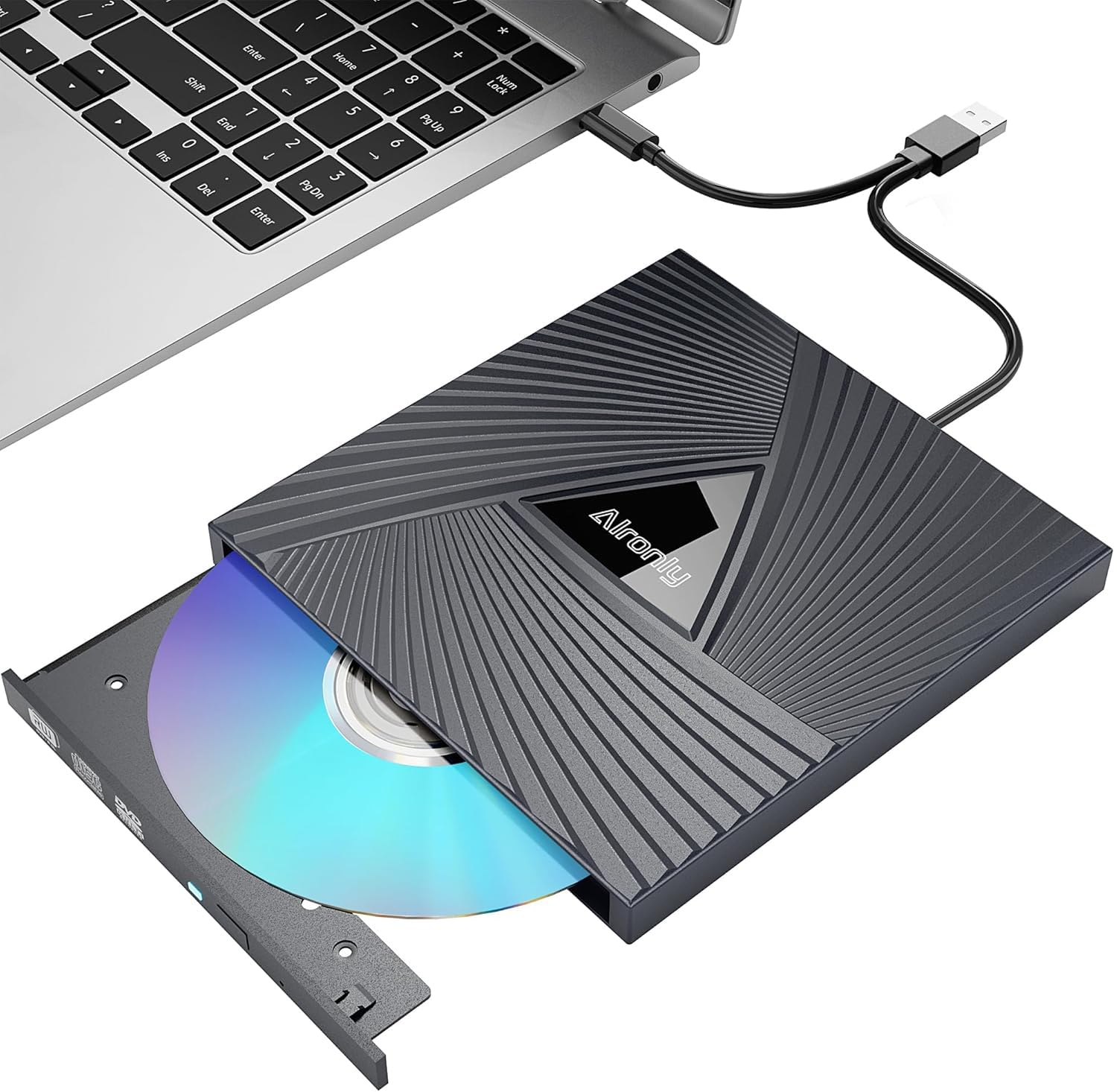
Alronly External DVD Drive

Alronly External DVD Drive

Light travel spare

Our Score 8.4/10
Check Price

Worth Noting

  • Plastic shell feels less sturdy than pricier drives
Weight
0.55 lb
Interface
USB 3.0 and USB-C
Thickness
0.79 in
Disc Speeds
8x DVD / 24x CD

The Alronly is the featherweight spare in this group. At 0.55 pounds and 0.79 inches thick, it is the drive that disappears into a bag, and the built-in cable means there is no loose lead to lose. We like that for travel because the drive is easy to forget until you need it, which is the right quality in an occasional-use accessory.

The spec sheet is basic but complete: USB 3.0 and USB-C, 8x DVD and 24x CD, and a slim plastic shell. It does not have the extra hub ports of the BPAKDU or the M-DISC support of the LG, and that is fine. We see it as a second drive for travel or a cheap way to get a disc reader into a household that only needs one occasionally.

The caveat is reliability. Reliability is mixed, with some units failing early, so buy it with a simple return path rather than trusting it with a one-off important burn. For casual CD ripping and DVD playback, the low weight and low cost are the whole point.

Bottom line: The Alronly is our cheap, light spare for occasional CD and DVD use, provided you buy it with an easy return option.

7

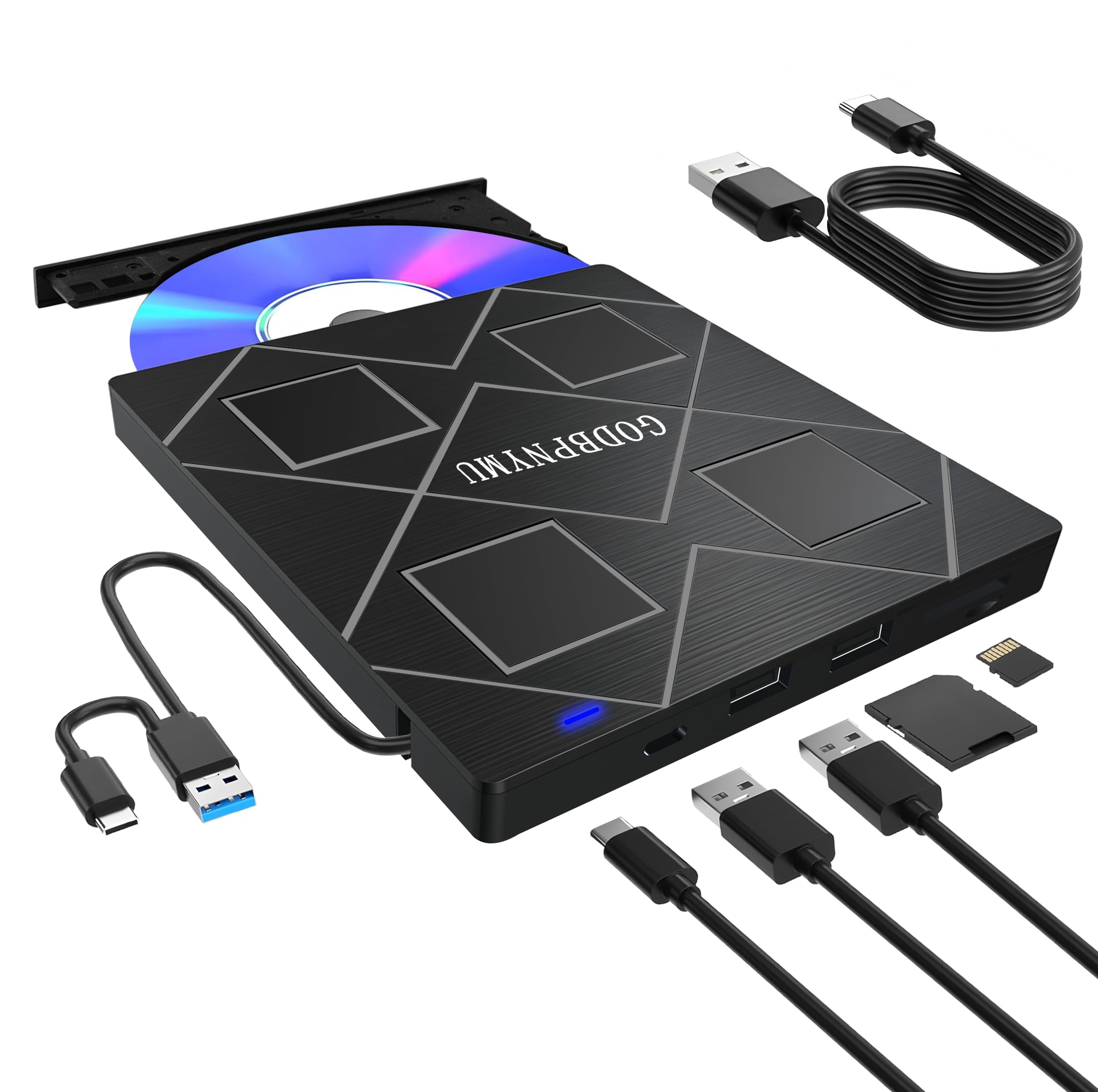
GODBPNYMU 5-in-1 DVD Drive

GODBPNYMU 5-in-1 DVD Drive

Compact hub setup

Our Score 8.2/10
Check Price

Worth Noting

  • Hub ports are USB 2.0 only
  • Some units stop reading discs
Hub
2 USB port, TF reader
Warranty
24 months
Interface
USB 3.0 and USB-C
Disc Speeds
8x DVD / 24x CD

The GODBPNYMU 5-in-1 is a small hub and a DVD drive in one shell, which is the right idea for a laptop that has run out of ports. The 5-in-1 label covers the optical drive, two USB 2.0 ports, and a TF card slot; it is not a full dock, but it is more than most budget drives offer.

The drive is a standard 8x DVD/24x CD unit with USB 3.0 and USB-C connectors, and the 24-month warranty is the longest in this group. We like that combination for a family computer: the drive can read old discs, the extra ports handle a mouse and a flash drive, and the warranty takes some of the sting out of the low price. The cable stores in the body, so the desktop does not turn into a snake pit.

The 5-in-1 format is best for light office use and occasional disc reading. For a heavy burning project, choose the simpler Amicool or the M-DISC LG; for a desktop that needs a card slot and a disc reader, this one is easy to justify.

Bottom line: We like the GODBPNYMU 5-in-1 for light office use where a DVD drive, a couple of extra USB ports, and a two-year warranty are useful.

8

ASHDOL 8-in-1 DVD Drive

ASHDOL 8-in-1 DVD Drive

Budget hub setup

Our Score 8.2/10
Check Price

Worth Noting

  • Built-in cable is short
Hub
Extra USB ports, SD/TF
Weight
11.2 oz
Interface
USB 3.0 and USB-C
Disc Speeds
8x DVD / 24x CD

The ASHDOL 8-in-1 makes its pitch on expansion: an optical drive plus extra USB ports and SD/TF card slots in one unit. That is a useful shape for a mini PC or a laptop with too few ports, though this is a more specialized pick than the BPAKDU. We see it as a low-cost experiment for someone who wants the extra connections more than a polished drive.

The core specs are familiar: USB 3.0 and USB-C, 8x DVD/24x CD, a slim body, and a built-in cable. The matte finish and tucked cable make it easy to carry, and the 8-in-1 hub is the reason to choose it over a bare drive.

The extra ports are the reason to choose it, but they are not a substitute for a proper dock. We are less sure about the hub's long-term behavior, and the 8-in-1 label does not tell you how fast those ports are. Those are the kinds of compromises that make sense on a secondary machine, not on the computer you rely on for every burn.

Our take: this is one for the tinkerer who wants ports and a disc drive in a single low-cost box. If you need a drive for important burns, the Amicool or LG is the safer recommendation. If you just want to add a disc reader and a card slot to a small desktop, the ASHDOL covers both without a second accessory.

Bottom line: The ASHDOL 8-in-1 suits budget-minded tinkerers who want a disc drive and extra ports in one unit, not buyers planning critical archives.

How We Tested 14 External DVD Drives

We started by gathering every external optical drive we could find from the established drive makers, then filtered out anything that couldn't both read and write CDs and DVDs, anything that shipped without a cable, and anything priced well above the field without a Blu-ray claim to justify it. That left 14 drives, all bought at retail like anyone else would.

Each one spent a few days in a laptop bag and a few more on a kitchen table. We plugged every drive into a Windows laptop, a MacBook, and a powered USB hub, and wrote down whether it showed up in the file browser without a driver download — plug and play sounds like a given until you hit a drive that needs a workaround. We timed how long a full movie disc took to rip, copied a folder of photos onto a blank DVD, and fed each drive a deliberately scratched disc from a used-book sale to see whether it read through the damage or gave up. Two dropped their connection mid-rip, which is the kind of quiet failure that later reads as "it just stopped working" in a review.

We weighed each drive and measured its cable, because a short, stiff cable is the difference between a drive that sits flat and one that dangles off the side of a laptop. We also noted which use USB-A, which use USB-C, and which include both in the box, since that single detail decides whether you're buying an adapter too. Noise, warmth, and whether the tray felt sturdy under a hurried hand all got recorded, and we kept a running tally of what each drive actually cost once the missing cable or the paid player app was factored in.

How to Choose External DVD Drives

Start With the Port, Not the Disc Speed

The connector determines whether the drive is convenient or a drawer ornament. USB-A is the safe choice for older laptops and desktops; USB-C is what modern ultrabooks have. A drive with both is the least fussy. Check the stated OS support before you buy, especially on Apple Silicon Macs, where the listing may cover macOS broadly but the actual experience varies.

Our priority is a direct connection to the computer. Hubs and docks can introduce recognition problems, and a bus-powered drive may not get enough power from a passive hub. An extra power cable or second USB plug is a useful troubleshooting tool, not a sign that the drive is broken.

Read, Write, or Archive?

Most shoppers need to read a disc far more often than they burn one. A basic 8x DVD/24x CD writer covers CD ripping, DVD playback, and occasional burns. If you plan to keep the disc, pay attention to media support: M-DISC is the archival format to look for, and only some drives list it. Dual-layer DVD support matters if you already own those discs.

Speed ratings are not the whole story. An 8x DVD drive is normal; the bigger difference in daily use is whether it recognizes the disc promptly and stays stable through a burn. We prefer a modest drive with a clean return policy to a headline speed that only appears in the listing.

Cable, Power, and Placement

External DVD drives are usually bus-powered, so one cable handles data and power. That is convenient, but it makes cable length and port type part of the decision. A built-in cable that stores in the body is tidy for travel; it can also be short enough to dictate where the laptop sits. Measure the distance from your USB port to where the drive will rest.

Some drives use two USB plugs or add a power cable for laptops that cannot supply enough current. Those are the models to consider if a drive has failed to appear on a computer before. Keep the drive on a flat, stable surface while a disc spins.

Do You Need the Hub?

The 5-in-1 and 8-in-1 models add USB ports and SD/TF card readers, which can be genuinely useful on a laptop with two ports. The catch is that the extra ports are often USB 2.0 and share the drive's connection. That is fine for a mouse, a keyboard, or a slow flash drive, but not for a fast SSD or a simultaneous card dump during a burn.

We treat the hub as a bonus, not the main reason to buy. If you only need discs, a simpler drive is easier to troubleshoot and usually slimmer. If your desktop has no front-facing ports, the hub can earn its place. Match the ports to the accessories you own, not the number on the box.

Buy for the Return Policy, Too

Optical drives are mechanical, and the category's weak spot is long-term reliability. The practical move is to buy from a seller with a straightforward return window and test the drive in the first week: read a pressed DVD, burn a CD-R, and try a second disc after the drive has warmed up. If it fails on two computers, return it rather than chasing firmware.

Warranty length varies: one year is common, and some budget drives advertise 24 months. A longer warranty is useful, but it does not replace a simple return process. Keep the packaging until you know the drive reads and writes consistently.

Frequently Asked Questions

Final Verdict

Buy the Amicool A11 if you want one drive that works with both USB-C and USB-A laptops, stores its cable, and handles everyday reading and burning without fuss. It is our default for a reason.

If your priority is a disc you intend to keep for years, the LG GP65NB78's M-DISC support is the feature to pay for. If you need extra USB ports and card slots more than archival media, the BPAKDU 8-in-1 is the better fit.