Smart Home & Security

Best Door and Window Sensors of 2026

The worst door sensor is the one you forget about until it fails — the adhesive gives out, the battery dies, or the app goes silent. A reliable sensor is different: it sticks where you put it, pairs without a fight, and shrieks loud enough to wake you. We've spent four months with 18 sensors on front doors, back doors, windows, and a garage entry, and the ones that made the cut share a few quiet virtues.

You don't need to spend a lot to get quality, but you do need to look past the spec sheet. What matters is how the sensor feels when you press the adhesive into place, whether the chime cuts through a closed door, and if the battery still reports accurately after a few months. The picks below are the ones that handled all of that without drama — and that we'd trust to guard our own homes.

1

Tapo T31 Door Sensor Kit

Top Pick
Tapo T31 Door Sensor Kit

Smart home starter

Our Score 9.0/10
Check Price

Worth Noting

  • Hub can drop its Wi-Fi and need a restart
  • Phone alerts can arrive a beat late
Alarm Volume
90 dB
Hub Required
Included (H100)
Sensors Included
3 plus hub
Rated Battery Life
2 years

A door sensor is only half a product; the other half is whatever listens to it. The Tapo T31 kit puts both in the box: three contact sensors plus the H100 hub, which pairs them, joins your Wi-Fi, and doubles as a plug-in chime. That's why it's the set we recommend first. It's the only smart kit here that gives you phone alerts and a noise in the hallway without a bridge you have to buy or already own.

The hub does more than bridge. It carries a 90dB siren you can sound from the app, keeps a history of what opened and when, and takes up to 64 Tapo sensors, switches and buttons, so three sensors is a starting point rather than a ceiling. The sensors themselves are small, stick on with tape, and Tapo rates the batteries at two years, long enough that you'll forget where the spares went.

Placement of the hub is the one thing to plan. It needs a socket, ideally near the router rather than in a hallway cupboard, because it is the piece doing the listening. Matter support is on the box, though pairing it into a third-party Matter controller is fiddlier than the label suggests; the Tapo app is the smoother route and it's where the alarm, the history and the chime settings live.

If you already run a Ring Alarm, the Ring sensors below are the better value per opening, and if you want nothing to do with an app at all, the standalone sets are down the page. For a household starting from nothing, the upgrade path settles it: the same hub takes more sensors as you add windows, and one app keeps a single history of all of them.

Bottom line: The kit we point most people to: three sensors and the hub that makes them useful, so you get phone alerts and a chime without buying into anyone's ecosystem first.

2

Ring Alarm Contact Sensor 6-Pack

Ring Alarm Contact Sensor 6-Pack

Ring Alarm owners

Our Score 9.4/10
Check Price

Worth Noting

  • Needs a Ring Alarm base station
  • Phone alerts require a Ring Protect plan
Mounting
Tool-free adhesive
Hub Required
Ring Alarm base station
Sensors Included
6
Rated Battery Life
About 3 years

Everything about the Ring Contact Sensor is easy except the part the box doesn't lead with: it needs a Ring Alarm base station to talk to. Buy the six-pack on its own and you own six very slim pieces of plastic.

With a base station already in the house, these are the sensors we fit and stop thinking about. Installation is genuinely tool-free, peel and press, and the adhesive grips painted trim while still letting go when you move out. The second generation is noticeably smaller than the first, which matters on a narrow sash where the old body crowded the frame, and the magnet is small enough to tuck against a door edge.

Cell changes are rare: Ring rates the batteries at about three years, the longest of anything here, which is the quiet argument for paying more per sensor. Six of them will cover the doors and ground-floor windows of a small house, which is why the six-pack makes more sense here than the smaller bundles.

Bottom line: If you already own a Ring Alarm base station, these are the sensors worth fitting: slim, tool-free, and rated to sit untouched for about three years.

3

UltraPro Window and Door Alarm 12-Pack

UltraPro Window and Door Alarm 12-Pack

Whole-house alarms

Our Score 9.0/10
Check Price

Worth Noting

  • Siren volume is fixed at 120dB
Batteries
4 LR44 per unit
Alert Modes
Off, chime, alarm
Alarm Volume
120 dB
Sensors Included
12

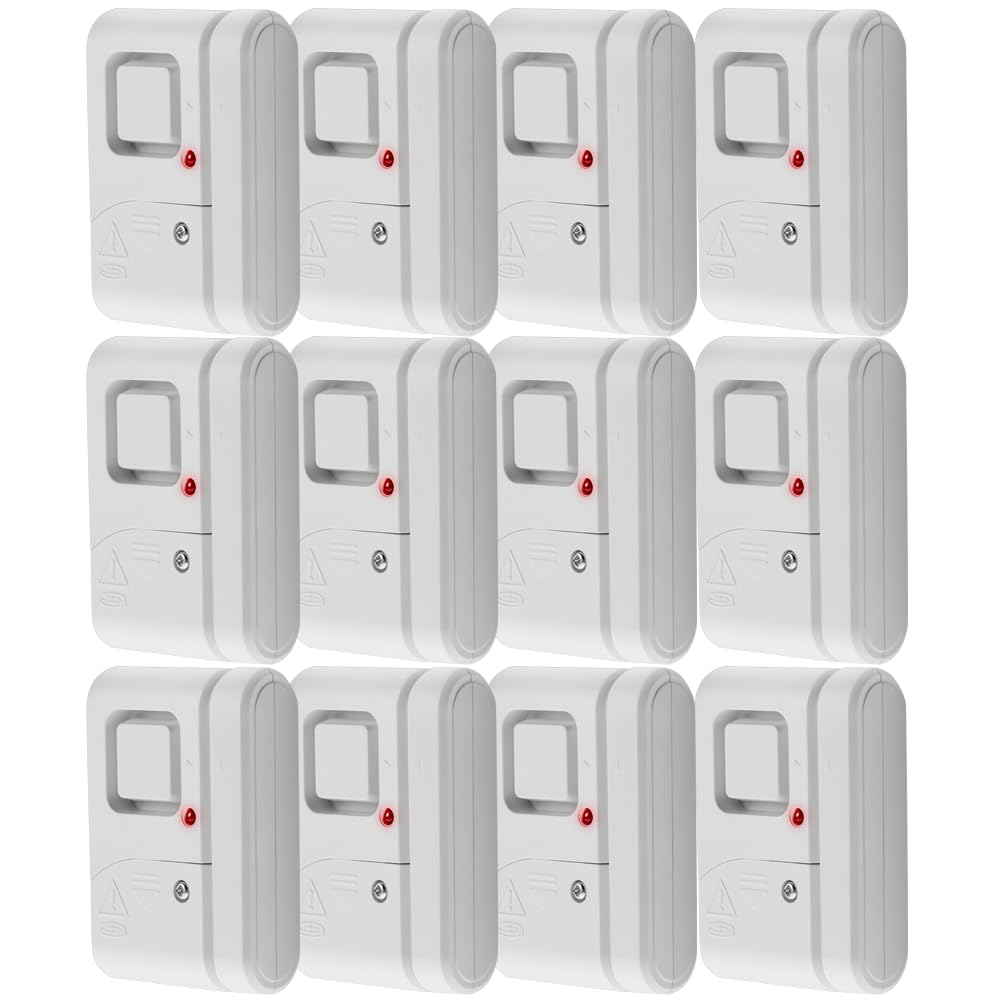
The slider on the side of the UltraPro is the product in miniature: off, chime, or a 120dB siren. Leave it on chime and the back door announces itself with a ding; slide it across at bedtime and the same door screams. That single switch is why we kept these mounted after the novelty of the app-connected sets wore off.

Twelve units in one box is the other reason. Each runs on four LR44 cells that come included, has a low-battery LED on the front, and sticks on with double-sided tape. No hub, no app, no monthly fee, nothing to configure beyond the switch. For a rental, a garage, or a house where the Wi-Fi never reached the shed, that's the whole appeal.

Mounting is where these need care. A frame that isn't flat, or trim that steps out around the door, stops the two halves lining up, and a sensor that can't sit flush either misses the magnet or sits proud enough to catch a sleeve. Check the alignment with the tape still on its backing. What earns them the spot is that they ask for nothing else, and that a twelve-pack means the shed and the spare-room window get covered too rather than waiting for a second order.

Bottom line: Our pick when you want an alarm rather than an app: twelve loud, tape-on units with a chime setting, no hub, and no monthly fee.

4

Philips Window and Door Alarm 4-Pack

Philips Window and Door Alarm 4-Pack

Small apartment

Our Score 8.8/10
Check Price

Worth Noting

  • Adhesive is the weakest part of the kit
Alert Modes
Off, chime, alarm
Alarm Volume
120 dB
Battery Check
Test button and LED
Sensors Included
4

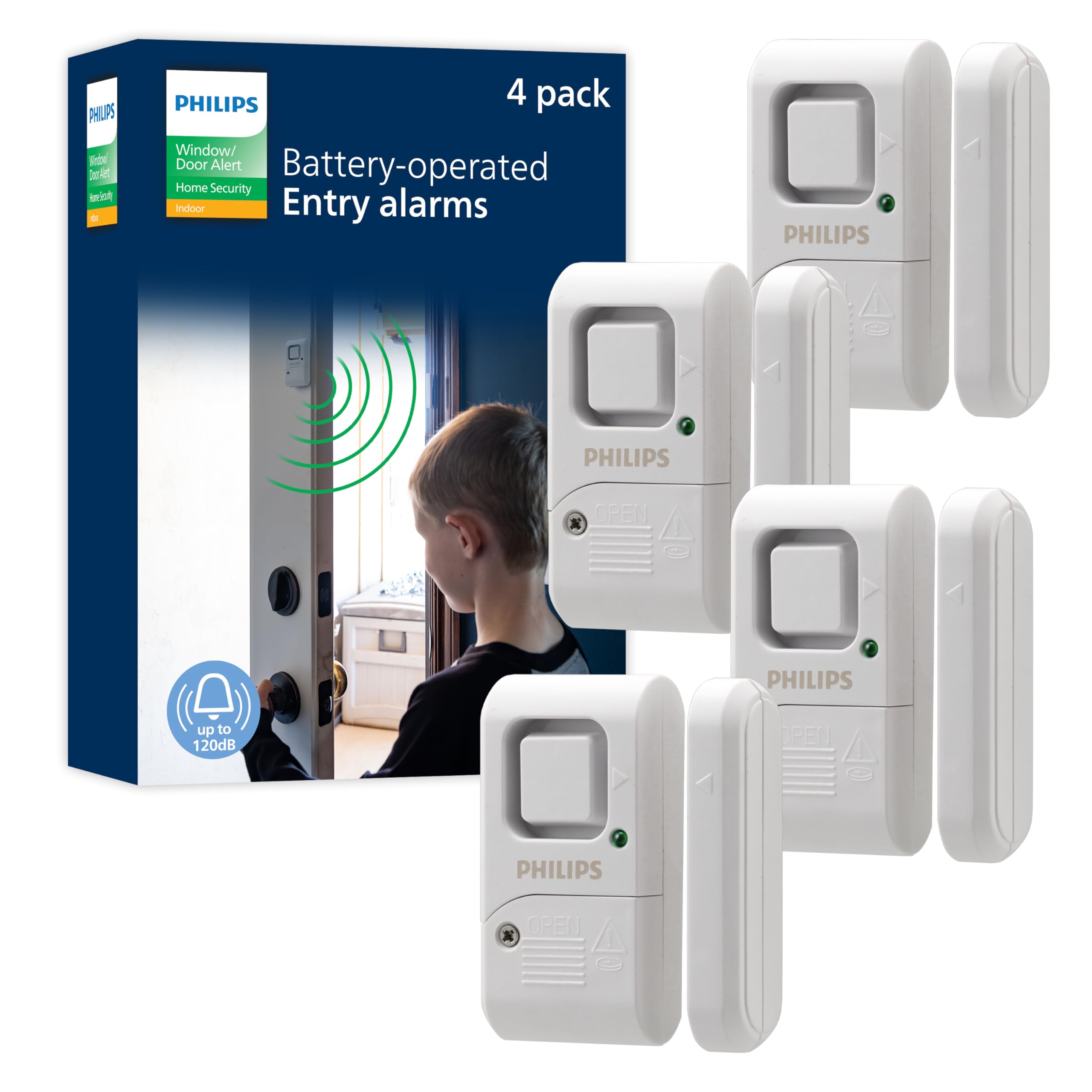
Four alarms, no hub, no app: the Philips set is the least expensive way here to put a working alarm on four openings. In a first apartment or a rented room, that's most of what anyone needs from this category.

We reach for this one when the count is small. Installation is tape and a switch, sensor on the frame, magnet on the door, side slider for off, chime, or a 120dB siren, and there's a battery test button plus a low-battery LED on the front. That sounds minor until you've had a silent sensor on a fire door for a month without noticing.

Press the test button when the box arrives. Button cells sit in a warehouse as long as they sit in your drawer, and a dead one in a standalone alarm is a door that never speaks. Four LR44 cells come fitted in each unit, so there's nothing to buy before you install, and the chime setting is the one we leave on a front door that gets used a dozen times a day.

Bottom line: We recommend this one for an apartment or a first house: four alarmed openings for less than any other set here, and nothing to configure.

5

SanJie Door Window Alarm 5-Pack

SanJie Door Window Alarm 5-Pack

Adjustable volume

Our Score 8.8/10
Check Price

Worth Noting

  • No phone alerts or event history
Alarm Volume
125 dB
Volume Settings
125 dB, 100 dB, chime
Sensors Included
5
Rated Battery Life
Up to 13 months

Most standalone alarms have one volume and one opinion about it. The SanJie has three: a 125dB siren, a 100dB siren, and a 100dB chime that rings twice and stops. The chime is the setting we left on the front door during testing, loud enough to carry through the house and short enough that a delivery doesn't leave everyone standing on a chair. It's the volume control, not the siren, that earns this set its place.

Five units run on three LR44 cells each, rated at up to 13 months, with a light that flashes when a battery is fading. The tape is pre-applied 3M, mounting is peel and press, and there's nothing to pair, log into or charge.

Where it needs watching is the door itself. A door that doesn't close the same way twice, or a frame that shifts with the weather, can leave the two halves close enough to read as open when they aren't, and a 125dB false alarm at three in the morning is a memorable event. Set the gap with the door shut, check it again after a week, and use the chime on any door that gets used constantly.

Bottom line: The set we suggest when the alarm is for the people in the house rather than your phone, because three volume settings make it livable on daily doors.

6

SONOFF SenseGuard DW Gen2 4-Pack

SONOFF SenseGuard DW Gen2 4-Pack

Home Assistant

Our Score 8.2/10
Check Price

Worth Noting

  • Requires a Zigbee hub, sold separately
Batteries
2 AAA included
Hub Required
Zigbee hub
Gap Tolerance
Up to 30 mm
Sensors Included
4

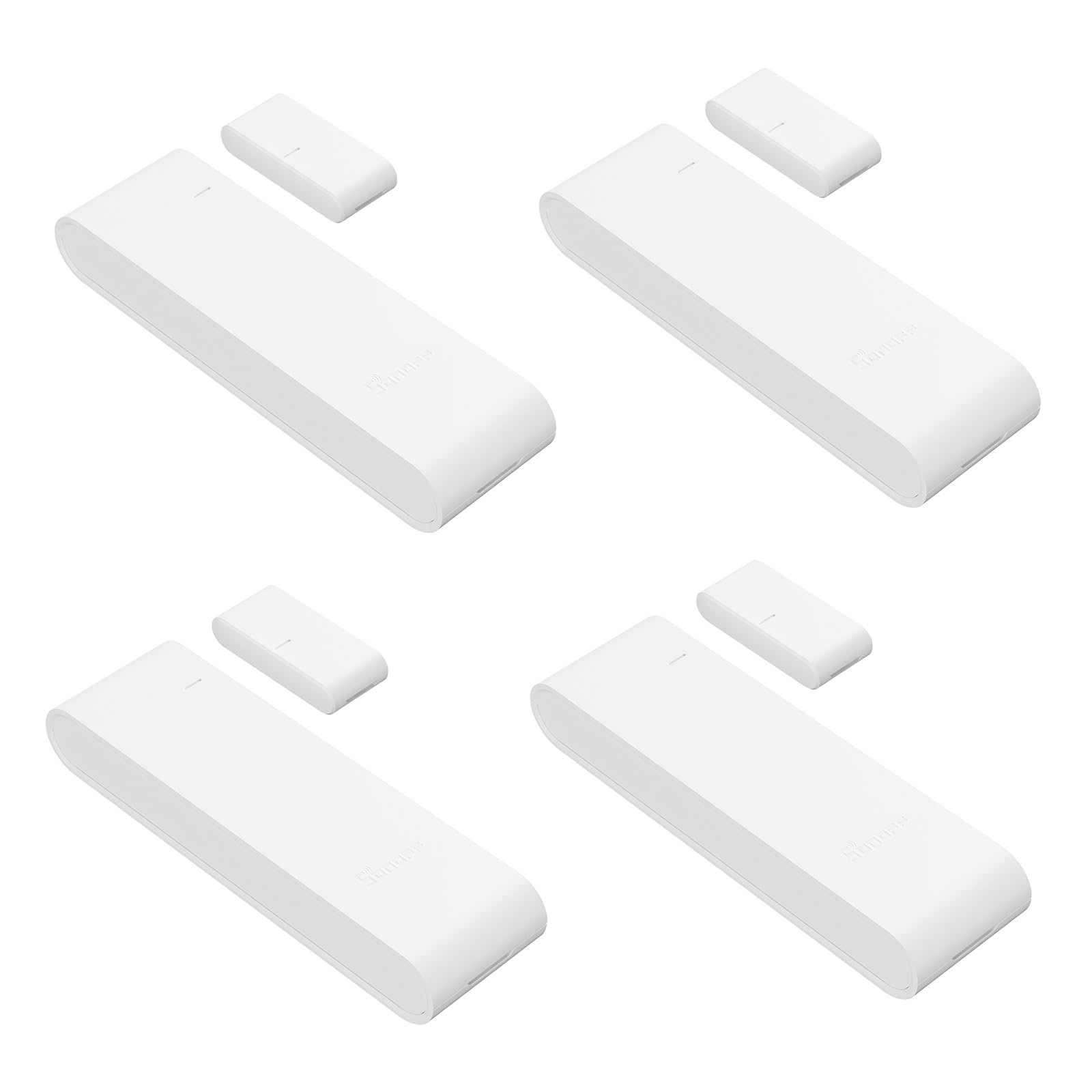
There's a small button on the back of the SONOFF SenseGuard that does nothing until someone tries to lift the sensor off the door. Then it sends a tamper alert to your phone. For a device whose job is to tell you a door opened, knowing that someone removed the sensor first is what makes the rest of it trustworthy.

The hardware is a step up from the button-cell crowd. It runs on two AAA batteries, the easiest cells here to keep in a drawer, and it tolerates up to 30mm between sensor and magnet, generous enough for a door that has dropped on its hinges or a frame that never sat square. The magnet mounts horizontally or vertically, so narrow frames are workable.

The catch is the hub. This is Zigbee, not Wi-Fi, so it needs a Zigbee coordinator: a SONOFF dongle for Home Assistant, or a compatible hub for Alexa and SmartThings. That's a fair trade if a Zigbee network already runs in the house and a real extra purchase if it doesn't.

In a Home Assistant setup we found it does what you want a contact sensor to do: it pairs, it separates open, closed and tamper, and it stays paired. That last part is the one to watch, because a weak Zigbee link shows up as the sensor going offline and eating batteries. Give it a router or a repeater rather than a far corner of the house.

Bottom line: Our choice for a Zigbee household: tamper alerts, a forgiving 30mm gap, and AAA batteries you can replace from a kitchen drawer.

7

METAK Window and Door Alarm 5-Pack

METAK Window and Door Alarm 5-Pack

Garage and patio

Our Score 8.8/10
Check Price

Worth Noting

  • Batteries not included
  • Tape needs a clean, flat surface
Batteries
2 AAA (not included)
Alarm Volume
120 dB
Volume Settings
90 dB or 120 dB
Sensors Included
5

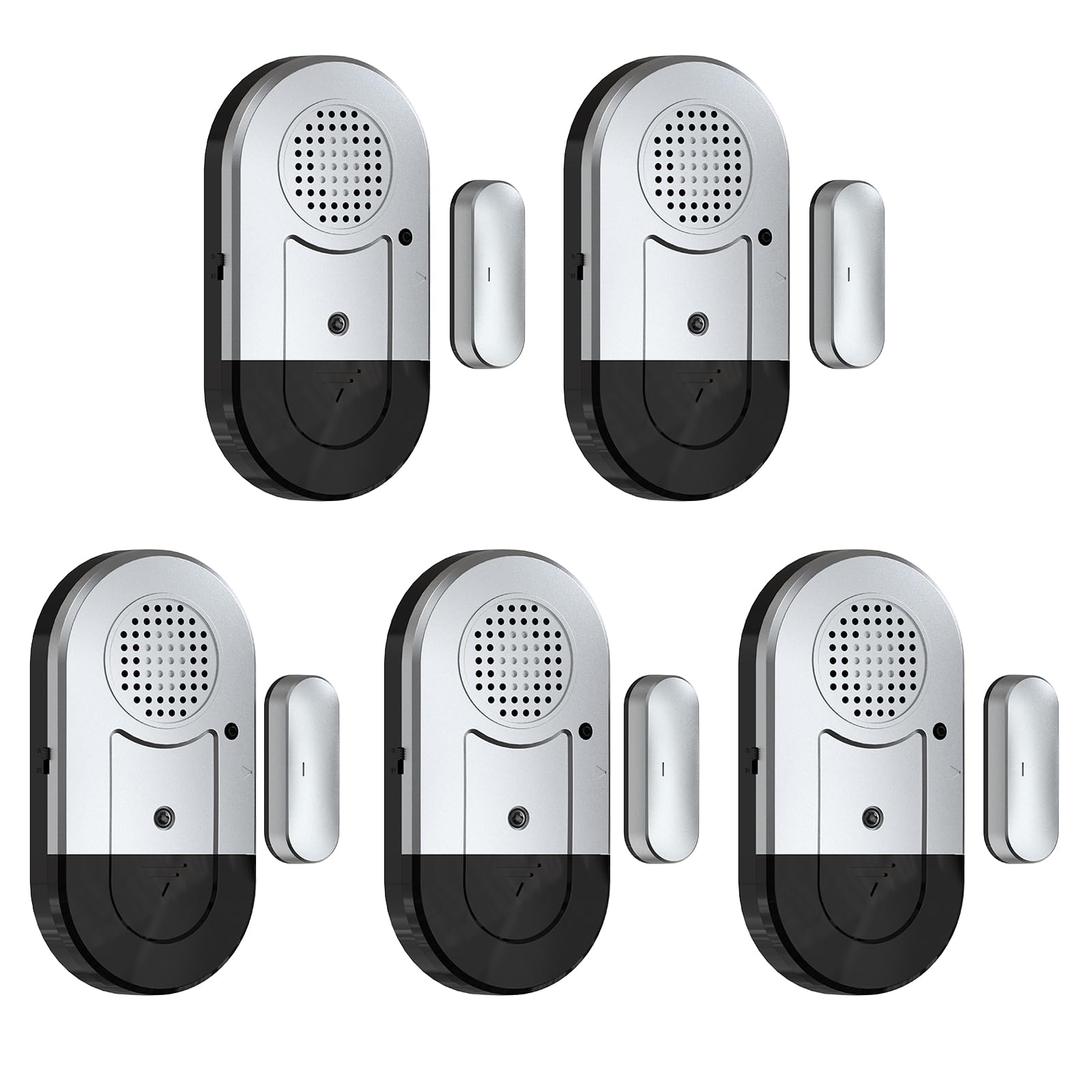
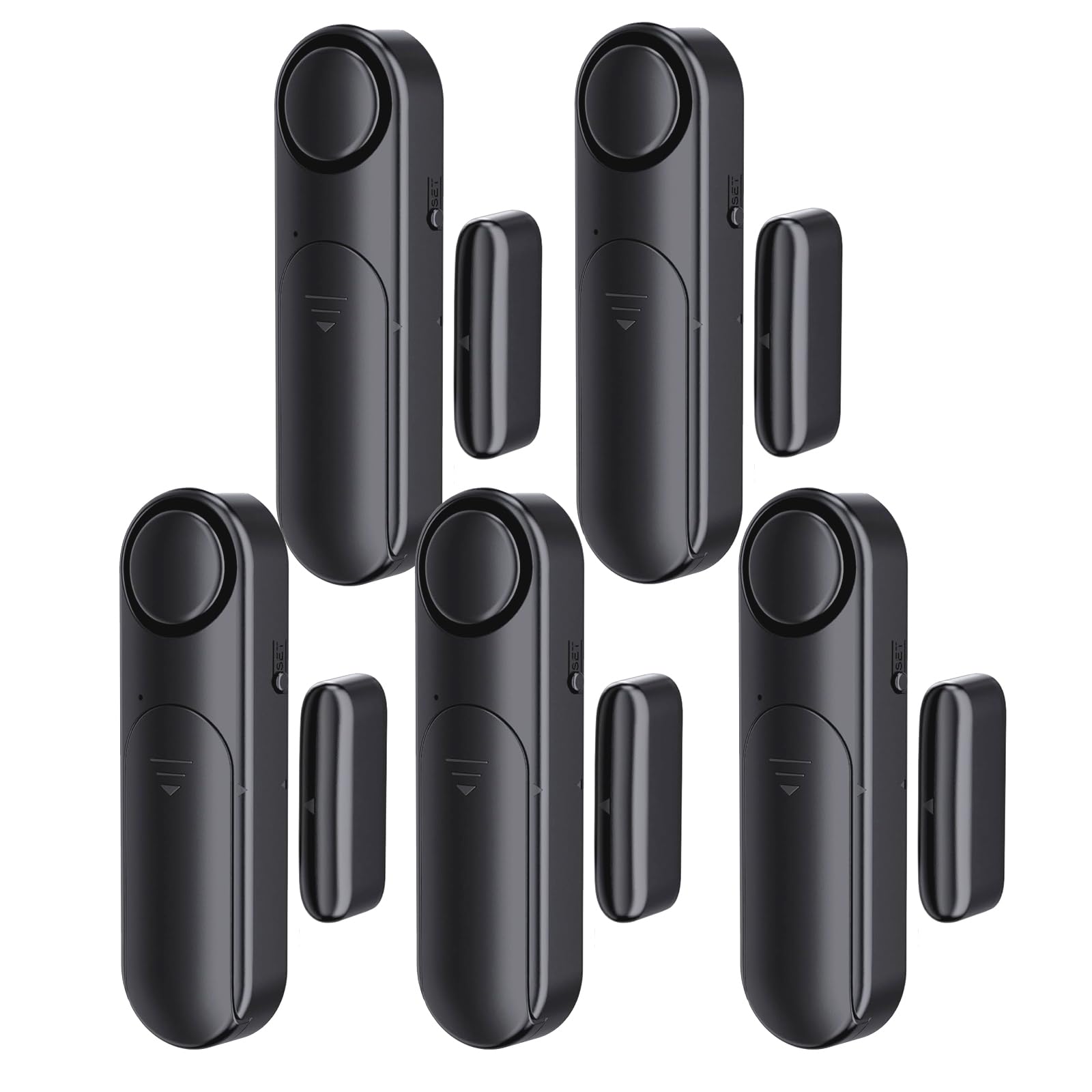
Black, not white, and two AAA batteries instead of a stack of button cells: the METAK set is the one here that looks like it was designed for a dark door frame and a kitchen drawer full of ordinary batteries. On a black-framed patio door or a garage side entry, that matters more than another few decibels of siren.

The rest is conventional in a good way. A Set button arms and disarms and switches between 90dB and 120dB, an on/off switch kills it while you carry furniture through, and an LED flashes red on an alarm or a low battery. Five units, peel-and-stick, no hub, no app, no subscription.

The honest version is that this is a set for a specific job rather than a whole house. Five units covers a garage, a basement and a patio door, and the black housing disappears against dark trim in a way the white alarms don't. We noticed the 90dB setting is the one you'll actually leave on a door used every day, because 120dB in a small garage is punishing.

Bottom line: A sensible pick for a garage or a dark-framed door, where black housing and ordinary AAA batteries matter more than another app.

How We Tested the Best Door and Window Sensors

We started with a list of over 60 sensors from brands big and small, then narrowed it down by reading reviews, checking app compatibility, and filtering out models with proprietary hubs or obvious red flags like repeated complaints about adhesive failure. We ended up with 18 that covered the range of prices, mounting styles, and connectivity options — Wi-Fi, Bluetooth, and hub-based. We stuck them on front doors, back doors, windows, and a detached garage that runs hot and cold, and we lived with them for four months.

For installation, we timed how long it took to pair each sensor and mount it without tools. We noted whether the adhesive felt tacky enough to hold on a painted frame or vinyl window, and we watched for any sensors that slid or dropped after a week of slamming doors. We also checked how easy it was to remove and reposition without damaging the finish.

Then we tested what happens when a door actually opens. We listened to the chime and alarm volume from the next room and from upstairs — some are piercing, others are a polite suggestion. We checked the app for delay or dropped connections, and we let the batteries run down to see how early and how accurately the low-battery warning appeared. Reliability mattered most: a sensor that missed an event or sent a false alert didn't stay in the running. We weighed the price against the features that actually mattered — a sensor that costs twice as much but still needs a hub wasn't automatically a better buy.

How to Choose Door and Window Sensors

A phone alert or a noise in the hallway

These products split into two families, and picking the wrong one is the most common mistake in the category. A smart contact sensor pairs with a hub or base station and sends a notification, which is what you want when you're at work. A standalone alarm screams locally and tells nobody, which is what you want when the point is to startle someone in the room: a child at a pool door, a tenant at a fire exit, an intruder. A local siren is a deterrent, not a notification, and an empty house is not impressed by it.

Budget for the hub, not the sensor

The sensor is the cheap part; the piece that listens is where the money goes. Ring sensors only work with a Ring Alarm base station, and the SONOFF needs a Zigbee coordinator. If that hardware is already in the house, the sensors are inexpensive and the choice is obvious. If it isn't, count the total before you compare pack sizes. The Tapo kit bundles its hub, which is why we point a household starting from nothing at that one.

Trim, tape, and the alignment problem

Door sensors fail at the mounting, not the electronics. The two halves have to face each other across the opening, and older trim, stepped frames and doors that don't close the same way twice make that harder than the product photos suggest. Where a gap is published it's worth knowing: the SONOFF tolerates up to 30mm. Elsewhere you're relying on tape and judgement. Clean the surface, dry it, press longer than feels necessary, and check the alignment with the tape still on its backing.

Battery type decides how much you'll think about these

Button cells dominate the standalone alarms here, four LR44 in an UltraPro or Philips and three in a SanJie, and they're cheap but fiddly. Rated life varies more than the price does, from up to 13 months on the SanJie to about three years on the Ring sensors' CR2032s. AAA cells, in the SONOFF and METAK, are the easiest to keep in a drawer. Whatever you choose, a low-battery indicator matters more than capacity, because a dead cell turns a sensor into a piece of trim.

Loud isn't the same as adjustable

120dB and 125dB look good on a listing and are genuinely unpleasant at close range, which is the point in an emergency and a nuisance on a door you use twenty times a day. The useful question is whether you can turn it down. The SanJie offers three settings, the UltraPro and Philips give you a chime position, and the UltraPro's siren itself is fixed. Put the loud settings on pool, basement and garage doors, and a chime on the front door you actually live with.

Frequently Asked Questions

Final Verdict

Most people should buy the Tapo T31 kit. It's the only smart set here that arrives with the piece doing the listening, so the first door you open produces both a notification and a chime, and you can add sensors to the same hub as the house grows.

If you already own a Ring Alarm base station, the Ring six-pack is the better buy per opening and rated to sit untouched for about three years. If you want nothing to do with an app, put the UltraPro twelve-pack in the basket instead.