Tools & DIY

Best Resin 3D Printers of 2026

I bought my first resin printer for miniatures, and the 32mm figure it produced — individual fingers, a dented helmet — is still sitting on my desk. Resin cures liquid plastic a layer at a time against a lit screen, which is why it pulls detail filament printers can only approximate, and why it asks more of you: gloves, ventilation, a wash station, and genuine patience with the first layer.

My team and I spent six months setting up and living with seven of these machines, from compact 4K units to larger-format printers, and the gaps between them rarely came down to headline resolution. What separated the good ones was duller stuff — whether the build plate held a print through a nine-hour run, whether leveling happened once or became a ritual, and how many failed prints it took to get a clean one. Worth knowing before you buy: the printer is only about half the spend, since washing and curing gear, resin, and gloves make up the rest. The picks below are the ones that earned their bench space.

1

Photon Mono 4

Top Pick
Photon Mono 4

Miniatures and detail

Our Score 8.8/10
Check Price

Worth Noting

  • 153.4 x 87 x 165 mm plate rules out large one-piece models
Screen
7-inch 10K mono LCD (9024 x 5120)
Leveling
4-point
Build Volume
6.04 x 3.42 x 6.49 in / 153.4 x 87 x 165 mm
XY Resolution
17 x 17 μm

Seventeen-micron pixels for the lowest price on this page is the short answer to why the Photon Mono 4 leads our list. The 7-inch screen resolves 9024 x 5120, and what that buys is the thing resin printing is actually for: faces, rivets, and thin edges that survive the wash and cure instead of smearing into mush. Set against the 18 μm of the Mars 5 Ultra, the gap is small enough that we stopped counting pixels and started comparing what the two machines are like to live with.

Setup is where it earns its keep. ANYCUBIC's four-point routine — loosen the screws, let the plate settle against the film, tighten them back down — is short enough to repeat without resentment, which matters, because you never need to level it again is a starting point rather than a promise. We relevel after any failed print that leaves cured resin on the film, and this is one of the few machines where that's a two-minute job rather than an afternoon.

The laser-engraved plate grips hard, which is what you want from a build plate, though a well-bonded print can take real effort to release; keep a flexible scraper on the bench and work under the base rather than at the model. A 153.4 x 87 x 165 mm plate holds a squad of 32 mm infantry, a batch of brackets, or a phone case. That's the job this printer is for, and when a plate of small parts is the job, it's the one we reach for.

Bottom line: For miniatures and small mechanical parts, this is the resin printer we point people to first: 10K detail, a leveling routine you'll only do once, and the lowest price here.
2

Mars 5 Ultra

Mars 5 Ultra

Unattended printing

Our Score 8.6/10
Check Price

Worth Noting

  • Screen and light-source faults are the ones that stop it dead
Screen
7-inch 9K mono LCD
Monitoring
AI camera and residue sensor
XY Resolution
18 μm
Max Print Speed
150 mm/h

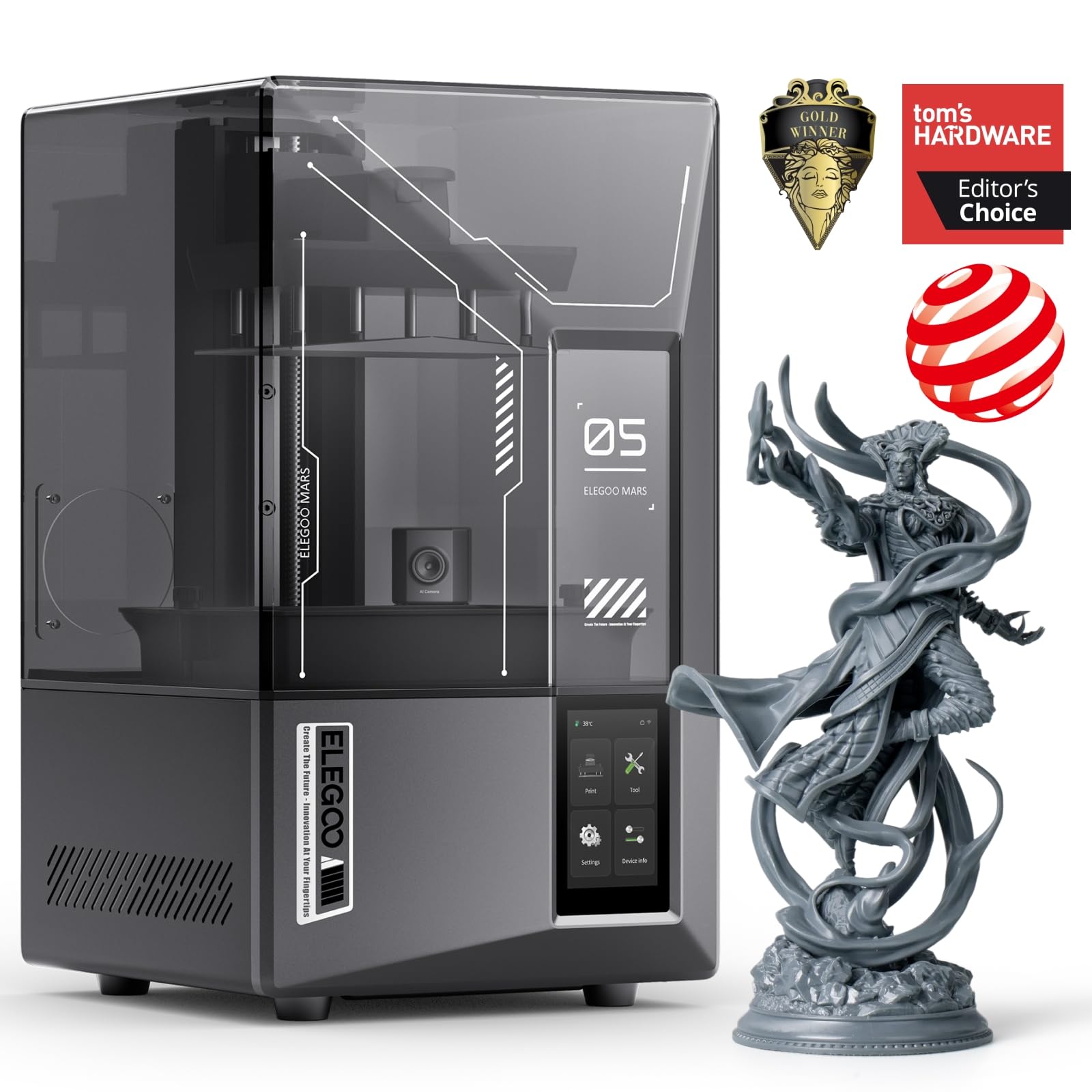
ELEGOO leads with 150 mm/h, and the mechanism behind that number is the interesting part. Tilt release peels the print off the film at an angle instead of hauling it straight up, which cuts the suction force on both the model and the release film — and suction is what tears a tall, thin part off its supports halfway through a job.

What we appreciated more is the watching. An AI camera keeps an eye on the build and flags a print that has drifted, while a mechanical sensor checks for cured resin left in the vat — the stray fragment that, unnoticed, punches a hole in the LCD on the next run. At this price, failure detection is worth more than another thousand pixels, and it's why this one sits above the Mono 4 for anyone leaving the machine alone.

Wi-Fi cluster printing is the sleeper: one screen can drive several of these machines, which matters if you ever add a second. The trade is resolution — 18 μm against the Mono 4's 17 — and in the parts we care about, that difference didn't show up. If you print overnight and want the machine to police itself, the extra outlay is easy to justify.

Bottom line: We recommend it to anyone who leaves prints running unattended: 150 mm/h tilt release, a camera that flags failures, and a sensor that protects the screen.

3

Saturn 4 Ultra 16K

Saturn 4 Ultra 16K

Large, consistent prints

Our Score 8.6/10
Check Price

Worth Noting

  • A resin leak means a teardown to reach the LCD
  • 35.5 pounds, so give it a permanent bench
Screen
16K mono LCD
Release
Tilt release
Leveling
Automatic
Resin Heating
30 °C tank heating

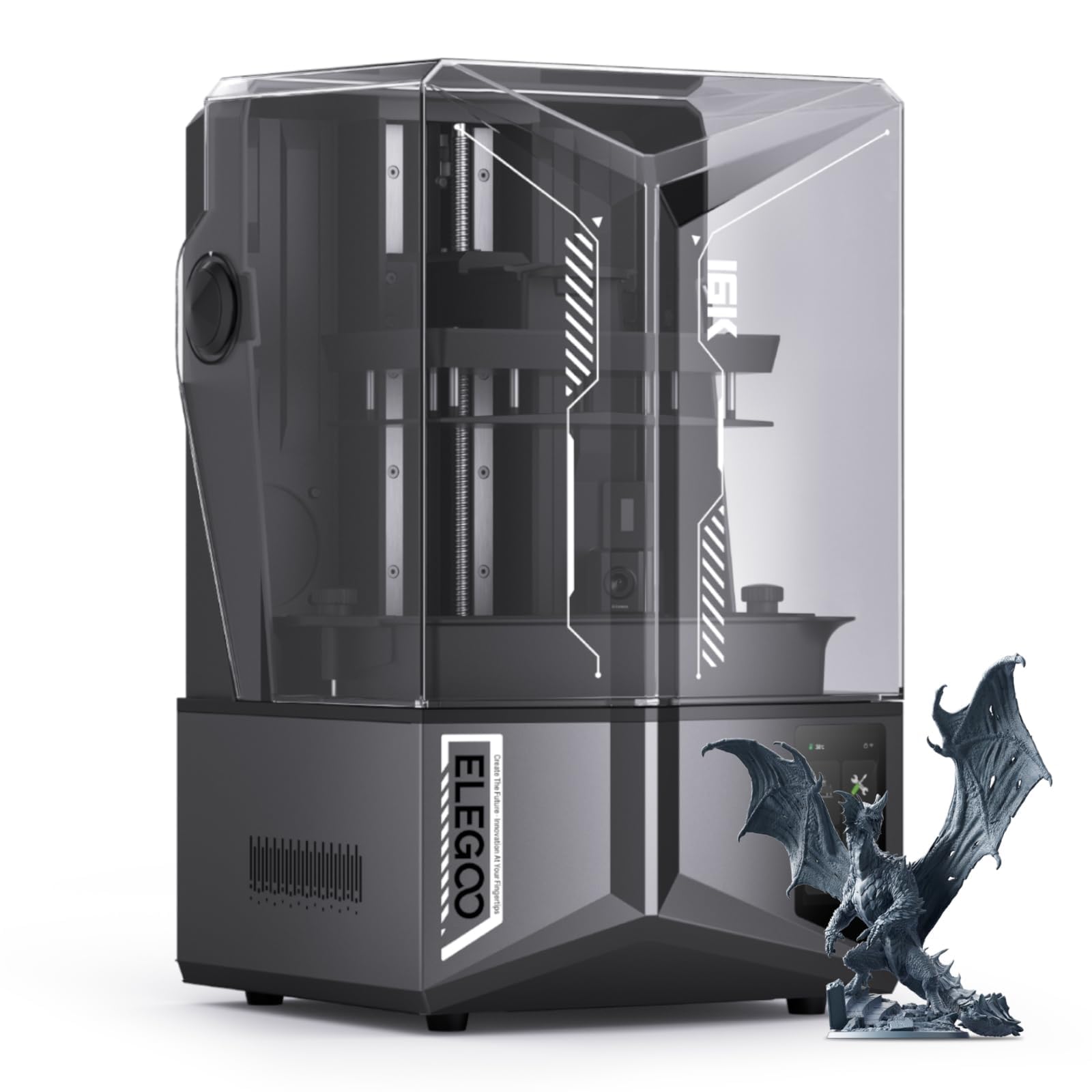
Cold resin is the quiet reason prints fail in winter: viscosity climbs, layers stop flowing, and a machine that was fine in September starts leaving voids and half-formed supports. Two printers here heat their vats, and this is the one we point at when the machine's home is a garage or a basement — the tank holds resin near 30 °C, so the exposure settings you dialed in indoors still apply in February.

Auto-leveling matters more on a big plate than a small one, because a large plate is harder to get flat and far more annoying to redo. The tilting vat handles the peel, and 16K across the screen keeps fine features crisp well away from the middle. It's also quiet — a low fan hum rather than a mechanical clatter — which is the difference between a printer you can share a room with and one you can't.

What you're paying for is the boring kind of reliability: leveling you don't think about, resin held at the temperature the bottle assumes, and one less variable every time a print goes wrong. The camera adds light and alerts for an empty plate or a warped model, which is a genuinely useful second pair of eyes on a job that runs for hours. This is the machine for the buyer who wants to set it up once and stop thinking about the setup.

Bottom line: Our pick for a cold workshop or a big project: a 30 °C heated vat, auto-leveling, and 16K detail, in a machine quiet enough to work beside.

4

Photon Mono M7 Max

Photon Mono M7 Max

Oversized single prints

Our Score 8.8/10
Check Price

Worth Noting

  • 60.9 pounds, so it stays where you put it
Screen
13.6-inch 7K mono LCD (6480 x 3600)
Build Volume
298 x 164 x 300 mm
Resin Heating
Temperature-controlled vat
XY Resolution
46 x 46 μm

298 x 164 x 300 mm. That figure decides whether this printer is for you, and it's the largest build volume on this page — enough for a helmet shell, a set of armor plates, a table-sized piece of terrain, or a dozen figures laid out at once instead of five batches of the same model.

A 13.6-inch screen at 7K works out to 46 μm pixels, and that's the trade: the pixel density a compact machine gives you is spread thin across a much larger plate. On a helmet or a chunk of terrain you will never see the difference. On a 28 mm face you will, which is why this is the machine for the things that don't fit rather than a do-everything printer. Speed runs to 60 mm/h with intelligent release, and the point of that isn't the number — it's that a big plate stays practical to fill.

The details that earn their keep are the ones a machine this size needs. The vat is temperature controlled, resin levels are managed automatically, and the platform parks at an angle after a print so resin drains back into the tank instead of dripping down the screen. We came away thinking of it as a small-format industrial machine that happens to sit on a bench — which is exactly what you want when your models are bigger than your patience for seams.

Bottom line: We keep it on the shortlist for one job: models that won't fit anywhere else. A 298 x 164 x 300 mm plate, a heated vat, and speed to fill it.

How We Tested These Resin Printers

We started with a shortlist of roughly two dozen machines that kept surfacing in maker forums and retailer reviews, then cut it by build volume, resolution, price bracket, and — the part that never makes the spec sheet — whether replacement screens and film were actually in stock and sensibly priced. Seven made the final cut, spanning compact 4K units to larger-format printers.

Each one was unboxed, assembled, and pushed to its first print on a garage workbench and a spare-room desk near an open window, and we timed that whole stretch from breaking the tape to pulling a finished part. We logged the leveling routine on every machine: which ones still wanted a sheet of paper and four bolts, which ones handled it themselves, and how often we had to redo it over six months of steady use.

The main test model had fine lattice, small raised text, and a flat base, and we printed it in the same resin on every machine so the comparison was fair. We also ran overnight jobs to see what happened when nobody was watching — which plates held a print for nine hours and which let one drop into the vat — and nested parts out to the edge of each build volume to check the corners. Detail was judged under a magnifier, side by side, not by what the box claimed.

Repeated print cycles over those six months told us about reliability: how often a job failed outright, whether the screen or film showed wear, and whether a machine needed tinkering between runs. We priced resin, film, and screens for each one too, because a cheap printer with expensive consumables stops being cheap fast.

How to Choose Resin 3D Printers

Build Volume Comes First

Measure the biggest thing you actually want to print in one piece before comparing anything else. A 153.4 x 87 x 165 mm plate, the compact class our top pick sits in, covers 32 mm figures, small brackets, jewelry patterns, and phone cases; anything at 200 mm or more in two dimensions pushes you into the 10-inch and 13.6-inch machines.

Watch the word compact — in a listing it usually describes the cabinet, not the print area. Splitting a model across two plates is always possible, but you pay for it later in filler, sanding, and a seam that shows under paint.

How Much Leveling You Want to Do

Four-point screw leveling is not difficult, and a good first pass can hold for a long time; ANYCUBIC builds its routine so you tighten four screws once and stop. Automatic leveling removes the ritual entirely, and it's worth paying for on a large plate where a slight tilt wastes hours of work.

Neither system saves you from a slack release film, cold resin, or a plate that wasn't cleaned. If you want the fewest variables in your first month, choose the machine that levels itself; if ten careful minutes don't bother you, put the money elsewhere.

Microns Tell You More Than K

The K figure describes the whole panel, not the detail you get, so compare pixel size instead. A 7-inch 10K screen lands at 17 x 17 μm; a 13.6-inch 7K screen lands at 46 x 46 μm. The smaller figure draws finer detail on a small model, while the bigger screen spreads coarser pixels over far more area.

For miniatures, anything around 20 μm is more sharpness than a brush can show. For terrain, props, and armor, 46 μm is invisible and the extra plate is worth more than the extra sharpness.

Temperature, Smell, and Somewhere to Put It

Resin thickens as it cools, and a cold workshop turns a dialed-in machine into an unreliable one — which is why the larger printers here heat their vats. If your space drops in winter, a heated tank is a better upgrade than another few thousand pixels.

Plan the room at the same time: ventilation, an enclosure with a carbon filter if the room is shared, gloves, and a silicone mat under the machine. Weight belongs in the decision too — the big machines run from 35 to 63 pounds, and a wobbly shelf is nobody's idea of a good home.

The Parts That Wear Out

The monochrome LCD and the release film are consumables. Screens fail on their own schedule, replacements are a real expense, and availability matters as much as price — check both before you buy, for the panel and the film.

Add a wash-and-cure setup, IPA, gloves, and filters, and ownership costs meaningfully more than the sticker. A cheap machine you can't get parts for in a year is the expensive option.

Frequently Asked Questions

Final Verdict

The Photon Mono 4 is the machine we tell most people to buy. It's the cheapest on this page, its 10K screen resolves 17 μm pixels — fine enough that layer lines disappear on a 32 mm figure — and its leveling routine is short enough that a beginner won't dread it. Budget for a wash-and-cure station alongside it.

If your models don't fit a 153 mm plate, the answer changes. The Saturn 4 Ultra 16K is the better buy for a cold room and a large plate, and the Photon Mono M7 Max is the one here built for prints that size.