Tools & DIY

Best Vinyl Cutting Machines of 2026

Vinyl cutters look like a simple upgrade to a craft knife until you realize the blade, software, and material all have to agree. The appeal is obvious: crisp labels, decals that survive a tumbler’s wash cycle, and heat-transfer designs that don’t peel after one wear. The catch is that a machine can be compact, affordable, and still so fussy to set up that it ends up in a closet. I spent eight months with 10 vinyl cutting machines, from small-format portrait-style cutters to larger models, and the differences showed up fast in real projects.

Here’s what first-time buyers learn the hard way: the cutter is only half the purchase. The software decides whether you can design without a tutorial, and the starter supplies tell you whether you can make anything decent before buying more blades, mats, and vinyl. We cut adhesive vinyl, heat-transfer vinyl, cardstock, and stencils at kitchen tables and craft desks, judging cut quality, setup time, and whether each machine felt worth the money. The picks below kept earning their shelf space after the first project.

1

Silhouette Cameo 5 Alpha Plus

Top Pick
Silhouette Cameo 5 Alpha Plus

Large vinyl projects

Our Score 9.2/10
Check Price

Worth Noting

  • Large 25.28-inch-wide body needs a table
Software
Silhouette Studio
Top Speed
400 mm/s
Cutting Width
15 in.
Mat Material Thickness
Up to 0.5 mm

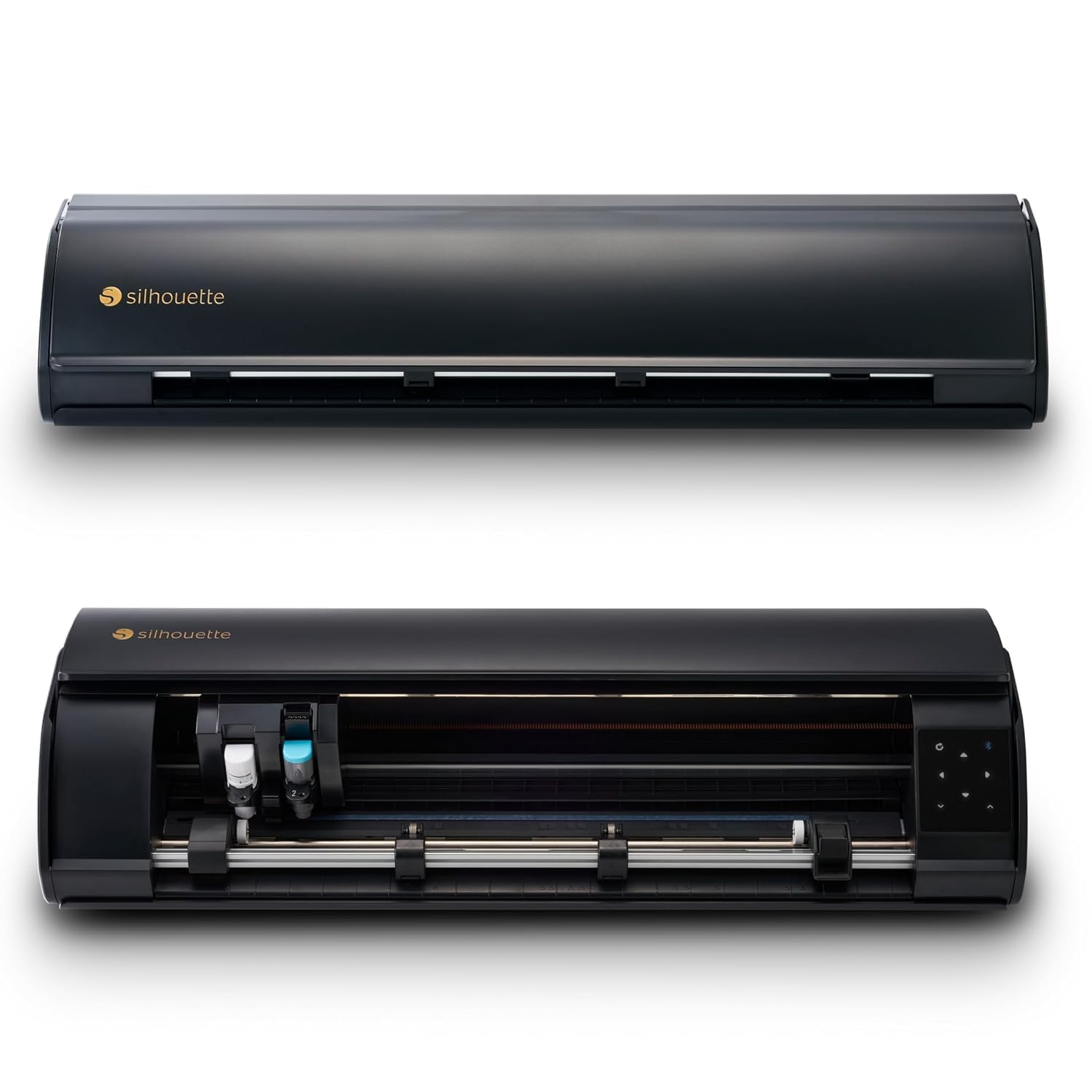
The 15-inch cutting width is what puts the Cameo 5 Alpha Plus at the top of this list. It lets you cut a full-width heat-transfer vinyl design or a larger decal without splitting it into sections, and the electrostatic mat handles material up to 0.5 mm thick. We also appreciated the AutoBlade, which removes the guesswork of setting blade depth, and the 4-point registration system for print-then-cut work.

Speed is the other reason it earns the top spot. Silhouette rates it at up to 400 mm/s, and the machine is designed to run quietly enough for a shared room. In our time with it, that combination made larger jobs feel less like a production shift and more like something we could start after dinner.

The Studio software and the bundled design library are the workflow, and the 4-point registration is what makes print-then-cut useful for stickers and labels. We recommend it to anyone who wants one cutter for shirts, signs, and larger vinyl; for small decal-only work, the Portrait 4 is the more focused choice.

Bottom line: For most people who want one machine for vinyl, HTV, and larger decals, this is the one we recommend: 15-inch cutting width, automatic blade setup, and fast, quiet operation.
2

Cricut Maker 4

Cricut Maker 4

Material variety

Our Score 9.0/10
Check Price

Worth Noting

  • Design Space is required for every project
  • 22.1-inch body needs table space
Software
Design Space
Materials
300+ materials
Print-Then-Cut
Yes, inkjet printers
Active Surface Area
270.25 sq in

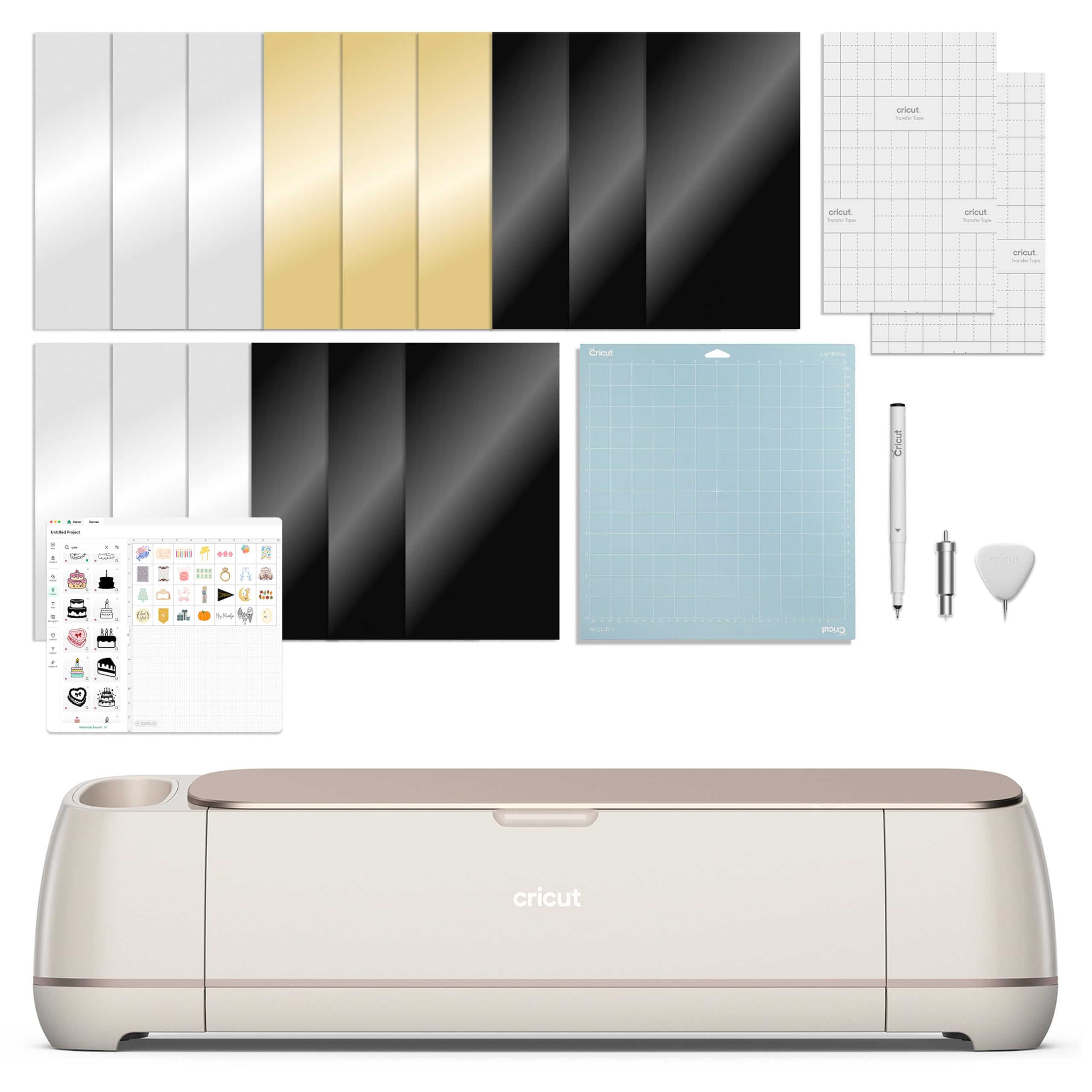
The 300-plus material range is the reason the Maker 4 stays in the conversation. It cuts adhesive vinyl and HTV, but also cardstock, leather, and wood, so the same machine can handle a shirt decal and a small wood sign. The print-then-cut feature works with most inkjet printers for stickers and labels, and the 270.25-square-inch active area gives you room for multi-piece jobs.

We were pleased by how quickly the Maker 4 moves through a vinyl cut, and the print-then-cut alignment is the reason it can handle sticker sheets without a separate scanner. The active area is generous enough for multi-piece projects, and the machine feels planted while it works. The results are clean when the material and blade are matched, which is the sort of consistency we look for in a machine at this level.

Where the Maker 4 wins is material breadth. The Explore 4 is the easier starting point for vinyl and HTV alone; the Maker 4 earns its place when you want leather, wood, and thicker craft materials in the same machine. If your projects stay on vinyl and paper, the extra range is not doing much for you.

Bottom line: If you want one machine that cuts vinyl, HTV, leather, and wood, the Maker 4 is the broadest craft cutter here for material-heavy projects.

3

Siser Romeo

Siser Romeo

High-volume signmaking

Our Score 8.6/10
Check Price

Worth Noting

  • 36.5-inch body needs a dedicated table
Software
Leonardo Design Studio
Connectivity
WiFi, Windows & Mac
Cutting Width
24 in.
Matless Cutting
Yes

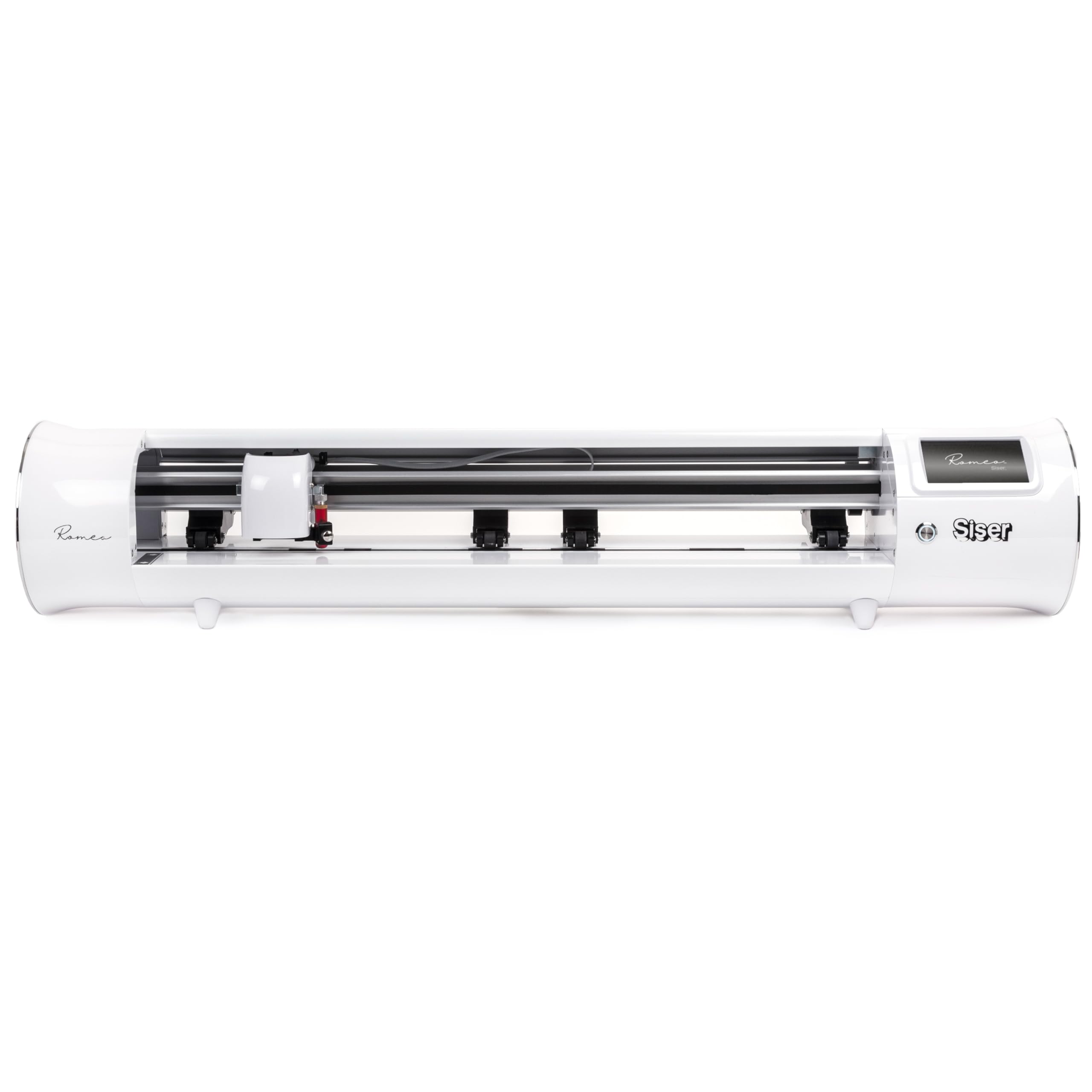
The 24-inch cutting width turns the Romeo into a production tool rather than a hobby machine. You can run wide rolls, cut larger designs in one pass, and work matless when the material has a backing that feeds cleanly. Siser also builds in a 12-by-12-inch light-tack mat for jobs that need one, so you are not forced into a single workflow.

We appreciated the speed and the quiet motor. Siser claims cuts up to 60 percent faster than traditional desktop cutters, and the Romeo is designed to stay quiet while it runs. In a small shop, that combination matters more than a long feature list: you can finish a batch of decals without listening to a machine whine through every pass.

The caveat is setup. The touch-screen interface is friendly enough, but the instructions and software leave more trial and error than a beginner expects, and print-and-cut alignment is the area to test first. We see the Romeo as a machine for someone who already knows they will cut regularly; if you are making a few shirts a month, the Cameo 5 Alpha Plus is easier to live with.

Bottom line: A 24-inch cutter for small shops and high-volume vinyl work, with speed and accuracy that make it a production tool.

4

Silhouette Portrait 4

Silhouette Portrait 4

Small spaces

Our Score 8.8/10
Check Price

Worth Noting

  • Detailed cuts can need a second pass
Weight
16 oz
Software
Silhouette Studio
Noise Level
50 db
Cutting Width
9 in.

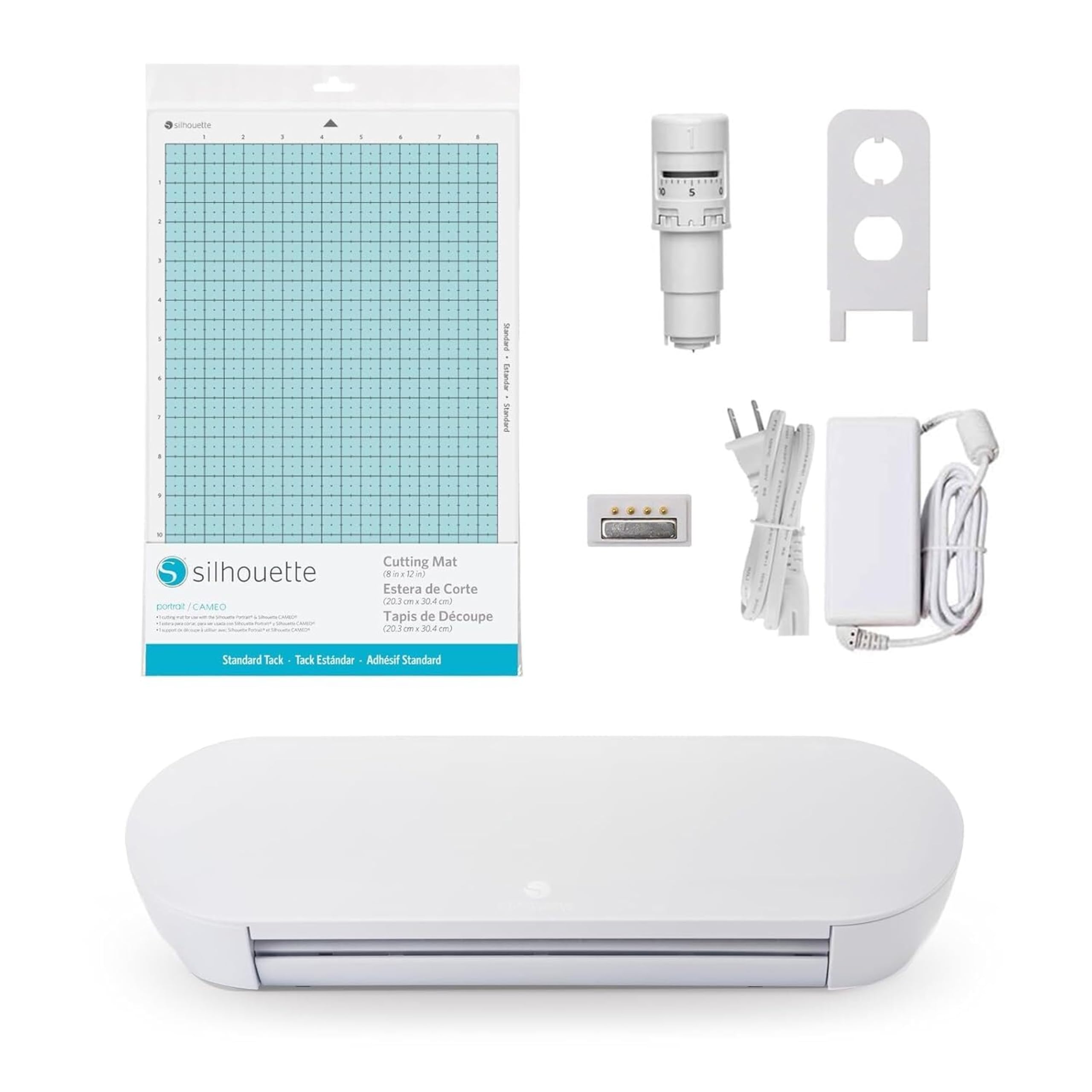
The Portrait 4 earns its place by being small enough to leave out. At 9 inches wide and 16 ounces, it takes up little more room than a cutting mat, and the 50 dB rating makes it easy to run while the rest of the house is awake. For cards, small decals, and HTV for kids' shirts, that size is a feature rather than a compromise.

We found the Portrait easy to live with: the mat loads easily, the Studio software is familiar, and the machine handles vinyl, paper, and fabric without a lot of setup drama. It is a reliable everyday cutter for cards, labels, and small decals, and the 81-square-inch active area is enough for the projects most people bring to it.

If you mostly make stickers, labels, and small shirt decals, the Portrait 4 is the sensible first machine. Step up to the Cameo 5 Alpha Plus when you need 15-inch material; stay with the Portrait when the table space matters more.

Bottom line: The compact cutter we recommend for small spaces and everyday vinyl jobs, with a 9-inch width that suits cards, labels, and small decals.

5

Cricut Explore 4

Cricut Explore 4

Beginners

Our Score 9.2/10
Check Price

Worth Noting

  • Starter material sheets are small
Speed
Up to 2X faster
Software
Design Space
Materials
100+ materials
Included Materials
Vinyl and iron-on sheets

The Explore 4 bundle is set up for the first project, not the hundredth. You get the machine plus a mix of vinyl and iron-on sheets, along with a digital guide that walks through setup and a few starter projects. That matters if you are buying your first cutter and do not want to order every supply separately.

The machine itself is quicker than the previous generation, and it cuts the basics well: adhesive vinyl, HTV, cardstock, and paper. The 100-plus material range is narrower than the Maker 4's, but it covers what most home crafters actually use. We found the setup straightforward, and the digital guide fills in the gaps.

Where the Explore 4 wins is as a first machine with a clear path. The vinyl and iron-on sheets let you test both workflows before you invest in rolls, and the Cricut software is the same one used across the family. If you already know you want leather and wood, the Maker 4 is the better long-term buy; for vinyl, HTV, and paper, the Explore 4 is the more sensible start.

Bottom line: The easiest entry point for someone who wants to start cutting vinyl and HTV, with a bundle that gets the first projects going.

6

Likcut S501

Likcut S501

Tight budgets

Our Score 8.2/10
Check Price

Worth Noting

  • 4.5-inch width limits larger designs
Weight
5.8 lb
Materials
50+ materials
Connectivity
Bluetooth 5.0 and USB 2.0
Cutting Width
4.5 in.

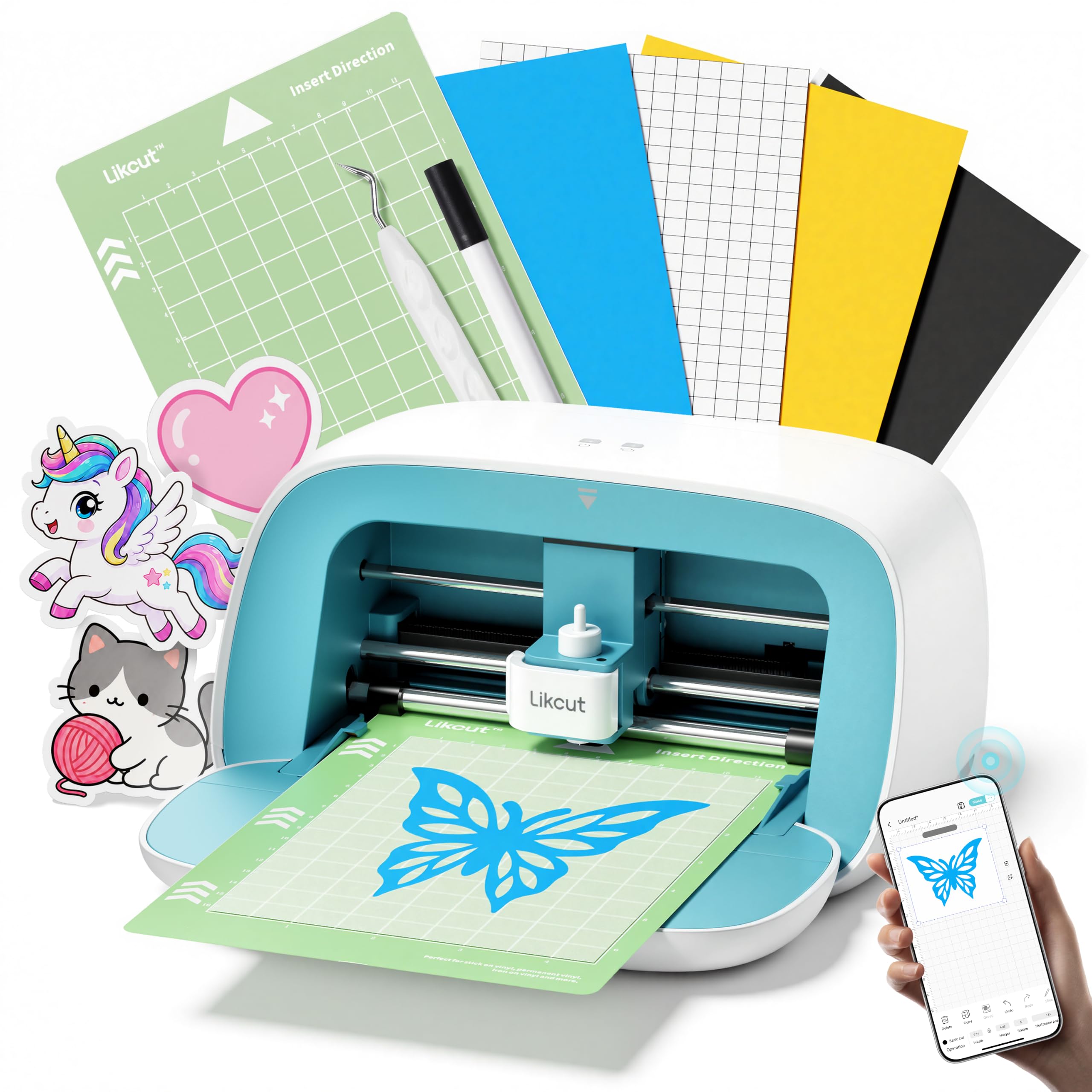
The Likcut S501 is the cheapest way into vinyl cutting here, and it does not feel like a toy. The 4.5-inch cutting width is small, but it is enough for stickers, labels, and small decals, and the machine handles 50-plus materials with either Bluetooth 5.0 or USB 2.0. The front cover doubles as storage, which is a neat touch in a crowded craft space.

We liked the app more than we expected. It is aimed at beginners, with tutorials and a simple path from design to cut, and the machine makes clean cuts on vinyl and cardstock. The small footprint means it can live on a shelf, and USB gives you a fallback if you do not want to work wirelessly.

The setup instructions are the weak spot: they are confusing enough that we had to work through a few steps by trial and error. The app's tutorials help, but you should expect a learning curve before the first clean cut. Once you are through it, the machine is a capable little cutter for stickers and labels.

Bottom line: A budget pick for stickers, labels, and small decals, with a compact body and an app that makes simple projects easy to start.

7

Brother ScanNCut SDX125

Brother ScanNCut SDX125

Scanning and cutting

Our Score 8.8/10
Check Price

Worth Noting

  • Mats add ongoing cost
Built-In Designs
682
Built-In Scanner
Yes
Active Surface Area
11.7 inch
Max Material Thickness
3 mm

The built-in scanner is the reason to look at the ScanNCut SDX125. You can place a drawing or a printed sheet on the bed, scan it, and cut around it without a separate scanner or a camera setup. That is a different workflow from the Cricut and Silhouette machines here, and it is genuinely useful for paper crafters, quilt patterns, and one-off stickers.

Brother also includes 682 built-in designs and nine fonts, which means you can start cutting without a design subscription. The auto blade uses a material sensor to set depth, and the machine cuts up to 3 mm thick. We appreciate that independence; it makes the ScanNCut feel like a self-contained workshop rather than an accessory to an app.

The trade-off is that this is a scanner-first machine, not a precision vinyl cutter. For basic shapes and scanned outlines it is fine; for intricate vinyl lettering, the Cameo or Maker is the better tool. That is the trade for the built-in scanner, and it is why we recommend it to a specific buyer rather than as the default.

If you already own a scanner and a printer, the Brother's advantage shrinks. But for someone who wants to turn children's drawings, quilt templates, or printed sheets into cut shapes with one machine, the built-in scanner is worth the space.

Bottom line: The pick for scanning drawings and cutting printed stickers without a separate scanner, with 682 built-in designs for paper and vinyl projects.

How We Tested Vinyl Cutters at the Kitchen Table

We built the shortlist from cutters that keep coming up in craft forums, starter bundles, and store shelves, then filtered by cutting width, footprint, price, and required software. That left 10 machines, which we ran for eight months on kitchen tables, a sewing desk, and a folding craft table that had to be cleared for dinner. Each machine got the same first assignment: unbox it, follow the setup guide without outside help, load the starter supplies, and cut a simple name decal. We timed how long it took to reach the first clean cut and noted where the instructions assumed we already knew the terminology.

Then we cut adhesive vinyl for water-bottle labels and laptop decals, heat-transfer vinyl for T-shirts and tote bags, cardstock for stencils, and intricate script designs that expose a dull blade or a slipping mat. We watched whether letters lifted cleanly during weeding, whether the blade dragged at corners, and whether the same file cut consistently on the second and fifth pass. Software got equal scrutiny: we designed from scratch, imported SVG files, resized artwork, and tried to send a job without hunting through menus. We also tracked what came in the box—blades, mats, vinyl samples, transfer tape—because a cheap machine with no starter supplies costs more by the second project.

Over eight months, we noted whether the machine held registration after being moved from shelf to table, whether the blade housing stayed tight, and whether the feed rollers marked delicate vinyl. Small-format machines earned points if they fit on a shelf and could be set up without rearranging a room; larger ones had to justify their footprint with wider cuts or faster jobs. We compared each machine’s price against what it actually produced—clean cuts, repeatable results, usable starter materials—rather than the spec sheet. The machines that stayed in rotation made a second project feel easier than the first.

How to Choose Vinyl Cutting Machines

Start with the width you actually need

A 9-inch cutter like the Portrait 4 handles cards, labels, and small shirt decals, while a 15-inch machine like the Cameo 5 Alpha Plus can cut a full-width HTV design in one pass. The 24-inch Siser Romeo is a production tool for wide rolls and larger signs. The trap is assuming a compact machine can grow with you: the machine's footprint and its cutting width are different numbers, and a 4.5-inch cutter will not make a full back print no matter how good the software is.

We recommend measuring your common design first, then adding a couple of inches of working room. If most of your projects fit on a 12-by-12-inch mat, a 12- to 15-inch cutter is the sweet spot. If you only make stickers and labels, save the space and buy the smaller machine.

Material range is more than a blade setting

Every machine here cuts adhesive vinyl and HTV, but the useful differences show up with thicker materials. The Maker 4 is rated for 300-plus materials, including leather and wood; the Brother ScanNCut cuts up to 3 mm; the Cameo 5 Alpha Plus handles material up to 0.5 mm on its electrostatic mat. If you want one machine for vinyl and thicker craft materials, check the maximum thickness and the blade options before you buy.

We think most vinyl-focused buyers can ignore the longest material list. A machine that cuts vinyl, HTV, cardstock, and the occasional specialty sheet covers more than a hobbyist needs. The exception is someone who wants to cut wood, leather, or thick felt: that is where the Maker 4 and the ScanNCut earn their extra space.

Software and connection decide how often it gets used

The cutting machine is only half the system; the design app is the other half. Cricut uses Design Space, Silhouette uses Studio, and Siser uses Leonardo. The app determines how you import artwork, whether you can work offline, and how much of the project lives behind a subscription. Bluetooth is convenient, but a USB connection is a useful fallback when a wireless handshake fails.

We prefer a machine with a desktop app and a wired option for anything beyond occasional cards. A phone-only workflow is fine for quick labels; it becomes cramped when you are laying out a shirt or a multi-color decal. Before you buy, confirm the app runs on the computer you already own and that the connection method matches your room.

Print-then-cut is the sticker-maker's feature

If you want stickers, labels, or printed decals, you need a machine that can find registration marks and cut around a printed sheet. The Cameo 5 Alpha Plus uses a 4-point registration system, the Maker 4 works with most inkjet printers, and the Brother ScanNCut has a built-in scanner that can cut printed sheets and drawings directly. These are different routes to the same result, and the best one depends on whether you already own a printer.

The trap is assuming print-then-cut is automatic. Registration depends on good lighting, a flat mat, and a clean print, so test a single sheet before you commit to a batch. We treat print-then-cut as a separate skill from plain vinyl cutting; if you only cut solid vinyl and HTV, you can skip the feature and spend the difference on materials.

Speed, footprint, and the cost of keeping it fed

A fast cutter saves time on batches, but speed is not the first thing a hobbyist should pay for. The Siser Romeo is rated up to 60 percent faster than traditional desktop cutters, and the Cameo 5 Alpha Plus runs at up to 400 mm/s; those numbers matter when you are cutting the same design twenty times. At home, a quieter machine and a smaller footprint often matter more.

The ongoing cost is mats, blades, and material. A machine with a standard blade holder gives you more affordable replacements, while a proprietary mat or blade can quietly raise the cost of every project. We recommend budgeting for a spare blade and an extra mat at the start; that is the difference between a machine you use and one you leave in the box.

Frequently Asked Questions

Final Verdict

The Silhouette Cameo 5 Alpha Plus is the machine we recommend first. Its 15-inch cutting width, automatic blade, and fast, quiet operation give it the best combination of capability and everyday usability in this set. If your table is small, the Portrait 4 is the compact alternative; if you are cutting wide rolls for a shop, the Siser Romeo is the production pick. For most home crafters, the Cameo is the one to start with.