Smart Home & Security

Best Security Cameras of 2026

Something knocked my recycling bin over at 2 a.m. last winter, and the only thing I could do from bed was guess. That's the real pitch for a security camera: not the hardware on your soffit, but the ability to look at your own driveway from your phone instead of lying there imagining the worst. Over the past six months, my team and I have kept 12 cameras mounted on porches, garages, and back doors for exactly that reason.

What separates a good camera from a frustrating one rarely shows up on the box. Almost every model records clean daytime video now; the differences appear at night, when headlights blow out the frame, or at 3 p.m., when a delivery slips past silently and a moth sets off six alerts. Setup counts for a lot too — a camera that fights you for an hour and then keeps dropping off the Wi-Fi is one you'll quietly stop checking. We cared about picture quality, yes, but also about battery life, reliability, and what the thing costs to run after you've already paid for it. The 12 below are the ones we'd mount again.

1

Ring Floodlight Cam Wired Plus

Top Pick
Ring Floodlight Cam Wired Plus

Driveways and yards

Our Score 9.4/10
Check Price

Worth Noting

  • Needs existing outdoor electrical wiring
  • Lowest resolution in this group at 1080p
Power
Hardwired
Video
1080p HD
Floodlights
2000 lumens
Motion Zones
Custom in app

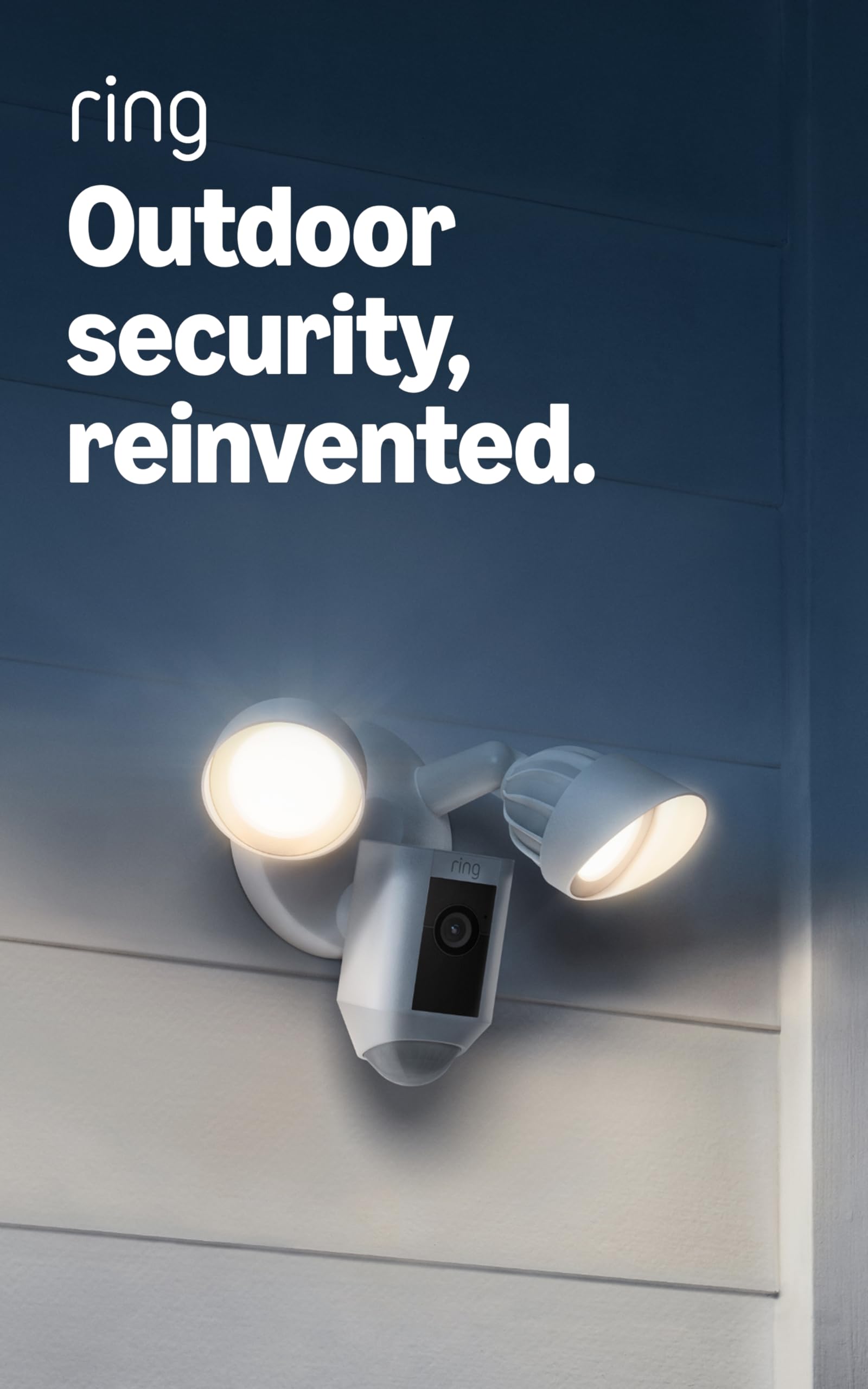
A security camera that also lights the driveway is doing two jobs through one hole in the wall, and that is most of why the Ring Floodlight Cam Wired Plus tops this guide. The 2000-lumen floodlights come on with motion and give you a color-lit picture of a face at the door rather than the grey smear that infrared night footage produces. The camera itself is 1080p, the only 1080p model in this group, and that is the trade you are making.

Installation is where it wins us over. There is no battery to charge and no panel to angle at the sun; the unit replaces a floodlight on wiring that is already there, which is usually the difference between an afternoon job and a call to an electrician. The flip side is absolute: no existing fixture, no camera. Renters and anyone staring at a bare wall should skip straight to the battery and solar picks below.

Motion zones are the setting worth spending time on. The lights are bright enough that a badly aimed unit will wash out the very plate you were hoping to read, and wide zones will have the floodlights firing at every passing car. Narrow them to the walkway and the driveway apron in the first week and the alerts get far more useful. If reading a plate at the far end of a long drive is the actual goal, the eufy's 3K sensor gives you more to work with.

What keeps it at the top is the part that never fits in a spec table: this is the camera that changes how the front of a house feels after dark. You walk up a lit path instead of fumbling for a key, and the recording is almost a by-product of that. For a driveway, a side yard, or the back of a garage that already has a fixture, it is the least fussy way to cover the single most useful camera position on a property.

Bottom line: For a driveway or yard that already has floodlight wiring, this is the one we point people to: it lights the approach and records it, with the shortest outdoor install in this group.

2

Tapo C211 2-Pack

Tapo C211 2-Pack

Indoor room coverage

Our Score 9.0/10
Check Price

Worth Noting

  • Each camera needs its own power outlet
  • Indoor rating rules out permanent outdoor mounting
Power
Plug-in
Resolution
2K
Pan And Tilt
360° horizontal, 114° vertical
Local Storage
Up to 512 GB microSD

A camera that pans is worth more than a camera with more pixels, most of the time. The Tapo C211 sweeps a full 360 degrees horizontally and 114 degrees vertically, so one unit covers a living room, the hallway, and the doorway between them, which is coverage that would otherwise take two fixed cameras. We put one in a living room and one in a hallway, and the sweep is what made the pair feel like a system rather than two gadgets.

The 2K picture holds up in low light, and the alerts are the part we ended up using most: person detection and baby-cry detection are free rather than tied to a plan. A microSD card is the only extra you need, the slot takes up to 512 GB, more than any other camera here, and recording to it means no monthly bill at all. This is the pair we point at anyone who wants to watch a house without another subscription.

Where it falls short is power. Each camera wants its own outlet, and the indoor rating rules out mounting one under the eaves. That is a fair trade for a pair you can move between rooms, and the saved preset angles mean you can swing a camera back to the front door with one tap instead of dragging the joystick around. If you need eyes outside, the money this pair costs gets you most of the way to a battery camera.

Bottom line: Two 2K pan-tilt cameras, local recording, and no subscription: that is the case for the Tapo pair as the default indoor buy in this guide.

3

aosu D1 Classic 4-Cam Kit

aosu D1 Classic 4-Cam Kit

Whole-property coverage

Our Score 8.4/10
Check Price

Worth Noting

  • Base station needs a wired Ethernet run
  • Solar panels only keep up in direct sun
Cameras
4
Coverage
360° pan and tilt
Resolution
2K (3MP)
Base Storage
32 GB

The small base station is the part of the aosu kit doing the real work. It carries 32 GB of storage, which aosu figures at roughly 120 days of loop recording, and the four cameras talk to it over their own wireless link instead of competing for space on your home network. Two of the usual outdoor complaints, the monthly bill and the camera that drifts off Wi-Fi, are designed out at the source.

Around that base you get four 2K cameras on pan-tilt heads, each able to swing a full circle and follow a person once it has picked one up, with spotlights for color night vision and a 6x digital zoom. Mounting is a bracket and two screws per camera, and each unit is solar powered, so the ladder work is mostly a one-time job. The base itself wants an Ethernet run to your router, so plan that before you decide where the cameras go.

Four feeds on one screen is what we kept coming back to. Watching the front, the side gate, the back door, and the shed at once, without tapping between cameras, is the difference between a system you check and a system you forget. Add the absence of a subscription and this is the most complete outdoor setup in this guide for someone who wants to buy once and stop thinking about it.

The caveats are real but narrow. Solar charging only works where the panels see sun, and a camera on a shaded wall will still want the charging cable. The tracking is person-shaped by design: it follows people and will ignore a cat crossing the yard, which is either exactly right or mildly irritating depending on whether you are watching for intruders or wildlife. Neither of those changes what this kit is for.

Bottom line: The aosu kit is what we suggest when a whole property needs covering at once: four solar cameras and a base station that keeps recording without a monthly bill.

4

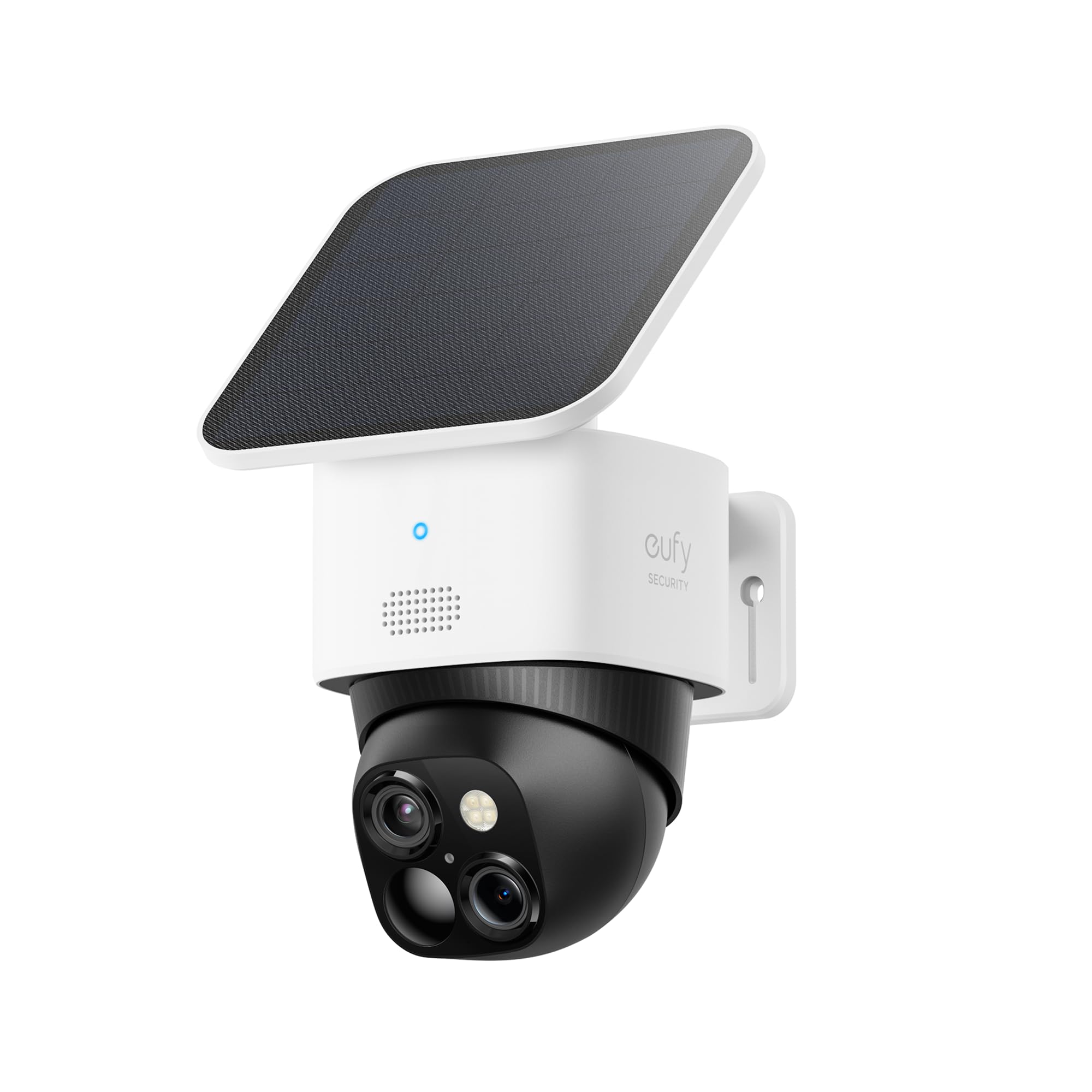
eufy SoloCam S340

eufy SoloCam S340

Wide outdoor views

Our Score 8.2/10
Check Price

Worth Noting

  • Solar charging depends on direct sun
  • Tracking can follow the wrong thing
Zoom
8x hybrid
Power
Solar panel, 10,000 mAh battery
Resolution
3K dual-lens
Built-in Storage
8 GB

Two lenses in one housing is the trick: a wide one for context and a narrow one for detail, combined into a 3K image that eufy rates as usable up to about 40 feet. On a driveway or a long backyard, that is the gap between knowing someone walked up and knowing who. The 8x hybrid zoom gives you a second look without turning the whole frame to mush.

The rest of the package is built for install-once: a 10,000 mAh battery under a removable solar panel, a head that pans a full circle, 8 GB of built-in storage, and no monthly fee attached to the AI detection and tracking. Eufy quotes seven minutes for installation; the mount is a single bracket and the panel clips on, so most of the job is deciding where to put it.

Tracking is the feature that decides whether you love it. When the head locks onto someone coming up the drive and follows them across the frame, the footage is genuinely more useful than a fixed camera's. When it takes an interest in a swaying branch, you get a clip of foliage and an alert you did not need. The preset positions and the wide lens mean you can fall back to a fixed view if the tracking gets tiresome.

The honest limitation is power. Solar only does its job in real sun, so a panel facing the wrong way or shaded by a tree puts you back on the ladder with a cable. Where the camera has sun for most of the day and something worth identifying at distance, it is the most capable single camera here. Where it does not, a cheaper 2K model does the same job for less.

Bottom line: Buy the SoloCam S340 when identifying someone at the far end of a drive is the job; its second lens does what a single wide camera in this group cannot.

5

GMK 4-Camera System

GMK 4-Camera System

Budget outdoor kit

Our Score 8.6/10
Check Price

Worth Noting

  • Batteries need periodic recharging
  • Drops off Wi-Fi where signal is weak
Cameras
4
Resolution
2K (3MP)
Local Storage
microSD up to 128 GB
Weatherproofing
IP65

Four cameras, one box, and a total that undercuts a single premium model. That arithmetic is the whole reason the GMK kit is here. If the problem you are solving is coverage — a back fence, a side gate, a garage, a shed — four 2K cameras doing a decent job beat one camera doing a brilliant one, and they beat it on the day you actually need to see what happened at the gate.

The kit is genuinely wire-free: rechargeable batteries in each camera, IP65 housings, brackets and screws in the box, and a setup routine you repeat four times without learning anything new. Picture quality at 2K is clear in daylight, the PIR sensor ignores a cat where a pixel-based camera would fire, and there is a spotlight for color night footage out to about 33 feet.

Two things to plan for. The batteries are rechargeable rather than solar, so every few months each camera comes down for a charge, which is a ladder job on anything mounted high. And the Wi-Fi link is the weak point: these are 2.4 GHz cameras, so a spot with a thin signal shows up as a dropped feed rather than a bad picture. Test the signal at each mounting point first.

For a first set, a rental, or a property where four average angles are worth more than one excellent one, this is the sensible buy in this guide. The cameras are ordinary individually; the kit is the product. You are buying coverage and a low entry price, and as long as you are not trying to pick a face out at the far end of a long drive, it delivers both.

Bottom line: For four angles on a tight budget, the GMK kit earns its place: 2K battery cameras with IP65 bodies for about what one premium camera costs.

6

Jooedi 2-Camera Outdoor

Jooedi 2-Camera Outdoor

No-fee outdoor pair

Our Score 8.6/10
Check Price

Worth Noting

  • Batteries need periodic recharging
  • Free cloud keeps only the last 24 hours
Power
Rechargeable battery
Resolution
2K
Cloud Storage
Free 1-day rolling
Weatherproofing
IP65

A free day of cloud clips, with no plan attached, is the reason to look at these. The other cameras here record to a card you buy yourself or to a base station on a shelf; the Jooedi pair keeps a rolling 24 hours in the cloud at no cost, which means a clip from this morning is still there tonight even if the camera comes off the wall. That is a genuinely different offer rather than a marketing line.

The hardware is ordinary in a good way: 2K video, color night vision from a built-in spotlight, a siren, PIR motion detection that ignores leaves, IP65 bodies, and a rechargeable battery in each of the two cameras. Setup runs through the app in the usual way, and a microSD card up to 128 GB gives you local copies alongside the cloud clips.

What we cannot tell you yet is how they hold up over a second winter, because there is not much of a track record behind them, and that is why this sits in the also-consider group rather than higher up. What we can say is that the specification sheet is right for the money and that a two-camera outdoor pair with no ongoing bill is a genuinely useful thing to own. Just do not expect a full week of history.

Bottom line: For a cheap wire-free pair with nothing to pay after purchase, these are our pick: two 2K battery cameras that keep a day of clips in the cloud for free.

7

AOQEE G5 2-Pack

AOQEE G5 2-Pack

Pets and babies

Our Score 8.6/10
Check Price

Worth Noting

  • Night vision reaches only about 16 feet
  • Audio can lag behind the video
Wi-Fi
2.4 GHz and 5 GHz
Cameras
2
Resolution
3 MP
Night Vision
Up to 16 ft

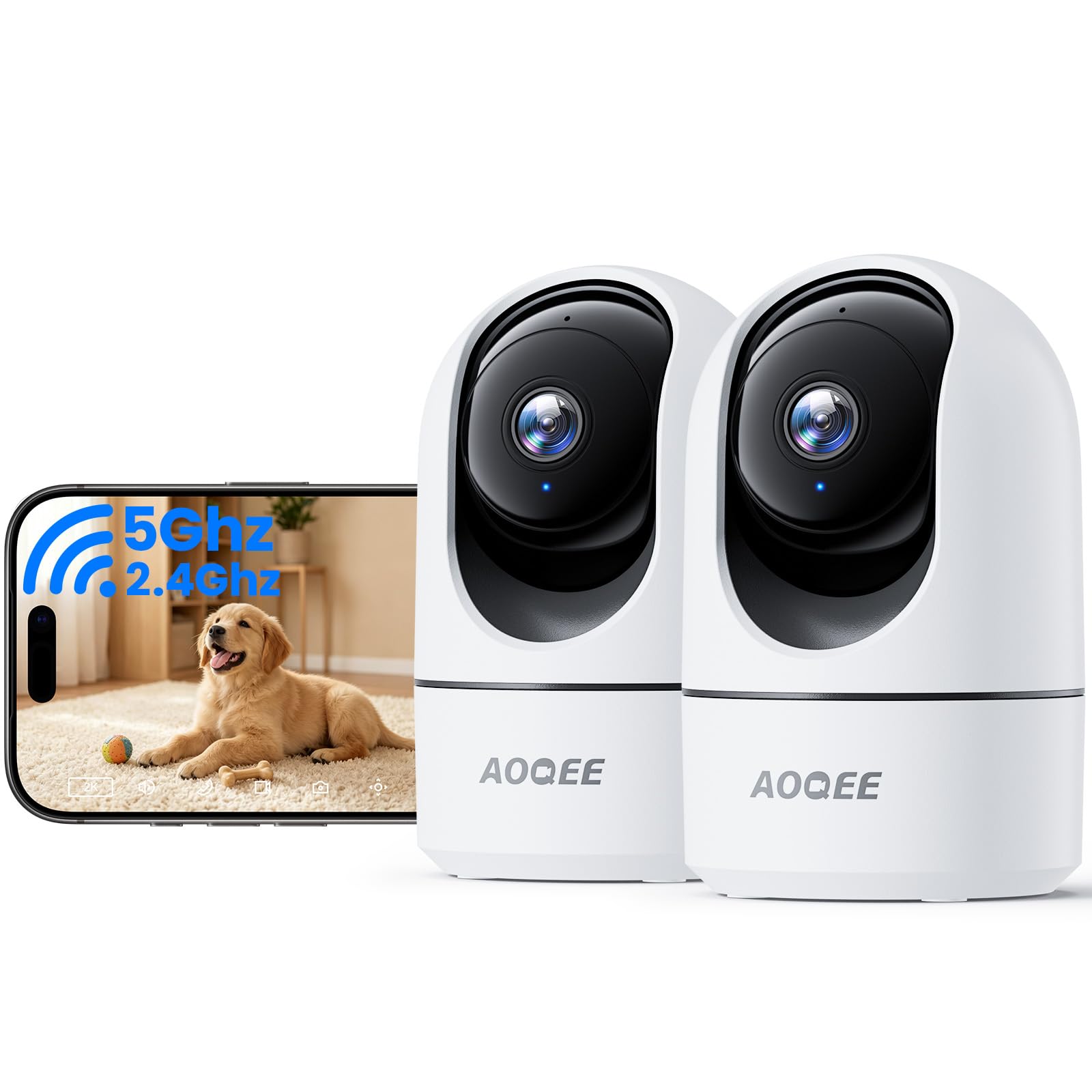
Dual-band Wi-Fi is the specification that surprised us on a pair of cameras this cheap. Most budget indoor models are 2.4 GHz only, which in an apartment building means competing with every router on the floor. The AOQEE pair will join a 5 GHz network when it is close enough and fall back to 2.4 GHz when it is not, and Bluetooth handles the initial pairing so setup stays short.

The rest is aimed squarely at pets and small children: a head that pans a full circle and follows movement, a 3 MP sensor, alerts that separate people from pets and shadows, two-way audio for talking to a dog or a toddler, and the option to share the live view with someone else in the household. Night vision is monochrome and reaches about 16 feet, which suits a bedroom or a living room and not much more.

As a nursery or pet camera the pair makes sense: two rooms covered, one app, and a picture that holds up. The compromises are the ones you expect at this end of the range. The cameras are corded, the audio lags slightly behind the video, and the night range is short enough that a large room wants a nightlight. For the outlay, two dual-band cameras that track and talk back are a sensible way to keep an eye on a house.

Bottom line: The AOQEE pair is our budget pick for pets and nurseries: dual-band Wi-Fi, a full-circle pan, and two cameras in one box.

8

GNCC 2K Indoor Camera

GNCC 2K Indoor Camera

Cheapest indoor watch

Our Score 8.8/10
Check Price

Worth Noting

  • Head tilts up but not down
  • Night footage goes dark quickly
Wi-Fi
2.4 GHz and 5 GHz
Pan Range
340° horizontal, 80° vertical
Resolution
2K
Night Vision
Up to 10 m

The cheapest camera here, and it still shoots 2K. For that you get a pan-tilt head with 340 degrees of horizontal travel, dual-band Wi-Fi with Bluetooth pairing, motion and sound detection with zones you draw in the app, two-way audio, and a microSD slot up to 128 GB with no subscription in sight. On paper it is a great deal of camera for the outlay, and the setup is as quick as anything in this guide.

Two things hold it back, and both are about aim. The head tilts up but not down, so a camera on a shelf cannot look at the floor where a pet actually is, and raising it just trades one blind spot for another. Night vision is the bigger problem: the low-light picture goes dark quickly past a few feet and is the weakest night image in this group. As a second camera in a lit room, or a cheap way to watch a hallway during the day, it earns its spot. As the only camera on a house, it does not.

Bottom line: The GNCC earns a place as a spare-room camera rather than a front door: 2K video and a panning head for very little money, with night vision that needs some light.

How We Tested 12 Security Cameras Around Our Own Homes

We started by pulling together every camera we could buy in three price bands, then cut the list down to models that had a few things in common: solid daytime resolution, some form of night vision, and clear, upfront information about what storage actually costs. From that pool we tested 12 over six months, splitting them across staff homes — a front porch facing a busy sidewalk, a driveway, a back door, a garage, and one cheerless basement corner.

Setup was timed, not just endured. Each camera was unboxed and installed by one person with no extra help, stopwatch running from opening the box to the first working live view, with notes on whether the app made sense without a manual, whether the mounting hardware matched the wall we had, and how long the battery took to reach full. Then we watched real life: mail carriers, school runs, a neighbor's cat crossing the same path every night at dusk. Every alert got logged — what triggered it, how far away it was, and whether it was worth waking up for.

Picture quality got graded twice, once in flat afternoon sun and once well after dark. We noted whether faces were recognizable at 20 feet, whether a passing car's headlights washed the frame out to white, and whether colors held or slid into gray. Battery life was tracked by calendar, with each recharge written down. Connectivity was tested from the far end of the house and from a phone on cellular a few miles away, watching for lag, stutter, or a stream that simply refused to load. We also counted how many times each camera went offline on its own, and tallied the first year of subscription fees — a cheap camera with a pricey plan isn't cheap.

How to Choose Security Cameras

Power decides where the camera can go

A plug-in camera needs an outlet within reach of its cord, which usually means indoors or under a covered porch. A battery camera goes anywhere and then comes back to you for charging. A solar model splits the difference but only where the panel sees sun for most of the day. Hardwired units replace something already on the wall: the Ring needs a floodlight fixture, and the aosu base wants an Ethernet port near your router.

The word to distrust is wireless. Almost every wireless camera still needs Wi-Fi at the mount point, and the battery ones eventually need charging or a panel that actually gets light. Decide which of those chores you are willing to repeat before you decide anything else.

Resolution matters less than distance

2K is the sensible floor in this group, and 1080p only earns its place when the camera sits close to what it is watching. What actually determines whether footage is useful is how many pixels land on a face at the distance you care about, which is why the eufy's second lens is worth its price and a wide 1080p floodlight camera still works over a front path.

Field of view is the other half. A fixed wide lens takes in a porch and a walkway; a pan-tilt head covers a whole room but can only look one way at a time. Put the fixed camera on the doorway and the moving one in the room.

Storage is where the monthly bill hides

Footage has to live somewhere. A microSD card inside the camera costs nothing after the card itself, and the Tapo C211 takes up to 512 GB. A base station with its own drive, like the aosu's 32 GB, does the same job for a whole system. Cloud plans are usually billed per camera, and they are how a cheap camera becomes an expensive one.

Person detection and package alerts are the features most often tied to a plan, though the Tapo pair includes person and cry detection at no charge. Check which alerts you get without paying before you commit, not after the return window closes.

Night vision and alerts decide whether you keep using it

Infrared gives a black-and-white picture and a spotlight gives you color; usable range matters more than either. The GNCC reaches about 10 meters, the AOQEE about 16 feet, and a camera mounted high on a wall has more ground to cover than those numbers suggest.

Alerts are the other half of the job. A camera that pings for every cat and passing headlight gets muted inside a week. Draw motion zones and switch on person-only alerts in the first few days, or the system turns into background noise you have paid for.

Test the Wi-Fi before you drill

Nearly every problem with a security camera traces back to the network. Stand where the camera will go and watch a live view on your phone for a full minute; if it stutters there, it will stutter worse once the camera is mounted and asking to stream continuously.

Dual-band models can use 5 GHz up close and 2.4 GHz further out, which is one of the quieter advantages of the AOQEE and GNCC cameras. Outdoors, look for an IP65 rating and check the working temperature range before the first cold snap.

Frequently Asked Questions

Final Verdict

Start with the Ring Floodlight Cam Wired Plus if the front of the house already has a floodlight. It covers the most useful camera position on a property, lights the path you walk after dark, and installs in the time it takes to swap a fixture.

If that wiring is not there, the Tapo C211 pair is the sensible indoor buy: two 2K cameras, one memory card, no subscription. And when a whole yard needs watching without a monthly bill, the aosu four-camera kit is the one to order.