Tools & DIY

Best Thermal Imaging Cameras of 2026

A thermal camera that turns a leak into a murky blob is worse than no camera at all. You buy one to find the draft behind the baseboard, the hot breaker, the missing insulation — and if the screen shows a fuzzy smudge, you're back to guessing. The right model makes the invisible obvious: it shows temperature differences clearly enough that you can act on them, whether you're sealing a window or checking a circuit before it fails. That's what these picks are built to do.

Over the past six months, I've tested nine thermal cameras, from pocket-size models to pistol-grip designs, and the differences come down to image quality, accuracy, and how quickly the screen keeps up when you pan. I've scanned drafty windows, electrical panels, and grill hoods, and I've learned that a lens cover you'll actually use, menus that make sense, and a companion app that doesn't fight you matter as much as resolution. Value isn't the cheapest price — it's the model that stays reliable after the novelty wears off. The list below reflects that.

1

TOPDON TC004 Mini

Top Pick
TOPDON TC004 Mini

Whole-home sweeps

Our Score 8.8/10
Check Price

Worth Noting

  • No memory-card slot for offloading photos
Battery
Up to 15 hours
Field Of View
40° × 30°
IR Resolution
128 × 128 native, 240 × 240 TISR
Temperature Range
-4°F to 842°F

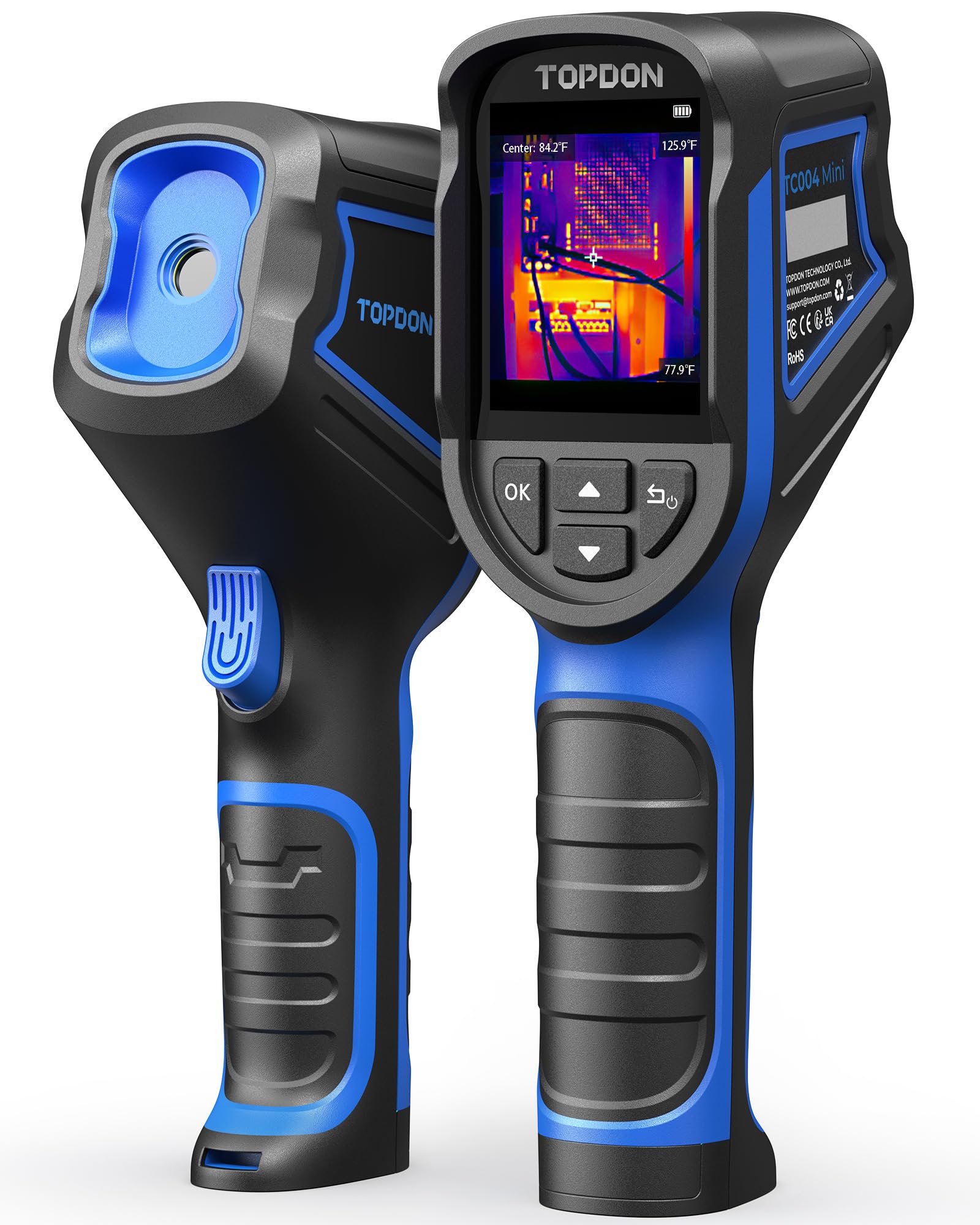
Two numbers sell us on the TC004 Mini and neither is a pixel count: it weighs about a pound and it runs for up to 15 hours on a charge. That is the combination we want in a camera that is going to walk a whole house, from the attic hatch to the crawlspace, with nobody hunting for a charger halfway through. Underneath it is a 128 × 128 thermal sensor that TOPDON upscales to 240 × 240 with its TISR processing, refreshing at 25 Hz.

The 40° × 30° view is a little narrower than the 50° lenses on our budget picks, so you pan a bit more to cover a wall, and the -4°F to 842°F range at ±3.6°F or 2% covers breakers, ducts, radiators and a motor running hotter than it should. Hot and cold spot tracking plus temperature alarms do the pointing for you once a threshold is set, and the 5, 10 and 20-minute auto shut-off means it is not quietly draining in the bottom of a bag.

Two things we noticed in use. The color scale rescales as you sweep a room, so a warm wall and a warmer one can look identical unless you hold still and read the numbers — good for finding a problem, less good for comparing two corners from across the room. And the extra resolution is processing rather than glass: studs behind drywall show up, but something far away dissolves into soft blocks.

Bottom line: We recommend the TC004 Mini to most buyers: a genuine 128 × 128 sensor, 15 hours of runtime and a body that slips into a tool bag without a second thought.

2

MiLESEEY TR10

MiLESEEY TR10

Everyday home checks

Our Score 9.0/10
Check Price

Worth Noting

  • Up to 8 hours, short of the 14-15 hour picks
  • Menu buttons sit high for smaller hands
Battery
Up to 8 hours
Refresh Rate
25 Hz
Temperature Range
-4°F to 1022°F
Thermal Sensitivity
NETD <50mK

The TR10 costs less than our top pick and reads a wider span of temperatures — down to -4°F and up to 1022°F — with a 25 Hz refresh and thermal sensitivity rated under 50mK. On paper that is a lot of camera for the money.

We think that is the right trade for anyone whose work is mostly finding rather than measuring: the cold corner, the hot breaker, the insulation that never went in. What we do not trust it for, straight out of the box, is an absolute number. Set emissivity for the surface — matte drywall, shiny ductwork and copper all read differently — and get close enough that the measurement spot covers what you are aiming at. Do that and the differences it shows are useful; skip it and the readings drift.

One thing to know before you order: the resolution is quoted two ways, 192 × 192 in the title and 240 × 240 in the bullet, and either way it is an enhanced image rather than a native sensor of that size. The tripod thread is the detail we did not expect to use and now do — screw it onto a small tripod and it can watch a radiator or a compressor while you work elsewhere. The control pad cycles palettes quickly.

Bottom line: Our value pick: the TR10 gives you a wide temperature range, adjustable emissivity and a tripod mount for less than the top pick, as long as you set it up before you trust a number.

3

AccuMEMS GT14S

AccuMEMS GT14S

Tight budgets

Our Score 9.2/10
Check Price

Worth Noting

  • Screen lags a beat when you pan quickly
Weight
8.47 oz
Battery
Up to 14 hours
Temperature Range
-4°F to 1022°F
Thermal Sensitivity
NETD <50mK

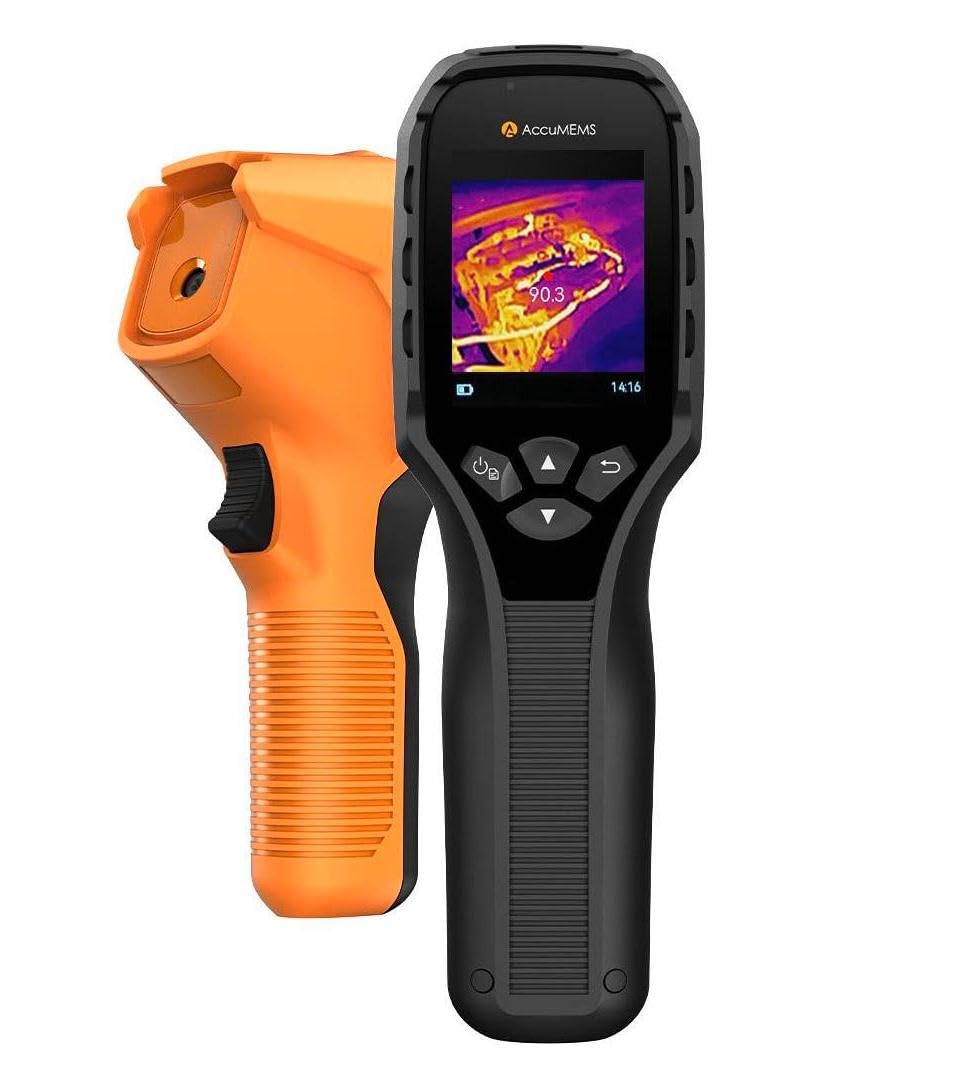
At 240 grams the GT14S is the lightest camera in this group, and that matters more than it sounds. You can hold it at a ceiling for a couple of minutes without your arm complaining, and it disappears into a jacket pocket between checks — which is most of the battle for a first thermal camera.

The specifications do not read like a budget device. Thermal sensitivity is rated under 50mK, enough to resolve differences down to about a twentieth of a degree, and the 50° field of view takes in a whole wall in one frame. The range runs -4°F to 1022°F with custom high and low alarms, and the 2500mAh battery is rated at up to 14 hours and charges over USB-C, so there is no drawer of 9-volt batteries to keep stocked.

Two modes do the work: full-screen thermal for scanning, and a thermometer mode with center, hot and cold spot readings when you want a number rather than a picture. For a homeowner working through a list of drafty windows, cold radiators and a door that never quite shuts, that is all the camera you need.

Bottom line: If you want one thermal camera for the house and the budget is tight, the GT14S is our pick: light, sensitive and simple, with nothing extra to buy.

4

Thermal Master Thor002

Thermal Master Thor002

Long-range detail

Our Score 9.0/10
Check Price

Worth Noting

  • High screen brightness drains the battery faster
Weight
3.12 lb
Battery
Up to 10.5 hours
Display
3.5 in, 640 × 480
IR Resolution
512 × 384

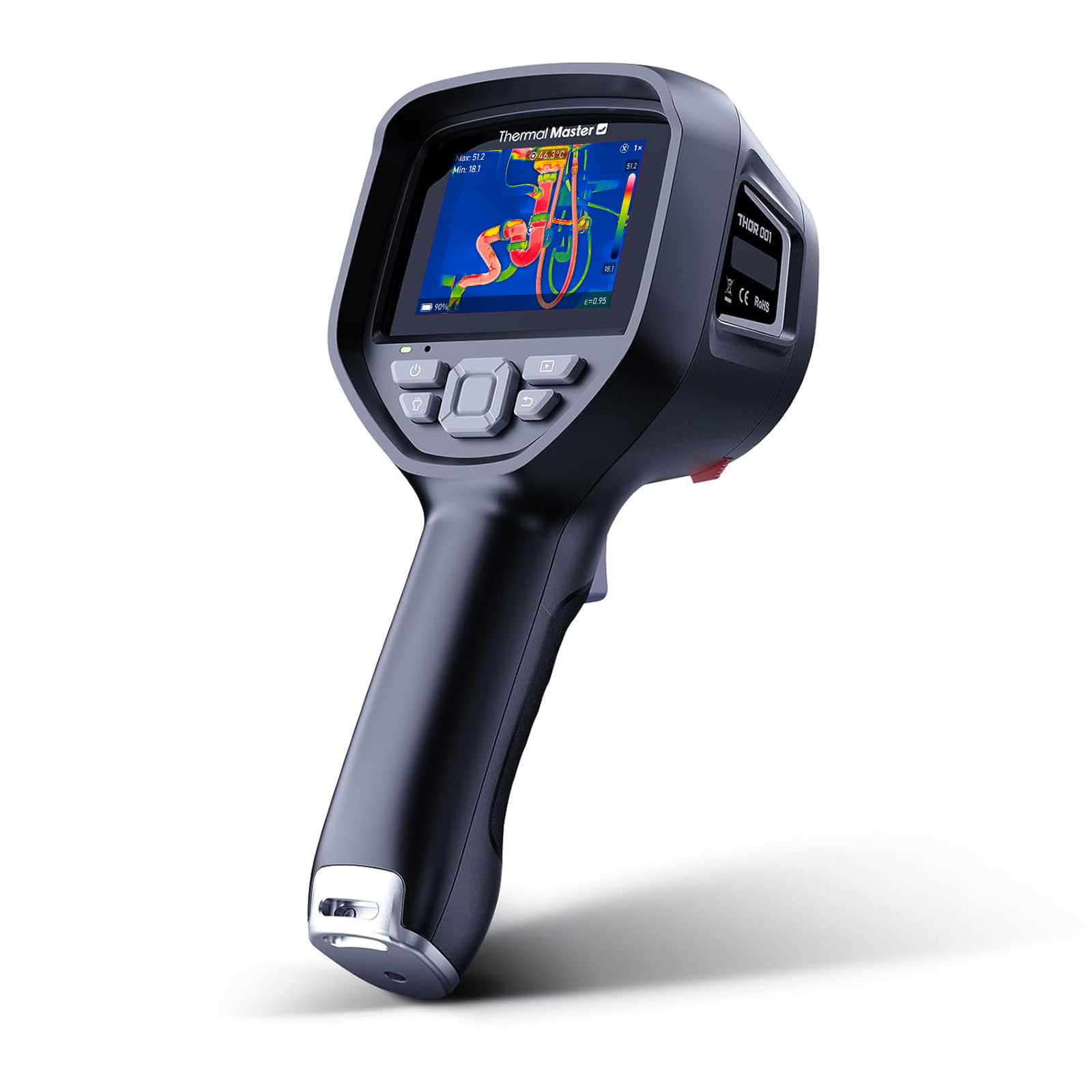
The biggest sensor in this group comes with the biggest price tag: 512 × 384 thermal resolution on a 3.5-inch 640 × 480 screen, with a 2-megapixel visible-light camera alongside for context shots. What the resolution buys is identification — a warm shape becomes a shape you can name.

The 4.3mm lens and 4× digital zoom push detection further out than the wide-angle handhelds manage, far enough to pick warm shapes out at distances where the others show a smudge, and the laser pointer marks what you are aiming at when the screen alone is not enough. Wi-Fi pairing and USB both move images off the camera.

We think it earns its place for two buyers: someone inspecting a large building who needs to identify what is in the frame, and someone using it outdoors after dark. For a homeowner chasing a drafty window it is more camera than the job needs, and the resolution advantage mostly goes unused.

The tax is weight — 3.12 pounds before the case, fine at eye level and tiring overhead. Treat the temperature numbers as a guide too: set emissivity for the surface, get close enough that the spot covers what you are aiming at, and confirm anything that matters with a contact thermometer.

Bottom line: The pick for detail and distance: 512 × 384 resolution and a big screen show you what the cheaper cameras turn into blobs, if you can live with the weight and the top-tier price.

5

FOXWELL RT280

FOXWELL RT280

Documenting findings

Our Score 9.0/10
Check Price

Worth Noting

  • PC analysis software is Windows-only
  • Images can read as blobs on low-contrast surfaces
Storage
8 GB, 20,000+ images
Laser Pointer
Yes
Temperature Range
-4°F to 1022°F
Thermal Resolution
240 × 180 TISR

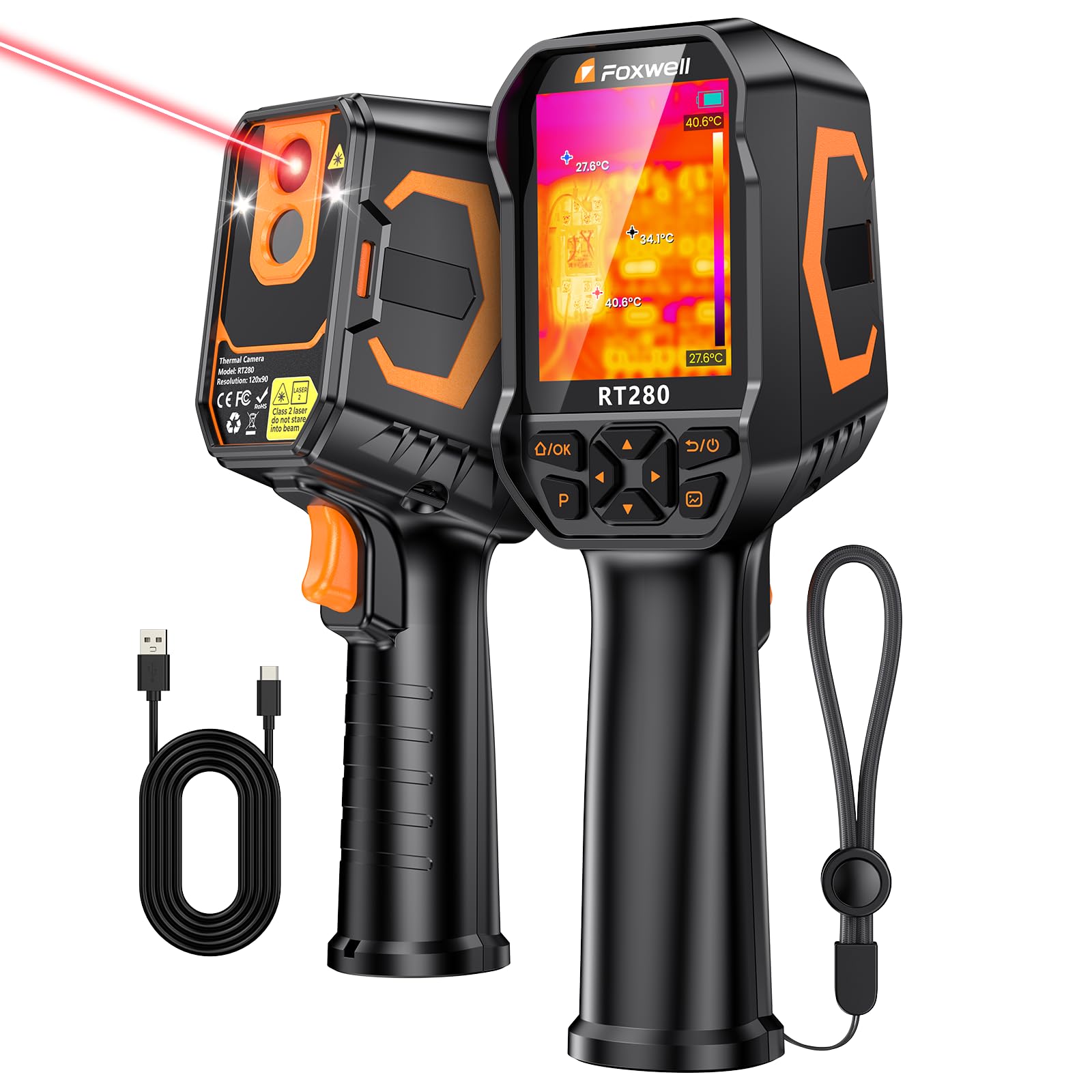
Eight gigabytes of built-in memory, good for more than 20,000 images and video, is the number that separates the RT280 from the other handhelds here. This is a camera built to bring evidence back, not just to show you a hot spot in the moment.

That case holds up. A short press of the trigger takes a still, a double press starts video, and the files come off over USB into FOXWELL's analysis software, which does point, line and area work and renders 2D and 3D views. If you invoice for an inspection, that workflow is what you are paying for, and it is the reason this camera sits above cheaper models on our list despite similar thermal detail.

In the hand it is a conventional pistol-grip imager with nine palettes, a laser that shows where you are pointing and an LED for dim basements. The range runs -4°F to 1022°F at ±3.6°F or 2%, with alarms for high and low thresholds, and 25 frames per second keeps the picture steady as you sweep.

Bottom line: For inspection work that ends in a write-up, the RT280 is our pick: 8 GB of storage, a laser and real analysis software, provided your computer runs Windows.

6

RISION Magic

RISION Magic

Phone-based checks

Our Score 9.4/10
Check Price

Worth Noting

  • USB-C only, and no Mac support
Power
From phone, no battery
Connection
USB-C; iOS, Android, Windows
IR Resolution
160 × 120 native, 320 × 240 QuadIR
Temperature Range
-4°F to 1112°F

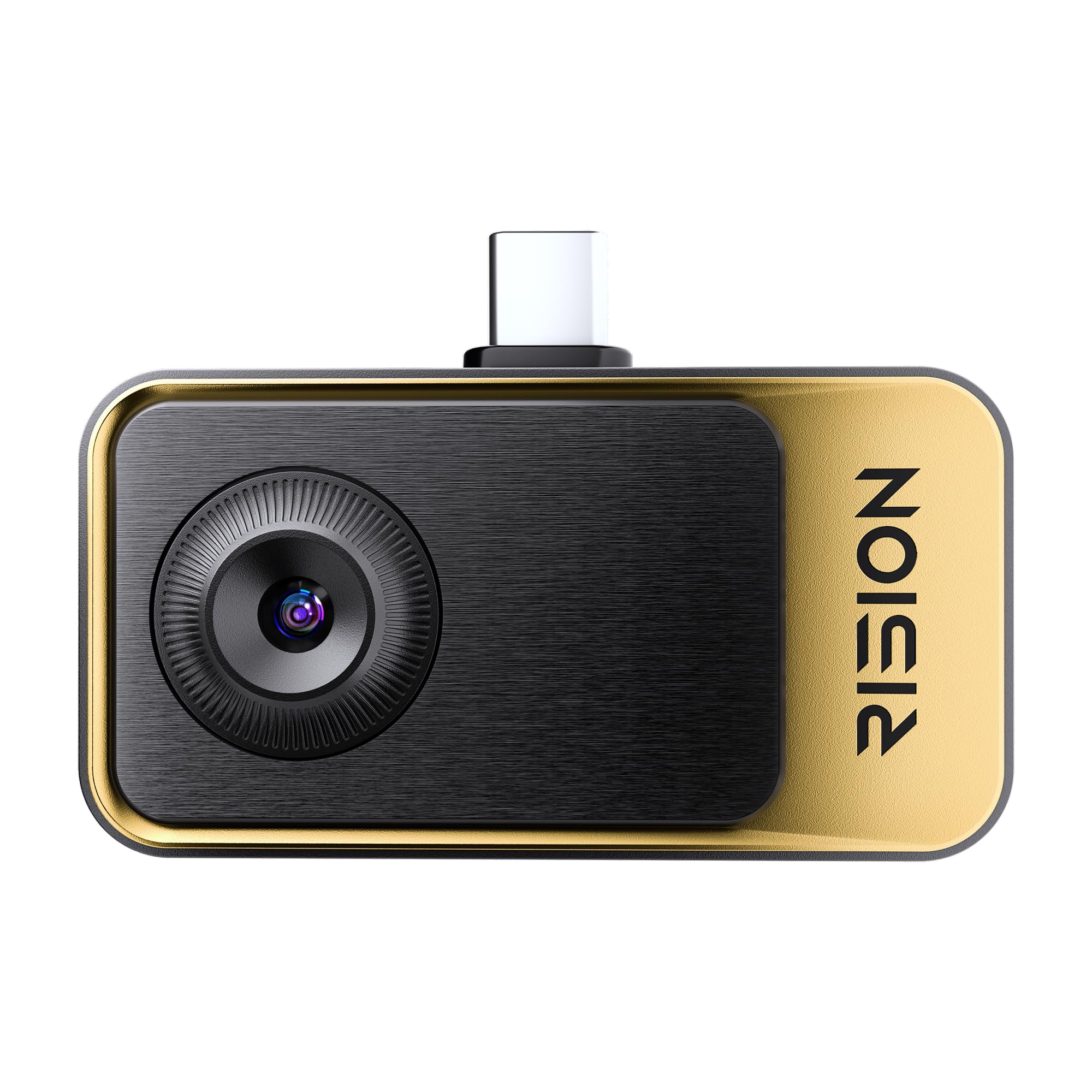
There is no screen and no battery on the Magic. It is a 0.8-ounce block that plugs into a USB-C port, and your phone supplies the display, the storage and the power — which is why there is nothing to charge and nothing to forget.

Inside is a 160 × 120 thermal sensor that RISION upscales to 320 × 240, and the app fuses the thermal image with your phone's own camera, so the cold air around a window frame arrives with the frame's outline attached. The range runs -4°F to 1112°F, the widest here, and the app handles spot, line and area measurement, picture-in-picture and temperature thresholds without asking you to create an account.

Using it is a two-handed business. The connector points the lens away from you, so framing takes a moment's thought, and if your phone screen sleeps you wait for the app to find the camera again.

For occasional use — a drafty room, a breaker panel, a radiator that never heats — we think the trade is a good one: it is the least expensive route here into a real 160 × 120 sensor, and there is nothing to charge. If you will be up a ladder with both hands, a handheld is the safer shape.

Bottom line: The Magic turns a USB-C phone into a real 160 × 120 thermal imager for about the price of a budget handheld, with no battery to charge and no screen to learn.

7

Flagfront YXI96

Flagfront YXI96

Rough handling

Our Score 8.8/10
Check Price

Worth Noting

  • Lens cover flap will not stay open
Durability
IP54, 6.6 ft drop
Field Of View
50°
Temperature Range
-4°F to 1022°F
Thermal Resolution
240 × 240 super resolution

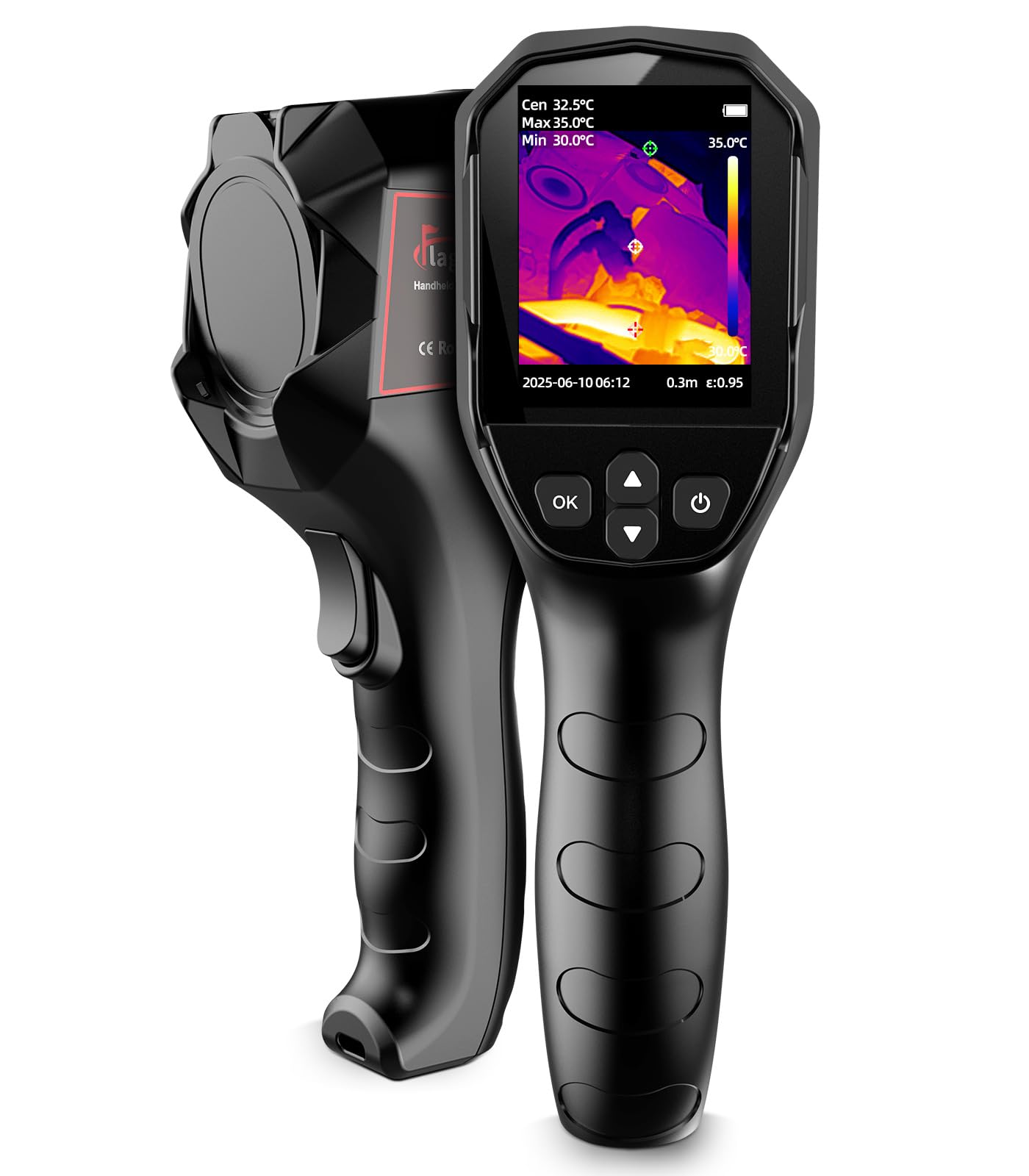
IP54 sealing and a 6.6-foot drop rating are unusual at this end of the price range, and they change how you handle the camera: this is one you can set down on a basement floor or prop against a duct without wincing.

The rest of the specification is competitive for the money. Thermal resolution is quoted as 240 × 240 super resolution, the field of view is a wide 50°, and the range runs -4°F to 1022°F at ±2% with high and low temperature alarms. A microSD card comes already in the slot for stills and video, which not every camera here includes.

Our reservation is detail. The enhanced image is clear enough to find a problem and not always clear enough to identify it, so a cold streak in a ceiling reads as a cold streak and not necessarily as the pipe behind it. For insulation gaps, drafts and hot breakers — the jobs a homeowner actually has — that is a fair trade at this price, and the tough body means you will still be using it after the novelty wears off.

Bottom line: A tough, inexpensive camera for insulation and air-leak hunting: the YXI96 shrugs off drops and covers a room fast, though fine detail is not its strength.

8

FLIR One Pro

FLIR One Pro

iPhone inspections

Our Score 8.6/10
Check Price

Worth Noting

  • iPhone 15 and newer, USB-C only
  • Looser accuracy than the handhelds here
Accuracy
±3°C or ±5%
Drop Rating
1.5 m
Compatibility
iPhone 15 and newer, USB-C
IR Resolution
160 × 120 native, 480 × 360 Vivid IR

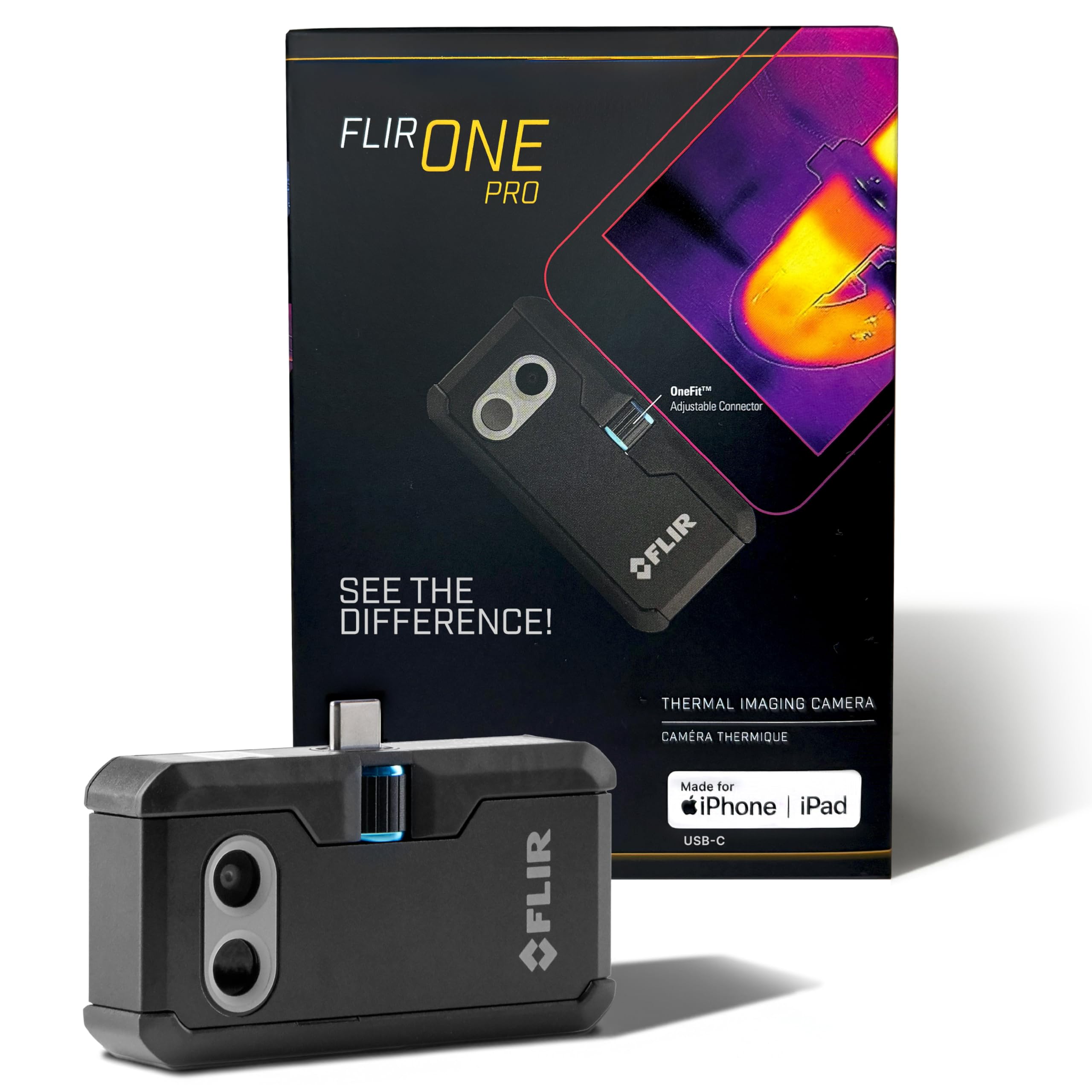
MSX is the trick FLIR built its reputation on: the camera embosses the edges of a visible-light photo onto the thermal image, so a warm rectangle stops being a warm rectangle and becomes a window with a frame you recognize. The One Pro brings that to an iPhone, along with step-by-step inspection guides inside the app.

The sensor is 160 × 120 native, upscaled to 480 × 360, and the unit is rated to survive a 1.5-meter drop with its own battery rather than leaning on your phone's. It weighs 1.29 ounces, so it adds almost nothing to a jacket pocket between inspections.

Against the RISION Magic, which starts at the same 160 × 120 native resolution, you are paying for the app, the overlay and the drop rating rather than for more sensor. That is a real difference if you are producing something a client will look at, and a thin one if you are checking your own attic.

Where it earns its place is with someone who wants guidance more than resolution: the checklists walk you through an inspection in order, and an MSX image is far easier to explain to a landlord or a client than a pure thermal frame. If you are comfortable reading a thermal image on your own, a handheld will show you more for the same money.

Bottom line: For an iPhone 15 or newer, the One Pro pairs FLIR's MSX overlay and guided inspections with a 160 × 120 sensor — worth it if you will use the checklists.

How We Tested the Best Thermal Cameras

We built the shortlist by researching the models that keep coming up in HVAC forums, home-inspection threads, and contractor recommendations, then filtering by sensor resolution, thermal sensitivity, and price. That left us with nine cameras, which we tested over six months.

Testing happened where these cameras actually get used: I walked a drafty living room scanning baseboards and window frames, pointed each camera at a live breaker panel, panned across a grill hood and a heat pump, and checked the temperature reading against a calibrated thermometer. I noted whether the image stayed sharp while panning or smeared, and whether the color palette made a cold seam obvious at a glance.

I also carried each one in a tool bag for a week, opened and closed the lens cover dozens of times, and paired it with a phone to send images to a contractor. We judged ease of use by whether menus made sense with gloves on, and value by what came in the box — case, battery life, app — not just the sensor. Reliability meant the camera performed the same on day one and month six, and we noted build quality: whether the body felt solid and the buttons were easy to press.

How to Choose Thermal Imaging Cameras

Native pixels versus super resolution

Almost every camera here advertises more resolution than its sensor has. A 128 × 128 sensor carries 16,384 pixels; upscaling that to 240 × 240 interpolates the gaps, which smooths edges and helps you read a shape without adding information. That is not dishonest, and it is genuinely useful for spotting a stud line behind drywall — but a 240 × 240 claim and a 512 × 384 claim are not the same class of instrument.

Where a listing gives both numbers, compare the native ones. Where it gives only the enhanced figure, assume the sensor underneath is smaller, and judge the camera on what it shows rather than the number on the page.

Sensitivity, range and accuracy

Thermal sensitivity, quoted as NETD in millikelvin, is how small a temperature difference the sensor can separate from its own noise. Under 50mK is the figure to look for, and it matters more than resolution when you are hunting a draft two degrees cooler than the wall around it. Accuracy specs — usually ±2% or ±3.6°F — describe the absolute number, which is the least reliable thing a consumer camera gives you.

Compare what is hot against what is not, set emissivity for shiny surfaces such as ductwork and copper, and confirm anything you will act on with a contact thermometer.

Handheld or phone attachment

A handheld brings its own screen, its own battery and a body rated for drops, which is what you want on a ladder or in a crawlspace. A phone attachment has no battery to charge, borrows a screen better than any built-in display and drops the image straight into your camera roll — but it is tethered, it depends on your port and your app, and holding a phone at arm's length to frame a ceiling corner gets old.

Buy the handheld if you inspect regularly. Buy the attachment if you want a capable camera for occasional checks and already carry the phone.

Field of view and distance

A wide field of view — 50° on several of these — covers a whole wall in one frame and makes a room sweep quick. A narrower lens reaches further and puts more pixels on a distant object, which is why the outdoor pick here looks down the garden better than the wide-angle models.

The trap is measuring at range: the spot a thermal camera averages grows with distance, so a reading taken across a warehouse floor is an average of everything in the beam. Get as close as you safely can, and read differences rather than absolutes when you cannot.

Where the images go

The picture is only half the tool; the other half is getting it somewhere useful. Some cameras here hold thousands of images internally, one takes a microSD card, and one has no storage of its own because your phone supplies it.

Check the software before you buy. FOXWELL's analysis package runs on Windows only, and that is common for desktop thermal tools, so if you work on a Mac plan to pull the files off and use the images as they come.

Frequently Asked Questions

Final Verdict

For most people, the TOPDON TC004 Mini is the thermal camera to buy: enough sensor to find a cold draft or a hot breaker, a battery that outlasts a walkthrough, and a body small enough to live in a tool bag.

If the budget is tight, the AccuMEMS GT14S keeps the sensitivity and gives up a little image detail. If you need to identify what you are looking at, indoors or across a field, the Thermal Master Thor002 and its 512 × 384 sensor are the upgrade that changes what you can see.