TVs & Video

Best 55-Inch TVs of 2026

Two 55-inch TVs can carry identical spec sheets and look nothing alike once they're in your living room with the lamps on. Resolution, refresh rate, and a pile of HDR badges say almost nothing about whether faces look natural or whether dark scenes turn to gray mush. A good set fixes that quietly — and at this size, which fits most walls without taking over the room, movie night finally feels like an event instead of a compromise.

I've spent the past six months living with eight of them, watching in daylight, in the dark, and with a lamp glaring off the screen. The differences show up fast, usually in the second episode of something rather than the first. One tip for first-time buyers: the picture mode a TV ships in is almost never the one you want, and ten minutes in the settings menu does more for image quality than moving up a price tier. Below are the ones worth your wall space, sorted by who they suit.

1

Samsung QN90F Neo QLED

Top Pick
Samsung QN90F Neo QLED

Sunny living rooms

Our Score 9.2/10
Check Price

Worth Noting

  • Dense menus and a divisive remote
  • The priciest set in this group
HDR
HDR10+
Panel
Neo QLED Mini-LED
Motion Rate
Motion Xcelerator 165Hz
Peak Brightness
1200 nit

The room we watched most of these in has a west-facing window, and the QN90F is the set that made us stop thinking about it. Samsung's glare-free screen keeps the picture readable when the afternoon sun lands on it — no shifting seats, no pulling the curtains at four o'clock. That single behavior is why it's our top pick.

Brightness is where it separates from the rest of this group. The listing puts peak brightness at 1,200 nits, and with mini-LED backlighting behind it, daytime sports keep their punch while dark scenes hold proper black. It's a different bargain from OLED: you give up a shade of absolute black and gain daylight headroom plus no burn-in worry.

For a console it's the most complete set here — four HDMI inputs, VRR gaming listed up to 4K at 165Hz, and a 4.2.2-channel speaker array rated at 60 watts with Dolby Atmos. We found the built-in sound genuinely usable: dialogue stays anchored and you can skip the soundbar in a normal room. The Tizen menus are the weak spot. Settings you want sit a couple of layers deeper than they should, and that slim remote has as many detractors as fans.

One practical note before you order: at 45.4 pounds with the stand it's a two-person lift and a two-person mount, and the 200 x 200 pattern is the common size, so most brackets fit. It is the most expensive set we're recommending, and the only one here that does bright-room picture, serious gaming and decent built-in sound without a compromise.

Bottom line: A glare-free mini-LED that stays watchable in daylight, handles a console and sounds good enough without a soundbar — our pick for most living rooms.
2

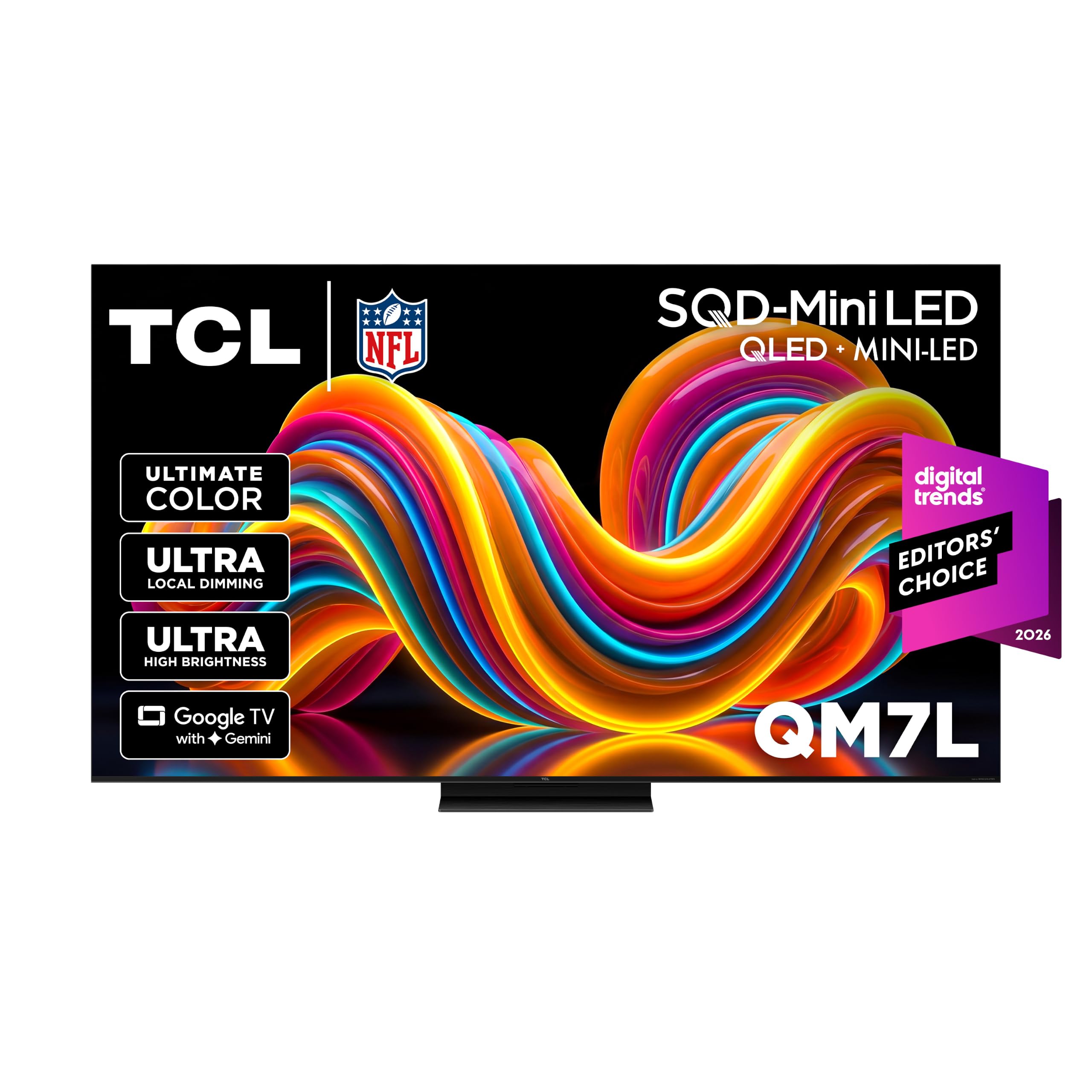
TCL QM7L SQD-Mini LED

TCL QM7L SQD-Mini LED

Bright rooms and consoles

Our Score 8.6/10
Check Price

Worth Noting

  • New model with no long-term reliability record
Panel
SQD Mini LED
Refresh Rate
144 Hz
Local Dimming
LD2100
Peak Brightness
3000 nit

Three thousand nits is the number on the box, and it's the number that decides whether your living room works in daylight. The QM7L's SQD mini-LED backlight with LD2100 dimming is the brightest panel in this group, and it holds color while doing it — we ran the same daytime football on it and on the Samsung above, and the TCL gave up nothing. It also costs a good deal less, which is a serious argument.

The rest of the package aims at the same buyer: a 144Hz panel, four HDMI inputs, Google TV with Gemini, and a Dolby Atmos speaker system tuned with Bang & Olufsen. Fast motion holds together, and the anti-reflective panel earns its keep in a room with lamps and windows both. The badge on the speakers oversells them slightly; they're good for a flat TV, not a substitute for a soundbar with real bass.

What holds it back is track record. This is a 2026 model with far less history behind it than the Samsung or Roku sets here, so we're recommending the specification and what we saw in our time with it, not years of reliability data. If you want the brightest, fastest panel in this roundup and you're comfortable being early, nothing here beats it for the money.

Bottom line: The brightest, fastest set here — 3,000 nits, 144Hz, four HDMI inputs — and the one we choose for a sun-drenched room or a console.

3

Samsung Q7F QLED

Samsung Q7F QLED

Mainstream everyday TV

Our Score 8.6/10
Check Price

Worth Noting

  • 60Hz refresh limits console gaming
Panel
QLED
HDMI Inputs
3
Refresh Rate
60 Hz
Peak Brightness
1000 nit

The Q7F is the set we point to when someone wants a Samsung, wants a picture that looks expensive, and doesn't want to spend four figures on the living room. It's a quantum-dot QLED with a listed 1,000-nit peak and HDR10+, and it runs the same Tizen platform as the models above it in Samsung's range.

As a movie-and-streaming set it does the job. Color is rich and controlled, the panel is bright enough for a room with ordinary lamps on, and setup is the usual Samsung affair — sign in, let the phone app walk you through the rest, and you're watching in well under half an hour. The 20-watt, two-channel audio is the weakest on this list: dialogue is clear, but anything with a real soundtrack flattens out, so plan on a soundbar and treat it as part of the purchase.

Where it earns its place is as the low-risk middle of this roundup: a familiar platform, wide app support and 2,700-plus free channels through Samsung TV Plus. At 24.5 pounds with the stand it's a one-person lift, and the 200 x 200 mount pattern is the one brackets are built for, so the install is the least interesting part of the day.

Bottom line: Our mainstream pick: a bright, colorful QLED with the platform you already know, leaving budget for the soundbar it needs.

4

Roku Plus Series

Roku Plus Series

Value-focused households

Our Score 9.0/10
Check Price

Worth Noting

  • 60Hz panel rules out high-frame-rate gaming
HDR
Dolby Vision, HDR10+, HLG
Panel
Mini-LED QLED
Speakers
50W, Dolby Atmos
Refresh Rate
60 Hz

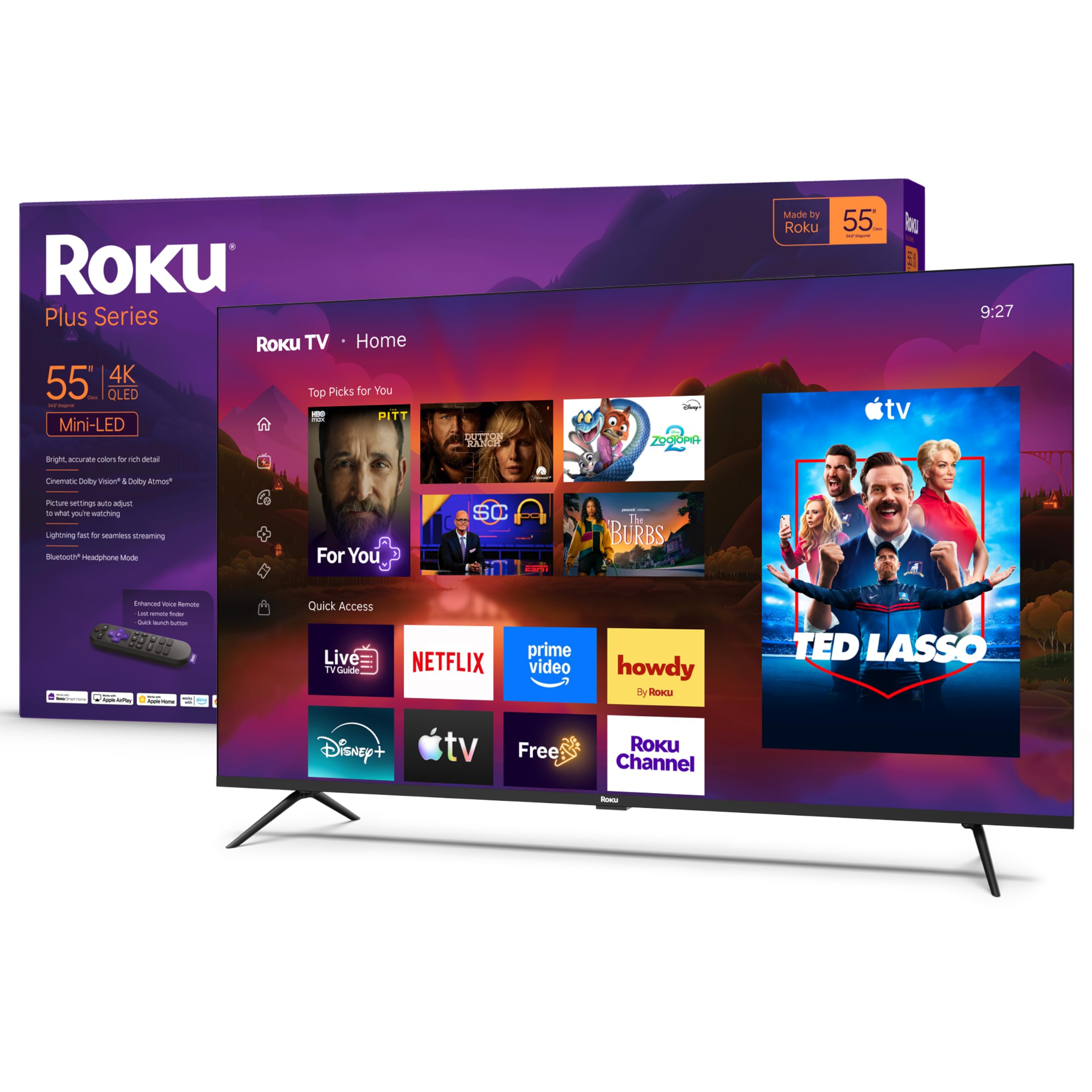
Set the Plus Series beside the QN90F and the gap is smaller than the price difference suggests. Roku's mini-LED QLED panel with full-array local dimming and Dolby Vision produces genuinely deep blacks and HDR highlights that pop, and it does it at a price that puts it in an entirely different bracket.

This is the set we recommend to most people who just want a good TV. Roku OS is the least annoying platform in this group — a home screen you learn in minutes, a voice remote that searches across apps instead of making you open them one at a time, and setup that's a sign-in and a channel scan. The 50-watt Dolby Atmos speaker system is far better than anything at this price has a right to sound; we never felt the need to add a soundbar in a medium room.

The stand footprint is 11.7 inches deep and the set weighs 27.4 pounds, so it's a comfortable one-person lift. Note the 300 x 300 VESA pattern, though — most of the sets here use 200 x 200, so check your bracket before the box arrives rather than after.

Bottom line: Mini-LED, Dolby Vision and 50 watts of Atmos for budget money — the value pick here, and the one we recommend to most households.

5

Hisense E6SR

Hisense E6SR

Bedrooms and dens

Our Score 8.8/10
Check Price

Worth Noting

  • No local dimming, so blacks look grey
  • Only three HDMI inputs
HDR
Dolby Vision, HDR10, HLG
Panel
Hi-QLED
Refresh Rate
60 Hz
Smart Platform
Roku OS

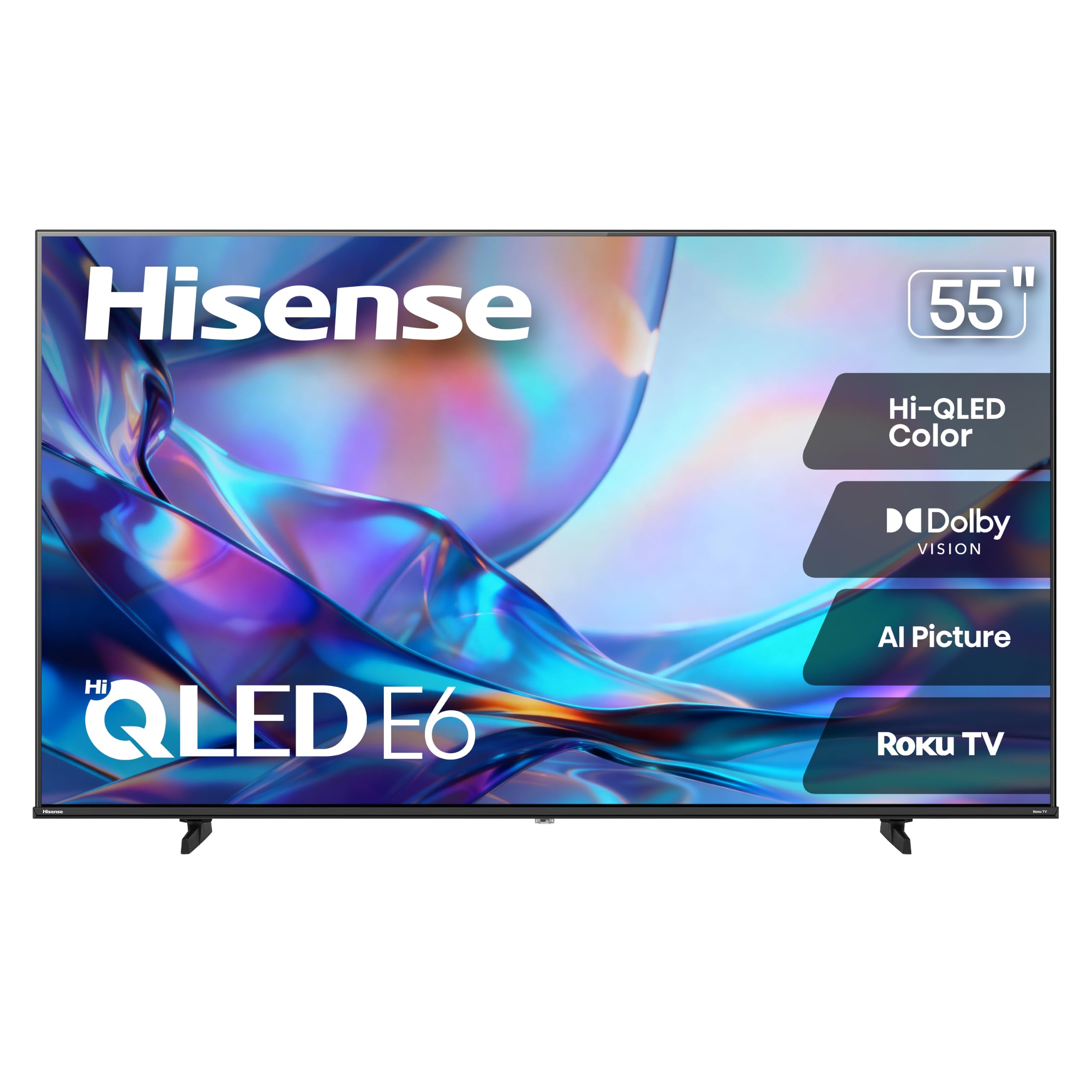
Sixty hertz is the number that makes this set look ordinary on paper. What the E6SR has instead is Dolby Vision and HDR10 on a Hi-QLED panel with Roku's platform built in, for less than almost everything else here. For a bedroom, a den or a first apartment, that's the right set of trades.

We ended up liking it more than its spec list suggests. Roku OS is the same clean interface as the Plus Series, the picture is bright and colorful for the money, and at 20.5 pounds with a 200 x 400 pattern it's one of the easier sets here to hang. DTS Virtual:X does real work on dialogue, though the 16-watt speakers stay modest — a small soundbar is a sensible addition rather than a requirement.

The honest limits show up in the dark. Without local dimming, the black bars around a letterboxed movie go grey at the edges compared with the mini-LED sets, and direct sun on the screen washes it out. In a room with a curtain or a dim corner, neither matters much.

Bottom line: The budget set we point to first: Dolby Vision on Roku OS for very little money, as long as deep blacks aren't the priority.

6

Roku Select Series

Roku Select Series

Second rooms

Our Score 8.8/10
Check Price

Worth Noting

  • 250 nits washes out in daylight
HDR
HDR10, HDR10+, HLG
Panel
QLED
HDMI Inputs
4
Peak Brightness
250 nit

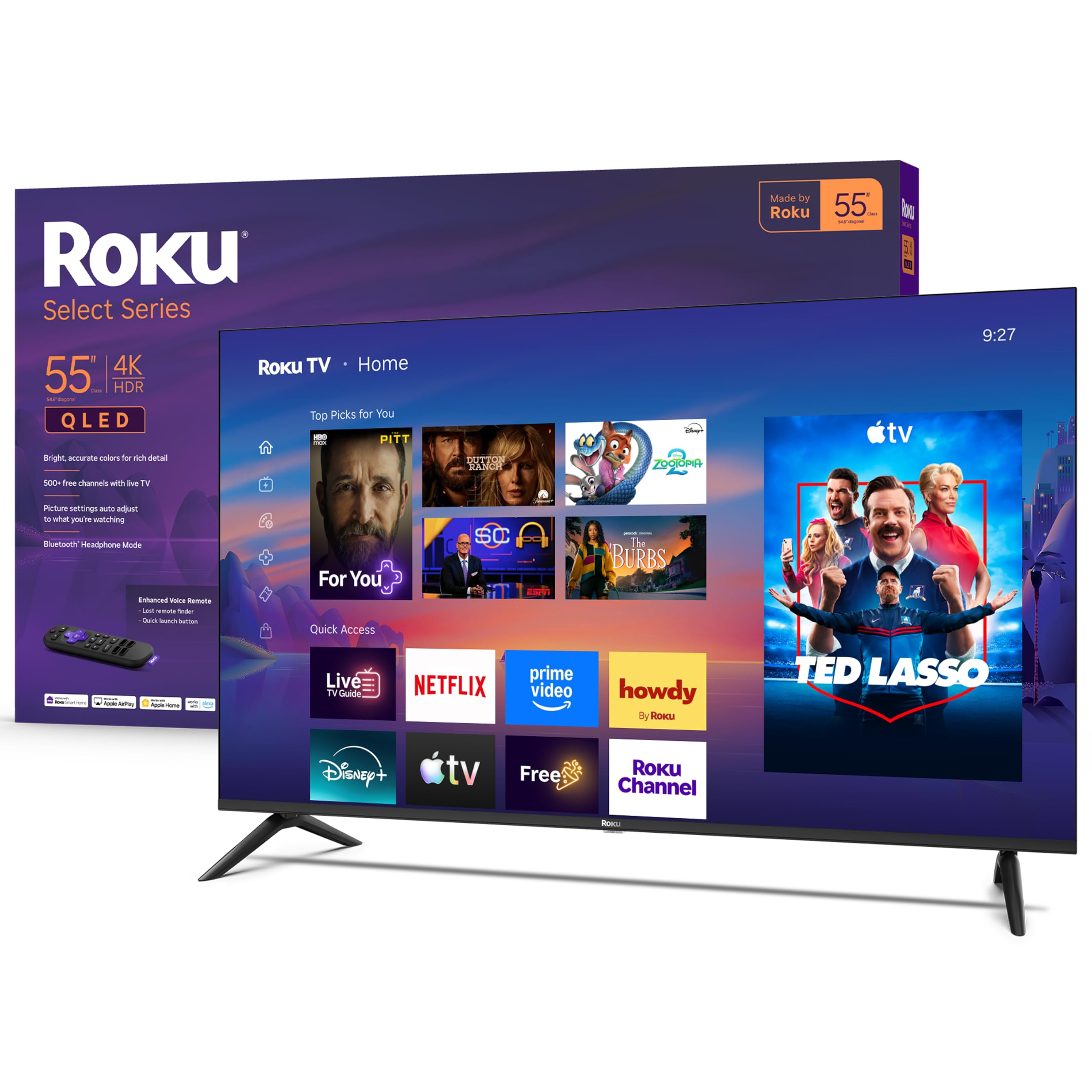
Not every TV needs to be the main event. The Select Series is the one for the spare room, the kitchen, the kids' room — 55 inches of QLED picture with Roku built in, for less than anything else we're recommending. It's also the dimmest set here, and that single fact shapes everything it's good for.

In a bedroom or a shaded den, the brightness is fine. We watched ours in the evening with a lamp on and had no complaints: the 4K panel is sharp, HDR10 and HDR10+ both render color better than the price suggests, and Roku OS behaves exactly like the Plus Series — same home screen, same voice remote, same five-minute setup.

Opposite a window is where it struggles. The glossy screen washes out in daylight, and no amount of picture-mode fiddling fixes it. Wi-Fi is the other soft spot; if the router is two rooms away, plan on the ethernet port rather than fighting dropouts.

For the money, though, this is a lot of television: four HDMI inputs, a genuinely usable remote, and a picture that holds up wherever you control the light. If you're furnishing a second room and would rather put the difference into the set in the living room, this is the one we take.

Bottom line: A second-room set done right: sharp QLED picture and Roku's platform for the least money here — our pick where you control the light.

7

Amazon Ember 4-Series

Amazon Ember 4-Series

Alexa households

Our Score 8.4/10
Check Price

Worth Noting

  • Slow app loading and channel switching
  • Wi-Fi stability is a weak point
HDR
HDR10+
Wi-Fi
Wi-Fi 6
Resolution
4K
Smart Platform
Fire TV

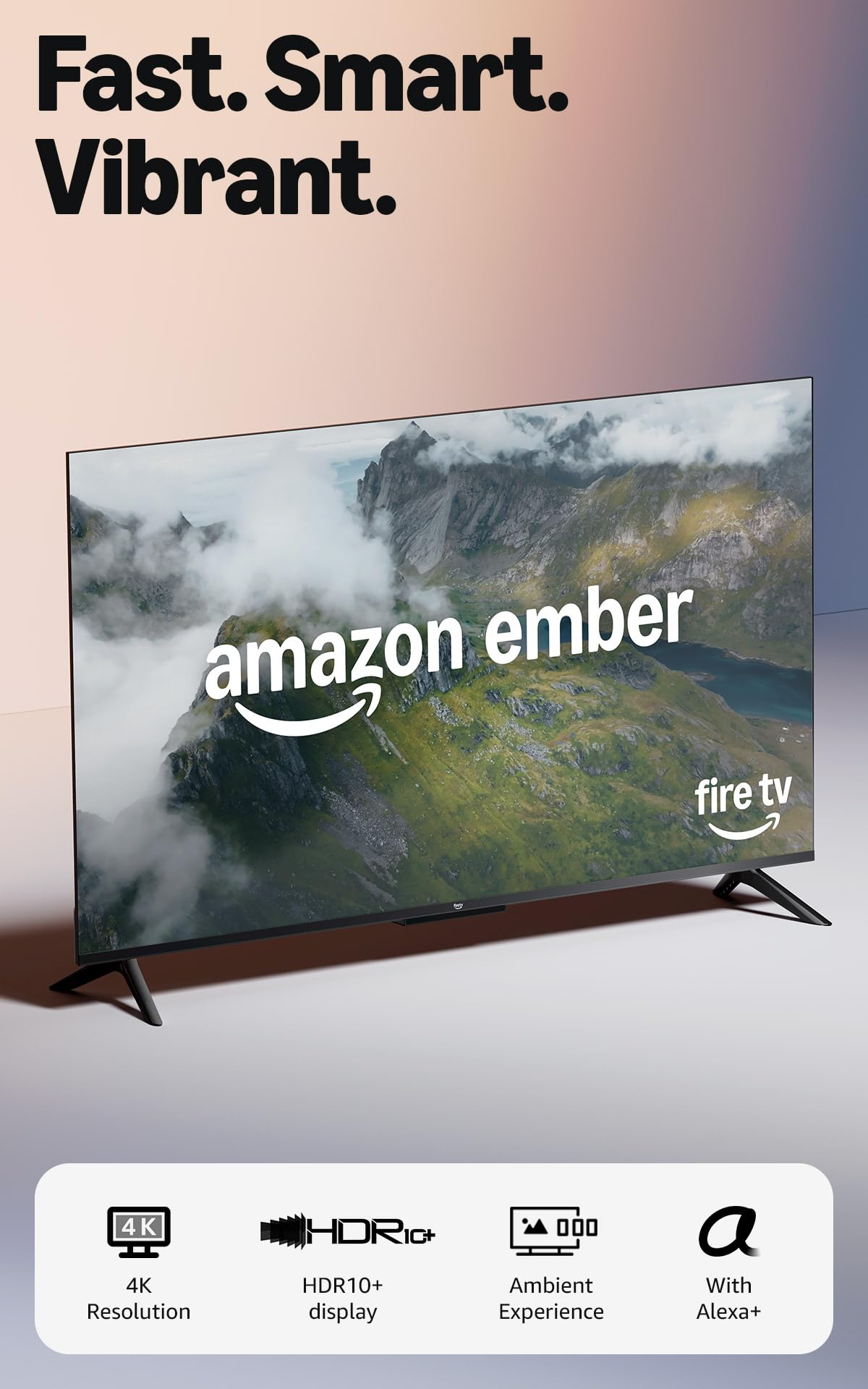
If your household already runs on Alexa, the Ember 4-Series is the set that fits rather than fights. It's built around the 2026 Fire TV interface with Alexa+ voice search, Wi-Fi 6, a quad-core processor and the Ambient Experience — one remote that already knows your smart home, your routines and the rest of your Fire TV devices.

Picture and sound are respectable without being memorable: 4K with HDR10+, decent brightness and audio you won't hate. The stumbles are in the smart layer. App loading and channel switching are slow enough to notice, and Wi-Fi stability is the other weak point — on a set that lives and dies by its interface, that's what ages fastest.

It's also the weakest value in this roundup. The Roku Plus Series costs less and gives you mini-LED with Dolby Vision; the Hisense E6SR gets you Dolby Vision for less again. Choose this one when hands-free Alexa control and a single Fire TV household genuinely matter more than the best picture per dollar.

Bottom line: We recommend it for Alexa households: Fire TV built in and voice control across your smart home, if you can accept a slower interface than Roku's.

How We Tested These 55-Inch TVs

We started by pulling together every 55-inch set that was actually in stock and worth a look at each price band, then cut anything with fewer than three HDMI inputs, an outdated smart platform, or a reputation for dropping Wi-Fi. That left eight. Over six months, each one lived in a real room rather than a lab: a bright living room with west-facing windows, a dim den with lamps on, and a spare bedroom where a narrow console decided whether the feet would fit.

Setup came first, because it's where most of the frustration starts. We timed everything from cutting the tape to streaming a show — assembling the stand solo, signing into apps, sitting through firmware updates — and noted which remotes had us reaching for a manual halfway through. Then picture: we paused the same dark thriller scene on all eight and looked for detail in the shadows, watched a night game for banding in the crowd, and checked whether skin tones ran pink or waxy. A dialogue-heavy drama at normal volume told us which sets sent us hunting for a soundbar.

Daily life did the rest. We changed inputs in a dark room, plugged a console, a soundbar, and a streaming stick into the same set, and pushed Wi-Fi from the far end of the house. We poked at the extras — game mode, motion smoothing, the settings menus — to see which features we'd actually leave on. After months of near-daily use we knew which menus had gone sluggish and which apps crashed, and we judged value against what the same money bought elsewhere.

How to Choose a 55-Inch 4K Tv

Match the panel to the room

Mini-LED backlighting gives you brightness and no burn-in risk; OLED gives you near-perfect blacks with a lower brightness ceiling; plain direct-lit LED is what the cheapest sets use. For a living room with windows, mini-LED with a glare-resistant finish is the safer buy. For a dark den where you watch films at night, OLED's contrast earns its premium.

The trap is paying for contrast you never see. An OLED's advantage evaporates in a room where reflections dominate, and a budget panel's greyish blacks are invisible in daylight. Decide which kind of room you actually have before you decide which technology you want.

Brightness and screen finish

The nit figure tells you how much light the panel throws. Around 250 nits is dim and belongs in a bedroom; 1,000 nits is comfortable under lamps; 2,000 and up is what you want on a wall opposite a window. The sets here span all three, and the gap between them is more visible in daylight than in a showroom.

Nits are only half of it. A glossy screen mirrors the room, while a matte or anti-glare coating diffuses those reflections. If the screen will face a window, prioritise glare handling over raw brightness; if it backs onto a wall with blinds, 1,000 nits and a glossy finish look superb.

Refresh rate and ports

60Hz is fine for films, streaming and sport, and it's what most of the affordable sets here offer. If you own a current console, 120Hz or 144Hz with VRR and ALLM is the upgrade genuinely worth paying for — it's the difference between smooth panning and smearing.

Count HDMI inputs while you're there. Three is workable if you have a soundbar on optical; four lets you leave a console, a soundbar and a streaming device plugged in at once. Fewer ports is the specification people regret most, because it can't be fixed later.

The smart platform you'll live with

Roku is the simplest system in this group; Google TV has the strongest search; Tizen is dense but capable; Fire TV only makes sense if Alexa already runs your household. Whichever you pick, you'll use it more often than any picture setting.

The trap is assuming the software will keep pace with the panel. Interface speed is what makes a five-year-old TV feel old, long before the picture does. If you like everything about a set except its software, buy the set and add a streaming stick — it's the cheapest upgrade in the category.

Frequently Asked Questions

Final Verdict

The Samsung QN90F is the set we recommend to most people. Its glare-free mini-LED panel stays watchable in daylight, it games at up to 165Hz across four HDMI inputs, and its built-in sound is good enough that a soundbar becomes optional rather than necessary.

Two situations change the answer. A room that takes sun all afternoon is the TCL QM7L's argument: 3,000 nits and 144Hz for much less money. And if the budget decides the purchase, the Roku Plus Series delivers mini-LED, Dolby Vision and genuinely good built-in sound for a lot less than either.