TVs & Video

Best QLED TVs of 2026

A QLED TV is the set you buy when your room refuses to cooperate with a dim, cinematic ideal: sunlight comes in, lamps stay on, and everyone still wants to see the score, the subtitles, and the dark scene in the same evening. The right one fixes that stubborn mismatch between your space and your picture, with enough brightness to fight glare, colors that hold up, and sound you don’t have to apologize for. It also has to be easy enough to live with that you’re not digging through menus every time someone switches inputs.

I’ve set up enough TVs to know that the spec sheet rarely tells the whole story—two sets with similar claims can feel wildly different once they’re in a real living room. Over eight months, my team and I lived with seven QLED models, running them through morning news, sports with friends, late-night movies, and plenty of streaming-app hopping. One thing first-time buyers don’t always expect: a bright panel can reveal compression artifacts in older cable feeds just as easily as it makes a glossy nature documentary shine. The picks below are the ones that balanced that brightness with color, sound, and daily usability.

1

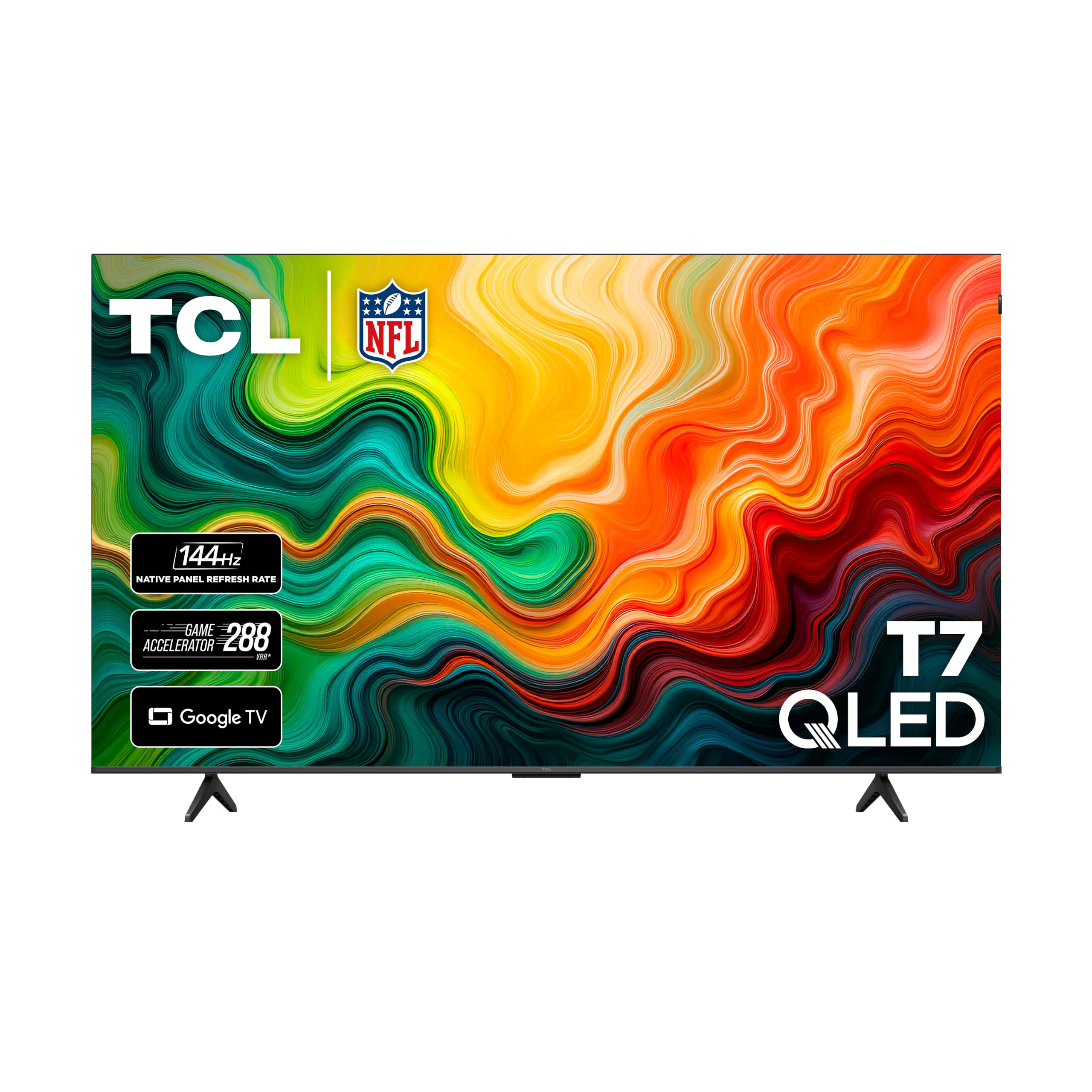
TCL 65T7

Top Pick
TCL 65T7

Main living room

Our Score 8.6/10
Check Price

Worth Noting

  • Sets can power off at random
  • Infrared remote needs a clear line of sight
HDMI Inputs
4
Screen Size
65 inches
Smart Platform
Google TV
Native Refresh Rate
144 Hz

A 144Hz panel, Dolby Vision and four HDMI inputs on a 65-inch QLED is the combination that put the TCL on top of our list. It covers what a household actually does with a television — sport in the afternoon, a console in the evening, streaming in between — without making you choose which of those to sacrifice. The native 144Hz refresh is the part that matters most: twice the rate of the budget sets here, and visible in a long pan across a football field or a whip-pan in an action scene.

Google TV is the other half of the appeal. The AIPQ Pro processor keeps app switching and the home screen quick, Google Cast and AirPlay 2 get a phone or laptop onto the screen without a dongle, and four HDMI inputs means a console, a soundbar and two streamers all stay connected. Gamers get VRR and the 288Hz Game Accelerator mode, which covers a current console properly.

Dolby Vision is the format to care about here. It covers most of the premium HDR catalogue on Netflix, Disney+ and Max, with HDR10+, HDR10 and HLG picking up everything else, so no show drops to plain SDR for lack of a licence. Dolby Atmos and DTS:X both decode, which means a soundbar or receiver gets a real signal over HDMI rather than a stereo downmix.

Against the rest of the field, the TCL sits where most living rooms want to be. The Samsung QN70F has the better panel and a price to match; the Hisense E6SR saves money and gives up refresh rate and ten inches of screen. At 36.6 pounds the TCL hangs on a 400 x 300 bracket, so if there is already one on the wall, check its weight rating before you assume it carries over.

Bottom line: Our pick for most people: a 65-inch QLED with a 144Hz panel, Dolby Vision and four HDMI inputs, at a price that undercuts the premium sets here.

2

Samsung QN70F

Samsung QN70F

Dark-room movies

Our Score 8.8/10
Check Price

Worth Noting

  • Uneven backlighting in some dark scenes
Backlight
Neo QLED Mini LED
HDMI Inputs
4
HDR Support
HDR10+
Screen Size
65 inches

Mini LED is the reason this Samsung looks different from everything else in the group. Rather than one sheet of LEDs behind the panel, the QN70F uses a dense array of small ones that dim in zones, so a starfield keeps its blacks between the stars and a subtitle does not smear light into the letterbox bars. The matte finish does similar work on the other side of the equation, soaking up a lamp reflection that would sit on the glossy panels of the cheaper sets.

It is the set we take when the room can be darkened and the budget can stretch, and it has the best picture in this roundup by a clear margin — deeper blacks than the TCL, better dark-scene contrast than any of the 60Hz sets, and enough color volume that a bright scene does not go chalky. The NQ4 AI Gen2 processor upscales a 1080p broadcast cleanly enough that it does not look soft beside a 4K stream.

One gap to know about: there is no Dolby Vision. Samsung backs HDR10+ instead, so a Dolby Vision title falls back to HDR10 here even though the same show plays properly on the TCL and both Hisense sets. If your watchlist is mostly premium streaming drama, that is a real trade. Gamers, meanwhile, get a listed 1ms response time, VRR and four HDMI inputs, which covers a console, a soundbar and two sources at once.

Bottom line: The best picture in this group: Mini LED backlighting, a matte screen and four HDMI inputs make it our premium pick for dark rooms and movie nights.

3

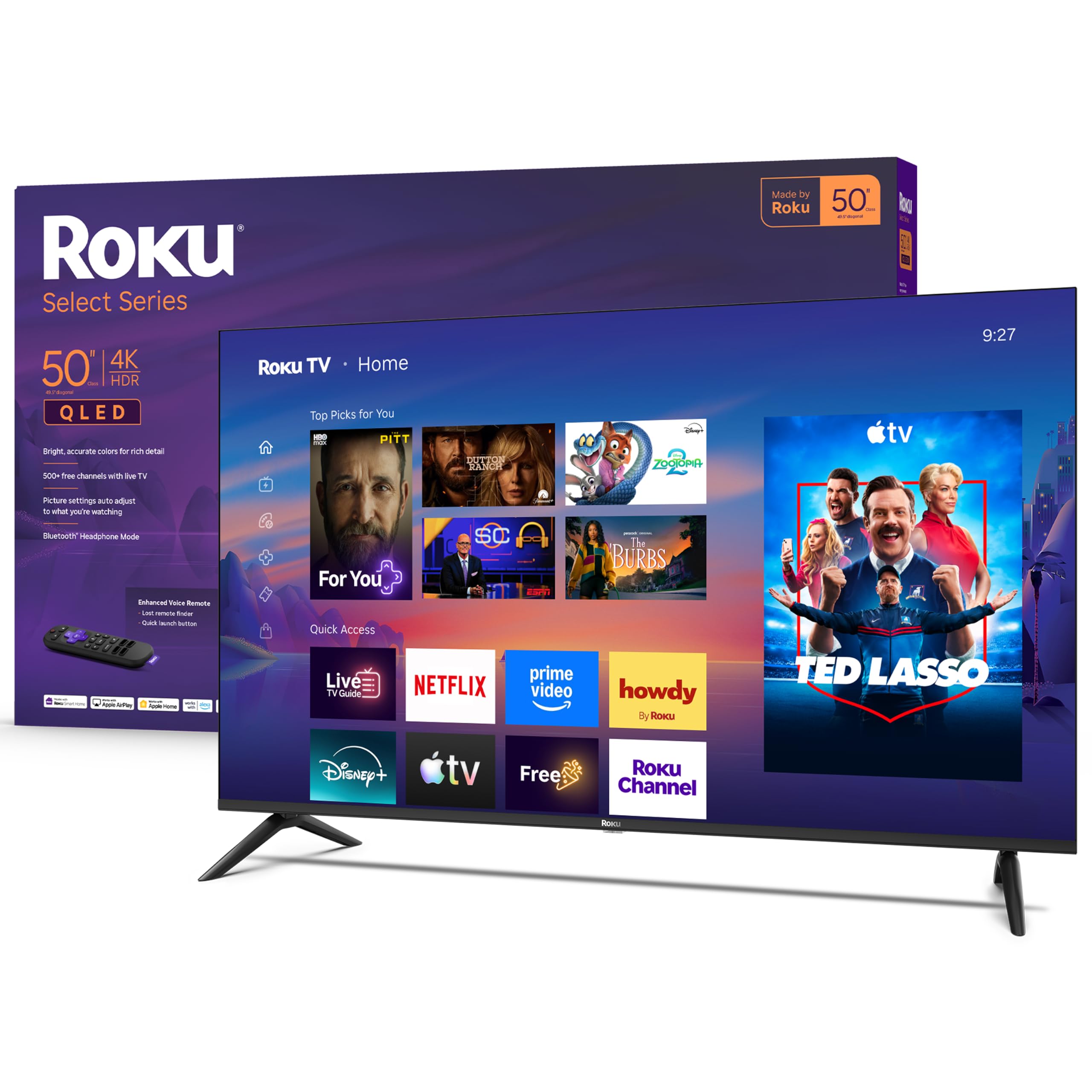
Roku Select 50

Roku Select 50

Second room

Our Score 8.8/10
Check Price

Worth Noting

  • No Dolby Vision support
  • 60Hz refresh only
HDMI Inputs
4
Screen Size
50 inches
Peak Brightness
250 nits
Native Refresh Rate
60 Hz

Four HDMI inputs, a 4K QLED panel and Roku's own software, at a price that makes a second television easy to justify. That is the pitch, and it holds up: this is our budget pick for a spare room, a first apartment or a kids' room where a flagship would be wasted. Nothing here feels stripped — the panel is a real QLED, the on-screen interface is the same one Roku puts on its streamers, and there is a voice remote in the box.

The trade-off is brightness. The published figure is 250 nits, and a room with sun falling on the screen will look washed out next to the brighter sets here, so aim it away from a window or plan on a blind. Wi-Fi is the other thing to plan around: these sets sometimes drop the connection and need a reboot, and if the router is within cable distance, a length of Ethernet sidesteps the whole question. Setup itself is the smoothest of any set here — sign in with a Roku account and your apps and preferences appear, with one remote running the television and the streaming.

Bottom line: Our budget pick: a genuine 4K QLED with Roku's easy interface, four HDMI inputs and a picture that holds up in a normal living room.

4

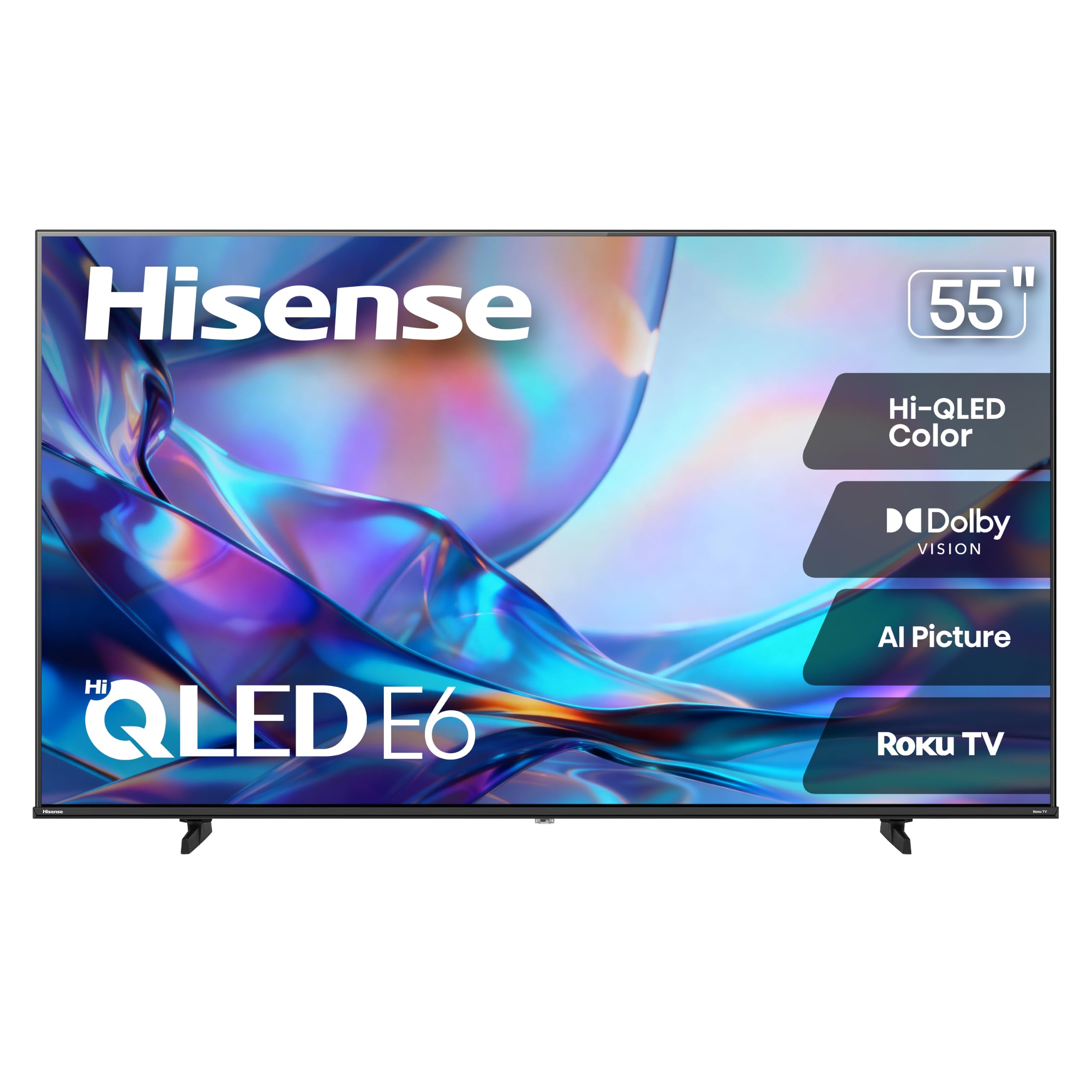
Hisense 55E6SR

Hisense 55E6SR

Value 55-inch

Our Score 8.6/10
Check Price

Worth Noting

  • 60Hz panel limits motion
  • Three HDMI inputs only
HDMI Inputs
3
Screen Size
55 inches
Smart Platform
Roku OS
Native Refresh Rate
60 Hz

Dolby Vision at a budget price is why this one earns a place. The E6SR decodes it alongside HDR10 and HLG, and it wraps that in Roku OS — the same interface as our budget pick, with the same uncluttered remote — so a 55-inch set lands in a room without a learning curve. At 20.5 pounds it is light enough that two people can hang it without much discussion.

The panel is 60Hz and there are three HDMI inputs rather than four, which are the two places the money went instead of into the screen. Audio is 16 watts of DTS Virtual:X: clear on dialogue, thin on anything with an orchestra, and a reminder that this is a set built to a number rather than to a spec sheet.

What we appreciate here is the balance. It does not chase a specification it cannot afford to do well — color is vivid without going neon, the AI 4K upscaler keeps older content watchable, and the picture holds together in a normally lit room. Brightness is the limit: place it where sun hits the screen and it washes out, so a blind or a different wall makes more difference here than any picture setting. Against the TCL you give up refresh rate and ten inches; against the 43-inch Hisense you gain a proper main-room size.

Bottom line: Dolby Vision and Roku OS at 55 inches for budget money — the set we suggest when you want proper HDR without stretching to a premium panel.

5

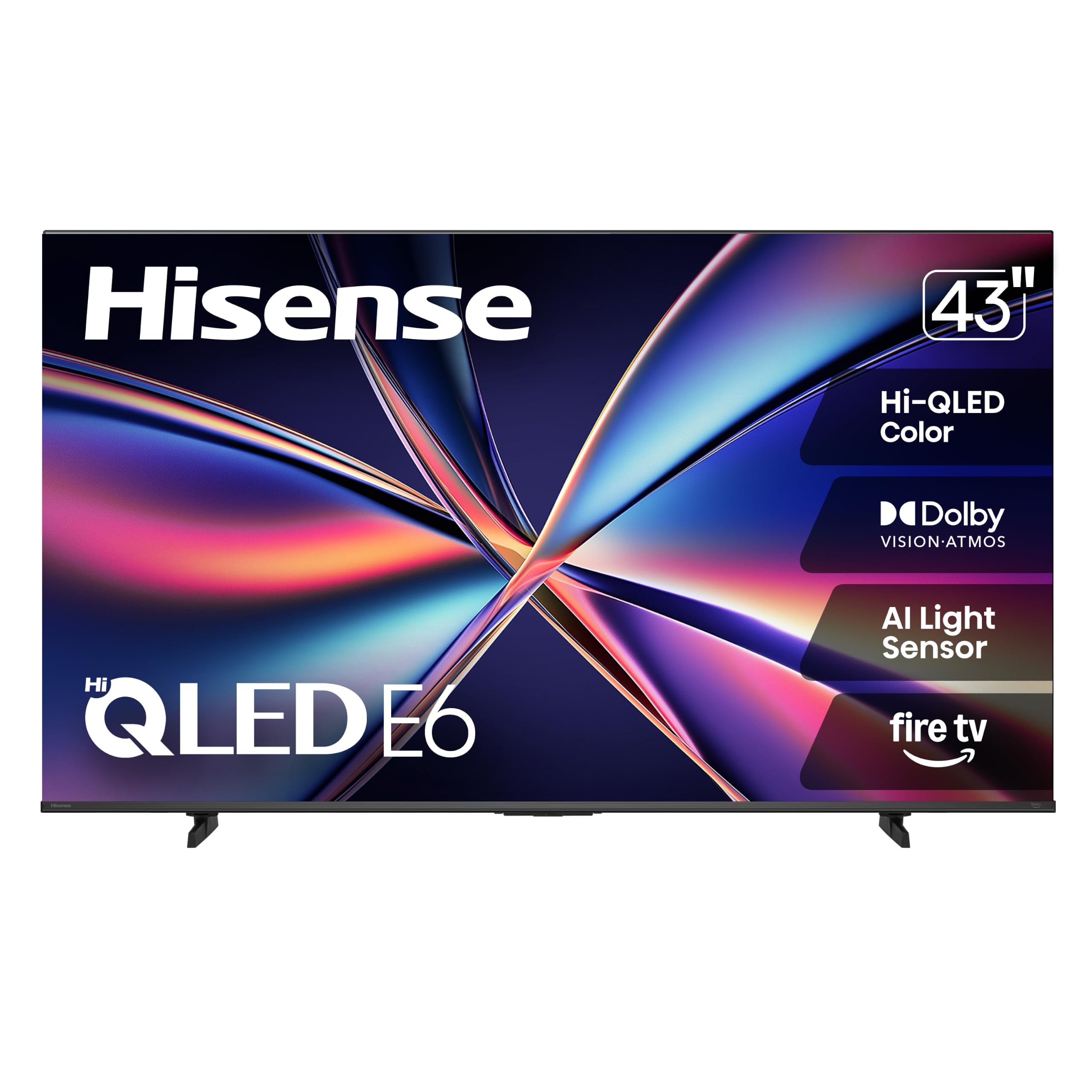
Hisense 43E6QF

Hisense 43E6QF

Small rooms

Our Score 8.0/10
Check Price

Worth Noting

  • Slow Fire TV navigation
  • Sets that restart on their own
Backlight
Direct LED
HDMI Inputs
3
Screen Size
43 inches
Smart Platform
Fire TV

Patience is the price of admission here. The Fire TV interface on this Hisense takes its time — waking from standby, loading the home screen and switching between apps all ask you to wait — and the remote's button presses do not always land first time. Open one app and stay there and you will barely notice. Move between four services a night and it wears thin.

What you get in trade is a genuinely good picture for the least money in this group. Dolby Vision and Dolby Atmos are both on board, the HDR support runs all the way to HDR10+ Adaptive, and 43 inches is the right answer for a bedroom, a kitchen or a study where a 55-inch would dominate the wall. What we did not expect at this price is how little the panel gives away: color is vivid, 4K content looks sharp, and the screen is clearly not where the savings were made.

Bottom line: The cheapest route to 4K QLED with Dolby Vision, worth it for a bedroom or kitchen where you watch one app at a time and can live with a slow menu.

6

Samsung 32Q8F

Samsung 32Q8F

Bedroom or office

Our Score 8.6/10
Check Price

Worth Noting

  • Costs more than larger sets here
  • Small remote with cramped buttons
Resolution
4K
HDMI Inputs
3
Screen Size
32 inches
Smart Platform
Tizen

Some rooms do not have a television problem, they have a wall problem. A 32-inch set is what fits between a kitchen cabinet and a doorway, on a desk, or in a guest room that was never wired for anything bigger, and this Samsung is the one we point to when that is the constraint. It is a real 4K QLED panel rather than a small-screen compromise, and the AirSlim chassis sits close to the wall on a mount.

The Q4 AI Processor does the work behind the picture: 4K content is crisp, upscaled HD does not smear, and Tizen is the same platform as Samsung's larger sets, so Samsung TV Plus and a broad app selection are there from the first boot. At 11.9 pounds it lifts onto a stand or a bracket without help, and the 100 x 100 VESA pattern fits almost any small mount.

The honest trade is price against size. This costs more than the 50-inch Roku here, which is the tax on a small 4K panel — you are paying for the screen, not the inches. Buy it because nothing larger fits, not because you want the cheapest Samsung. If the room can take 43 inches, the Hisense E6QF gives you more screen for less money and a much slower interface with it; if it can take 50, the Roku is the better buy.

Bottom line: The best small QLED here: a 4K 32-inch with Samsung's processor and a slim frame, for rooms where nothing larger will fit.

How We Tested the Best QLED TVs

We built a shortlist from current QLED models across screen sizes and price bands, then filtered by panel claims, port selection, smart-platform support, and whether the stand and feet made sense for a normal media console. We brought in seven sets and used them as our main living-room TVs for eight months, moving them between a bright, sun-facing wall and a darker evening setup so we could judge the same shows under different light.

Setup was timed from unboxing to first picture, including stand assembly, account sign-in, and input labeling. We noted how many prompts required a phone, how long the TV took to find our Wi-Fi, and whether guests could switch to a soundbar or game console without a tutorial. We connected a streaming stick, a console, and a soundbar to each HDMI port, checked that the set recognized them and switched automatically, then kept a log of dropped connections, app crashes, stuck screens, and whether a power cycle fixed them.

For picture and sound, we played the same dim episode at noon with blinds open and at night with a lamp beside the screen, watching whether faces stayed natural or crushed into shadow and whether colors shifted as we moved off-axis. We turned the volume to normal conversation level during a basketball game and a quiet dialogue scene, listening for muddy speech or thin bass. We also counted the lag between a remote button press and menu movement, and checked cabinet rigidity and port placement by plugging cables in without looking.

How to Choose QLED TVs

Panel type comes first

QLED is a family, not a single specification. The cheaper sets here — the Roku and both Hisense models — pair a conventional LED backlight with a quantum-dot layer. Neo QLED, Samsung's name for Mini LED, packs far smaller LEDs behind the panel so they can dim in zones, which is why the 65-inch QN70F holds a dark scene together while a direct-lit set can go grey at the edges.

Our rule: if most of your viewing happens after dark, contrast is worth paying for. If the television is on all day in a bright room, put brightness and reflection handling ahead of both, because a big washed-out picture is worse than a smaller clean one.

Check the HDR formats, not just the badge

A set can be bright and still shortchange you if it does not decode the format your shows arrive in. Dolby Vision is the one to look for — it covers most of the premium HDR catalogue on Netflix, Disney+ and Max. Samsung backs HDR10+ instead and skips Dolby Vision entirely, so a Dolby Vision title falls back to HDR10 on the QN70F and the 32-inch Q8F while the TCL and both Hisense sets play it properly.

If you stream a lot of prestige drama, that difference shows up more often than a refresh-rate figure. Check the format list before the panel type if your watchlist is mostly subscription originals.

Native refresh rate, not the motion number

Ignore the marketing motion figures. TCL's Motion Rate 480 and Hisense's Motion Rate 120 describe processing, not the panel's own refresh rate. Look for the native number: 60Hz on every budget set here, 144Hz on the TCL. Higher is better for sport and consoles and close to irrelevant for a bedroom set showing sitcoms.

Gamers should check VRR and HDMI count together. Three inputs fill up fast with a console, a soundbar and a streaming stick; four leaves room for all of them without a switcher.

The interface you use every day

You touch the platform more often than any picture setting, and they are not equal. Roku OS, on the Roku set and the Hisense E6SR, is the simplest and the most consistent, with a remote that runs the television and the streaming without a second clicker. Google TV on the TCL is quicker and pushes recommendations harder; Tizen on the Samsungs is broad but busier; Fire TV on the 43-inch Hisense is the slowest of the four here.

If a set is right in every other way and the platform is not, a streaming stick fixes it for the price of a takeaway. Do not reject a good panel over a home screen.

Size, weight and the wall

Size is a tape-measure decision. A 65-inch set is roughly 57 inches wide — the TCL measures 56.9 and the Samsung 57.2 — so give it that much wall plus clearance, and check the base footprint if it is going on furniture rather than a bracket. VESA patterns here run from 100 x 100 on the 32-inch Samsung to 400 x 300 on both 65-inch sets, so an existing bracket may not carry over.

Weight decides how many people you need: the 65-inch Samsung is 48.1 pounds and wants two, while the 20.5-pound Hisense and the 16.8-pound Roku are one-person lifts.

Frequently Asked Questions

Final Verdict

Most people should buy the TCL 65T7. It is the only set here that combines a 144Hz panel, Dolby Vision and four HDMI inputs at 65 inches, and that combination covers sport, films and a console without an obvious compromise.

If the room can be darkened and picture quality is the whole point, the Samsung QN70F's Mini LED backlight is worth the step up — just accept that Dolby Vision titles fall back to HDR10. For a spare room or a first apartment, the Roku Select 50 gives you the same easy interface and a good 4K picture for a budget price.