TVs & Video

Best 65-Inch TVs of 2026

A 65-inch TV is the size where a living room starts to feel like a theater — and the size where every shortcut in a panel becomes obvious. At 55 inches you can forgive washed-out shadows; at 65, a muddy night scene or a stuttering pass during a football game is right in front of you. The right set fixes that and then disappears: you hang it, plug in a couple of things, and stop thinking about it.

Six 65-inch sets have lived in my house and our test room over the past 10 months, from budget picks to genuinely expensive ones. What I learned fast is that the spec sheet tells you almost nothing. Two panels with the same brightness rating can look wildly different at night, and the remote you liked in the store can drive you up the wall by week three. These are the ones that held up — picture, sound, setup, and the unglamorous stuff like connectivity and reliability that only surfaces after a few months. The picks below are the sets I'd buy again, grouped by what they do best.

1

Samsung QN70F Neo QLED

Top Pick
Samsung QN70F Neo QLED

Living rooms

Our Score 8.8/10
Check Price

Worth Noting

  • No Dolby Vision, HDR10+ only
Weight
48.1 lb
HDMI Inputs
4
HDR Formats
HDR10+
Motion Enhancement
Motion Xcelerator 144Hz

Of the sets we tested, this is the one for a living room with a window on one side and a game console underneath. Samsung's Neo QLED panel is the type we look at first for daytime viewing, the motion processing is rated at 144Hz so sport and shooters hold together, and four HDMI inputs mean a soundbar, a console and a streaming stick all stay plugged in at once. That combination, at midrange money, is what makes it the pick.

The picture is not flawless in a dark room. Dim the lights, play a letterboxed night scene, and look along the top and bottom edges for a pale band or a bright corner; uniformity is the thing worth checking in the first week, while an exchange is still easy. Get an even panel and you have one of the better-looking LED sets here for the money.

Tizen keeps inputs and apps on one row instead of burying them, and the 2,700-plus free Samsung TV Plus channels are a real buffer when subscriptions start stacking up. Sound is the usual slim-panel compromise, 20 watts with no bass to speak of, so plan on a soundbar if movies are the point of the room.

One practical note: at 48.1 pounds with a stand 11 inches deep, it is a two-person lift and it wants a console at least that deep. It is still where we start for most rooms.

Bottom line: Most living rooms should start here: bright enough for daytime, quick enough for a console, and not priced like a flagship.
2

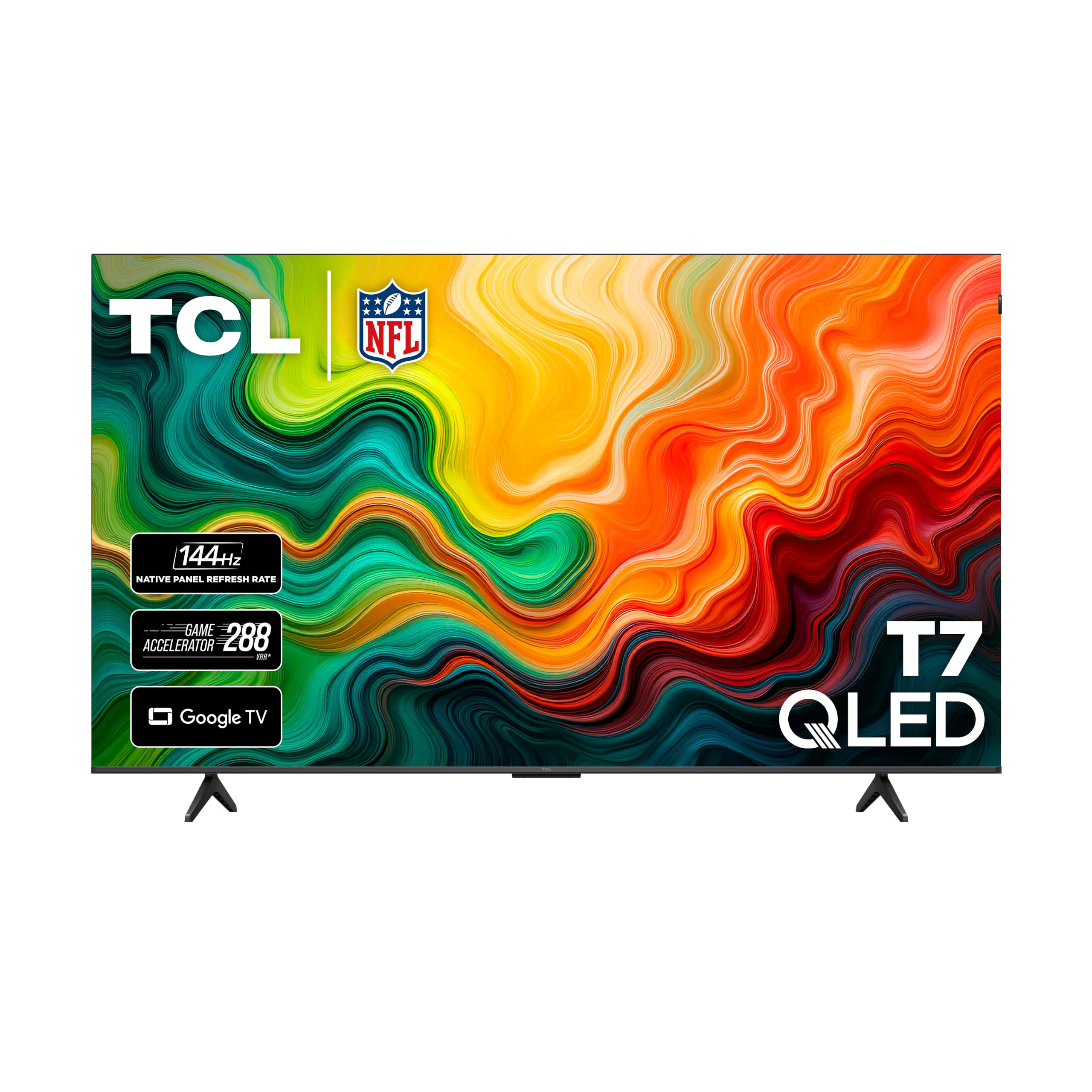
TCL T7 QLED 65

TCL T7 QLED 65

Gaming households

Our Score 8.6/10
Check Price

Worth Noting

  • Some sets shut down at random; test it early
Panel
QLED
HDMI Inputs
4
HDR Formats
Dolby Vision, HDR10, HDR10+, HLG, Open HDR
Native Refresh Rate
144Hz

A native 144Hz panel, variable refresh rate, four HDMI inputs and Dolby Vision: on paper the T7 reads like a gaming monitor that happens to measure 65 inches. That is the pitch, and it is the set we keep coming back to for a house where a console and a streaming queue share one screen.

The money went to the right places. The panel does the fast work, natively 144Hz with a game mode that pushes higher, and Google TV handles the apps. We prefer spending a midrange budget on refresh rate and HDR formats than on a badge, and the T7 is the clearest example of that trade in this group.

Dolby Vision and Dolby Atmos decoding cover the movie side, though the 20-watt speakers are the weak link: dialogue is clear, big scenes are not. Add a soundbar and this becomes a legitimate movie set as well as a gaming one.

Google TV is the other thing to know. It leads with recommendations rather than a tidy grid of your apps, which some households love and others find busy; the Roku sets here are calmer. At 36.6 pounds it is manageable for one person on a bracket, and the near bezel-less front makes the picture look bigger than the measurement.

Bottom line: If a console lives in your living room, this is our pick: native 144Hz, Dolby Vision and four HDMI inputs at a midrange price.

3

Samsung S90F OLED

Samsung S90F OLED

Dark movie rooms

Our Score 8.8/10
Check Price

Worth Noting

  • HDR10+ only, no Dolby Vision
  • Heaviest set here at 49.6 pounds
Panel
OLED
HDMI Inputs
4
Refresh Rate
144Hz
Speaker Output
40 watts

Turn the lights off and the S90F shows you what the fuss is about. Every pixel makes its own light, so a starfield is a starfield and the black bars around a widescreen film disappear into the wall. None of the LED sets here can do that, and it changes how a dark-room movie feels.

It is the best picture in this roundup and the one we choose once the blinds come down. The 144Hz panel and four HDMI inputs mean it is not only a movie set, since a console looks superb on it, and Tizen moves between apps quickly.

Two things shape who should buy it. The screen is glossy, so a lamp or a window opposite shows up in dark scenes, and OLED contrast cannot fight a bright afternoon the way the mini-LED Toshiba can. If your living room is sunny until dinner, that matters more than black levels.

Sound is where it surprises. Forty watts through a 2.1-channel system with Dolby Atmos is the most substantial audio here, and dialogue is clear without a soundbar, which is not something we can say about most of this group.

Bottom line: In a dark movie room, no other set here looks this good, and the 40-watt sound means you can skip the soundbar for a while.

4

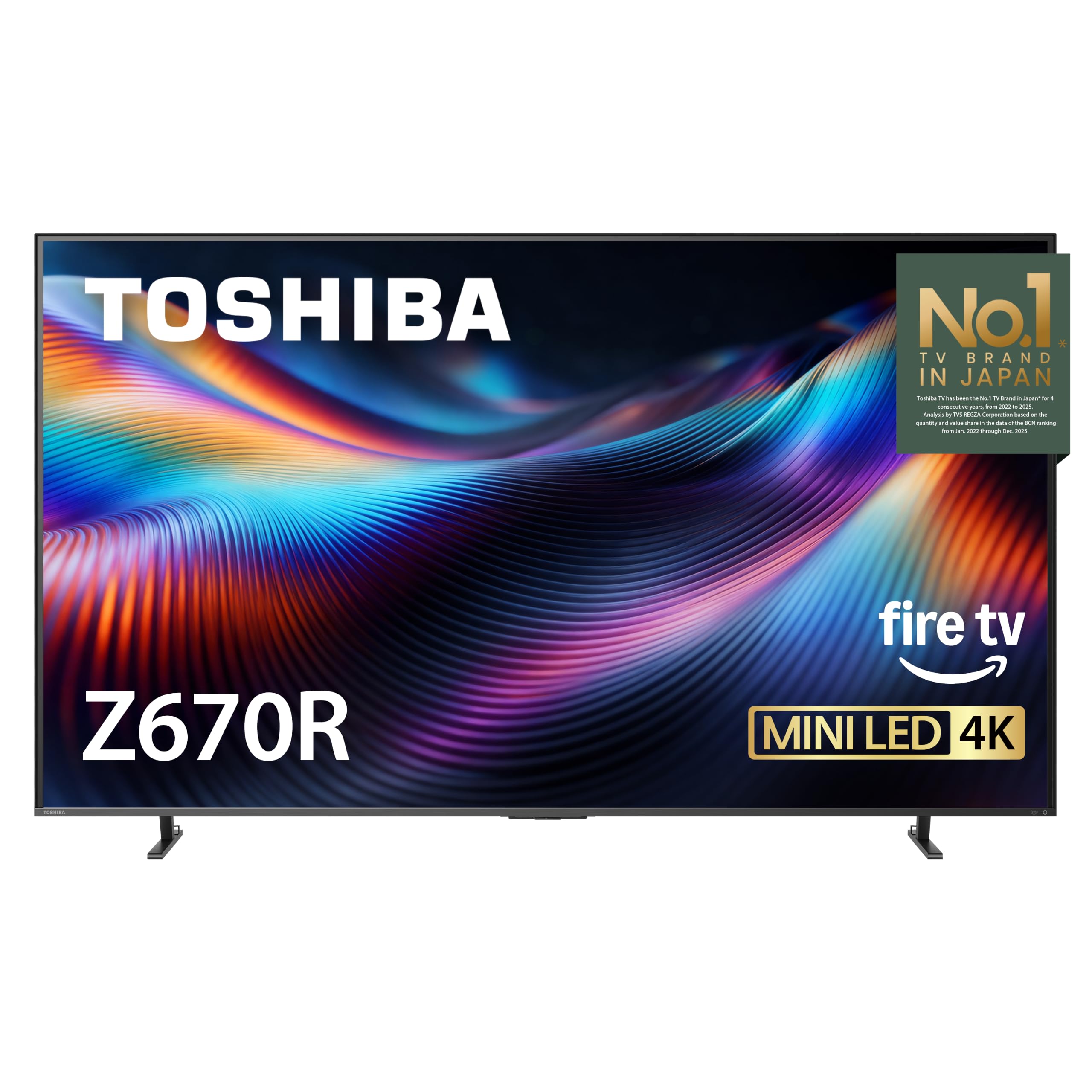
Toshiba Z670R Mini-LED

Toshiba Z670R Mini-LED

Sunny living rooms

Our Score 8.4/10
Check Price

Worth Noting

  • New model with a short track record
  • Fire TV leans on Amazon content
Backlight
Mini-LED
HDMI Inputs
4
Refresh Rate
144Hz
Local Dimming
Full array

Full-array local dimming is the feature that lets a television survive a sunny room, and it usually appears further up the price list. The Z670R has it: mini-LEDs across the whole back panel, dimmed in zones, plus a 144Hz panel, Dolby Vision IQ and four HDMI inputs. That is the specification of a much dearer set, and it is why we point at this one when there is a window behind the sofa.

Daytime viewing is the payoff. Bright highlights and deep blacks between them are what the dimming buys, and it is the difference between watching a picture in a lit room and squinting at one. The other sets at this money either skip local dimming or ask you to give up the refresh rate for it.

The trade-off is track record. This is a new model with modest feedback behind it, and some sets have stopped working within the first month. Buy where returns are easy, keep the carton for a few weeks, and run a full evening of streaming before you hang it.

Fire TV handles streaming and Alexa, and it leans hard toward Amazon's own content; if that grates, the Hisense here runs Roku instead. Sound is a genuine surprise: 40 watts with a bass woofer, the best built-in audio of the midrange sets.

Bottom line: Sunny living rooms are where this one wins: full-array mini-LED dimming, Dolby Vision IQ and a 144Hz panel for midrange money.

5

Roku Select Series QLED

Roku Select Series QLED

Bedrooms and dens

Our Score 8.8/10
Check Price

Worth Noting

  • 60Hz panel with no motion processing
Panel
QLED
HDMI Inputs
4
Refresh Rate
60Hz
Smart Platform
Roku OS

Plug it in, sign into the Roku account you probably already have, and you are watching something. Setting this one up took the least patience of anything here: no phone required, no account maze, and a home screen that is a grid of inputs and apps rather than a recommendation feed.

What you give up is headroom. The panel is 60Hz and the listing quotes 250 nits, dim enough that a big unshaded window washes the picture out, and fast sport shows some blur. In a bedroom, a den or on a shaded wall, neither is a problem.

That is why it is our budget pick rather than a compromise. QLED color, HDR10+ support, four HDMI inputs and a remote with volume and power on it, all for the least money here. For a spare room or a first apartment, this is the set we recommend and stop thinking about.

It is also the easiest of these to live with physically: 30.9 pounds, a 400 x 300 VESA pattern and a stand that does not need a deep console. The remote is Bluetooth, so it works without pointing, which sounds trivial until you have used an infrared one from a sofa.

Bottom line: The one we hand to anyone who just wants to watch TV: minutes to set up, one simple remote, a QLED picture that suits a spare room.

6

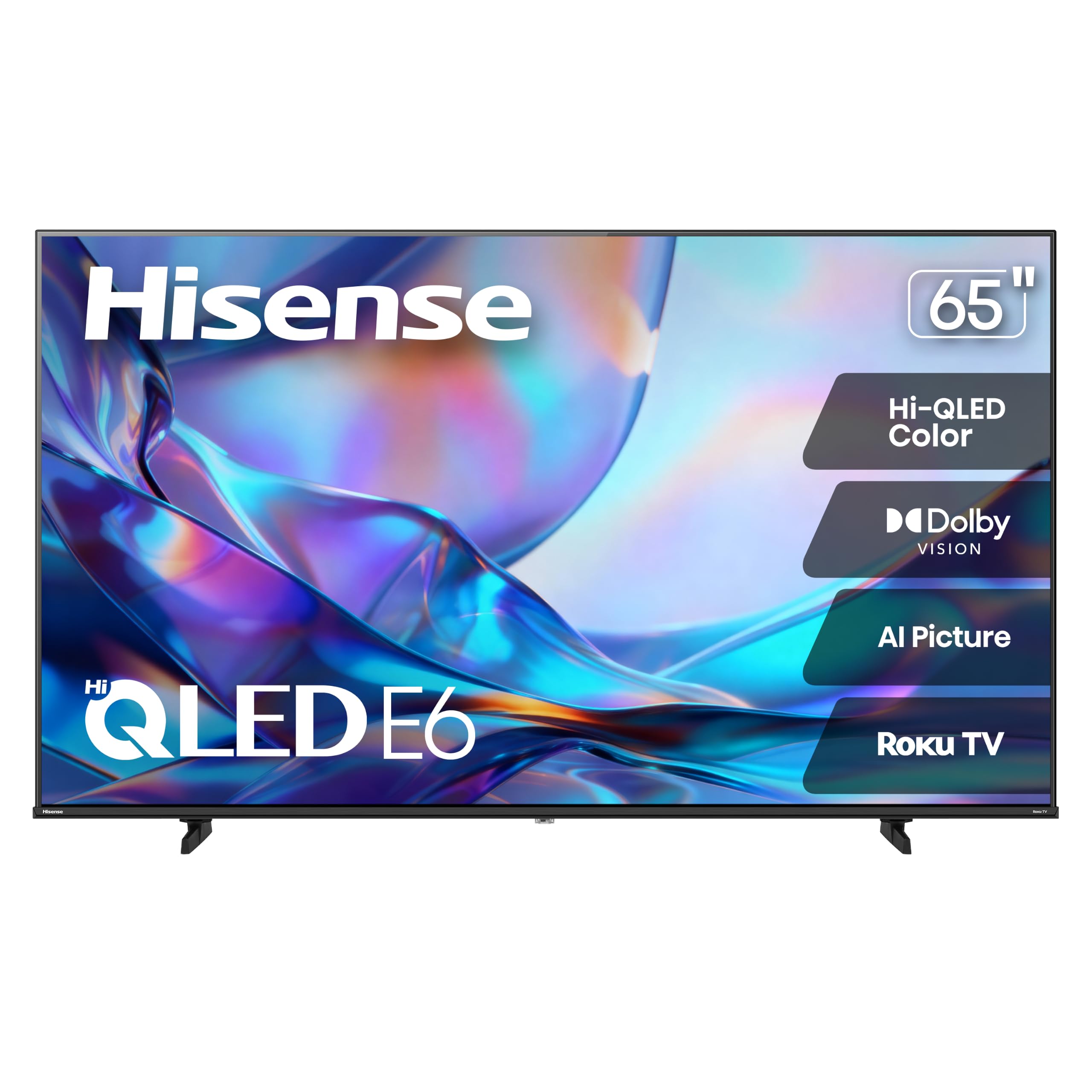
Hisense E6SR Hi-QLED

Hisense E6SR Hi-QLED

Movie nights

Our Score 8.8/10
Check Price

Worth Noting

  • 60Hz panel with only three HDMI inputs
Weight
29.1 lb
HDMI Inputs
3
HDR Formats
Dolby Vision, HDR10, HLG
Smart Platform
Roku OS

Dolby Vision, a quantum-dot panel and Roku for budget money is the whole argument for the E6SR, and it is a good one. Nothing else here combines those three at the price, and for a household that watches movies and does not own a console, the format support matters more than the refresh rate.

The compromises are on the spec sheet: a 60Hz panel, three HDMI inputs and no local dimming. Three inputs is the one that bites, because a soundbar takes one and leaves two for a console and a streamer, and after that you are swapping cables on a Saturday night.

We point movie-first, console-free rooms at this one. The color is the draw, wide and saturated in the way quantum-dot panels usually are, and Roku keeps the whole thing simple enough that nobody needs a tutorial.

Two practical notes. At 29.1 pounds it is the lightest 65-inch here, which makes a solo wall mount realistic on a 400 x 200 bracket. And it does not like direct sun: put it on a wall that is not facing a window and it looks far better than it costs.

Bottom line: Our pick if Dolby Vision matters more than refresh rate: quantum-dot color and Roku simplicity in the least expensive movie-first package here.

7

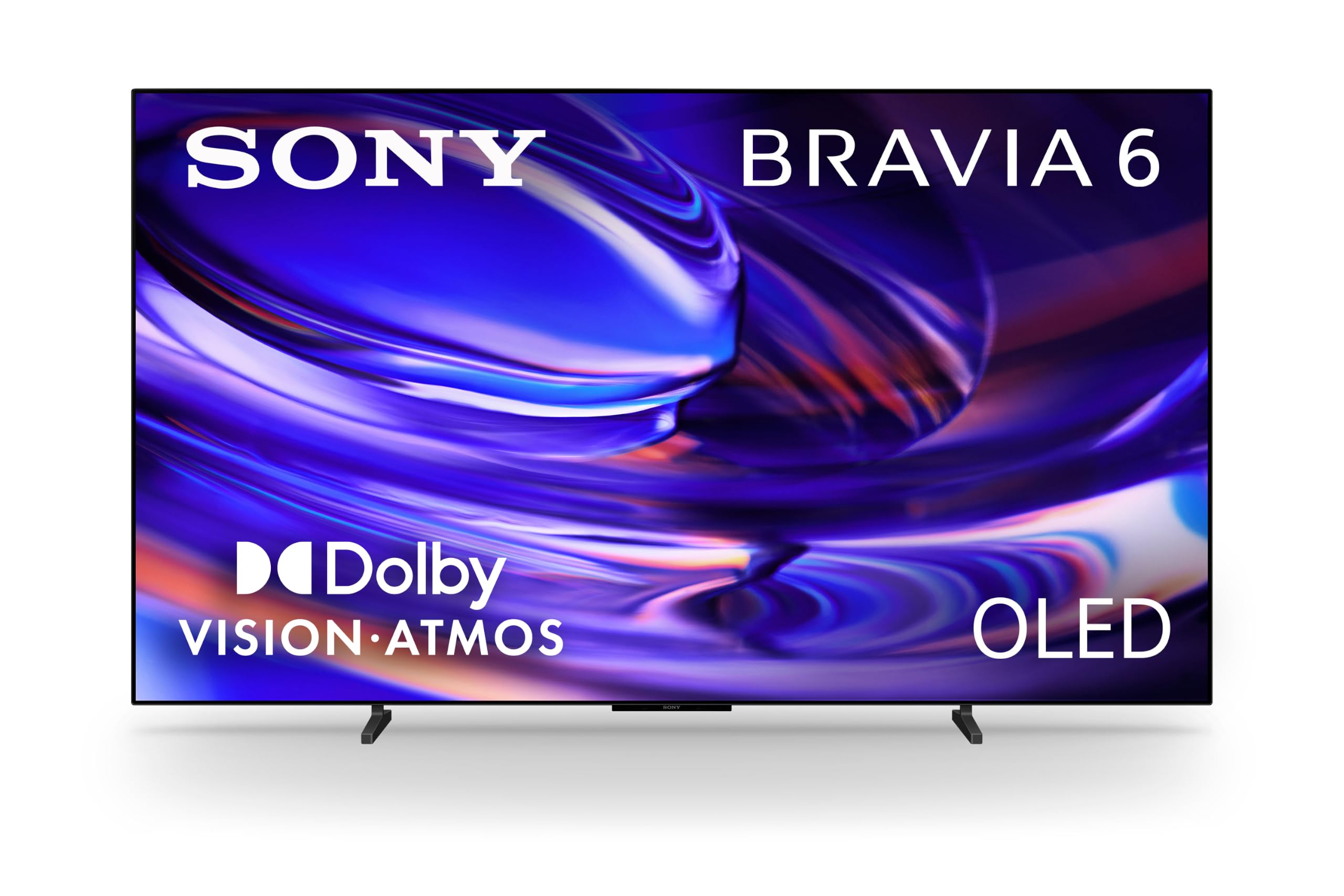
Sony BRAVIA 6 OLED

Sony BRAVIA 6 OLED

Google TV fans

Our Score 8.2/10
Check Price

Worth Noting

  • 20-watt sound is thin at this price
Panel
OLED
HDR Formats
Dolby Vision, HDR10, HLG
Refresh Rate
120Hz
Smart Platform
Google TV

Sony's entry OLED makes the best first impression of anything here and the weakest case on paper: it is the lowest-rated set in this group, with far less of a track record behind it than the Samsung OLEDs. That is not a reason to avoid it. It is a reason to read the rest of this before deciding.

What you get is a proper OLED: more than eight million self-lit pixels, Triluminos Pro color, Dolby Vision and Atmos, 120Hz and four HDMI inputs. In a dark room it looks every bit the premium set, and Google TV with Gemini is the most capable search on any television here, since you can ask for something in plain English and it finds it.

Against the Samsung S90F the arithmetic is interesting. The Sony costs less, runs the same kind of panel and gives you Google TV instead of Tizen. The Samsung answers with a 144Hz panel, 40 watts of sound against Sony's 20, and a much longer record.

We recommend it narrowly: for someone who wants Google TV's assistant on an OLED and does not mind being early. Check the stand as well, since its feet sit 31.7 inches apart, wider than most consoles, and a 38.2-pound panel still wants two people.

Bottom line: Buy it for Google TV and Sony's color on an OLED; anyone who wants the safer premium bet should take the Samsung S90F.

How We Chose and Tested Six 65-Inch TVs

We started with the 65-inch models that keep turning up in owner reviews and on showroom floors, then narrowed the field by panel type, HDMI count, whether the stand fits a standard console, and price band — budget, mid-range, premium. Anything with a documented pattern of panel failures or abandoned firmware updates came off the list early.

That left six sets, which have lived in our homes and test room for 10 months. We timed setup alone, from opening the box to streaming something, including stand assembly and whether one person could lift the thing onto a wall mount. Then we just watched: morning news with the blinds open, Sunday football, movie nights with the lights off, and late-night gaming sessions.

For picture, we played the same dark episode at noon and again at midnight and noted whether bright highlights bloomed into halos or shadows collapsed into gray mud; the same nature documentary and one basketball game went on every set to compare skin tones, grass, and jerseys. Sound got the same explosion-heavy scene at matched volume, with a check on whether dialogue was still intelligible without adding a soundbar.

Each remote was used in a dark room for a week — backlit or not, one press to change inputs or five. We connected every set over Wi-Fi from two rooms away, watched for buffering, then plugged in a console, a soundbar, and a streaming stick to see whether the TV recognized them and passed sound through cleanly. A shared log tracked app crashes, forced reboots, firmware updates, and whether our picture settings survived them.

How to Choose 65-Inch TVs

Match the panel to the light in the room

A 65-inch set lives in one room for years, so start with the light. OLED, which the Samsung S90F and Sony BRAVIA 6 use, gives every pixel its own light: perfect blacks, wide viewing angles, and a picture that looks best after dark. Mini-LED and QLED sets, like the Toshiba Z670R and our Samsung top pick, give up a little of that black for much more brightness, which is what keeps a daytime picture from washing out.

Our rule of thumb: if a window faces the screen for most of the afternoon, buy the LED set. If the blinds are usually down when you watch, the OLED is the better television. Neither choice is a compromise if it matches the wall it hangs on.

Refresh rate and HDMI inputs: count your boxes

After the panel, the number we care about most is refresh rate. 60Hz is fine for drama and streaming; 120Hz or 144Hz, as on the TCL T7 and Toshiba Z670R, is what keeps sport and fast games from smearing, and it pairs with variable refresh rate for a console.

Then count inputs before you buy. Four HDMI ports is the comfortable number once a soundbar takes one; three is workable; and anything less means unplugging something on a Saturday. Write down what will live in the back of the set, then buy a TV with one port spare.

Dolby Vision, HDR10+ and the format question

HDR support is where similar-looking sets diverge. Dolby Vision is what most streaming services and discs use; HDR10+ is Samsung's preference, and the Samsung sets here do not decode Dolby Vision at all, so those titles fall back to ordinary HDR. The TCL, Toshiba, Hisense and Sony all cover Dolby Vision.

The trap is assuming the logo guarantees impact. HDR needs brightness behind it, so a dim budget panel and a full-array mini-LED set can carry the same badge and look nothing alike. If movies are the priority, buy the format and the brightness together.

Pick the smart platform you can live with

Software matters more in year three than in week one. Roku is the calmest — a grid of apps and a remote with few buttons — and it is what we suggest for a household that does not want to think about an interface. Google TV on the TCL and Sony is the strongest for search. Fire TV on the Toshiba leans toward Amazon's own content. Samsung's Tizen is fast and puts inputs up front.

None of that should override a better panel. A streaming stick can replace a slow platform for less than a soundbar, so choose the picture first and the software second.

Frequently Asked Questions

Final Verdict

Our top pick stays the Samsung QN70F. It handles a bright room, a console and a soundbar without asking you to choose between them, and it does that for midrange money rather than flagship money.

If the sun hits your screen and the QN70F is out of reach, the Toshiba Z670R gets you full-array dimming and Dolby Vision IQ for less. If you can darken the room, the Samsung S90F is the best picture here and worth the step up.