PC Components & Storage

Best AIO Cooler of 2026

Air coolers are the sensible choice until you try to slide a RAM stick under one. A tower heatsink takes up the middle of your case, crowds the side panel, and dumps its heat back onto the board, while an all-in-one liquid cooler pushes that heat out to the case's edge instead, which is why so many new builds start with one. The catches are less obvious: a radiator that won't clear your top panel, a pump that whines at idle, software that forgets your fan curve after every reboot.

Size alone doesn't settle it, either — I've watched a 360mm lose to a 240mm in a case with a choked intake. Over the past nine months, my team and I have installed 12 AIO coolers in real builds, from cramped mini-ITX boxes to full towers, and the models below are the ones that earned their price: steady CPU temperatures through hour-long stress runs, quiet at idle, no fighting during install, and nothing ugly behind a glass panel. Measure your radiator and fans against your top clearance before you fall for a spec sheet.

1

ARCTIC Liquid Freezer III Pro 360

Top Pick
ARCTIC Liquid Freezer III Pro 360

High-heat CPUs

Our Score 8.6/10
Check Price

Worth Noting

  • Mounting takes patience to seat evenly
  • Loud with the fans at full speed
Airflow
77 cfm
Radiator
360 mm, 3 × 120 mm
Warranty
6 years
Max Fan Speed
3000 rpm

ARCTIC spent the money where it touches the CPU. The cold plate is offset toward the hotspot on both Intel and AMD mounts, the bracket doubles as a contact frame on LGA1700 and LGA1851 boards, and a small PWM fan on the pump housing pushes air across the voltage regulators beside the socket. None of that photographs well, and all of it is why this is the cooler we point most people to first: under sustained load it sits at the top of this group.

It is also the tidiest 360 here. The three radiator fan cables run inside the hose sleeving, so a single lead goes to the motherboard instead of three fan plugs, a pump plug and a lighting harness. Behind a glass panel that is the difference between a build that looks deliberate and one with a ribbon of cables draped over the memory.

Plan around two things. The P12 PRO fans spin to 3000 rpm, and at the top of that range they are genuinely loud; a curve that tops out lower trades a little headroom for a lot less noise. The pump housing sits proud of the socket, too, so check the gap above the board before committing to a top mount in a slim case.

Mounting is the part to slow down for. The bracket and contact frame need care, and getting the block to seat evenly takes more patience than the magnetic, pre-assembled mounts on the NZXT and both Lian Li units. Fit the bracket with the board out of the case, tighten in a cross pattern, and most of the fuss disappears. Do that and you have the strongest cooling value in this roundup, with six years of cover behind it.

Bottom line: For most builds we point here first: top-tier cooling, a contact frame, one cable and six years of cover for midrange money.

2

Thermalright Frozen Notte 360 V2

Thermalright Frozen Notte 360 V2

Budget 360 builds

Our Score 8.8/10
Check Price

Worth Noting

  • Least settled long-term reliability here
Airflow
72.37 cfm
Radiator
360 mm, 3 × 120 mm
Fan Noise
≤27.7 dBA
Pump Speed
5300 rpm ± 10%

A full 360 mm radiator for budget money is the whole pitch, and the Frozen Notte delivers it: three 120 mm fans already screwed to the radiator, ARGB that syncs over a standard 5V header, and brackets for both Intel and AMD in the box.

What struck us is how little there is to the job. Thermalright leaves the fans on the radiator, so installation is a backplate, four standoffs and one PWM header, and the fans top out at 2000 rpm with a 27.7 dBA rating — modest for a three-fan cooler, which leaves less to drown out the rest of your machine.

Cooling is not where the savings show up. Three fans and a 360 mm radiator is a formula that works, and this keeps a power-hungry CPU in order without drama. Time is the risk. The pump is a budget unit, and this is the cooler here with the least settled long-term record: failures inside a year do happen, and because it is liquid, a leak is the worst version of that.

Against the ARCTIC it gives up warranty years, the contact frame and the single-cable tidiness, and it gains a much easier install and a much smaller bill. On a first build with a fixed budget that is a fair trade. On the machine you depend on for work, it is not.

Bottom line: The cheapest way into a 360 mm radiator here, and an easy one to fit, though we cannot promise it the years the ARCTIC gives you.

3

Thermalright Aqua Elite 240 V3

Thermalright Aqua Elite 240 V3

Small cases

Our Score 9.4/10
Check Price

Worth Noting

  • Two-fan radiator limits flagship-CPU headroom
Airflow
66.17 cfm
Radiator
240 mm, 2 × 120 mm
Fan Noise
≤25.6 dBA
Max Fan Speed
1500 rpm ± 10%

Most people shopping a 240 are solving a space problem, not chasing the last degree. The Aqua Elite 240 V3 answers that at the smallest outlay here, with two 120 mm fans, an ARGB halo around the pump head, and mounting hardware covering AM4 and AM5 through Intel's LGA1851.

The fans top out at 1500 rpm, a low ceiling for this group — the ARCTIC's P12 PROs spin twice as fast. What you give up in headroom comes back as manners. We found this one of the quietest coolers here, with a pump that disappears under a normal fan curve, and in a small case sitting a foot from your head that is worth more than a couple of degrees.

The 240 mm radiator slots into the front or the top of most compact cases without fouling the motherboard, and the tubing flexes enough to route around a big graphics card. Installation is ordinary Thermalright — backplate, standoffs, bracket — with the skimpiest printed instructions of the group, so watch a video before you start.

The boundary is the chip. Behind a mainstream six- or eight-core gaming CPU this is plenty; behind a 250 W flagship it is the wrong cooler, and the 360s here earn their space. Pick it for the right build and it is one of the best-value picks in this roundup.

Bottom line: If your case only takes a 240, this is the one we recommend: quiet, inexpensive and easy to live with, so long as your CPU is not a flagship.

4

NZXT Kraken Plus 240 RGB

NZXT Kraken Plus 240 RGB

Quiet compact builds

Our Score 9.0/10
Check Price

Worth Noting

  • Costs more than our 360 top pick
  • Screen is small at 1.54 in
Display
1.54 in LCD
Radiator
240 mm
Warranty
6 years
Noise Level
31.9 dB

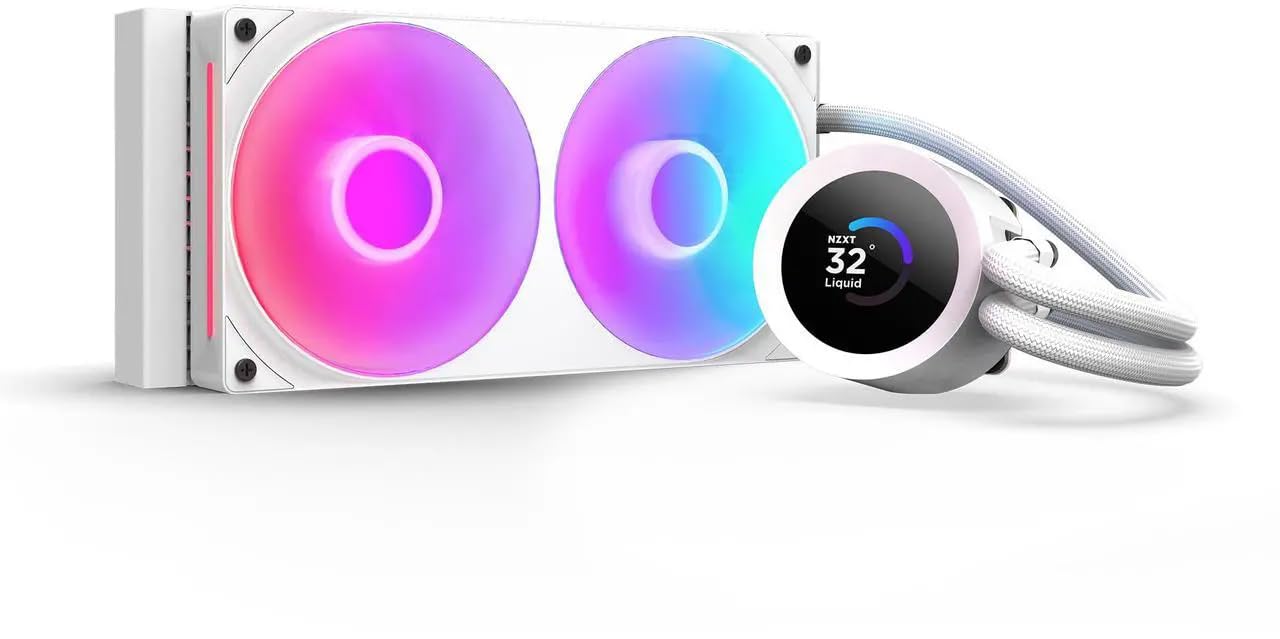
Fitting the Kraken Plus took the least fiddling of anything in this group. The thermal paste is already spread, the brackets clip on without tools, and a single breakout cable leaves the pump cap instead of a nest of fan and lighting leads. If you have never mounted a liquid cooler, that head start is worth more than a degree or two.

The RGB Core fan is a single frame on one cable, and the Turbine pump is quiet enough that the fan sets the noise floor. Behind a current gaming CPU the pair stays composed and only ramps when there is load to answer.

The 1.54-inch square LCD sits on the pump cap and shows live temperatures, a GIF or a media widget. It is a glanceable extra rather than a centerpiece, and setup is a couple of minutes in NZXT's CAM software.

Six years of cover matches the best here, and the white finish is the neatest match for a white case in this roundup. If you want the build to look intentional without becoming a project, this is the cooler we hand over.

Bottom line: The one we hand to first-time builders: paste already applied, tool-free brackets, one cable and six years of cover.

5

Lian Li HydroShift II OLED 360

Lian Li HydroShift II OLED 360

Show builds

Our Score 9.4/10
Check Price

Worth Noting

  • Costs several times the top pick
  • Highest stated noise figure here at 33 dB
Airflow
90.1 cfm
Display
6.67 in curved OLED
Radiator
400 × 122 × 24 mm
Max Fan Speed
2600 rpm

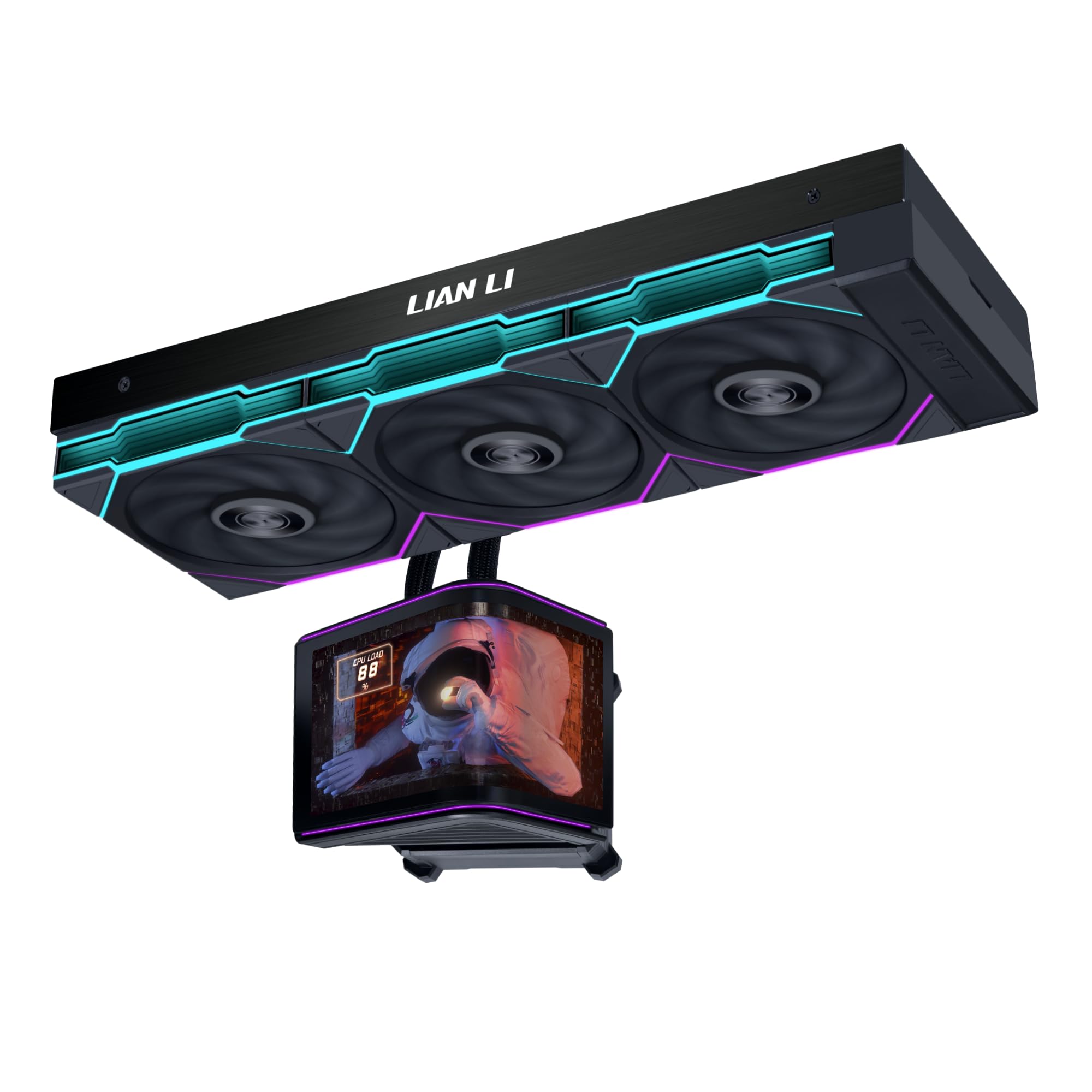
Six and two-thirds inches of curved OLED, sitting on a motorized head that lifts, rotates and tilts on two axes. Nothing else here turns the inside of a case into a display like this, and the 2K panel is bright enough at 500 nits to stay readable in a lit room.

The detail we ended up valuing most is the mount. The screen sits on spring pins and lifts off without tools or a power-down, so changing what it shows, or moving it out of the way while you work, does not turn into a screwdriver job. The motorized head is the other pleasant absurdity: you can tilt the display after the block is torqued down, so the angle is not a decision you have to get right first time.

Cooling lands in the same territory as the ARCTIC rather than above it, which is to say more than a gaming build needs. The 24 mm radiator is thinner than most 360s, and the TL Flex fans move a lot of air at 2600 rpm, so it fits cases where a thicker core is a problem.

Build quality is where the money goes: the tube routing, the fan frames and the finish read as one design rather than three parts bolted together. That is the argument for it. Confirm the warranty terms before ordering, because at this level you want them in writing.

Bottom line: The showpiece of the group: a 6.67-inch curved OLED on a motorized head, for builds where the inside of the case is the point.

6

Lian Li HydroShift II LCD-S 360

Lian Li HydroShift II LCD-S 360

Slim radiator builds

Our Score 8.4/10
Check Price

Worth Noting

  • Thin core gives up cooling headroom
  • L-Connect software takes patience
Airflow
72 cfm
Display
3.4 in IPS, 480 × 480
Radiator
400 × 122 × 24 mm
Warranty
6 years

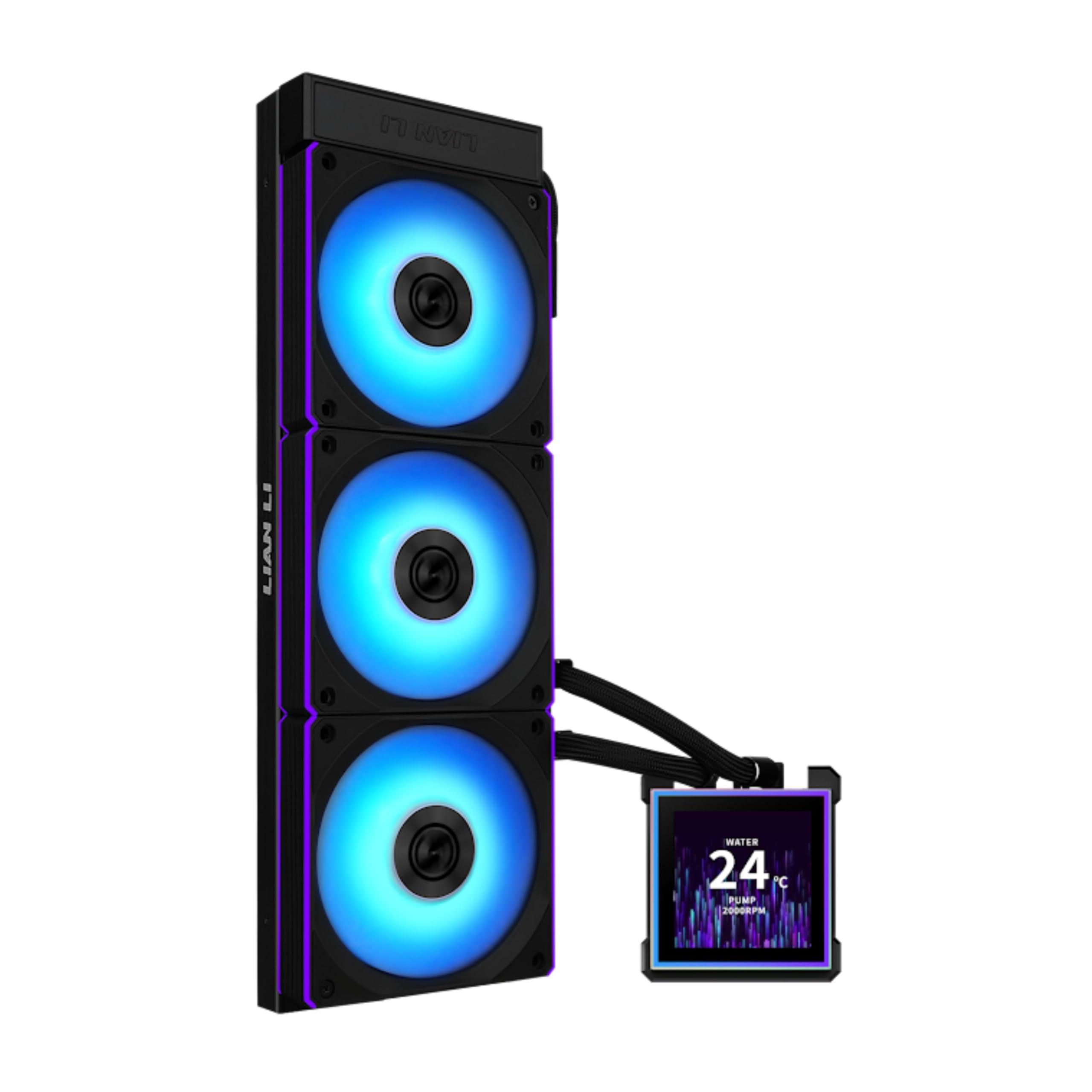
Twenty-four millimeters of radiator is the reason to look at this one. Most 360s here are thicker, and in a compact or dual-chamber case that difference decides between a top mount and no mount at all. The sliding clamp that holds the tubes against the radiator is the other touch we appreciated: you set the hose run where it looks right instead of where it falls.

The 3.4-inch IPS screen is the middle child of the display coolers here — bigger than NZXT's, smaller than the curved OLED — and it comes off its pogo pins without tools. It will show temperatures or a custom image at 480 by 480.

The cable story is good. The three CL120 fans arrive pre-installed with wireless ARGB control, so you are not threading a lighting hub into a case that has no room for one, and at 2200 rpm they move a decent 72 cfm.

Cooling is a step behind the best 360s here, which is what a thin core buys you: fine behind a gaming CPU, less ideal behind a workstation chip that runs flat out all day. If you need a display build in a tight case, this is the cooler that fits, and six years of warranty make the premium easier to take.

Bottom line: A slim 360 with a real screen and six years of cover, and our pick for compact cases that still want a display.

7

Jungle Leopard PF 360

Jungle Leopard PF 360

Display-focused builds

Our Score 8.6/10
Check Price

Worth Noting

  • Screen software is basic next to CAM and L-Connect
Display
5.5 in LCD, 480 × 960
Radiator
379 × 120 × 27 mm
Fan Speed
800–2000 rpm ± 10%
Pump Speed
2700 rpm ± 10%

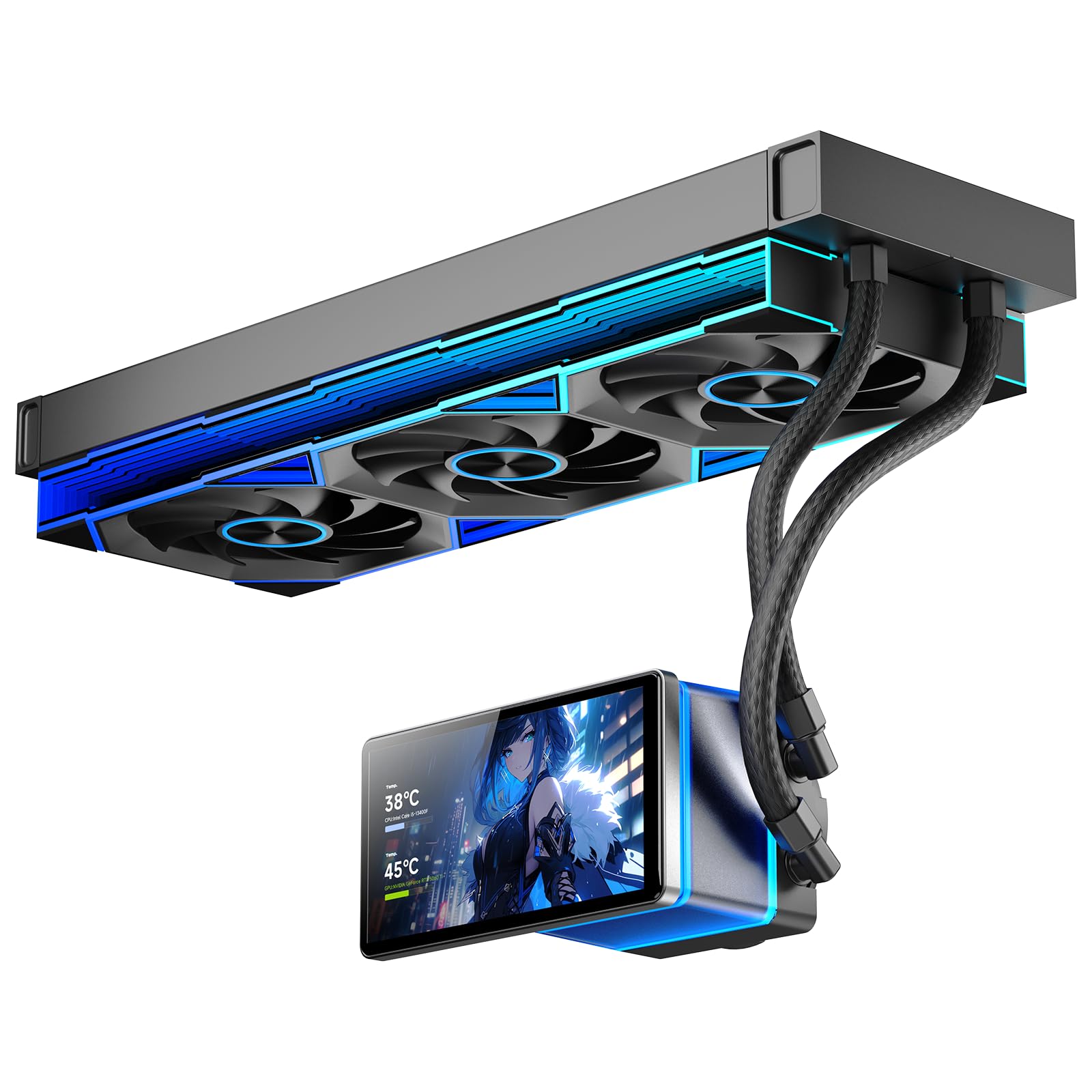
Five and a half inches of LCD, rotatable through 270 degrees on a magnetic mount, on a 360 mm radiator, for a good deal less than either Lian Li screen here. If the display is the reason you are shopping, that is a persuasive pitch.

The hardware is conventional and sensible: a 27 mm radiator, three pre-installed fans, and brackets for AM4 and AM5 plus Intel's LGA1700 and 1851. The screen attaches magnetically and can be angled after the block is tight, which saves you from getting the orientation right on the first attempt.

Where the savings show is the software. The screen runs on the company's own utility, and it is functional rather than polished — getting a custom image or a sensor readout to stay put takes more patience than CAM or L-Connect ask for. Cooling is fine: the fans run to 2000 rpm and a gaming CPU stays comfortable.

The long-term question is the one we cannot answer. The pump is a budget 2700 rpm unit and the screen is another component with a life of its own. Buy it for the look and the value with your eyes open; pay for a Lian Li if the software is what you will actually touch every week.

Bottom line: A 5.5-inch screen and a 360 mm radiator for far less than the Lian Li pair, with software that shows where the savings went.

How We Tested the Best AIO Coolers

We started by listing every AIO we could buy in 240mm, 280mm, and 360mm sizes, then cut the ones missing brackets for current Intel and AMD sockets, the ones whose radiator and fans stacked past 55mm, and the ones with no way to control pump speed. That left 12 coolers, which we bought ourselves and ran for nine months.

Each one went into at least two cases — a mini-ITX box where every millimeter counts and a mid-tower with a top-mounted radiator — and we timed the install alone with only the printed manual for help. We noted whether the backplate forced us to pull the motherboard, whether the tubes cleared the RAM, whether the top panel closed over the fans, and how much existing cable routing we had to tear out and redo.

Then we ran them. Every cooler sat through hour-long all-core stress runs and a two-hour gaming session with a temperature log every 30 seconds, so we could see whether the chip crept toward its throttle limit or held flat. We measured noise from a meter away at idle and at full fan speed, and sat with each one at low RPM listening for pump whine or the gurgle of trapped air. In each maker's software we set a custom fan curve, rebooted three times, and checked whether the settings survived.

Looks were judged in a glass-panel build with the room lights off — diffused lighting versus a ring of hot spots. For durability, we left each pump running around the clock for six weeks, then re-checked fittings, fluid level, and whether the software still recognized the cooler after a firmware update. Finally, we weighed each cooler's temperature results against what it costs.

How to Choose an Aio Cooler

Size the radiator to the case first

Start with the case, not the CPU. A 240 mm radiator is the practical choice for compact and mATX builds; a 360 mm needs roughly 400 mm of clear mounting rail, and a thick one can foul the motherboard's power connectors or a fan above it. Thickness matters as much as length — the Lian Li cores here are 24 mm and slip into places a chunkier 360 will not. Measure the rail and the gap above the board, and remember that a push-pull fan stack adds another 25 mm of depth.

Match cooling capacity to the chip

Three 120 mm fans on a standard-thickness core will handle almost any gaming CPU, so the case for a bigger radiator is a chip that runs flat out for long stretches. Renders, compiles and simulations justify the strongest 360 your case takes, and they justify spending on cooling rather than on a screen. For games and everyday work a good 240 is enough and usually quieter, because the fans can idle lower for the same temperature.

Noise is about the fan curve

A cooler rated at 27 dBA at 2000 rpm and one rated at 33 dBA at 2600 rpm can sound alike once you set a curve. What you are buying is headroom: more capacity means the fans can run slower for the same temperature. Plan on a curve in the BIOS or the vendor's software rather than leaving the defaults, and if the machine sits on your desk, a well-behaved pump matters as much as the fans bolted to the radiator.

Mounting decides your afternoon

Bracket design varies more than the spec sheets suggest. Pre-applied paste, tool-free clips and a single breakout cable cut install time, while an offset cold plate or a contact frame can buy a few degrees on Intel. Fit the backplate with the motherboard out of the case, tighten in a cross pattern, and stop when the block is snug — an uneven mount costs more temperature than the gap between most of these coolers.

What a screen is actually worth

An LCD on the pump is the main thing separating a midrange cooler from a premium one. It is fun, and a temperature readout at a glance is genuinely useful, but the software decides whether you enjoy it: CAM and L-Connect are the two mature options in this group, and the cheaper screens work with more patience required. If cooling matters more than decoration, several of the strongest performers here have no display at all.

Frequently Asked Questions

Final Verdict

The ARCTIC Liquid Freezer III Pro 360 is what we recommend to most people building a gaming PC: it cools with the best of this group, ships with a contact frame and six years of cover, and asks for one cable. Budget the patience for the bracket and it is the easiest decision on the page.

If your case will only take a 240, the Aqua Elite 240 V3 is the quiet, inexpensive answer. If the inside of the case is the whole point, the money belongs with Lian Li and its curved OLED.