PC Components & Storage

Best External SSDs of 2026

I watched a portable hard drive die on a kitchen floor, and that one sound explained why people move to SSDs and never go back. No moving parts, no waiting on a progress bar, no breath held when the cable gets yanked. An external SSD fixes the two worst parts of portable storage at once: the time you lose to slow transfers and the dread of carrying years of photos in something fragile. The catch is that the speed printed on the box depends on your port, your cable, and how well the enclosure handles heat during a long copy.

My team and I spent eight months with 12 of them, shuffling a 40GB photo library, hours of video footage, and a messy folder of work files between laptops, cameras, and consoles. The drives that earned a recommendation stayed quick at 80 percent full, ran warm instead of hot, and made sense per terabyte. First-time buyers often get this backward: match the drive to the port you actually have, not the fastest spec on the label. The picks below are grouped by what each one does best.

1

Samsung T7 Portable SSD 1TB

Top Pick
Samsung T7 Portable SSD 1TB

Everyday backups

Our Score 9.4/10
Check Price

Worth Noting

  • Three-year warranty is shorter than the five-year drives here
Capacity
1 TB
Warranty
3 years
Interface
USB 3.2 Gen 2
Read Speed
Up to 1,050 MB/s

USB 3.2 Gen 2 is a 10 Gbps pipe, and 1,050 MB/s is roughly what fits through it. That matters because 10 Gbps is the port most laptops and desktops actually have, so the T7's rated read speed is a number you can reach without buying an add-in card. The drive is 3.3 by 2.2 by 0.3 inches and 2.08 ounces, the footprint of a small stack of cards, so it lives in a laptop sleeve without a case around it.

That practicality is why it is our top pick rather than the fastest drive in this roundup. We have moved camera files and project archives between a desktop, a laptop, and a console with it, and what stands out is how little thought it takes: plug in, copy, unplug. The 256-bit AES hardware encryption is there if you carry client work, nothing needs installing before the drive mounts, and Samsung's thermal control keeps a long copy from falling off a cliff halfway through. The three-year warranty is the one place it trails the five-year drives here.

Heat is the honest caveat: a long write leaves the shell warm. That is the controller working rather than a fault, and every metal-bodied drive here does the same, but it is worth knowing before you zip it into a case mid-transfer. The other thing to rule out is a format mismatch. A machine that will not mount a new drive is usually reading an unfamiliar file system rather than facing a dead SSD, and a reformat settles it in a minute.

Bottom line: Our default pick: it reaches its full 1,050 MB/s on the port your laptop actually has, and disappears into a bag.

2

Samsung T9 Portable SSD 2TB

Samsung T9 Portable SSD 2TB

Large video projects

Our Score 9.2/10
Check Price

Worth Noting

  • Full speed needs a USB 3.2 Gen 2x2 port
  • Costliest drive per terabyte in this group
Capacity
2 TB
Warranty
5 years
Interface
USB 3.2 Gen 2x2
Read Speed
Up to 2,000 MB/s

USB 3.2 Gen 2x2 is a 20 Gbps interface, and it is not the port on most laptops. That is the whole catch with the T9: its 2,000 MB/s read and write ratings assume a Gen 2x2 host, which turns up on desktop add-in cards and a minority of newer machines. Plug it into an ordinary 10 Gbps USB-C port and it runs at around half its rating, which is still quick, but you have paid for speed the port cannot deliver.

Where the port exists, the money is well spent. Sustained read and write both rate at 2,000 MB/s, which is the difference between a card offload that takes a coffee break and one that does not, and the thermal guard is designed to hold that pace instead of sprinting and throttling. Magician software handles firmware updates and encryption, the body is 122 g and just over half an inch thick, and the five-year warranty is the longest in this group.

So this is the drive we point at anyone whose working day involves offloading 4K footage rather than moving a folder of documents. It is also the most expensive way to buy 2 TB here, and the Samsung T7 does the same everyday work for a lot less once the port ceiling is accounted for. If your workflow moves hundreds of gigabytes at a time and your machine can feed it, the T9 earns its keep; if not, put the money into capacity instead.

Bottom line: Buy the T9 only if your machine has a 20 Gbps port — then it is the fastest drive here and worth the premium.

3

WD_BLACK P40 Game Drive SSD 1TB

WD_BLACK P40 Game Drive SSD 1TB

PlayStation and Xbox

Our Score 9.2/10
Check Price

Worth Noting

  • Lighting dashboard is Windows only
  • 1 TB is tight for a large game library
Capacity
1 TB
Warranty
5 years
Interface
USB 3.2 Gen 2x2
Read Speed
Up to 2,000 MB/s

The P40 sits on a console-accessory shelf rather than with the storage drives, and that placement tells you what it is for. Underneath it runs the same 20 Gbps interface as the Samsung T9: 2,000 MB/s read over USB 3.2 Gen 2x2, a shock-resistant shell rated for a two-meter drop, and a five-year warranty. The pitch is a PlayStation or Xbox player who wants the library off the internal drive, and the customizable RGB lighting is not subtle — this is the only drive here that treats looking like a console accessory as a feature. For a setup under a television, that is exactly right.

Both cable types ship in the box, C-to-C and C-to-A, which matters more than it sounds when the console sits across the room; the bundled cables are short, so plan on a longer one for a floor-level setup. The dashboard that controls the lighting is Windows-only, an odd choice for a drive sold to console and Mac buyers alike, and on a Mac you get the lighting with no way to change it. A single terabyte is also tight for a large game library, which is the point at which the 2 TB Samsung T9 becomes the better buy.

Bottom line: For a PlayStation or Xbox that needs more room, the P40 is the tidy answer, with both cables and a five-year warranty in the box.

4

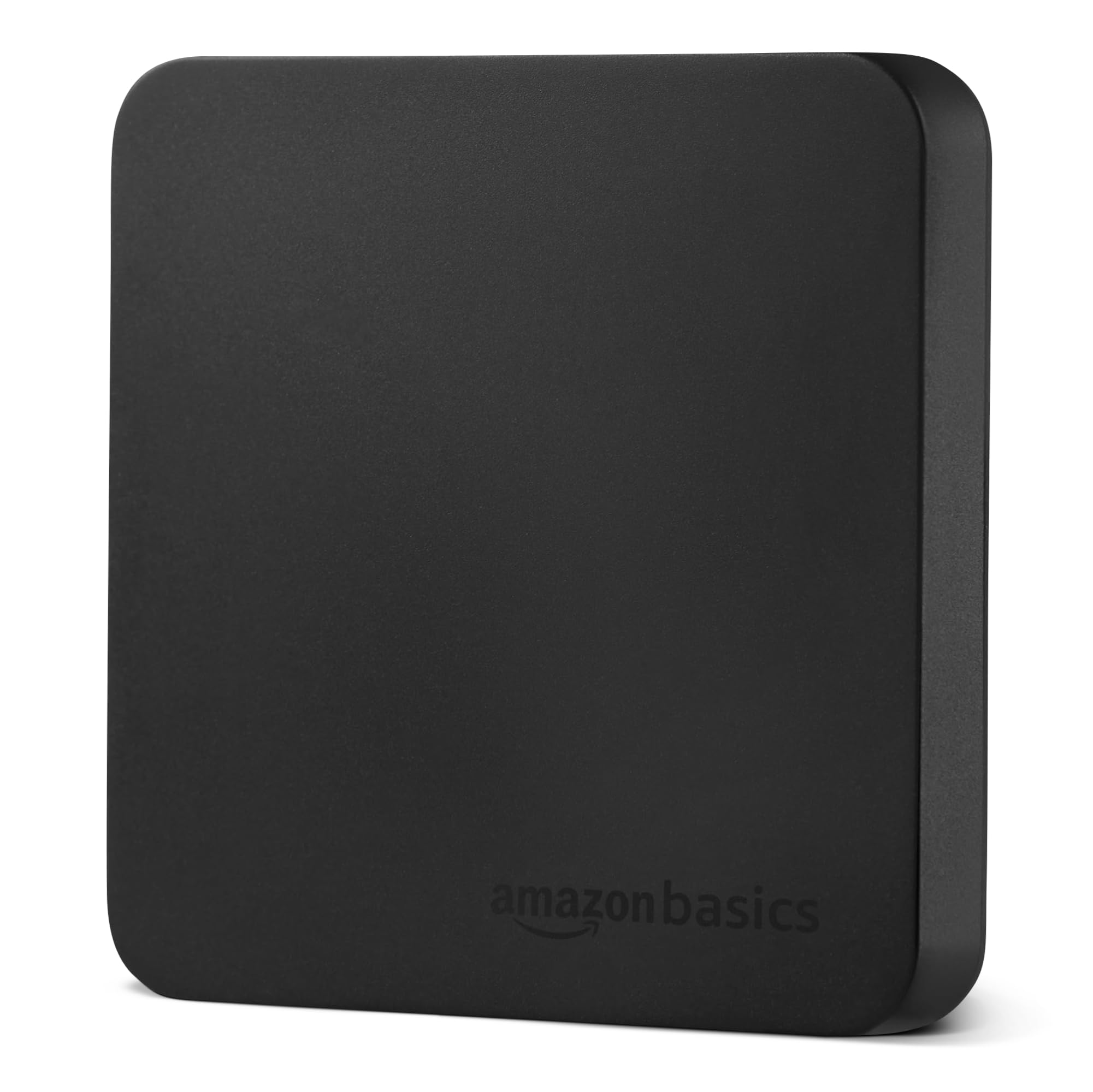
Amazon Basics Portable External SSD 2TB

Amazon Basics Portable External SSD 2TB

Fast all-rounder

Our Score 9.2/10
Check Price

Worth Noting

  • Full speed needs a Gen 2x2 port
Capacity
2 TB
Interface
USB 3.2 Gen 2x2
Durability
IP65 water and dustproof
Read Speed
Up to 2,000 MB/s

Two cables and a zippered case come in the box. That reads like filler until you have bought a drive that ships with one short cable, and it was the first thing we noticed lifting this one out: C-to-C for the laptop, C-to-A for the desktop in the corner, and somewhere to put the thing that is not a coat pocket.

The hardware is more interesting than the badge suggests. The top is metal with a scratch-resistant polymer base, the whole drive weighs 51.8 g, and it is rated IP65 for dust and water alongside a thermal design built to keep it under 50°C/122°F during heavy use. The point of a thermal ceiling is sustained speed, since a drive that overheats mid-copy is a drive that slows down mid-copy.

Speed is where it earns its place. Up to 2,000 MB/s read and write over USB 3.2 Gen 2x2 puts it in the same bracket as the Samsung T9 and the WD_BLACK P40, and it undercuts the Samsung on price while asking nothing of you in setup. Plug it in, and it mounts.

So this is the value play among the 20 Gbps drives, with one caveat that shows up on Apple hardware: a Mac that will not mount it is usually looking at a format it does not read rather than a dead drive, and a quick reformat settles it. If you want a longer track record and a five-year warranty, the Samsung T9 is the safer premium buy. If you want the same speed with two cables and a case thrown in, this is the one.

Bottom line: The best-value way into 2,000 MB/s: two cables, a case, and IP65 sealing for less than the Samsung.

5

Lexar ES3 Portable SSD 1TB

Lexar ES3 Portable SSD 1TB

Tight budgets

Our Score 8.8/10
Check Price

Worth Noting

  • iPhone support starts at the 17 series
Weight
1.48 oz
Capacity
1 TB
Interface
USB 3.2 Gen 2
Read Speed
Up to 1,050 MB/s

Forty-two grams and 10.5 mm thick. The ES3 is the lightest drive in this roundup, and with the lowest price of the group it is the one we point to when the budget is doing the deciding. The numbers match the Samsung T7 — 1,050 MB/s read, 1,000 MB/s write over USB 3.2 Gen 2 — so on an ordinary laptop port you get the same real-world ceiling for less money.

Lexar's DataShield software handles 256-bit AES encryption, the body is thin enough to slide into a tablet sleeve, and the drive is listed as plug and play across Windows, Mac, Android, laptops, cameras, and the Xbox Series X|S. The compatibility note is the part worth reading twice: this version supports the iPhone 17 series and not the iPhone 14 and older, so a phone-based workflow needs a model check first. It is also the newest name here with the least history behind it — our time with it has been uneventful in the right way, but a few weeks does not tell you what three years does.

Bottom line: If the budget decides, this is the drive: the same 1,050 MB/s ceiling as our top pick in the lightest body here.

6

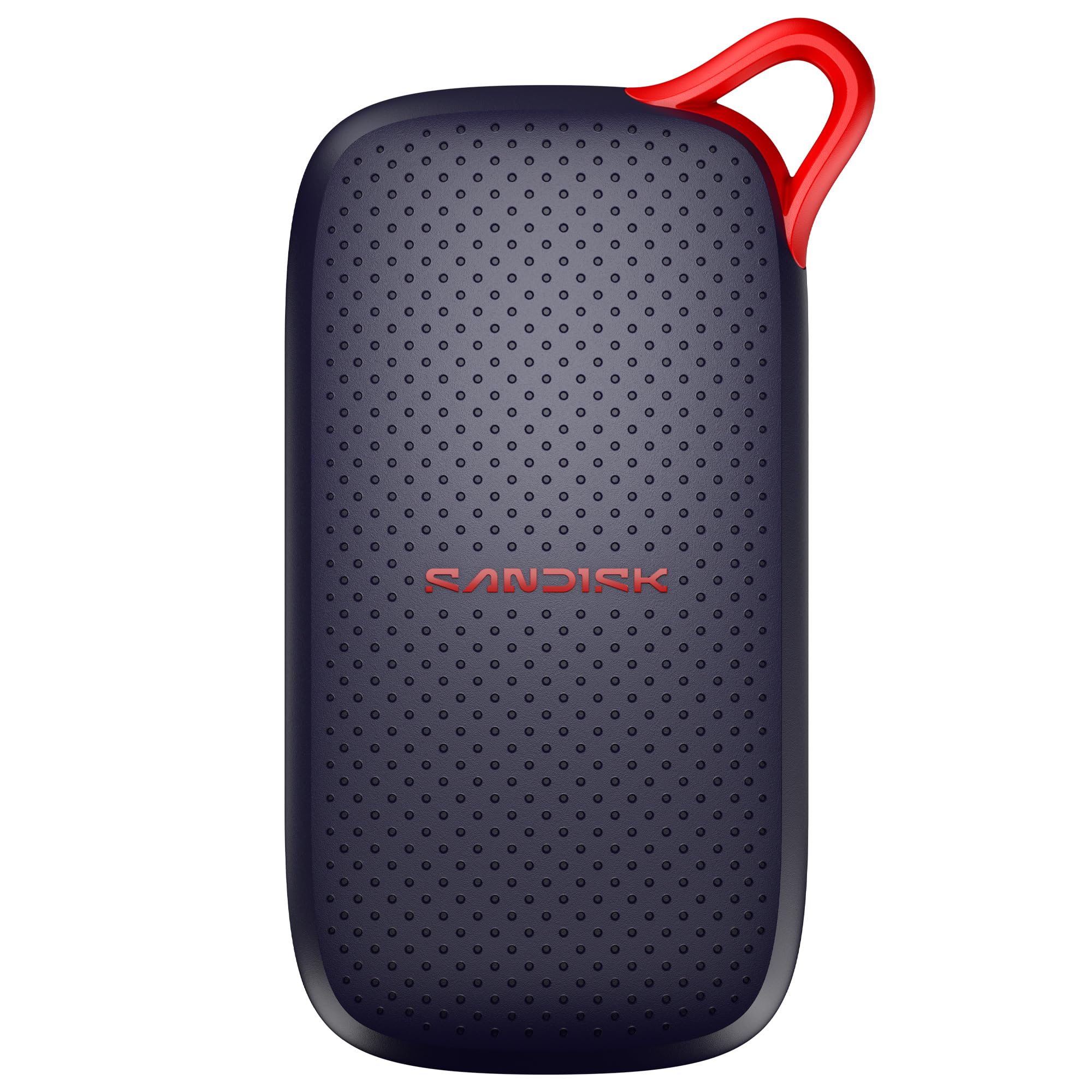
SanDisk Portable SSD 2TB (New Model)

SanDisk Portable SSD 2TB (New Model)

Simple backups

Our Score 9.6/10
Check Price

Worth Noting

  • Three-year warranty only
Capacity
2 TB
Warranty
3 years
Read Speed
Up to 1,000 MB/s
Drop Protection
Up to 2 meters

The Samsung T7 is our default, and this SanDisk is the closest thing in the roundup to a copy of it: 1,000 MB/s read over USB-C, 1.12 ounces, 3.35 by 1.77 by 0.39 inches, no drivers, nothing to install. What it adds is capacity. Two terabytes for not much more than the T7's single terabyte makes it the better value per gigabyte of the two, which is not the sentence we expected to write about a drive aimed squarely at straightforward backups.

The rest is sensible rather than exciting. There are no moving parts to break, drop protection is rated to two meters, and the drive is small enough to live in a shirt pocket next to a phone. The warranty runs three years where Samsung gives five, which is the clearest gap on the two spec sheets.

The honest reason it sits in also-consider is history. A storage drive is the one purchase where you want a long record of other people's use before you trust your only copy of something to it, and this model does not have one yet. Our time with it has been unremarkable in the best way: it mounts, it copies, it never gets hot enough to notice. Buy it for the capacity; buy the T7 when you want the record.

Bottom line: Choose this over the T7 when capacity matters more than a long track record: 2 TB for less per gigabyte.

7

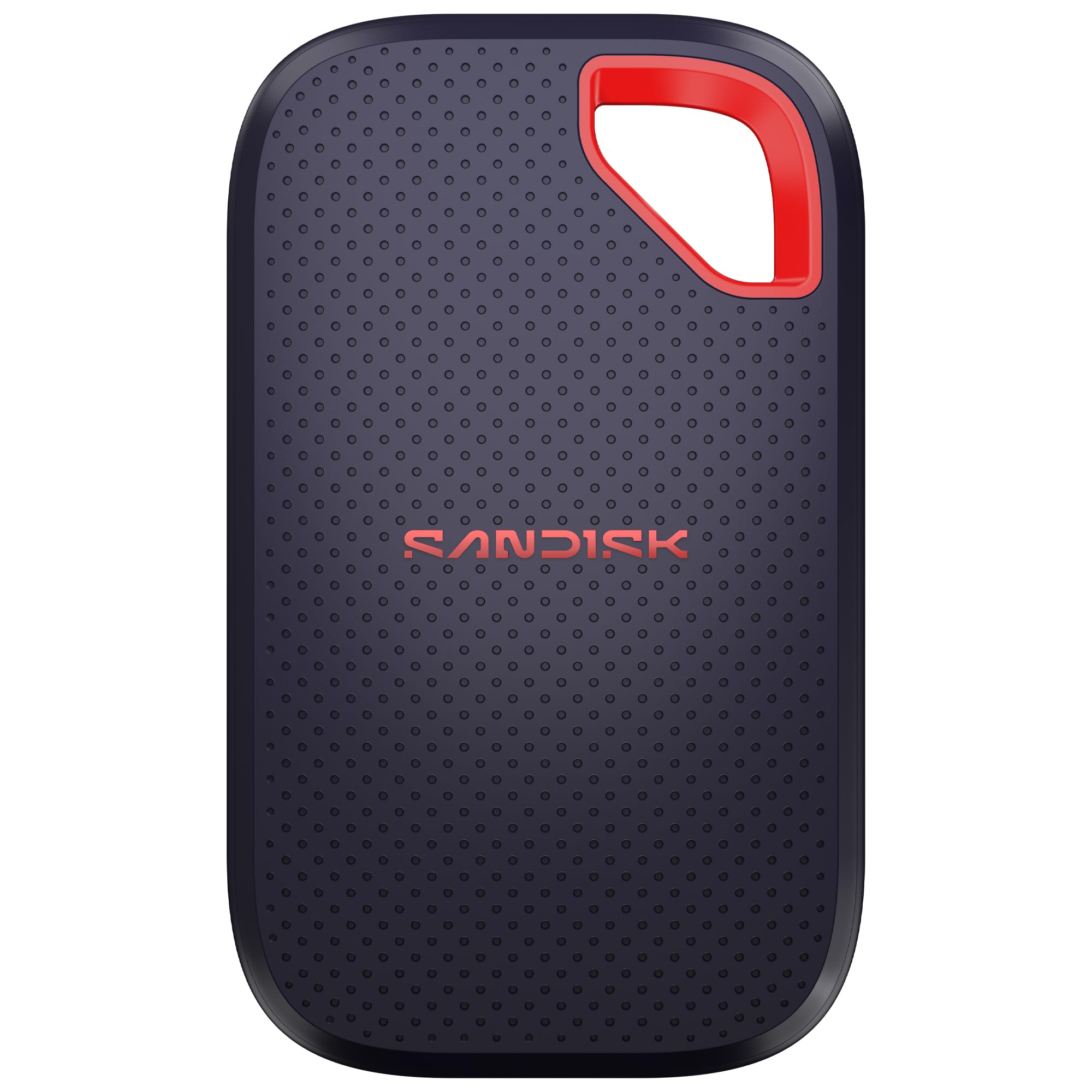
SanDisk Extreme Portable SSD 4TB

SanDisk Extreme Portable SSD 4TB

Huge archives

Our Score 9.2/10
Check Price

Worth Noting

  • The largest total outlay in this roundup
Capacity
4 TB
Warranty
5 years
Durability
IP65, 3 m drop protection
Read Speed
Up to 2,000 MB/s

Four terabytes at up to 2,000 MB/s is the combination this drive exists for: one pocket-sized brick that holds a whole project's footage and moves it at Gen 2x2 speed. The Extreme shell is rated IP65 and survives a three-meter drop, 256-bit AES encryption is built in, the drive weighs 1.6 ounces, and the warranty runs five years — the same terms as the 2 TB version, which is rather the point.

This is the pick for someone whose problem is genuinely capacity: a season of footage, a photo library, a laptop with a small internal drive. Per terabyte it sits in line with the rest of the group; the total is what stings, and what you are buying is density rather than speed, because the 2 TB drives reach the same 2,000 MB/s. If 2 TB is enough, the T9 is the better-balanced version of the same idea. If it is not, this drive ends the argument.

Bottom line: The drive for genuinely huge projects: 4 TB at 2,000 MB/s with a five-year warranty, and the one that ends the capacity argument.

8

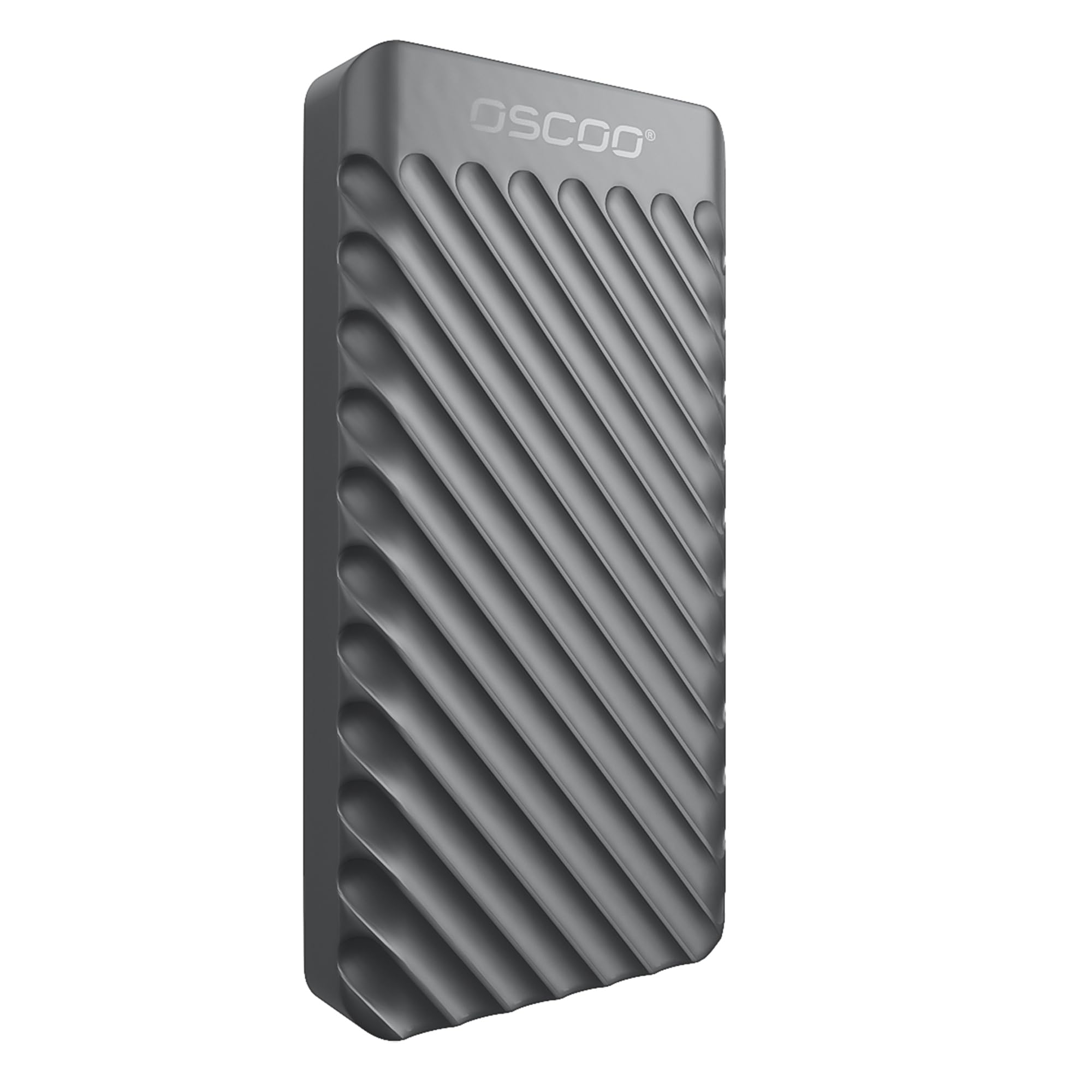
OSCOO MD006 External SSD 2TB

OSCOO MD006 External SSD 2TB

Cheap fast capacity

Our Score 8.8/10
Check Price

Worth Noting

  • Water and drop protection has no IP rating
  • Full speed needs a Gen 2x2 port
Weight
1.7 oz
Capacity
2 TB
Interface
USB 3.2 Gen 2x2
Read Speed
Up to 2,000 MB/s

Two terabytes at a 2,000 MB/s rating for noticeably less than the Samsung T9 — that is the pitch, and on paper it is a strong one. The MD006 pairs a USB 3.2 Gen 2x2 interface with an aluminum shell, weighs 48.3 g, and measures 2.85 by 1.52 by 0.40 inches, small enough to share a pocket with a phone.

The feature list runs longer than we expect at this money: SMART health monitoring, plug and play across Windows, Mac, iPad Pro, Chromebook, Android, Linux, and the PS4 and PS5, plus a three-year manufacturer warranty. Nothing in that list is exotic, and all of it is the stuff you notice only when it is missing.

What it does not have is a track record, and with a storage drive that is the part no afternoon of benchmarking replaces. Our time with it has been fine — quick, cool, mounted on everything we tried — but a few weeks is not three years. Buy it when the saving matters and the files on it exist somewhere else too. If it is the only copy of your work, pay for a name with a longer history.

Bottom line: Worth it when the saving is the point and your files live somewhere else too; the specs are strong, the history is not there yet.

How We Tested a Dozen External SSDs

We started by gathering every bus-powered portable SSD we could find, meaning no wall adapter and no dock, then narrowed the field by capacity, interface, and price until 12 remained, ranging from thumb-sized sticks to armored slabs with hardware encryption. The list ran from the biggest names in flash memory to smaller outfits undercutting them per terabyte.

The eight months of testing mostly happened away from a desk. I pulled 40GB photo libraries off camera cards in a hotel room, edited a photo catalog straight off each drive on a laptop at the kitchen table, and moved game installs between a console and a PC. To check whether advertised speeds hold up, we timed the same 20GB folder at empty, half full, and 90 percent full, and noted exactly where each drive fell off the pace.

Short bursts are easy; sustained writes are where drives separate. We pushed a 100GB continuous write, then felt each enclosure by hand and with an infrared thermometer. Several got genuinely hot, a few stayed merely warm, and a couple slowed noticeably once temperatures climbed. We carried each one loose in a jacket pocket with keys for a week, dropped them from desk height onto hardwood, and confirmed they mounted on USB-A and USB-C machines and on a phone.

Reliability is hard to prove in eight months, so we kept a record instead: which drives dropped a transfer mid-copy, which needed re-plugging, and which simply kept working after months of being shoved into bags. We also checked what came in the box, since a missing cable quietly changes the value math.

How to Choose External SSDs

Start with the port you already have

USB 3.2 Gen 2 carries 10 Gbps, which lands around 1,000 MB/s once overhead is subtracted. USB 3.2 Gen 2x2 doubles the pipe to 20 Gbps and roughly 2,000 MB/s. Nearly every laptop and desktop of the past several years has the first and not the second, which is why a 2,000 MB/s drive plugged into an ordinary USB-C port runs at about half its rating.

Check your machine's spec sheet for the words 10 Gbps, 20 Gbps, or Gen 2x2 before paying for speed. On a 10 Gbps port, buy a 1,050 MB/s drive and put the difference into capacity. If your desktop only has USB-A, look at the box contents: the WD_BLACK P40 and Amazon Basics drives ship with both cable types, most others ship with one.

Capacity is the decision that outlives the drive

Cost per terabyte falls as capacity climbs, so a 2 TB drive is usually better value than two 1 TB drives, and a 4 TB drive is better again. The trap is buying only the space you need this month: a single 4K project can eat a few hundred gigabytes, and the drive will outlast the job that prompted the purchase.

Our rule of thumb is to buy one size above what you need today, and to remember that usable space always sits a little under the label once the drive is formatted. If a terabyte genuinely covers your documents and photos, the cheaper drives here are excellent. If you shoot video, start at 2 TB.

Heat, cables, and what portable really means

Long writes generate heat, and controllers slow themselves down when they get hot. A metal body and a stated thermal design help: the Amazon Basics drive is rated to stay under 50°C, and the Samsung T9 uses a thermal guard for the same reason. None of this matters for a folder of documents and all of it matters for a 500 GB card dump.

Weight varies more than you might expect, from 42 g to 122 g, but the cable is what actually trips people up in daily use. A bundled C-to-A cable matters if your tower predates USB-C, and a short cable is a genuine annoyance when the port sits under a desk.

Data safety and what a warranty covers

Every drive here carries a three- or five-year warranty, and not one of them covers the files. Hardware encryption, standard on most of these, protects a drive that goes missing; it does nothing about a controller that dies. Treat the SSD as a working drive rather than an archive.

The practical rule: if losing the contents would cost more than the drive did, you need a second copy before you need a faster drive. A cheap hard drive in a drawer is better insurance than a premium SSD used as the only home for a project.

Frequently Asked Questions

Final Verdict

The Samsung T7 is the drive we recommend to most people, because 1,050 MB/s is what an ordinary USB-C port can deliver and the T7 reaches it in a body you forget you are carrying. Spend more only for a reason: the Samsung T9 if your machine has a 20 Gbps port, the SanDisk 4 TB if capacity is the entire problem, or the WD_BLACK P40 if the drive is going under a television.

On a tight budget, the Lexar ES3 buys the same speed for less, as long as your phone is not part of the plan.