Gaming

Best Gaming Monitors of 2026

Gaming monitors ask you to make a trade before you've even plugged one in: the fastest panels often look washed out, and the ones with gorgeous color can feel a beat behind your mouse. What you're actually buying is a screen that keeps up without flattening everything you play. Over the past eight months, my team and I have run 12 monitors through their paces, from budget 1080p screens to big curved 4K displays, and the gap between them shows up within an evening.

A spec sheet won't tell you whether a stand wobbles when you bump the desk, whether the height adjustment clears your keyboard, or whether the built-in speakers buzz through a quiet cutscene — all things I've learned the hard way. We looked at what listings hide: whether color drifts toward the edges of a bright sky, whether a dark corridor turns to gray haze, and whether every pixel works. The picks below are sorted by what you play and what you'd like to spend, and each one earned its place.

1

AOC Q27G41ZE

Top Pick
AOC Q27G41ZE

All-round PC gaming

Our Score 9.2/10
Check Price

Worth Noting

  • 1000:1 contrast looks gray in a dark room
Panel
27-inch QHD IPS
Refresh Rate
240Hz (260Hz overclock)
Adaptive Sync
FreeSync, G-Sync compatible
Response Time
0.3ms MPRT

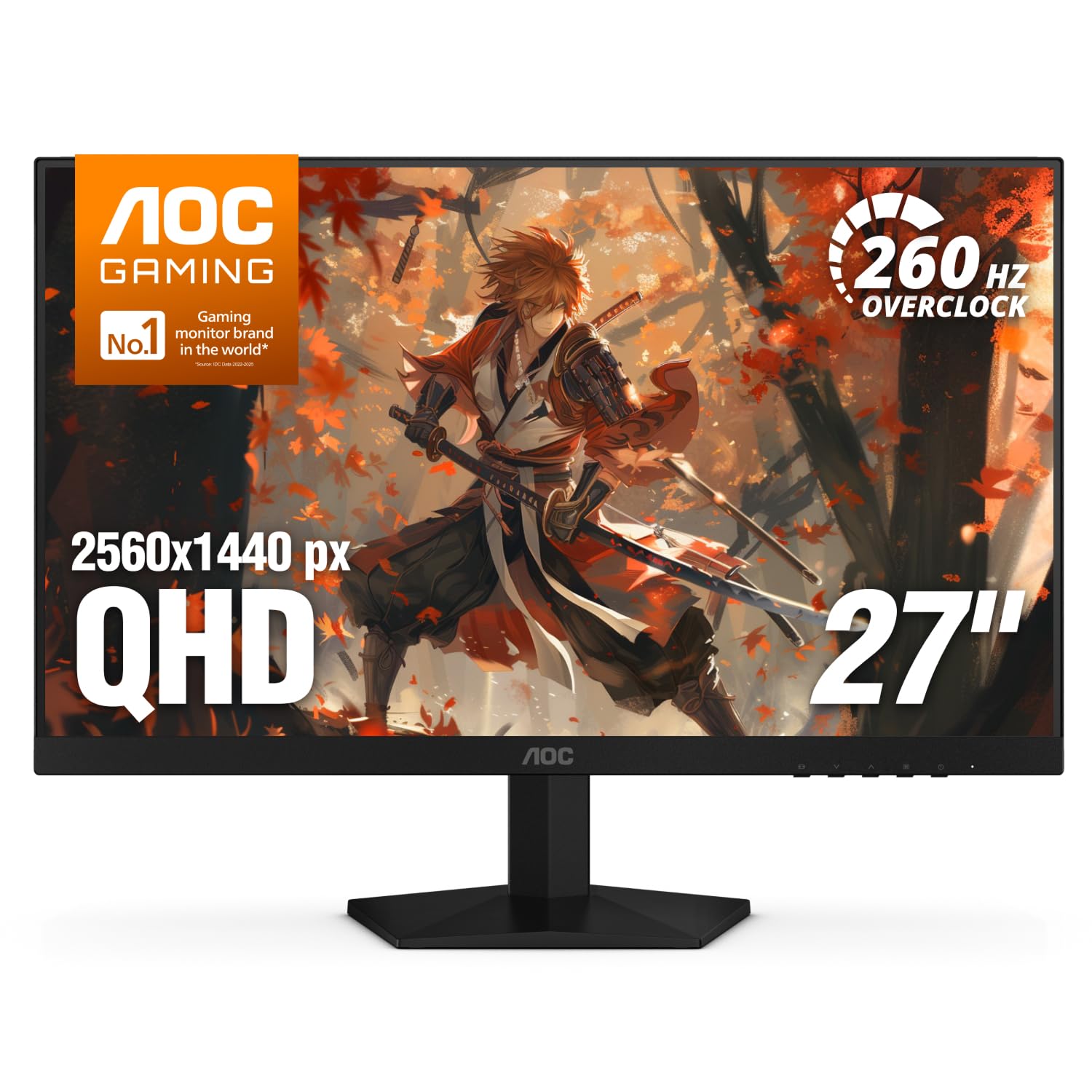
1440p at 240Hz is where gaming monitors usually get expensive, and this AOC undercuts every other panel in this group that hits both numbers. That's why it's the one we hand people first. The 27-inch IPS panel runs 240Hz natively over DisplayPort, with a 260Hz overclock available if you want it, quotes a 0.3ms MPRT response, and works with both FreeSync and G-Sync, so buying it doesn't commit you to a graphics card brand.

Motion is where the money goes, and it's where this monitor earns it. At 240Hz with adaptive sync running, fast tracking feels continuous rather than stepped, and 2560x1440 keeps distant targets legible in a way the 1080p panels here can't. Colors are good rather than spectacular, and the matte finish stops a window behind you from turning the screen into a mirror.

Setup is refreshingly dull: two HDMI inputs plus DisplayPort, a stand that tilts from -3° to +21°, and a three-year warranty that runs longer than most here. The stand is the weak link — it tilts and nothing else — so if you want the panel at eye level, plan on a VESA arm from the start rather than fighting it later.

Bottom line: We recommend this one to almost every PC gamer: 1440p at 240Hz with both sync standards covered, for less than any other panel here that hits both numbers.
2

ASUS ROG XG27AQDMGR

ASUS ROG XG27AQDMGR

Picture quality

Our Score 9.0/10
Check Price

Worth Noting

  • Glossy screen reflects lamps and windows
  • Full-screen brightness is modest next to an LCD
Panel
26.5-inch QHD WOLED
Refresh Rate
240Hz
Response Time
0.03ms
Contrast Ratio
1,500,000:1

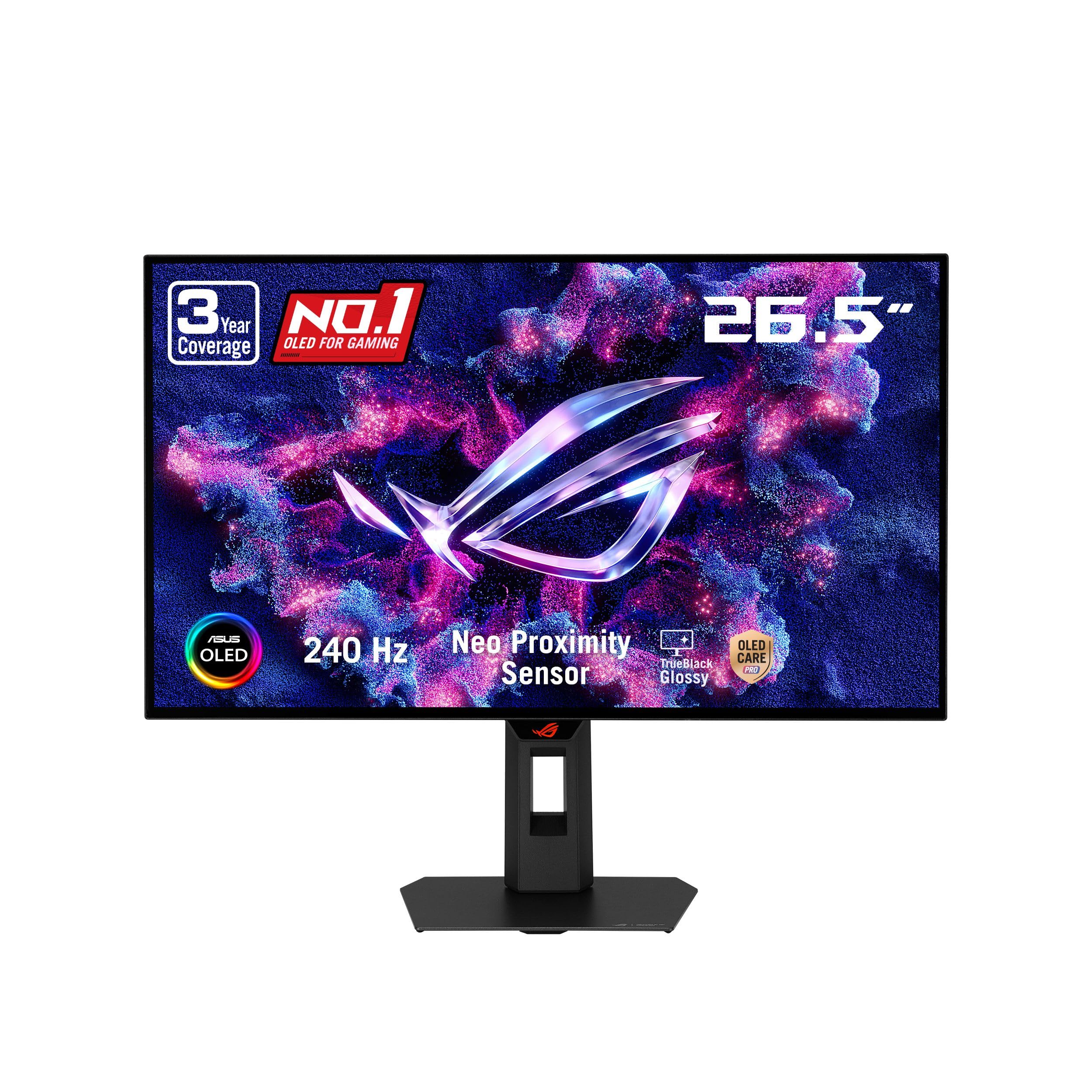
1,500,000:1. That's the contrast figure ASUS quotes for this panel, and for once a number translates into something you see in the first ten seconds: black areas go fully black instead of dark gray, and a night map stops looking like it's been washed with milk. It's a 26.5-inch glossy WOLED at 2560x1440 and 240Hz with a 0.03ms response, and nothing else here comes close on image depth.

We expected the OLED to win on contrast and give something back elsewhere. It gives back very little. The near-instant pixel response kills the smearing that shows up on VA panels, 99% DCI-P3 with a quoted Delta E under 2 makes games look graded rather than over-saturated, and 240Hz keeps it genuinely competitive rather than a pretty panel for slow games.

What makes an OLED easy to recommend at this price is the care package: a Neo Proximity Sensor blacks the screen when you leave your desk, the OLED Care routines run in the background, and the three-year warranty explicitly covers burn-in. DisplayHDR 400 True Black is a black-level tier rather than a brightness boast, so expect highlights rather than a wall of white — in a dim room, that's the trade you want.

Bottom line: Buy this if picture quality outranks everything else — the OLED panel is the biggest visible upgrade in this group, and it still runs at 240Hz.

3

Samsung Odyssey G5 G50F

Samsung Odyssey G5 G50F

Big-screen play

Our Score 9.0/10
Check Price

Worth Noting

  • 1440p over 32 inches is softer than 27-inch 1440p
Panel
32-inch QHD IPS
Stand
Height and tilt adjustment
Refresh Rate
180Hz
Adaptive Sync
FreeSync, G-Sync compatible

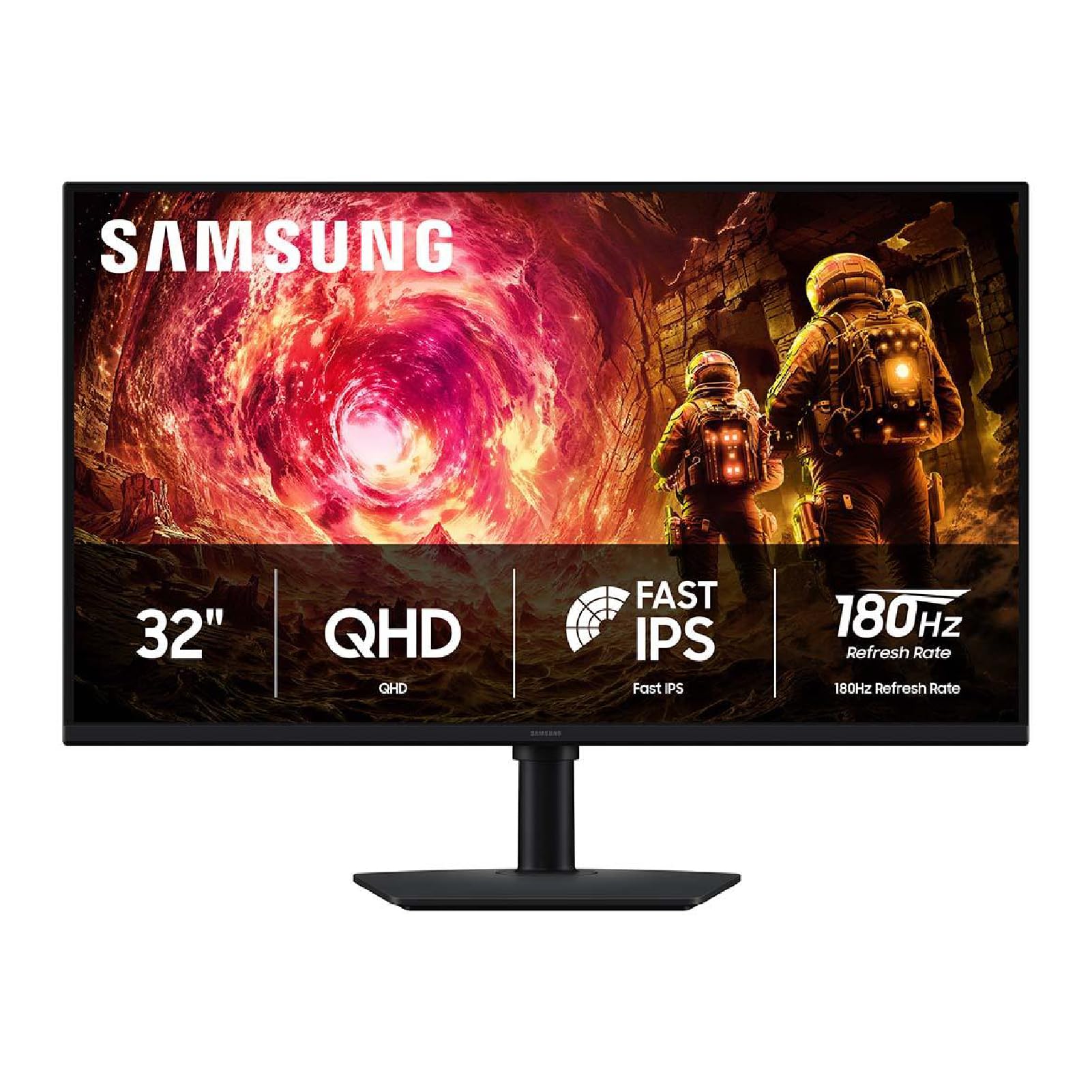
Thirty-two inches sounds like a modest step up from 27 until the box is on your desk. At normal sitting distance the panel fills most of your view, which is exactly what makes it good for racing, third-person games and console play — and exactly why you should measure first. The screen is 28.1 inches wide and sits on a stand that needs real depth, so check the desk before you fall for the size.

What makes this our big-screen pick rather than a novelty is the rest of the package: flat IPS at 2560x1440 and 180Hz, 1ms GtG, G-Sync compatibility alongside FreeSync, and a height-adjustable stand. We appreciated that last part more than we expected, because a 32-inch panel puts the top of the screen above your eyeline if the stand is fixed, and you feel it in your neck by the end of an evening.

HDR10 here is a signal it accepts rather than an experience it delivers. At 300 nits with no local dimming, highlights are only slightly brighter than everything around them, so treat it as a bonus rather than a reason to buy. Where it lands is a mixed setup — a PC for strategy games, a console for everything else, on a desk deep enough for 32 inches.

Bottom line: Our pick if one big screen has to serve a PC and a console: 32 inches of crisp 1440p at 180Hz, with a stand that actually adjusts.

4

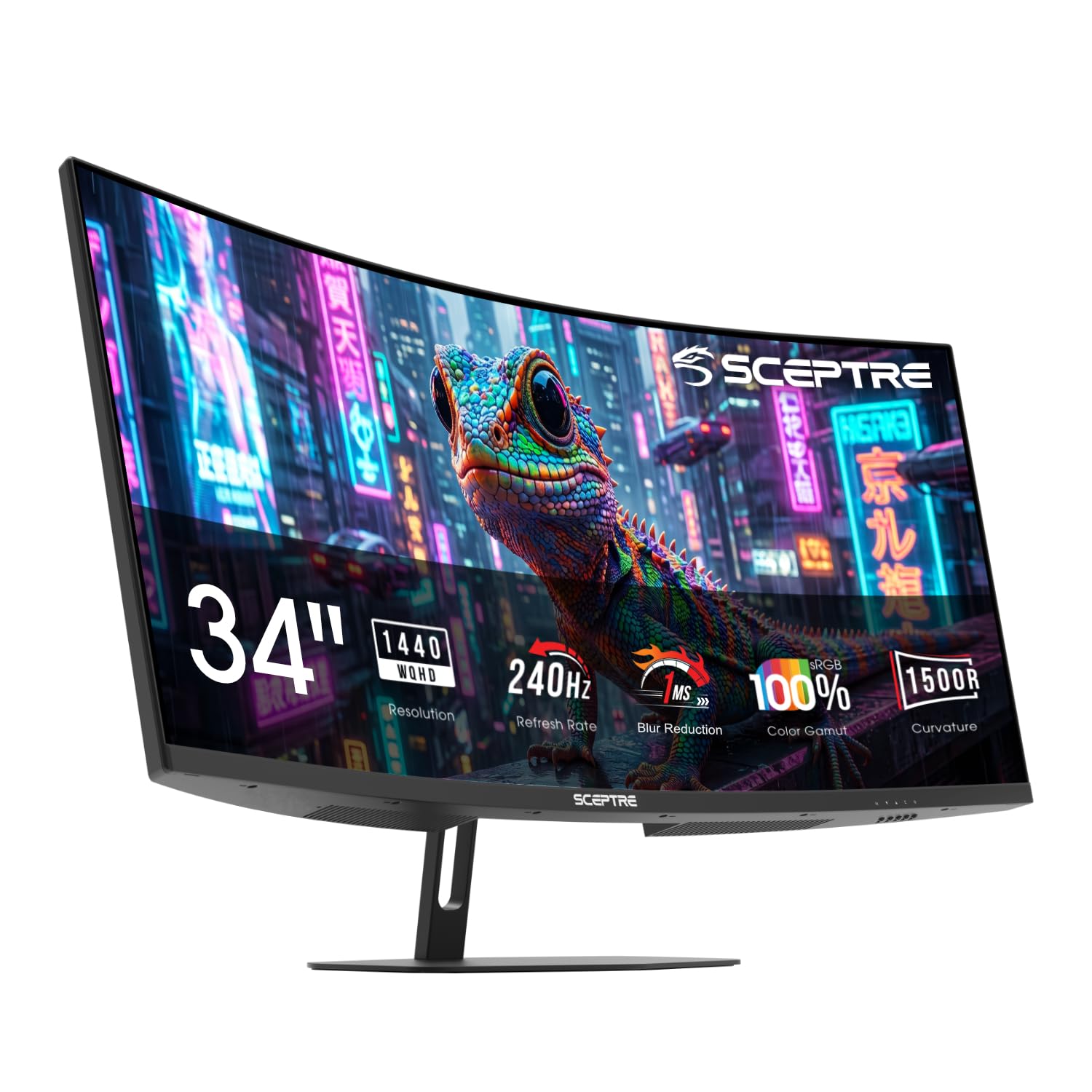
Sceptre C345B-QU240T

Sceptre C345B-QU240T

Ultrawide immersion

Our Score 8.8/10
Check Price

Worth Noting

  • 31.8 inches wide
  • 3440x1440 at 240Hz needs a top-tier GPU
Panel
34-inch 3440x1440 1500R
Ports
2x DisplayPort, 2x HDMI
Refresh Rate
240Hz
Response Time
1ms

The first corner you take in a racing game explains the ultrawide better than any specification: at 21:9 with a 1500R curve, the edges of the screen sit in your peripheral vision instead of at the edge of a rectangle, and the car alongside you is visible without turning your head. Add 3440x1440 and 240Hz and you have the most immersive panel in this group — and the refresh rate is the part most ultrawides still don't offer.

The curve is what people worry about and then stop noticing. 1500R is pronounced enough to feel like wraparound at desk distance without bending straight lines badly, and 100% sRGB keeps color even rather than dramatic. The 1ms blur-reduction claim matters more here than on a flat panel, because at this width the edges are where motion goes soft first.

Two DisplayPorts and two HDMI inputs are genuinely useful if a PC and a console share the screen, and there's an audio-out jack — which matters more than the built-in speakers, since those are a fallback rather than a reason to skip a headset.

The commitment is the size of it: 31.8 inches across the desk, and 3440x1440 at 240Hz takes a strong graphics card to feed properly. If either of those is a stretch, a 27-inch 1440p panel gives you most of the sharpness for a lot less desk.

Bottom line: For sim racing, flight games and anything wide, this is the most immersive screen here — just budget for a big desk and a strong graphics card.

5

Dell SE2726HG

Dell SE2726HG

Competitive shooters

Our Score 8.8/10
Check Price

Worth Noting

  • 27-inch 1080p is soft for text work
  • No built-in speakers
Panel
27-inch FHD IPS
Warranty
3 years
Refresh Rate
240Hz
Adaptive Sync
FreeSync Premium, HDMI VRR

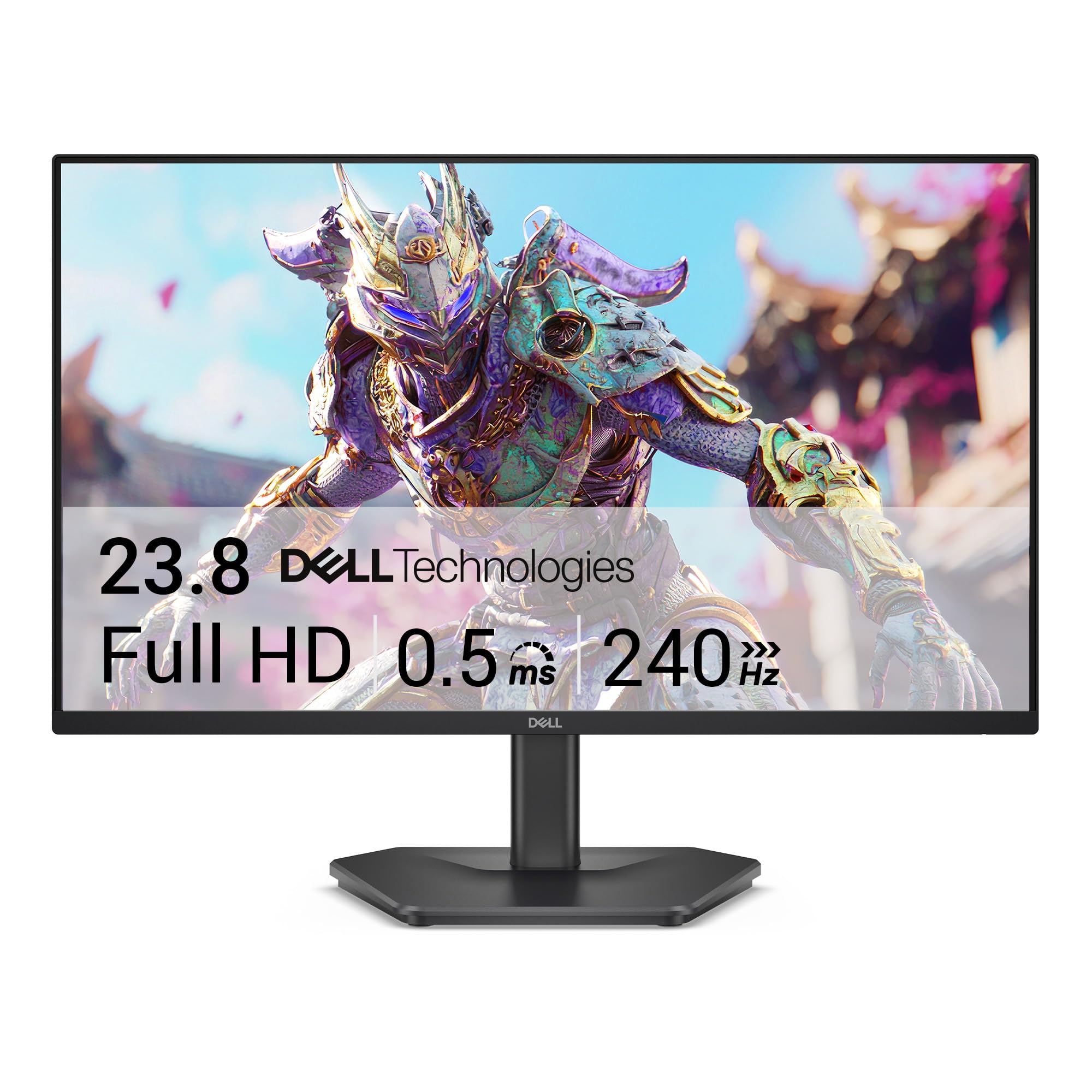
Not everyone should pay for pixels. If your game is a tactical shooter and your graphics card is midrange, 1080p is the resolution that lets you actually sit at 240Hz, and this Dell is the panel here built around that trade: 27 inches, fast IPS, 240Hz, and FreeSync Premium plus HDMI VRR so a PC and a console both get variable refresh.

The parts we noticed over long sessions were the boring ones. The three-year warranty matches the longest in this group, and the TÜV three-star low-blue-light tuning is the rare eye-care mode that doesn't turn the whole image orange. Two HDMI inputs plus DisplayPort means a console and a PC can stay plugged in, and 99% sRGB keeps games from looking washed out.

Where it gives ground is desktop work. This is not the panel for spreadsheets and small text, and if you split your day between documents and games, the 1440p AOC is the better single purchase. For a pure gaming desk, we think the frame rate is worth more than the sharpness, and this is the cheapest legitimate route to 240Hz here.

One setup note: the stand tilts only, so a stack of books or a mount is in your future if you sit tall. It's a small annoyance on a monitor that otherwise gets out of the way.

Bottom line: We point competitive shooters here: 240Hz at 1080p is easy to feed, and the three-year warranty makes it a long-term buy rather than a stopgap.

6

AOC C27G4H2

AOC C27G4H2

Budget immersion

Our Score 9.0/10
Check Price

Worth Noting

  • VA can smear in fast dark transitions
  • 1080p looks soft across 27 inches
Panel
27-inch FHD VA 1500R
Stand
Height, swivel and tilt
Refresh Rate
200Hz
Contrast Ratio
3500:1

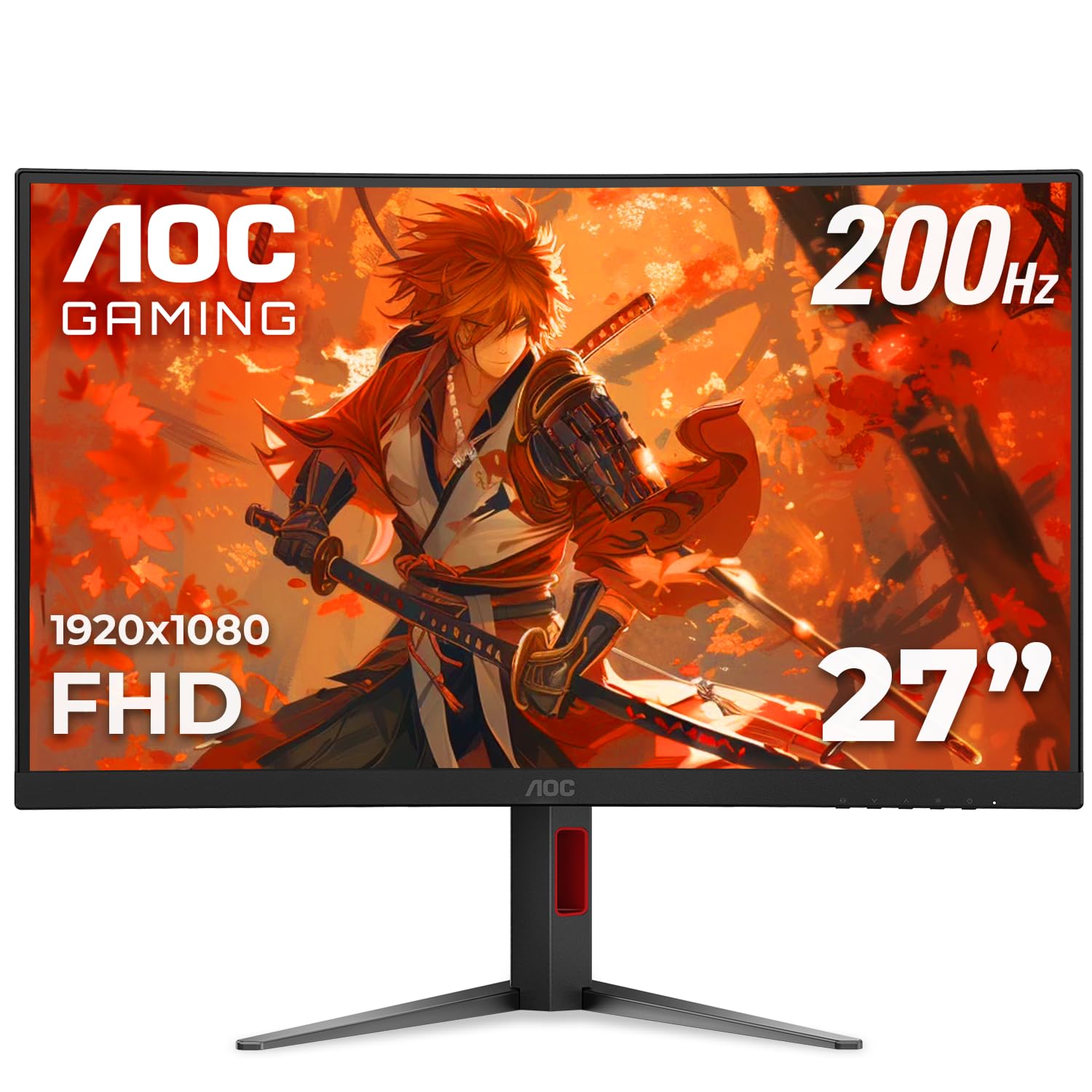
The compromise at the heart of this monitor is a 27-inch panel running 1080p, and it's worth naming plainly: games look big and fast, text looks slightly hazy. What you get in exchange is 200Hz, a 1500R curve, a VA panel quoting 3500:1 contrast, and the only stand in the budget half of this group that adjusts for height, swivel and tilt.

VA is the interesting choice here. That contrast figure gives dark scenes real depth — noticeably more than the IPS panels in this group — which is why this is the one we point at atmospheric single-player games rather than only at esports. The 0.3ms figure is a blur-reduction measurement rather than a pixel response, so read it as a feature of the panel, not a promise about how it behaves.

Where it beat our expectations was the stand. Height, swivel and tilt on a monitor at this end of the market is unusual, and it's the difference between a screen you tolerate and one you can actually position. Add a three-year warranty and you have the budget pick we're most comfortable recommending — as long as you know what 1080p at 27 inches costs you in sharpness.

Bottom line: The cheapest curved high-refresh monitor we're happy to put on a desk: 200Hz, deep VA contrast and a stand that adjusts in every direction.

7

ASUS TUF VG27AQL5A

ASUS TUF VG27AQL5A

Motion clarity

Our Score 9.2/10
Check Price

Worth Noting

  • Costs more than our top pick and refreshes slower
Panel
27-inch QHD Fast IPS
Warranty
3 years
Refresh Rate
210Hz
Response Time
0.3ms GTG

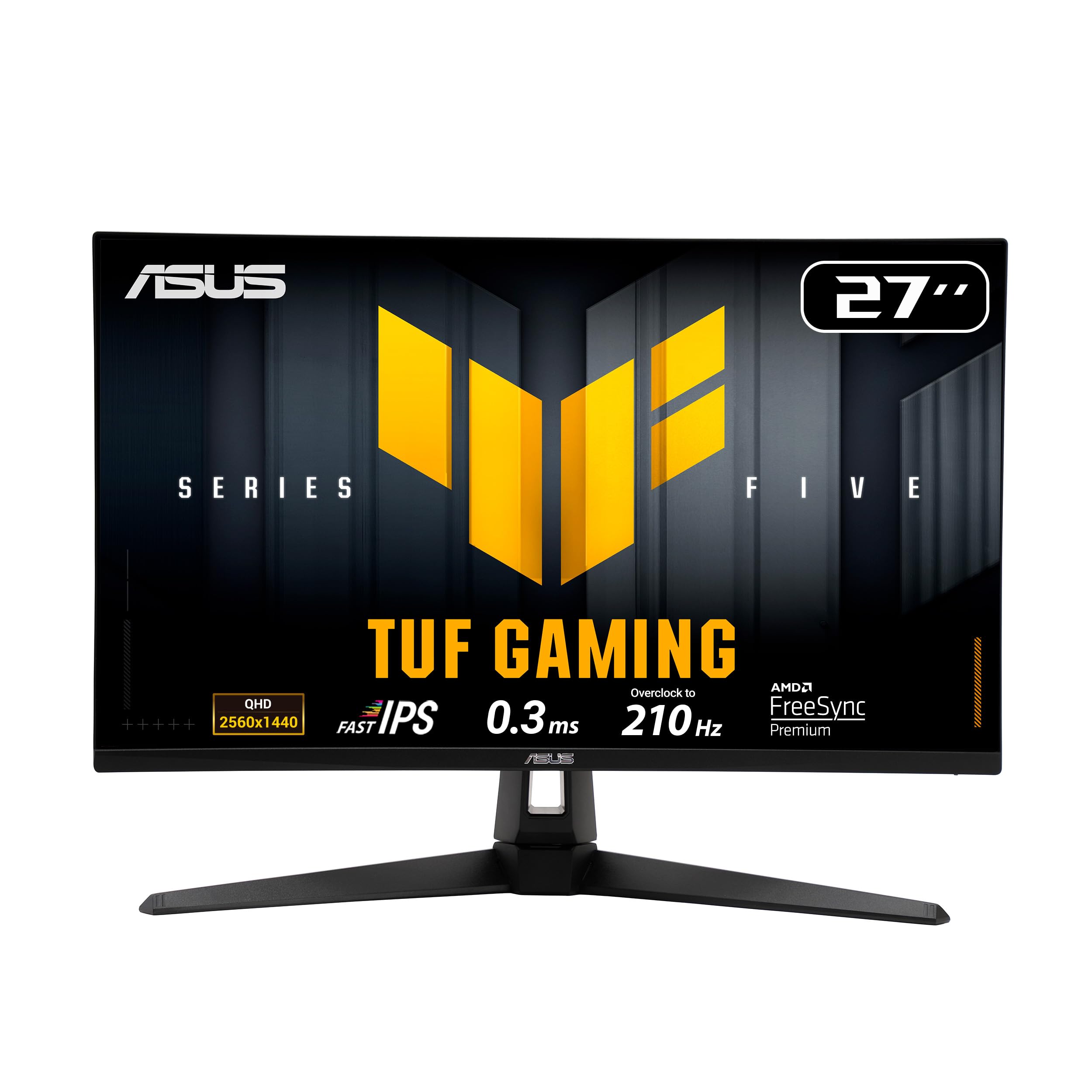
Against our top pick, this ASUS asks more for a slightly slower panel: 210Hz overclocked rather than 240Hz, the same 27-inch 1440p resolution, the same fast-IPS idea. That's the wrong way round for most buyers, so the case for it has to come from somewhere else, and it does.

That somewhere is motion handling. ELMB Sync runs blur reduction and variable refresh at the same time, which most blur-reduction modes refuse to do, so fast pans stay clean without giving up tear-free sync. Around it you get a 0.3ms GTG response, 130% sRGB coverage, built-in speakers, two HDMI inputs plus DisplayPort, and a three-year warranty.

The desktop side is handled well too. A 1300:1 contrast ratio is a little above the 1000:1 panels here, which shows in dark scenes, and the stand is sturdier than most — though at 15.2 pounds with the stand attached, it's the heavier of the two ASUS panels we'd put on an arm.

Our call: this is the 1440p panel for someone who wants ELMB Sync, a three-year warranty and slightly better contrast, and will trade 30Hz and some money to get them. If none of those three matters to you, the AOC is the smarter buy and the one we'd start with.

Bottom line: Worth the extra over our top pick only if you want ELMB Sync motion handling and a three-year warranty to go with it.

8

Sceptre E225W-FW144G

Sceptre E225W-FW144G

Small desks

Our Score 8.8/10
Check Price

Worth Noting

  • Refresh rate can land at 120Hz depending on port and cable
Panel
22-inch FHD
Speakers
Built-in
Refresh Rate
144Hz
Response Time
1ms

Some desks only have room for one thing, and a 32-inch monitor isn't it. This 22-inch Sceptre is the answer to that: 1080p at 144Hz, a thin bezel, and a stand that leaves most of the surface free. It's also the cheapest way into a high-refresh panel in this group by a wide margin, which makes it the default for a first setup or a second screen.

At 22 inches, 1080p is sharp — denser than any 27-inch 1080p panel here — so games read crisply even though the resolution is modest. The matte finish and 2000:1 contrast hold up in a normally lit room, and 144Hz with FreeSync keeps motion smooth for the money.

Two things to know before ordering. The built-in speakers exist, but they're the weakest part of the package: thin, quiet, and fine for system sounds only. And the refresh rate is fussier than the headline suggests — 144Hz depends on the port and the cable, and it can land at 120Hz, so confirm the rate in your display settings on day one.

We keep coming back to this one for secondary screens and tight setups, because the compromises at this size don't hurt much: you give up screen area and resolution, not smoothness. If you have the desk for it, though, 27 inches is a much better place to sit.

Bottom line: For a dorm desk or a second screen, this is the least complicated way to get 144Hz without surrendering your desk space.

How We Tested the Best Gaming Monitors

We started by pulling together monitors that come up repeatedly in spec threads and on store shelves, then narrowed by panel type, size, resolution, and price so the final list ran from budget 1080p screens to curved 4K displays. Anything with a refresh rate under 144Hz, a stand without height adjustment, or a price that didn't match its specs got cut early, which left 12.

Testing ran eight months, with each monitor spending at least a few weeks as someone's daily display: work in the morning, games at night, long weekend sessions. We whipped the camera around in fast shooters and scrolled through long documents looking for ghosting trails, then replayed the same bright scenes side by side to compare skin tones and see how far color drifted toward the corners. Brightness got checked twice — once with afternoon sun on the screen, once in a dark room, watching whether shadows stayed black or washed into gray.

We also did the unglamorous parts. Bumping the desk showed how much a panel wobbled; running the height and tilt through their full range showed whether a keyboard would fit underneath. Quiet cutscenes played through the built-in speakers at volume exposed buzz and rattle, and solid red, green, blue, and white screens revealed dead or stuck pixels, which we rechecked before each monitor went back. Last, we set the price against what the screen actually delivered.

How to Choose Gaming Monitors

Refresh rate only counts if your PC can feed it

240Hz is not four times better than 60Hz, and it isn't twice as good as 165Hz either. The gain is real but it shrinks as you climb, and it only exists when your graphics card is producing frames that fast. A 240Hz panel running at 110 fps is a 110Hz monitor with headroom you paid for.

Match the panel to the frames you actually get. A midrange card on 1440p usually lands in the 100-165Hz range, which makes 180Hz and 210Hz panels a sensible match. The step to 240Hz earns its money in competitive shooters at 1080p, where a modest card can still push high frame rates.

Panel type decides what motion and shadow look like

IPS gives the cleanest motion for the money and steady color from an angle, with contrast around 1000:1 that leaves dark scenes looking evenly gray. VA trades that for 3500:1 or better and genuinely deep blacks, at the risk of smearing through fast dark transitions. OLED beats both on contrast and pixel response, then asks you to keep its care routines on and pay more.

Choose by the room and the game. A bright room and shooters point to IPS; a dark room and atmospheric single-player games point to VA or OLED.

Resolution and screen size are one decision

1080p is sharp up to about 24 inches. At 27 it starts to look soft, and text suffers before games do. 1440p suits 27 inches and still holds up at 32, where the extra screen area is what you're buying. Ultrawide 3440x1440 is its own category: more to look at, and more pixels for the card to push.

Pick the diagonal your desk can take first, then the resolution your graphics card can drive at the refresh rate you want. Doing it the other way round is how people end up with a fast panel running slow.

The stand matters more than the spec sheet admits

A monitor at the wrong height is a monitor you stop enjoying. Height adjustment is the feature to look for; tilt alone, which is what our top pick offers, means shimming the stand or moving to an arm. Check the VESA pattern before you shop for that arm, and check the width before anything else — an ultrawide is 31.8 inches across.

Measure your seated eye height and your desk depth. A 32-inch panel sits further back than a 27, and a curved screen wants a little more distance to feel natural.

Ports, cables and the settings nobody mentions

High refresh rates need bandwidth. On PC, DisplayPort is the safe route; use the cable in the box and confirm it's rated for the refresh rate you paid for, because a 240Hz panel on a tired HDMI cable will quietly run at 120Hz and never complain. On console, check the HDMI version the panel supports before you expect 120Hz.

Then finish the job: set the refresh rate in your operating system, switch on variable refresh in the monitor menu and in your graphics driver, and confirm the panel is actually running at the rate you chose.

Frequently Asked Questions

Final Verdict

If you want one answer, it's the AOC Q27G41ZE: 27 inches of 1440p IPS at 240Hz, FreeSync and G-Sync both covered, for the least money anyone here charges for that combination. It is the monitor we point at a normal desk with a normal graphics card.

Buy the ASUS ROG XG27AQDMGR instead if picture quality is what you'll notice most — the OLED's blacks are in a different league and it still runs at 240Hz. And if one big screen has to serve a console and a PC, the 32-inch Samsung is the calmer choice.