Sabrent EC-HD2B Dual-Bay Dock
Top Pick
What We Like
- Two bays mount separately over USB
- Offline clone works without a computer
- USB-C cable and power adapter included
- Tool-free hot-swap bays
Worth Noting
- Dock end is USB-C only
- Clone target must match or exceed source
- Bays
- 2
- Drive Support
- 2.5/3.5-inch SATA
- Offline Clone
- Yes, up to 60MB/s
- Host Connection
- USB-C
Two bays and a clone button are the reason this Sabrent dock earns the top spot. With two bare SATA drives loaded, it can copy one to the other without a computer, or mount both over USB-C for file work. That covers the three jobs most people buy a dock for: rescuing an old drive, making a spare, and moving files without opening a PC.
The dual-bay layout is what makes it our default for backups and cloning. We prefer having the second bay even if you only need it occasionally, because a straight one-to-one clone is faster and less error-prone than dragging folders through an operating system. The included USB-C cable is another detail we appreciate, and it means one less accessory to buy. Clone speed tops out at 60MB/s, so a full drive takes patience, and the one-to-one copy is not a selective backup.
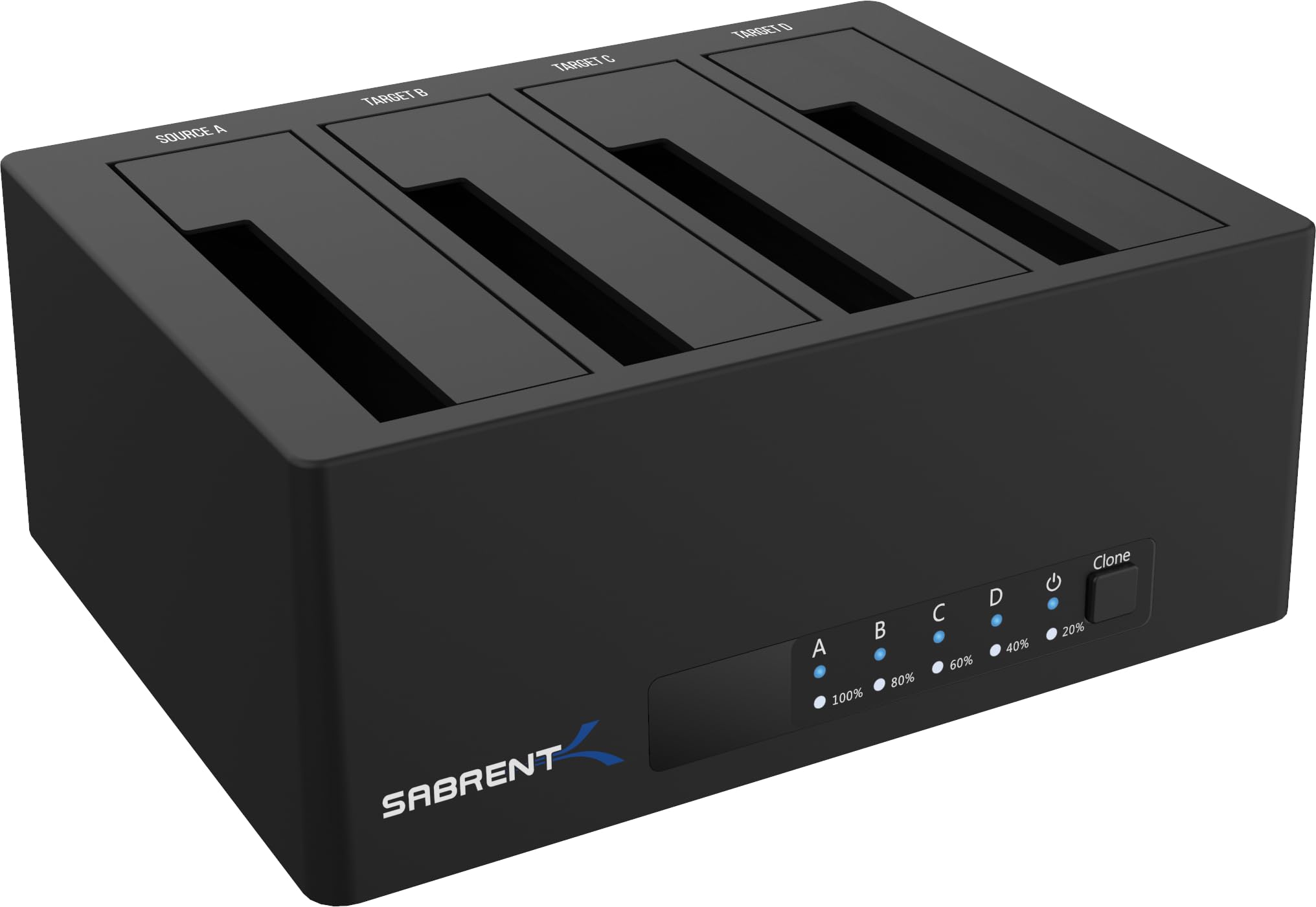
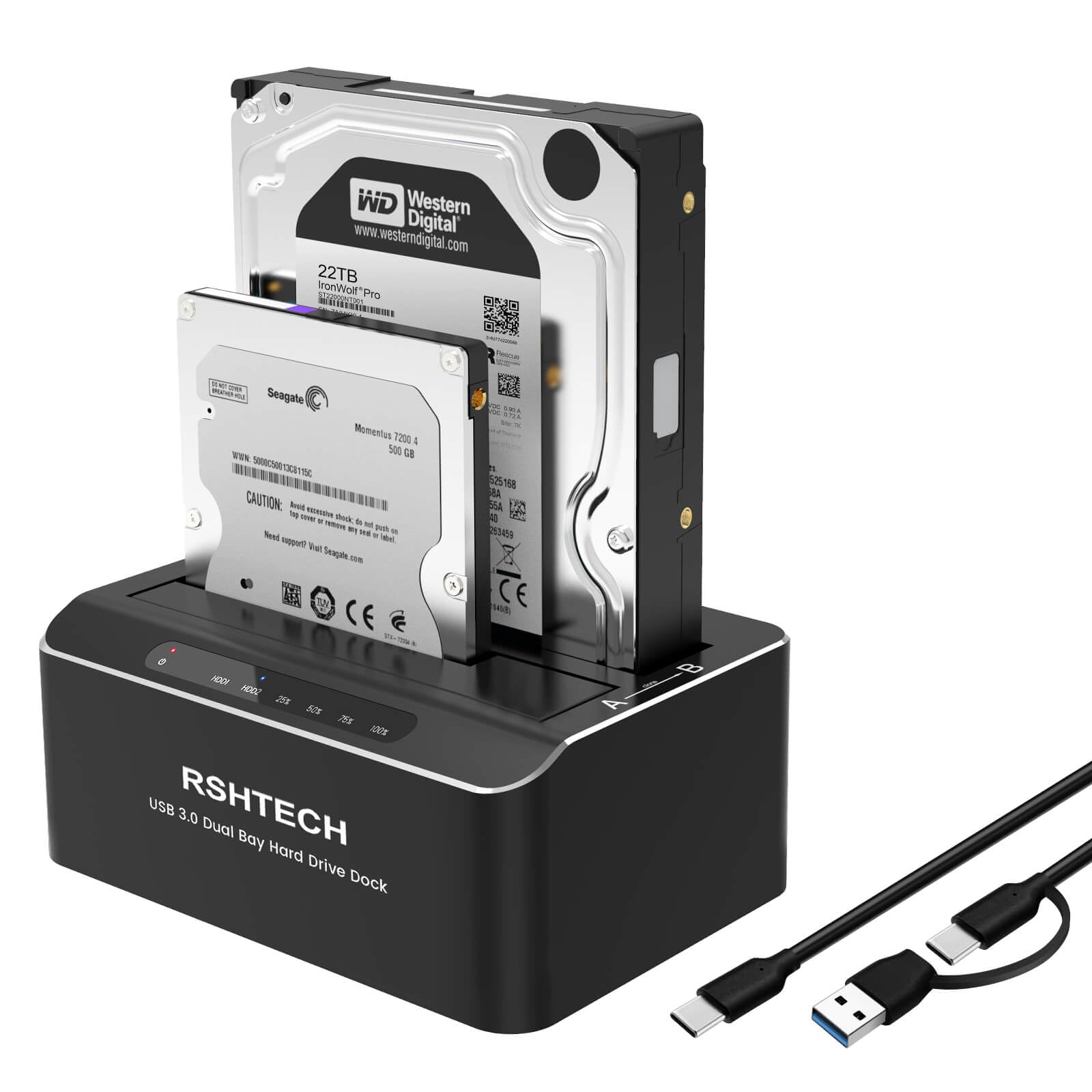
Build quality is functional rather than luxurious. The plastic body is light, the bays are tool-free, and the drive sits upright where you can see it. We are happy to trade a metal shell for the twin bays and the clone button, because those are the parts that do the work. If you need a sturdier-feeling desk piece, the RSHTECH is the alternative; if you need four bays, step up to Sabrent's DS-U3B4.
Bottom line: We recommend the Sabrent EC-HD2B for most people: two bays, computer-free cloning, and a USB-C connection cover backups, recovery, and drive swaps without fuss.