Tools & DIY

Best Thermal Camera for Phone of 2026

A thermal camera doesn't show you heat — it shows you where one surface is warmer than another, which is why the same pocket-sized module can trace a draft under a door, find a hot breaker in a panel, and pick a dog out of a dark yard. Two cameras at the same price can read the same wall very differently, though, because thermal resolution, sensitivity, refresh rate, and the app all shape what you see — and that's before you find out whether the plug fits your phone.

I started carrying one in my jacket pocket after it settled an argument about whether the draft was coming from the window or the outlet behind the couch. My team has now spent eight months with ten of these modules, and the surprise is how often the cheaper, lower-resolution camera wins — as long as its app is quick and its readings hold steady. The picks ahead are sorted by the job you're buying one for.

1

AMPBANK M192

Top Pick
AMPBANK M192

Mixed phone households

Our Score 9.2/10
Check Price

Worth Noting

  • USB-C only; older iPhones need an adapter
Weight
1.06 oz
Phone Connection
USB-C, iOS/Android/Windows
Enhanced Resolution
384 x 384
Native IR Resolution
192 x 192

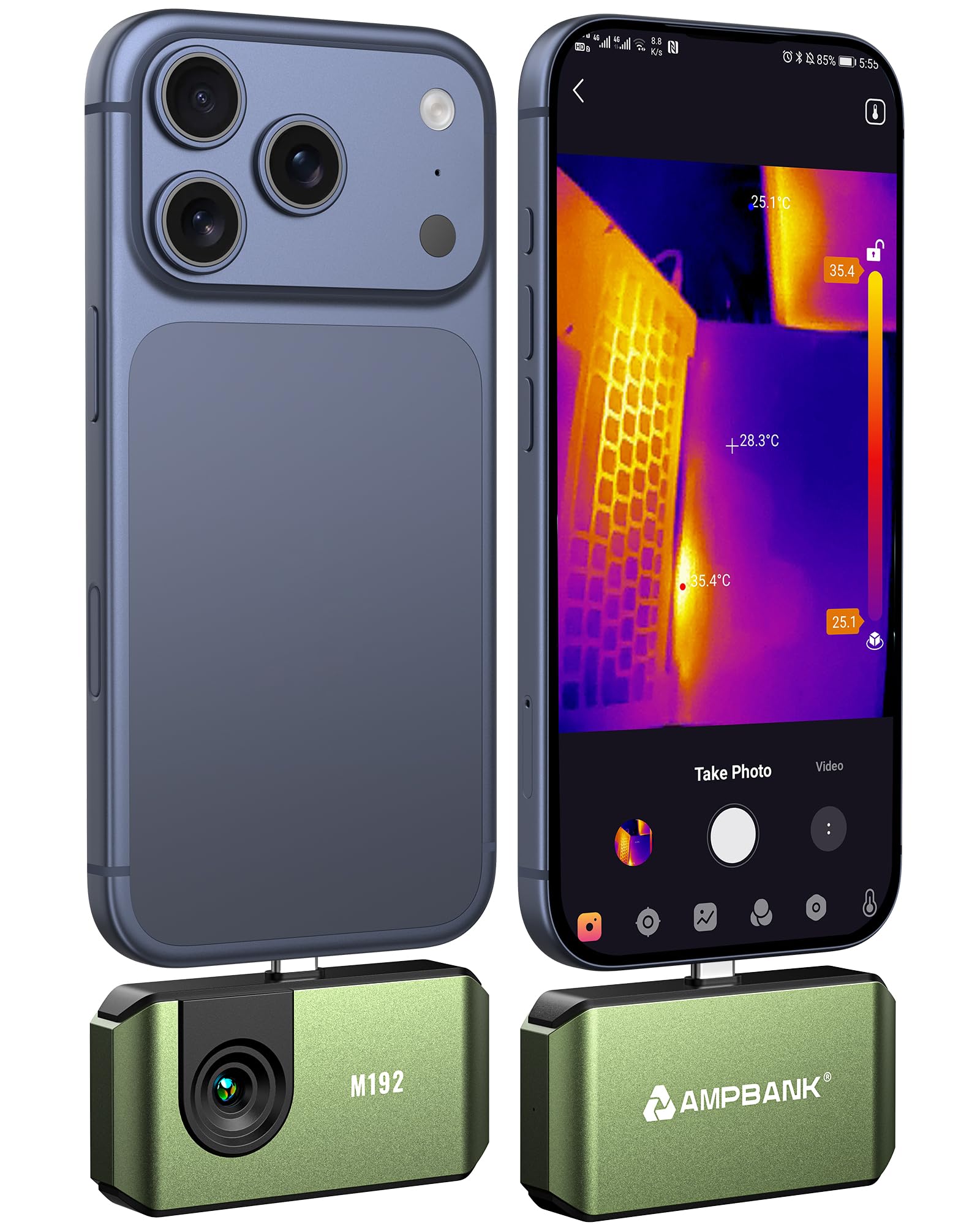
The M192 makes its case with a number that is easy to misread: 192x192 native, 384x384 enhanced. That 384 figure is the app's super-resolution mode, not a native sensor, but the base 192 grid is still a step above the 160x120 modules that dominate the budget end. The camera itself is a 30g USB-C stick with no battery, and the app handles the usual high/low spot tracking, emissivity adjustment, and saved stills and video.

That combination is why it is our top pick. We prefer it for mixed iPhone and Android households because the USB-C connection is universal and the app is straightforward, and the 192-native image is detailed enough for insulation gaps, overheated breakers, and automotive hot spots without sending you into the premium tier. The 384-enhanced view is a cleaner display, not a substitute for the 256x192 native sensors in the TOPDON TC002C Duo or AMPBANK M256.

The 30g body disappears in a pocket, and the app's auto high/low tracking does the first pass for you. That is the kind of small convenience that keeps it in the bag after the novelty wears off, and it is why this is the one we reach for when we do not know which phone is in the room.

Bottom line: The M192 is our default for most phone owners: a useful 192x192 native sensor, universal USB-C support, and a light, battery-free body.
2

TOPDON TC002C Duo

TOPDON TC002C Duo

Detailed inspections

Our Score 9.0/10
Check Price

Worth Noting

  • Connection can be fussy on some phones
Refresh Rate
25Hz
Phone Connection
USB-C, iOS/Android/Windows
Enhanced Resolution
512 x 384
Native IR Resolution
256 x 192

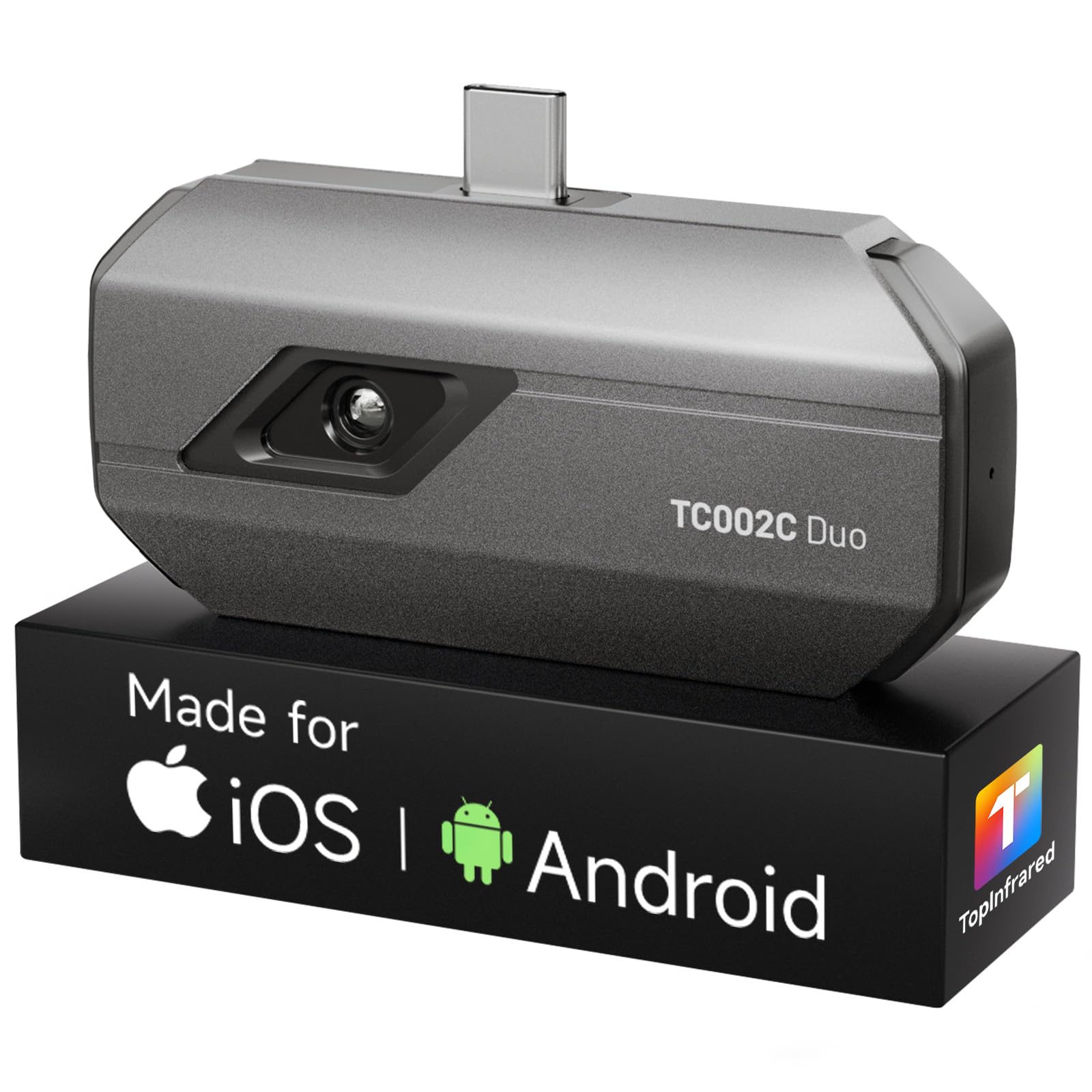
The TC002C Duo is the point where the image stops feeling like a heat map and starts feeling like a camera. Its native sensor is 256x192, and TOPDON's TISR processing lifts the display to 512x384 at 25Hz. We recommend it when you need to pick out a failing breaker or a small insulation gap, not just confirm that one wall is colder than another.

The 25Hz live view is the part we appreciate most in practice: it keeps the image from smearing as you sweep across a panel or a ceiling. The 30g body and USB-C connection keep it in the same pocketable class as the budget modules, and the 16.4ft measurement distance is useful for ceiling and panel work without a ladder.

The catch is the image: the 512x384 figure is TISR enhancement over a 256x192 sensor, so treat it as a cleaner display rather than native 512 detail. That is still a meaningful step over the 192-native modules, but it won't match a true 320x240 sensor for fine work. For most inspection tasks, the native 256 grid is the real upgrade, and it is why we keep it in the kit for detail work.

Bottom line: We step up to the TC002C Duo when inspection work needs finer native detail; its 256x192 sensor is the reason it earns a place.

3

AMPBANK M256

AMPBANK M256

Android detail

Our Score 9.2/10
Check Price

Worth Noting

  • Android-only; no iPhone support
Refresh Rate
25Hz
Phone Connection
Android USB-C
Enhanced Resolution
512 x 384
Native IR Resolution
256 x 192

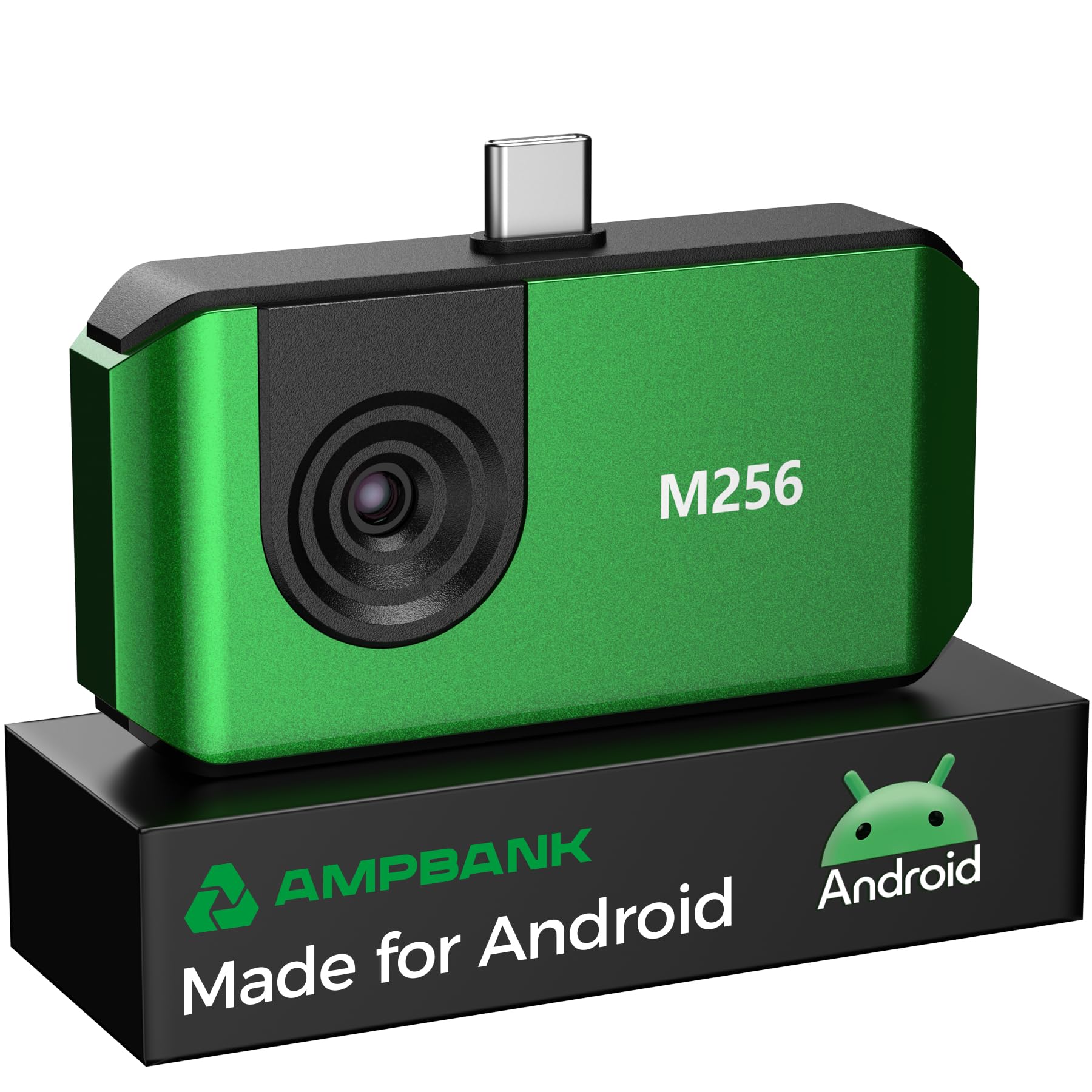
The M256 is the higher-resolution AMPBANK, and the first thing to know is that it is an Android camera. The app lives on Google Play and the listing is built around Android phones, so iPhone owners should stop here and look at the M192 instead. For Android users, the hardware is a 30g USB-C stick with a 256x192 native sensor, 512x384 TISR output, and a 25Hz refresh rate.

We recommend it for Android owners who want more native detail than the M192 without jumping to the premium TOPDON models. The 0.35W draw is low enough that the phone, not the camera, is the main battery concern, and the 10-palette app adds smart high/low alerts and picture-in-picture. The M256 is the better forensic tool for small temperature differences; the M192 remains the better all-phone default.

Bottom line: Android users who want more native detail get our nod with the M256, whose 256x192 sensor and 25Hz view beat the budget class.

4

TOPDON TC001 Max

TOPDON TC001 Max

Older iPhones

Our Score 9.0/10
Check Price

Worth Noting

  • Camera feed can stall and app can freeze
Adapters
USB-C and Lightning
Refresh Rate
25Hz
Enhanced Resolution
512 x 384
Native IR Resolution
256 x 192

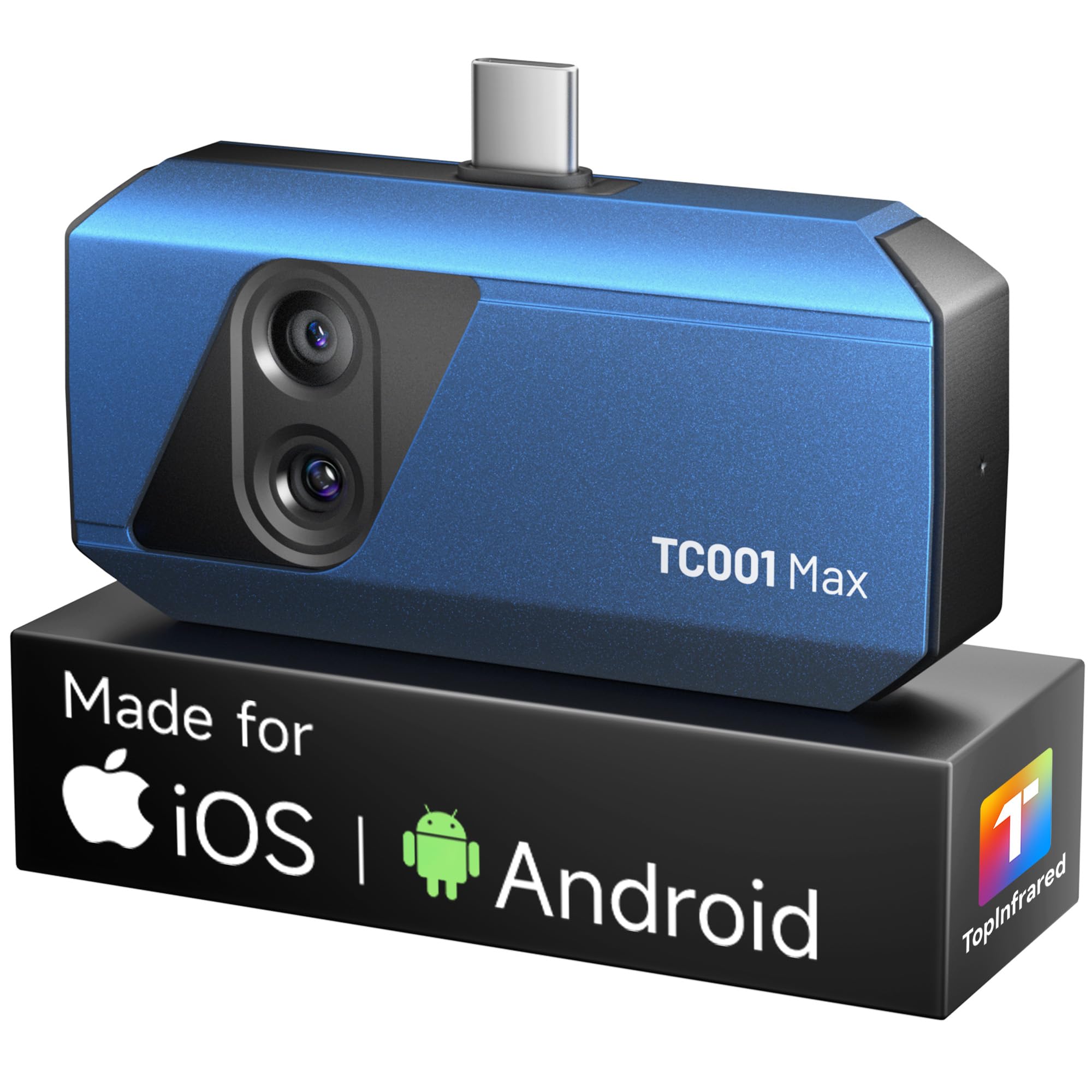
The TC001 Max is the one we hand to someone with an older iPhone. TOPDON includes both USB-C and USB-C-to-Lightning adapters, so the same 33g camera works with a Lightning iPhone, a USB-C iPad, or an Android phone. The dual-lens design overlays the visible scene on the thermal image, which makes it much easier to say which connector or pipe is hot.

The specs are a step above the budget class: 256x192 native, 512x384 TISR, 25Hz, and ≤40mK NETD, plus a 7.1 by 4.2cm body that disappears in a pocket. We found the overlay especially useful for automotive and electrical work, where a hot spot without a visible reference is only half the answer.

The caveats are worth knowing before you pay the premium. There is no native iPad app, so iPad users are relying on an iPhone-sized app. For Lightning users who want a compact dual-lens camera, it is still the strongest fit here; USB-C-only buyers can save money with the TC002C Duo.

Bottom line: For older iPhones, we hand over the TC001 Max first, thanks to its Lightning adapter and dual-lens overlay.

5

GOYOJO GW192A

GOYOJO GW192A

Wide room scans

Our Score 8.4/10
Check Price

Worth Noting

  • 192x192 native limits fine detail
  • App can be finicky on some phones
Weight
0.48 oz
Field Of View
50°
Temperature Range
-4°F to 752°F
Native IR Resolution
192 x 192

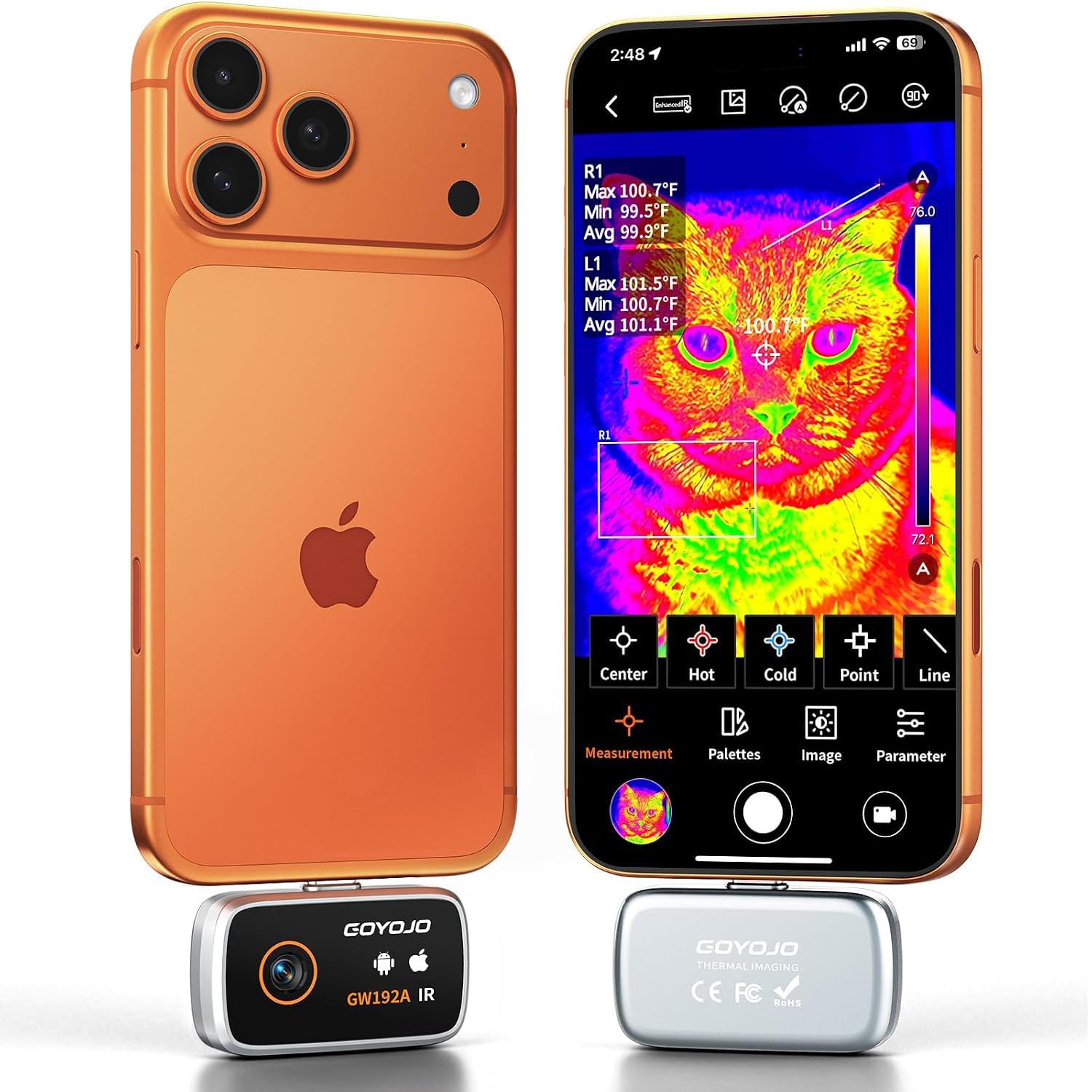
The GW192A is the wide-angle option in this group. Its 50-degree field of view lets you sweep a wall, ceiling, or engine bay without moving the phone as much, and the 0.48-ounce body is light enough to leave plugged in. We recommend it for whole-room scans and quick draft hunting.

The 192x192 native sensor is the trade-off: it is sharp enough for hot and cold spots, but it will not resolve the fine detail of the 256x192 models. The app offers several palettes and point measurement, and the camera draws little power from the phone. For the money, it is the easiest way to get a usable wide view; the wide lens and light body are the reasons it stays in the bag.

Bottom line: The GW192A is our wide-angle budget pick: a 50-degree view and tiny body make quick room scans easy.

6

Thermal Master P3

Thermal Master P3

PCB close-ups

Our Score 8.6/10
Check Price

Worth Noting

  • App asks for broad network access
  • Some units stop working after a few uses
Focus
Manual
Refresh Rate
25Hz
Enhanced Resolution
512 x 384
Native IR Resolution
256 x 192

The P3 is the close-up specialist. Its manual focus ring lets you pull focus on a single component on a crowded board, which is something the fixed-focus modules in this group cannot do. We used it for exactly that kind of work: tracing a hot component on a PCB, then backing off to see how it sat in the wider circuit.

The rest of the hardware is competitive: 256x192 native, 512x384 TISR, 25Hz, a -4°F to 1112°F range, and a Lightning adapter for older iPhones. The 0.928-ounce body is light, and the 15x digital zoom plus 12 palettes give you room to frame a small target.

Manual focus is also the catch. It takes practice to get a crisp image quickly, especially when you are holding the phone in one hand and the component is small.

We recommend the P3 for electronics work and anyone who needs to isolate a tiny thermal signature. For general home inspection, the fixed-focus TC002C Duo is easier to live with; the P3 earns its place when the target is smaller than your fingertip.

Bottom line: The P3 is the PCB specialist we reach for when manual focus and a 256x192 sensor matter more than point-and-shoot speed.

7

Hti-Xintai HT-203U

Hti-Xintai HT-203U

Fast Android scans

Our Score 8.4/10
Check Price

Worth Noting

  • Android phones only; no iPhone support
  • Heavier than the 1-ounce modules here
Focus
Adjustable
Refresh Rate
50Hz
Phone Connection
Android USB-C
Native IR Resolution
256 x 192

The HT-203U is the high-frame-rate option in this group. Its 50Hz refresh rate is double the 25Hz of most modules here, and the adjustable focus lets you tighten the image on a small target. We recommend it for Android users who want a smoother live view for electrical or mechanical work.

The sensor is 256x192 native with 512x384 super-resolution, the temperature range runs from -4°F to 1022°F, and the one-year warranty includes US-based support. The 6.7-ounce body is heavier than the dongle-style cameras, but it is still a pocketable tool.

For Android users who want the smoothest live view in this group, it is the one we point to. It is a specialist's camera, not the default for a mixed-phone household.

Bottom line: We send Android users who want the smoothest live view to the HT-203U, with its 50Hz refresh and adjustable focus.

8

RISION Magic

RISION Magic

No-account checks

Our Score 9.4/10
Check Price

Worth Noting

  • Fixed USB-C orientation can face away
Phone Connection
USB-C, iOS/Android/Windows
Temperature Range
-4°F to 1112°F
Enhanced Resolution
320 x 240
Native IR Resolution
160 x 120

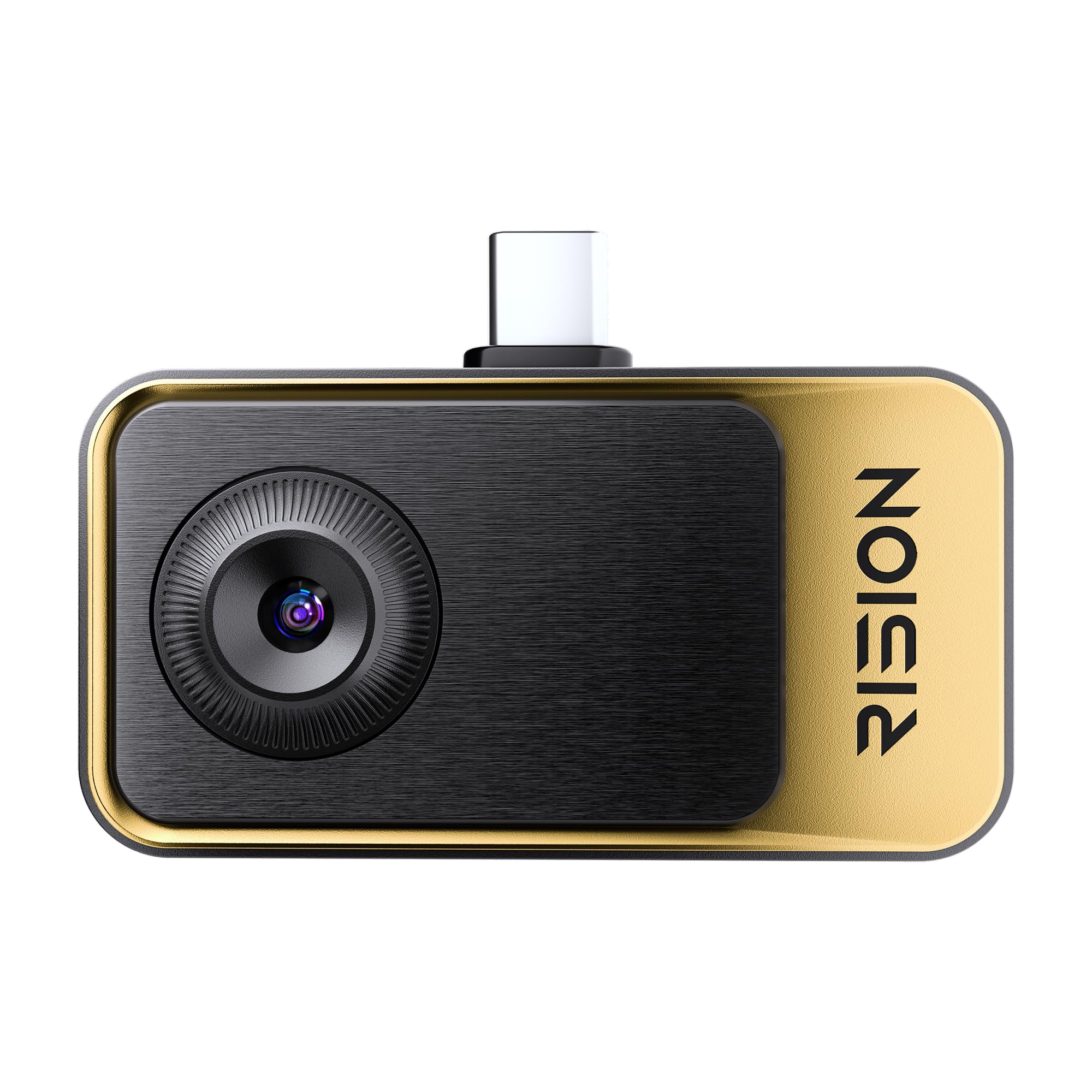
The RISION Magic opens with a small but welcome difference: its app requires no registration. You plug the camera into a USB-C phone, open the app, and you are looking at a live thermal view. We appreciate that for quick checks, because the last thing you want before scanning a breaker panel is an account-creation detour.

The camera covers a wide -4°F to 1112°F range and adds hot/cold spot tracking plus a live temperature display. The 320x240 QuadIR image is upscaled from a 160x120 native sensor, so it is softer than the 192- and 256-native modules here. For finding a cold draft or a warm pipe, that is often enough; for reading a tiny component, it is not.

The app is simple enough to use one-handed, and it saves stills and video to the phone. The 0.8-ounce body is easy to leave in a bag, and the wide temperature range covers everything from a cold window to a hot engine.

We recommend the Magic as a second camera or a gift for someone who wants to explore thermal imaging without a subscription or an account. It is easy to like for quick household checks; it is not the one we choose when fine detail and repeatable measurements are the priority.

Bottom line: We like the RISION Magic for quick household checks: no account, simple hot/cold tracking, and a light body make it easy to start.

How We Tested Thermal Cameras for Phones

We started with spec sheets, app store listings, and a lot of squinting at thermal resolution and frame rate, then narrowed the field to modules that actually fit the phones people carry — Lightning, USB-C, and the odd wireless unit. Ten made the cut, and we've lived with them for eight months, not on a lab bench but on ladders, in attics, and under the hood of a car.

Every camera got the same rounds. We scanned the same wall outlet, the same window frame, and the same pot of water heating on the stove, then checked their readings against a reference thermometer to see how close the numbers landed and how far the cameras drifted from each other. We also looked at how much detail survived: whether a stud's edge showed up, whether a pipe behind drywall read as a pipe or a smear, and whether the visual overlay lined up with the thermal image in a cluttered scene.

We timed how long it took to open the app, connect, and save a clip one-handed in a dark attic, and noted which ones dropped the connection when we walked to the far end of the house. Compatibility got checked against every phone we had on hand, including one in a thick case that blocked the connector entirely. The cameras rode in pockets and got set down on workbenches for eight months, so we could see how the housings held up and whether the apps kept working after updates. Value came down to what the price actually bought: extra thermal resolution, an adjustable spot meter, video recording, or nothing but a prettier app.

How to Choose the Right Thermal Camera for Phone

Start with native resolution, not the headline number

A 320x240 or 512x384 claim can mean a native sensor or software enhancement over a lower grid. Native 160x120 is fine for finding a warm pipe; 192x192 is a better baseline for home checks; 256x192 starts to resolve small components. We treat the enhanced figure as a sharper display, not extra physical pixels. If fine detail matters, compare native numbers first, then see whether the app's super-resolution makes the image easier to read.

Match the plug to your phone

USB-C is the cleanest connection, but not every USB-C phone behaves the same. iPhone 15 and newer use USB-C; older iPhones need a Lightning adapter, and not every adapter passes data. Android models can be picky about app permissions. Check that the module supports your phone's OS and connector before you buy. The TOPDON TC001 Max includes both adapters, while the AMPBANK M256 is Android-only. That one detail can decide the purchase.

Choose the lens and focus for the job

A wide field of view is more useful for walls, ceilings, and whole-room scans; a narrower or adjustable lens is better for a single breaker or a component on a board. Fixed focus is faster, manual focus is more precise but slower. We like the GOYOJO GW192A's 50-degree view for broad sweeps and the Thermal Master P3's manual focus for close work. If you split your time between both, an adjustable-focus model such as the HT-203U is the compromise.

Refresh rate, range, and accuracy

25Hz is enough for most static inspection; 50Hz makes a moving target look smoother. Temperature range matters if you scan automotive or industrial equipment, and accuracy is usually stated as ±2°C or 2%. NETD tells you how small a temperature difference the sensor can show, with lower numbers better. Do not chase the widest range if you only check windows and outlets; spend instead on native resolution or a better app.

Budget for the app and the power draw

Phone thermal cameras have no separate display, so the app is half the product. Check whether it requires registration, supports the analysis tools you need, and saves images where you can find them. Power draw matters too: a low-draw module can run for hours, but the phone screen is still the biggest battery cost. We prefer no-registration apps for quick checks, and we treat a clunky app as a real ownership cost, not an afterthought.

Frequently Asked Questions

Final Verdict

The AMPBANK M192 is the one we recommend first for most phone owners. Its 192x192 native sensor, 384x384 enhanced display, universal USB-C support, and 30g body make it the easiest thermal camera to live with, and it covers the home and DIY checks most people buy one for. If you need finer native detail for HVAC or electronics, the TOPDON TC002C Duo is the step-up. Android users who want more native detail can look at the AMPBANK M256, but the M192 remains the default because it fits more phones and more people.