TVs & Video

Best TV Wall Mounts of 2026

A TV mount has one job — hold an expensive screen exactly where you want it — and the trade-offs show up fast. The flushest fixed mounts look cleanest but leave you craning your neck when the sofa sits off-center, while full-motion arms swing and tilt freely but hang further out and ask more of your studs. What a good mount really fixes is simpler than the spec sheet suggests: it lifts the TV to eye level and anchors it so firmly that you stop thinking about it.

I've hung mounts in apartments with plaster walls and in houses where nothing lined up with the studs, and the gap between a pleasant afternoon and a ruined one usually comes down to hardware and instructions. Over the past six months, my team and I installed 12 mounts, from low-profile fixed brackets to full-motion arms, focusing on what matters: whether the plate feels like it could hold a person, how clear the drilling template is, and whether the tilt and swivel stay where you put them. The picks below are the ones I'd hang my own TV on.

1

Mounting Dream MD2380

Top Pick
Mounting Dream MD2380

Living-room TVs

Our Score 9.6/10
Check Price

Worth Noting

  • 65-inch upper screen limit
  • 16-inch stud spacing only
Motion
Full motion, 17 in reach
TV Size
32–65 in
VESA Range
Up to 400 x 400 mm
Weight Capacity
110 lb

The Mounting Dream MD2380 is the full-motion mount we recommend to most people, and the reason is simple: it covers the common 32- to 65-inch living-room TV without making the arm feel like a compromise. Six articulating arms carry up to 110 pounds, the VESA plate reaches 400 x 400 mm, and the arm pulls out as far as 17 inches. That is enough movement to angle the screen toward a sofa or clear a corner, but not so much hardware that the TV feels remote from the wall.

Installation is where this one earns its keep. The paper template takes the guesswork out of the wall plate, the hardware comes in labeled bags, and the +/-3-degree leveling adjustment lets you fix a small tilt after the TV is hanging. We paid attention to those details because a wall mount is installed once and then lived with every day; a crooked screen is the kind of thing you notice every time you sit down.

The 17-inch extension is also a reminder that full motion puts more leverage on the wall. This mount is designed for wood studs, and the lag bolts need to land in wood, not drywall. Check the stud spacing before you order, not after the box is open.

The lifetime warranty is the last thing we check, because it tells you the maker expects the arm to stay in service. What we keep coming back to is the balance: enough reach for a corner, enough capacity for a normal 65-inch set, and enough adjustment to correct a less-than-perfect drill line.

Bottom line: We recommend the Mounting Dream MD2380 as the default full-motion mount for a 32- to 65-inch living-room TV: it carries 110 pounds, moves smoothly, and comes with the hardware that makes a tidy install possible.
2

Perlegear PGLF8

Perlegear PGLF8

Large full-motion

Our Score 9.4/10
Check Price

Worth Noting

  • 16-inch stud spacing only
  • Priciest mount in this set
Swivel
±50°
TV Size
42–85 in
VESA Range
200 x 100–600 x 400 mm
Weight Capacity
132 lb

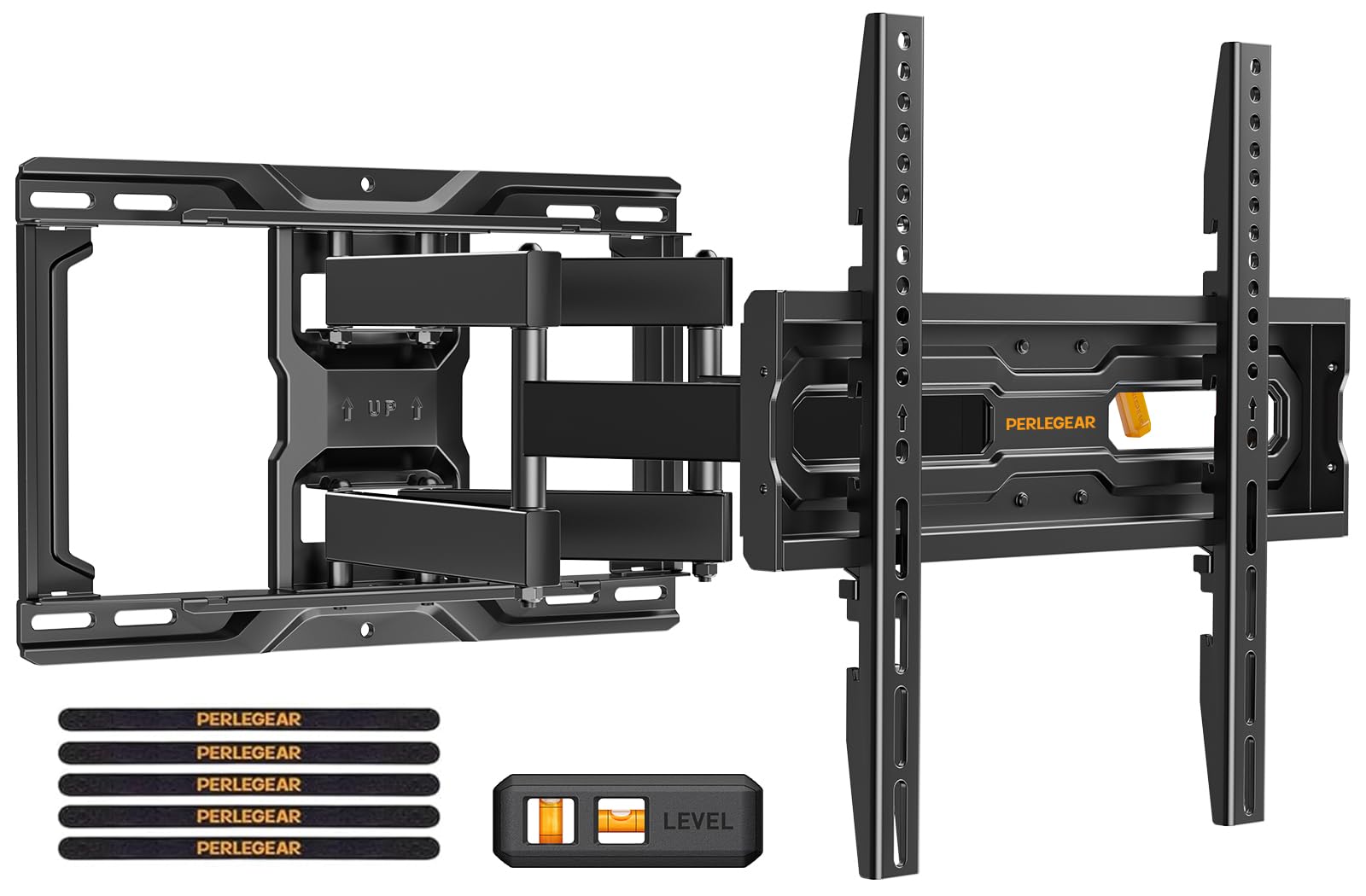
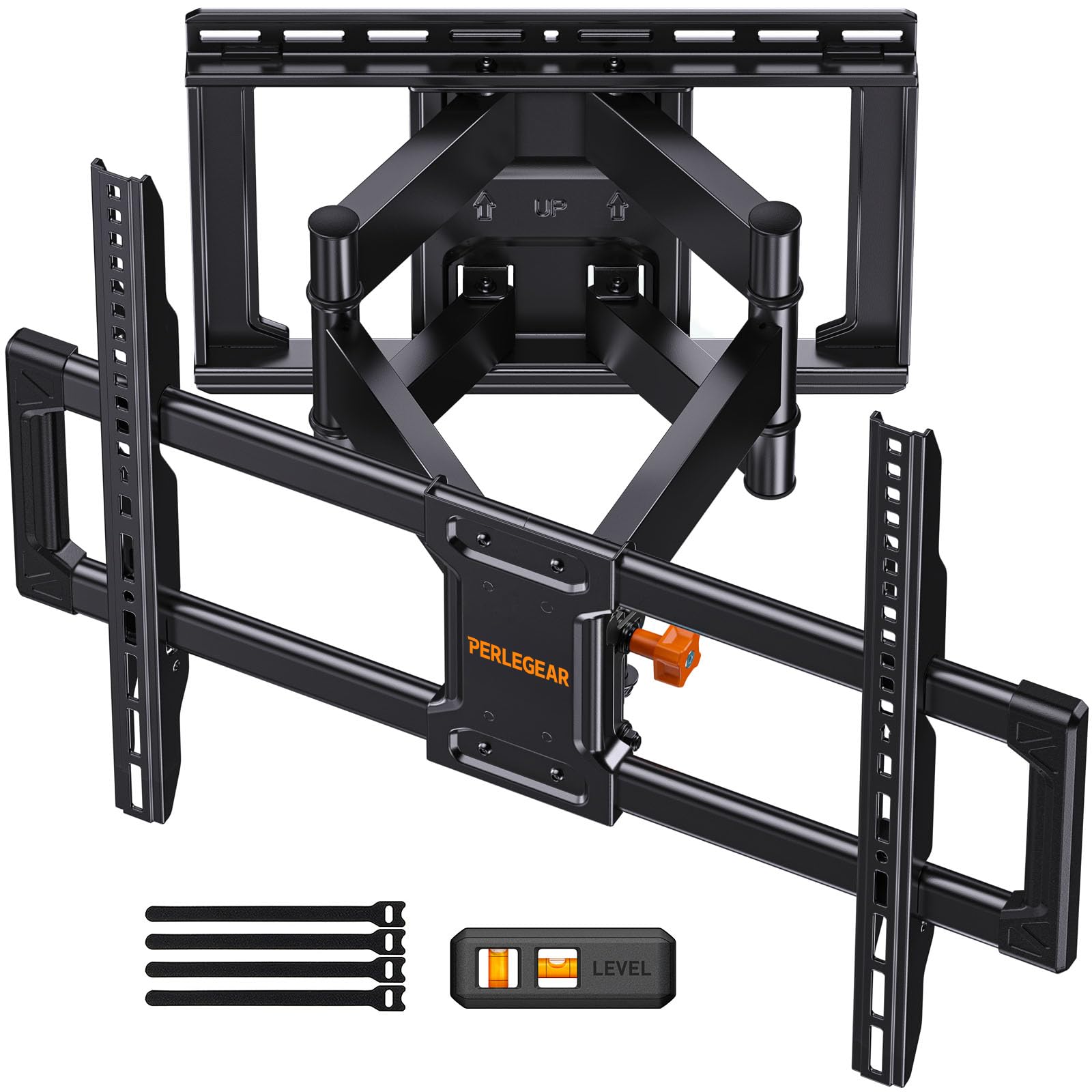
A big TV changes what matters in a mount. At 75 inches and up, the bracket has to carry more weight, cover a wider VESA pattern, and resist the leverage of a screen that swings away from the wall. The Perlegear PGLF8 is built for that job: a 132-pound rating and VESA support up to 600 x 400 mm.

The arm extends 16.6 inches and swivels about 50 degrees each way, with steel bearings and washers at the joints. That sounds like catalog language until you move a large screen with one hand; the point is that the mount should start and stop smoothly rather than fight you or droop.

We pay attention to the UL listing and the 60,000-cycle motion claim because a large TV puts repeated stress on the same joints. Neither detail tells you the mount is indestructible, but together they are a better sign than a bare weight rating.

The install kit is complete in the practical sense: a drilling template, a bubble level, labeled hardware, and anchors for concrete or brick. Plan for two people when the TV goes on the plate; a 75-inch screen is awkward even when the bracket is ready.

This is the full-motion mount we recommend for 75- to 85-inch screens. The extra capacity and smoother joints are the difference between a big TV that moves confidently and one that feels like a risk every time you pull it out.

Bottom line: For a 75-inch or larger TV, we step up to the Perlegear PGLF8: its 132-pound rating, 600 x 400 VESA support, and smoother joints give a big screen the margin it needs.

3

USX Mount XMM006

USX Mount XMM006

Value full-motion

Our Score 9.4/10
Check Price

Worth Noting

  • Not for drywall-only installation
Profile
2.81–16.7 in
TV Size
26–65 in
VESA Range
75 x 75–400 x 400 mm
Weight Capacity
77 lb

The USX XMM006 is the smaller, lighter full-motion option in this group: 26- to 65-inch TVs, up to 77 pounds, VESA 75 x 75 to 400 x 400 mm. It extends 16.7 inches and retracts to 2.81 inches, which is a useful range for a bedroom or a room where the TV sits off to one side.

That makes it the value full-motion pick here, and the right choice when a 65-inch TV is the ceiling and the set is comfortably under 77 pounds. We like the centered wall plate and the +/-5-degree leveling because they give you a second chance at a straight screen after the bracket is up.

The instruction sheet is the one part to read twice. The steps are workable, but they are not the clearest in this group, and the hardware is easier to sort before you start drilling than during the job. Lay out the bolts next to the TV's manual, and the install moves faster.

Cable ties are included, and the arm gives you enough room behind the screen to route a couple of cables without fighting the wall plate. It is a small thing, but it keeps a bedroom or kitchen install from looking like a temporary job.

Bottom line: We keep this USX Mount as the value full-motion choice for a 26- to 65-inch TV that stays comfortably under 77 pounds, with 16.7 inches of reach and leveling that saves a crooked install.

4

Perlegear PGMF21

Perlegear PGMF21

Eye-level placement

Our Score 9.4/10
Check Price

Worth Noting

  • 69-inch screen and 99-pound ceiling
  • 16-inch stud spacing only
TV Size
32–69 in
VESA Range
100 x 100–400 x 400 mm
Height Settings
3 positions
Weight Capacity
99 lb

Three height settings are the reason this Perlegear earns a place. The brackets can sit in one of three positions, so you can center the screen at eye level without moving the wall plate. We think that is the feature that makes it more than another mid-size full-motion mount.

The rest of the package is familiar but well chosen: six articulating arms, VESA support from 100 x 100 to 400 x 400 mm, tool-free tilt from 5 degrees up to 15 degrees down, and +/-45-degree swivel. The motion is narrower than the large Perlegear, but it suits a bedroom, office, or living room where the TV does not need to reach across a wide space. The tool-free tilt is the adjustment you will use most, because it can be nudged without loosening a knob.

The pre-assembled bracket arms and divided hardware make the three-step install plausible, and the wider wall plate gives the arm a sturdier base. The height settings are fixed once the TV is on, so decide your eye level before drilling; that is the one setup choice this mount asks you to get right. We also like that the wall plate is wider than the arm needs, which gives you a little more room to hit the studs.

Bottom line: We reach for this Perlegear when the screen needs to sit at a specific height; three bracket positions solve eye-level placement, and the full-motion arm still tilts and swivels for daily viewing.

5

USX Mount XTL009

USX Mount XTL009

Big-screen tilt

Our Score 9.4/10
Check Price

Worth Noting

  • Tilt-only design has no swivel
Profile
1.28 in
TV Size
37–90 in
VESA Range
150 x 100–600 x 400 mm
Weight Capacity
132 lb

The wall plate is the first thing to check on a big-screen mount, and this USX tilt model is built for the two common spacings: 16-inch and 24-inch studs. It carries up to 132 pounds, covers VESA patterns up to 600 x 400 mm, and holds a 37- to 90-inch screen just 1.28 inches off the wall.

That combination makes it our low-profile value pick for a large TV. The narrow gap is the appeal: a big screen sits close to the wall like a piece of art, and the tilt is enough to pull the picture away from a window or a ceiling light.

The open wall plate leaves room for a power outlet, and the hardware kit includes a bubble level and cable ties. The tilt is a set-and-forget adjustment, not a daily motion feature, so this is for a room where everyone watches from the same part of the sofa. Connect the cables before you hang the TV; 1.28 inches does not leave much room to reach behind it.

Bottom line: We choose this USX tilt mount when a big TV should sit close to the wall; it fits 16- or 24-inch studs, carries 132 pounds, and keeps a 90-inch screen just 1.28 inches deep.

6

Echogear EGLT3

Echogear EGLT3

Easy installation

Our Score 9.4/10
Check Price

Worth Noting

  • Tilting only, with no swivel
  • 90-inch screen-size ceiling
Tilt
10°
TV Size
40–90 in
Leveling
5° post-install
Weight Capacity
135 lb

A tilting mount is the right answer for a TV above a fireplace or at the foot of a bed: the screen needs to angle down. The Echogear EGLT3 is built for that job, with a 10-degree tilt and a 135-pound capacity for screens up to 90 inches.

The install kit is the part that separates it from the cheaper tilt mounts here. It includes a drilling template, pre-divided hardware, and a three-step process, plus five degrees of post-install leveling. That last adjustment is the one we value most: it lets you correct a small lean after the TV is on the bracket instead of taking everything down. The template is large enough to mark all four holes without measuring twice, and the hardware is separated by the step where you use it.

We recommend it when a large screen needs to angle down and the installation should not become a weekend project. The 10-degree tilt handles the high-fireplace case, the leveling adjustment saves you from re-drilling, and the 135-pound rating leaves margin for a 75- or 85-inch set. The locking strings are the one fiddly detail; tuck them where they will not show.

Bottom line: For a large TV that only needs to angle down, we recommend this Echogear: the template, labeled hardware, and post-install leveling make a high or fixed viewing position much easier to install.

7

USX Star Fixed

USX Star Fixed

Flush big-screen

Our Score 9.4/10
Check Price

Worth Noting

  • Fixed design has no tilt or swivel
  • 82-inch upper screen limit
Profile
1.28 in
TV Size
37–82 in
VESA Range
150 x 100–600 x 400 mm
Weight Capacity
132 lb

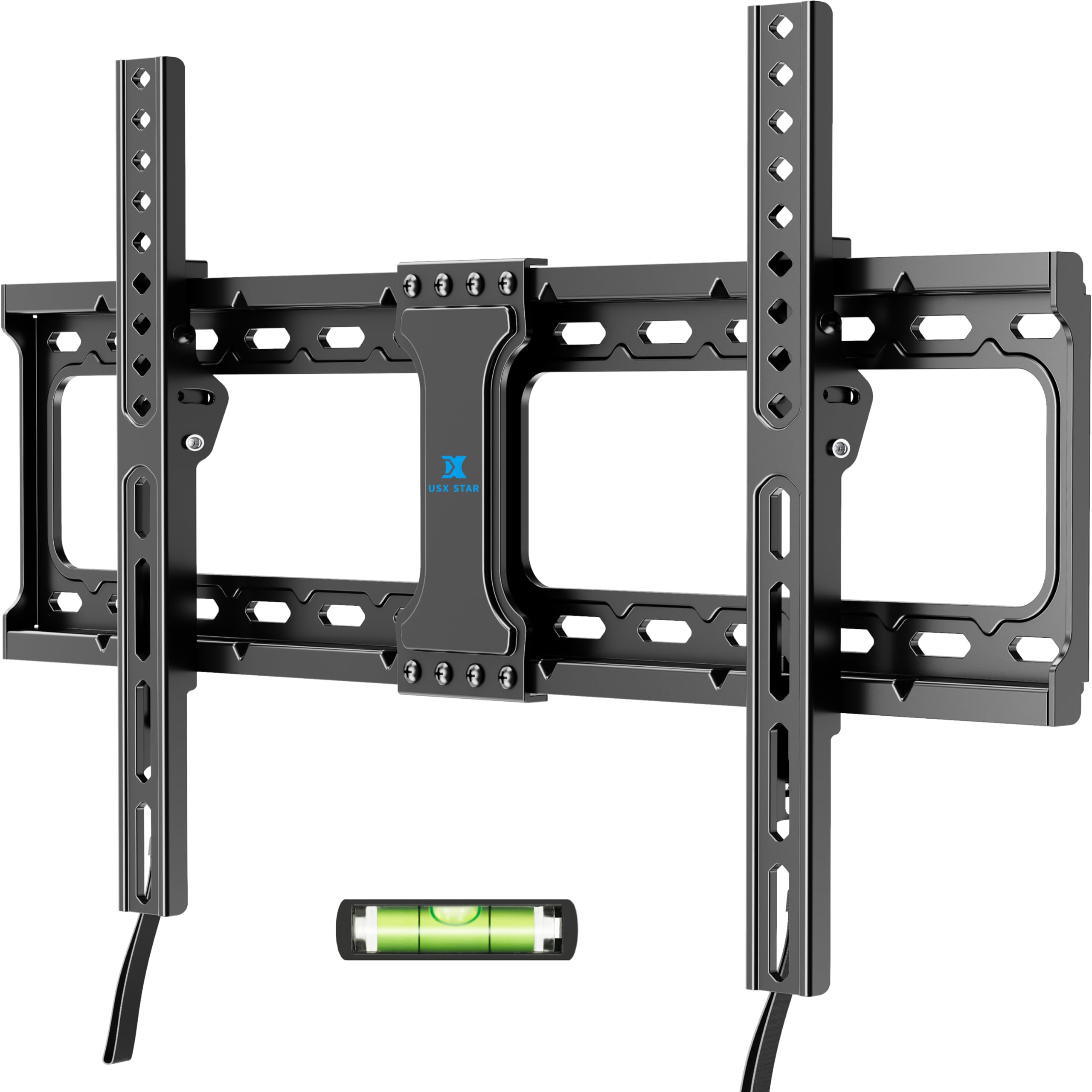
Not every TV needs to move. If the sofa is fixed and the wall is the only place the screen can go, a fixed mount gives you the cleanest look: this USX Star sits just 1.28 inches off the wall and carries up to 132 pounds.

The wall plate fits 16- or 24-inch stud spacing, which is the detail that makes it more useful than the cheapest fixed brackets, and the VESA range runs from 150 x 100 to 600 x 400 mm. That covers most large screens without forcing you into a full-motion arm you will not use.

The quick-release pull straps are a nice touch for cable changes or swapping the TV; you can release the screen without dismantling the wall plate. The TV hangs on hooks, though, and it can slide sideways on the bracket, so center it and lock it down before you let go.

We recommend this fixed mount for a large TV that stays put, especially on a wall with 24-inch studs. The quick release and the low profile are the reasons it earns a spot; the screen's position is decided once, and that is the point.

Bottom line: We recommend this USX Star when the flattest possible look matters more than movement: it holds a large TV just 1.28 inches off the wall and fits both common stud spacings.

8

Pipishell PISF1

Pipishell PISF1

Small TVs

Our Score 9.2/10
Check Price

Worth Noting

  • 44-pound weight ceiling limits it to light TVs
Swivel
Up to 90°
TV Size
13–42 in
VESA Range
75 x 75–200 x 200 mm
Weight Capacity
44 lb

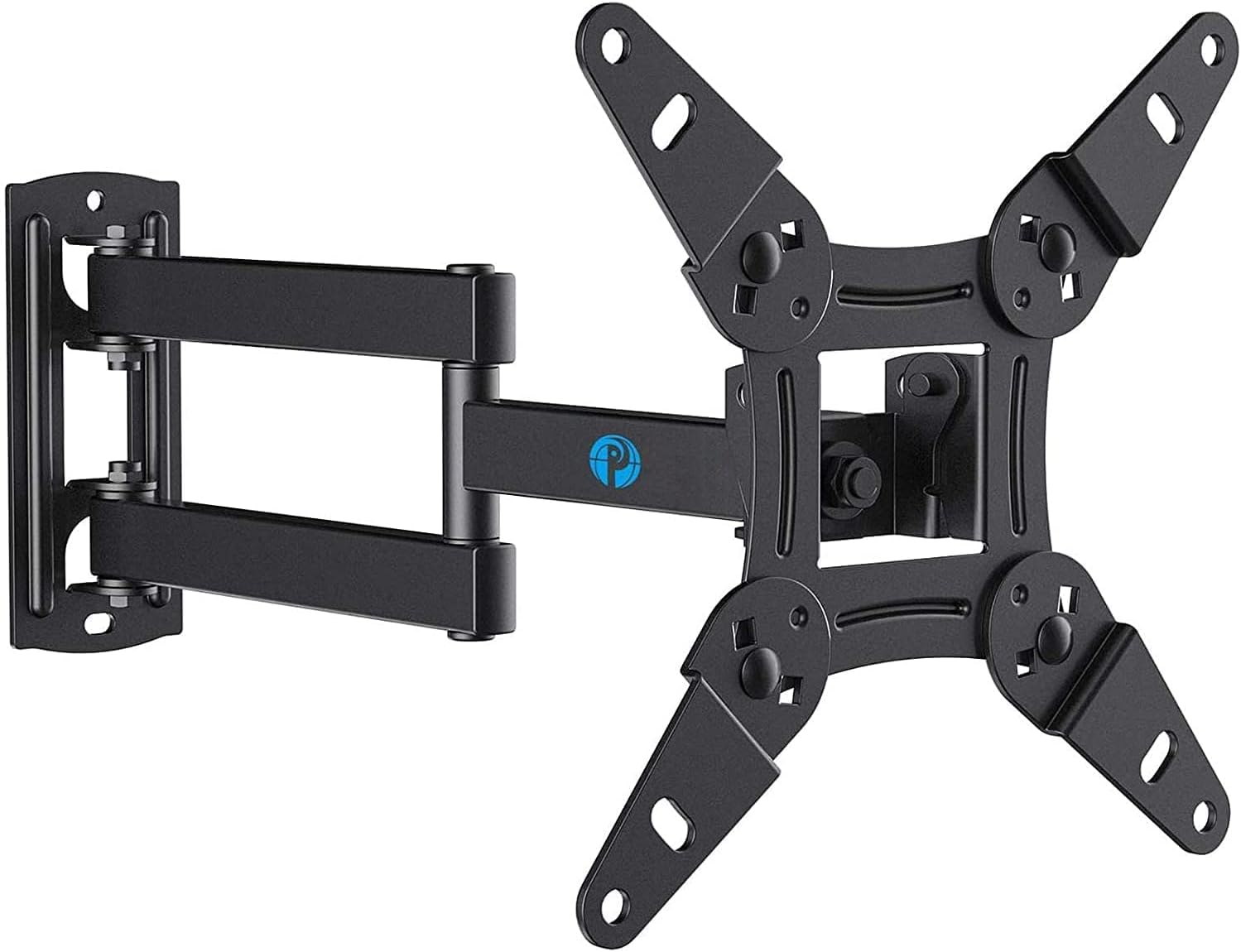
Most mounts in this guide assume a living-room TV. This Pipishell is for the other job: a small screen in a tight room, a monitor on a swinging arm, or an Echo Show that needs to move between portrait and landscape. It fits 13- to 42-inch screens on a single stud, with VESA patterns from 75 x 75 to 200 x 200 mm.

The arm swivels up to 90 degrees each way and tilts for glare, and the single-stud plate is small enough to fit where a wide bracket will not. That is the trade: you get flexibility in a tight footprint, but the mount is built for a small, light screen rather than a main living-room TV.

The hardware kit includes spacers and screws for several VESA patterns, and the removable plate makes it easier to attach the bracket to the TV before hanging it. Fit and swivel are less predictable near the top of the size range, so check the TV's VESA pattern and weight before ordering.

We recommend this Pipishell for a small TV or monitor where the mount has to fit a narrow wall. The swivel gives a small screen a useful second position, and the single-stud design keeps the install simple.

Bottom line: We recommend this Pipishell for a small TV or monitor on a single stud, with the 44-pound limit treated as a hard ceiling rather than a suggestion.

9

Auoace AMA-Z08

Auoace AMA-Z08

Rental walls

Our Score 9.2/10
Check Price

Worth Noting

  • No tilt, swivel, or extension
TV Size
12–55 in
Mount Type
Fixed
Weight Capacity
99 lb
Stud Requirement
None; drywall

Not every wall has a stud where the TV needs to go, and not every renter wants a row of holes. The Auoace no-stud hanger is a drywall cleat for 12- to 55-inch TVs up to 99 pounds, and it is the narrowest solution in this group: fixed, close to the wall, and installed with the supplied fasteners rather than a stud-mounted plate.

The appeal is obvious for a spare-room TV or a light monitor: there is no wall plate to span studs, and the hardware comes with a level. The fixed design also means the screen sits closer to the wall than an articulating arm, which is the look most renters want in a small room. We treat drywall-only mounting as a last resort for a light TV, not a shortcut for a 55-inch screen near the top of the range.

We recommend it only for a light TV on a wall where studs are genuinely unavailable, and only within the 99-pound and 55-inch limits. The supplied fasteners and level are the whole system; do not substitute shorter nails or skip the pattern. If the wall is masonry or has a stud where you need it, a conventional mount is the better choice; this one exists for the wall that gives you neither. For a rental or a spare room, that narrow job can be enough.

Bottom line: We recommend this Auoace only for a light TV on a wall where studs are not an option, and only within its 99-pound drywall rating and supplied fastener pattern.

How We Hung and Tested the Best TV Wall Mounts

We started by pulling every mount that fit the most common TV sizes and VESA patterns, then cut anything with vague weight ratings, missing hardware, or a wall-type claim it couldn't back up. That left 12 mounts, from slim fixed brackets to full-motion arms, and we spent six months living with them — not just installing and nodding, but actually using the TVs.

Each one went up in a real room, sometimes twice: once on a wood-stud wall and once on drywall with toggle anchors, since that's where most of us are hanging these. I timed every install solo from unboxing to TV on the wall, counted how many trips I made for a different drill bit or the stud finder, and noted whether the drilling template matched the plate or sent me off-target. Then came the less polite tests: I loaded each mount to its rated weight and let it sit, swung the arm through its full range a few dozen times, and checked weeks later whether the tilt had drooped or the bolts had loosened.

Swivel and design got their own scrutiny, because those are the specs people brag about and the ones that cause trouble. I measured with a tape how far each mount held the TV off the wall, whether a 65-inch screen could swing toward the kitchen without clipping the adjacent wall, and whether the cables had anywhere to go once the TV sat flush. Adjustability came down to feel — knobs that needed two hands, tilt that drifted under its own weight, a leveling screw that saved an off-center stud. The mounts that survived all of that are the ones in this list.

How to Choose TV Wall Mounts

Start With VESA, Weight, and Screen Size

VESA is the four-hole pattern on the back of the TV, not the diagonal screen size, and it is the first number that can rule a mount out. A 65-inch set might use a 400 x 400 pattern or a wider 600 x 400 one, and the mount's maximum is a ceiling rather than a target. Check the TV's weight too, then leave margin: a full-motion arm puts more leverage on the wall than a fixed plate. The Mounting Dream's 400 x 400 limit suits many 65-inch TVs; the Perlegear PGLF8 goes wider for large screens.

Match the Mount to Your Studs

Stud spacing is the unforgiving part of the purchase. A plate built for 16-inch centers will not span 24-inch centers, even if the TV size and weight look right, so measure the wall before you fall for a mount's features. Concrete and brick need the specified anchors; drywall-only is a separate system and belongs on a light TV with the maker's fastener pattern. The USX Mount XTL009 is useful here because it fits both 16- and 24-inch stud spacing, while many full-motion plates stop at 16 inches.

Choose Full Motion, Tilt, or Fixed

Full motion is for rooms with more than one viewing position: a corner sofa, a dining table, a bed. It extends and swivels, but the longer arm puts more leverage on the wall, so capacity and studs matter more. Tilt is the right compromise for a TV above a fireplace or high on a wall, where the screen needs to angle down but never swing. Fixed is the cleanest look and the least hardware; choose it when the seating is settled and glare is not a problem.

Installation Details That Save a Return

A drilling template, pre-labeled hardware bags, and post-install leveling are worth more than an extra degree of swivel. The leveling adjustment lets you correct a small lean after the TV is hanging, which is exactly when you notice it. Check the box for the bolts and spacers your TV needs, and plan the cable route before the plate goes up. For anything near 65 inches or larger, line up a second pair of hands; the bracket is manageable, but the screen is not.

Frequently Asked Questions

Final Verdict

After comparing the mounts on this list, the Mounting Dream MD2380 is the one we recommend for a typical living room. It covers the common 32- to 65-inch range, carries 110 pounds, and gives you full motion without the extra bulk or cost of a large-screen bracket.

If your TV is 75 inches or larger, choose the Perlegear PGLF8 instead; its 132-pound rating and 600 x 400 VESA support are the reason to step up.