ClearClick Video2Digital 2.0
Top Pick
What We Like
- No computer, software, or drivers needed
- 3.5-inch screen lets you watch while it records
- Writes MP4 to a USB drive or SD card
- Takes both composite RCA and S-Video
Worth Noting
- One-year warranty, shortest of the standalone picks
- Inputs
- Composite RCA, S-Video
- Screen
- 3.5 in.
- Storage
- USB drive or SD card, up to 512 GB
- Capture Resolution
- 640x480 or 720x480, no upscaling
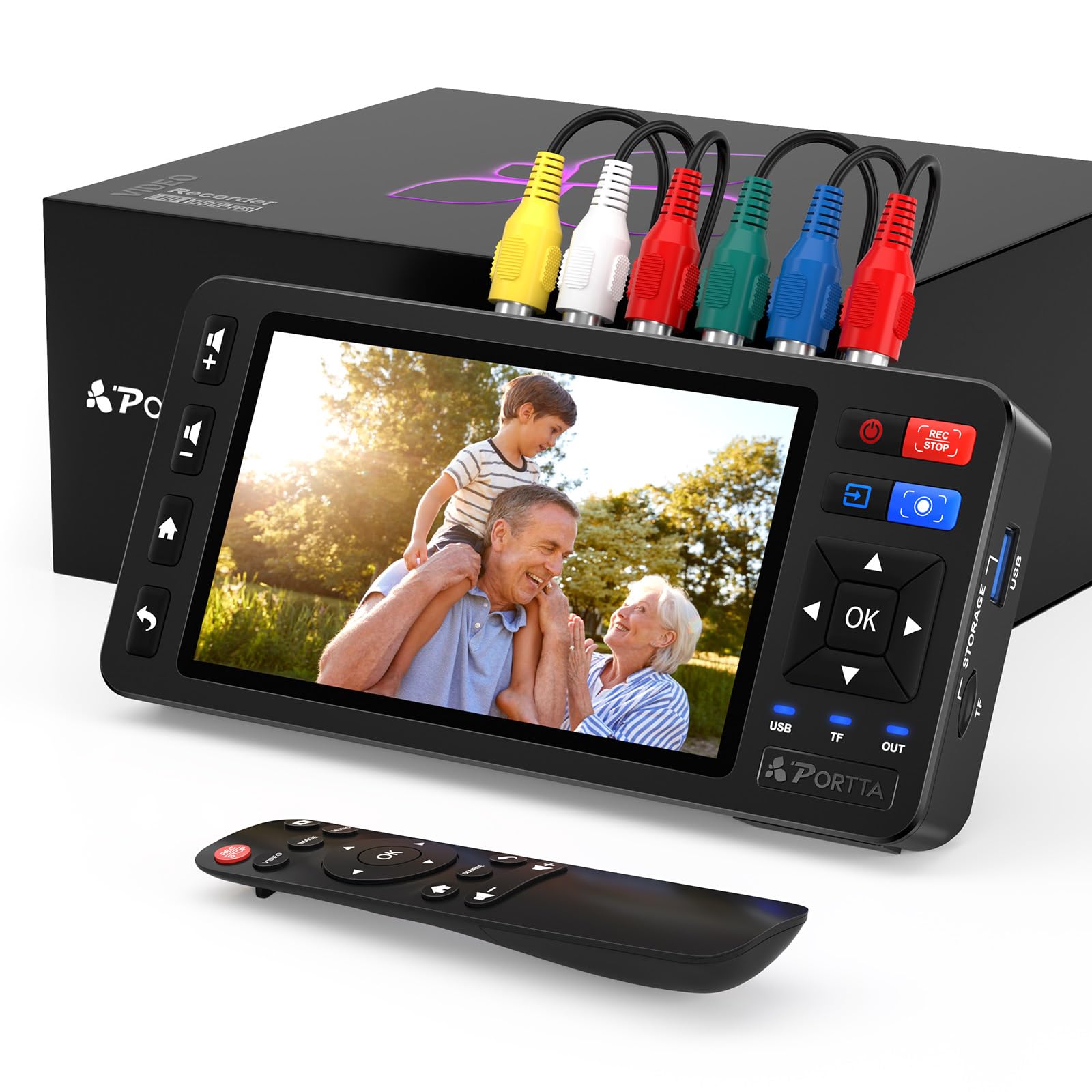
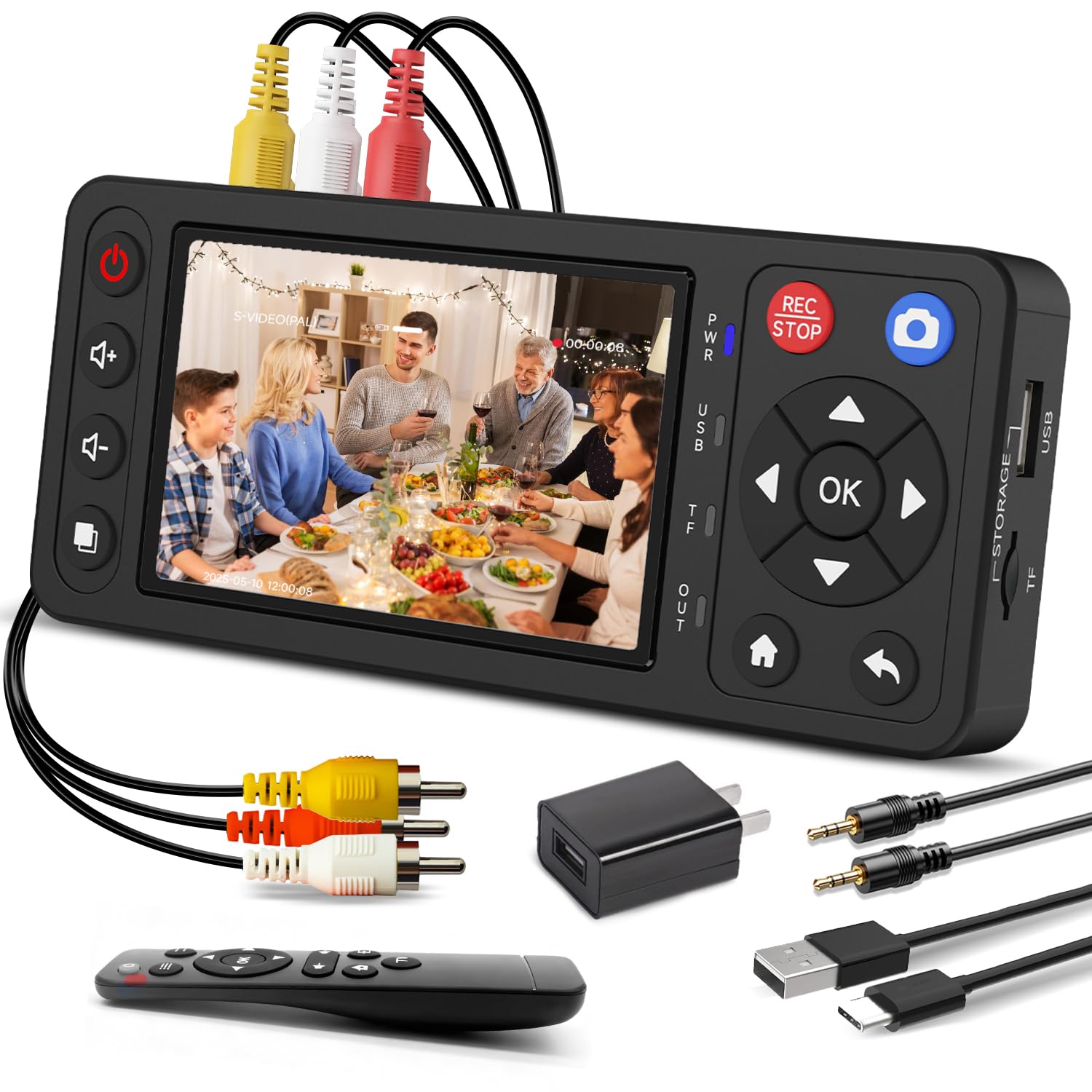
Most converters here lead with a big number — 1080p, sometimes 60 frames a second — and quietly mean they've stretched your tape upward. The Video2Digital 2.0 records at 640x480 or 720x480 and doesn't pretend otherwise, which is the most sensible decision in this group: a VHS tape carries roughly 240 lines of picture, and there is no detail hiding in it that a bigger frame will reveal. It's a six-ounce box that sits on top of the deck, takes RCA or S-Video, and writes MP4 files straight to a USB stick or an SD card.
This is the one we recommend to almost everyone who asks, because setup is three plugs and a button. No software, no laptop, no driver hunt. The 3.5-inch screen is the part we miss on cheaper units — it lets you watch the tape roll while the file writes, so a dead deck or a snowy head shows up in the first minute rather than the ninetieth. Storage tops out at 512GB, which is a lot of family history.
Long tapes are where it gets human. Recordings can stop partway through, and a tape that plays fine on the television may not make it to the end in one pass, so we capture reel by reel, keep half an eye on the screen, and don't put anything back on the shelf until the file plays on a computer. Do that and the arithmetic turns in your favor: a conversion service charges by the tape, and this box doesn't.
Bottom line: The one we recommend to almost everyone: deck in, MP4 out, no software to fight, and picture quality that matches the tape instead of flattering it.